


The Raq.com Team
Can You Spot AI Web Design?
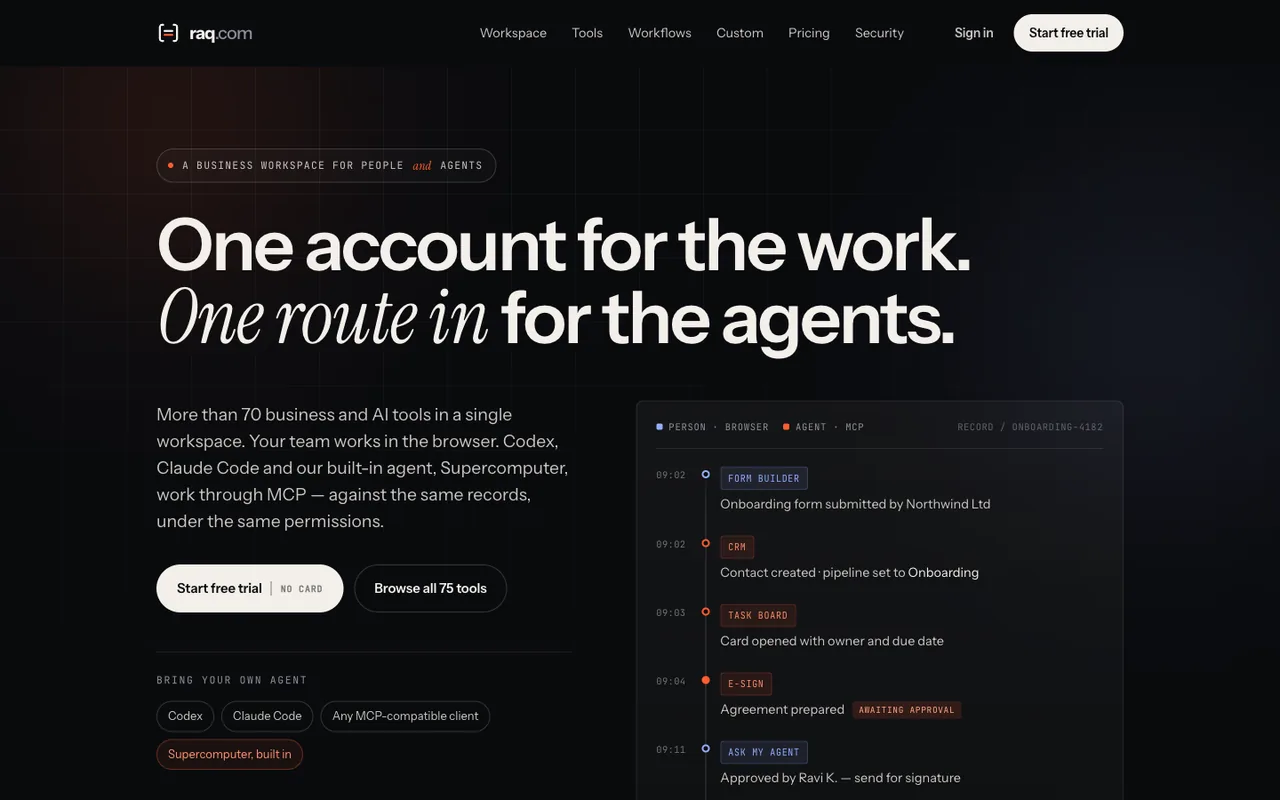
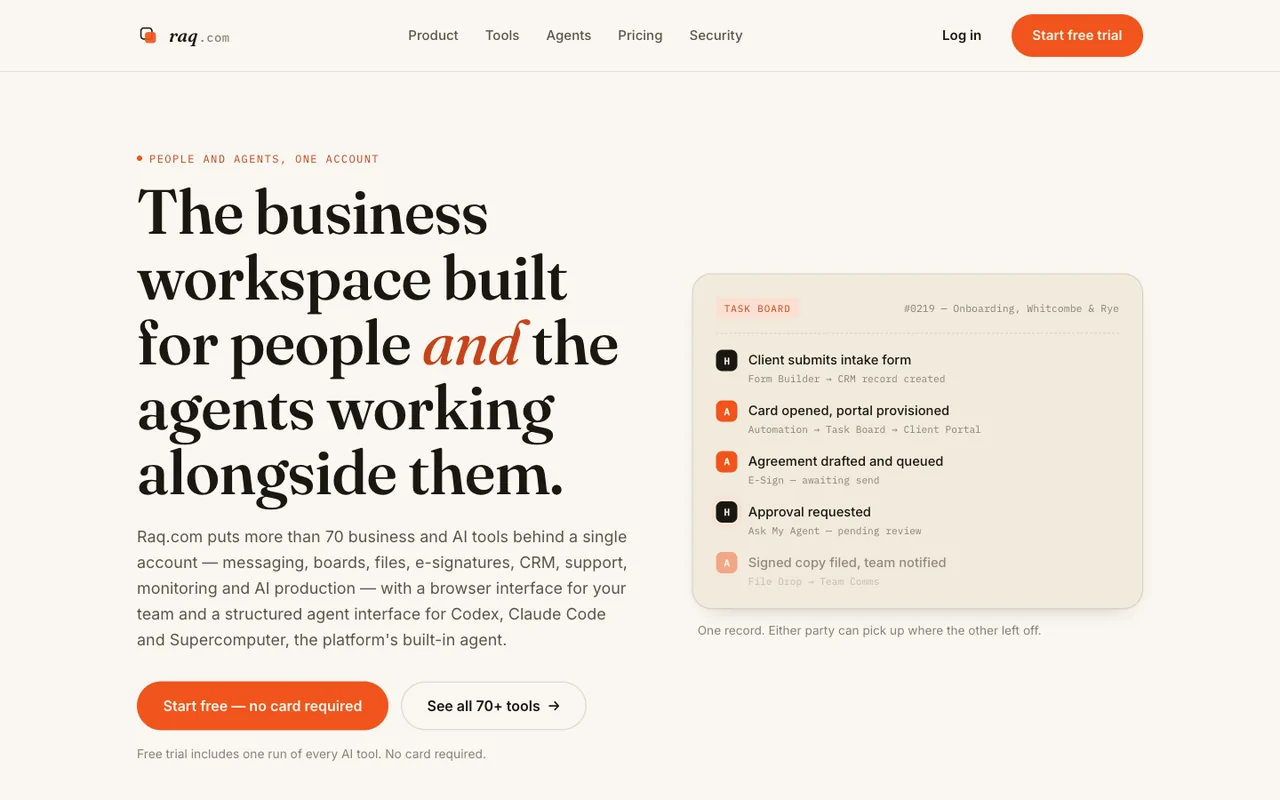
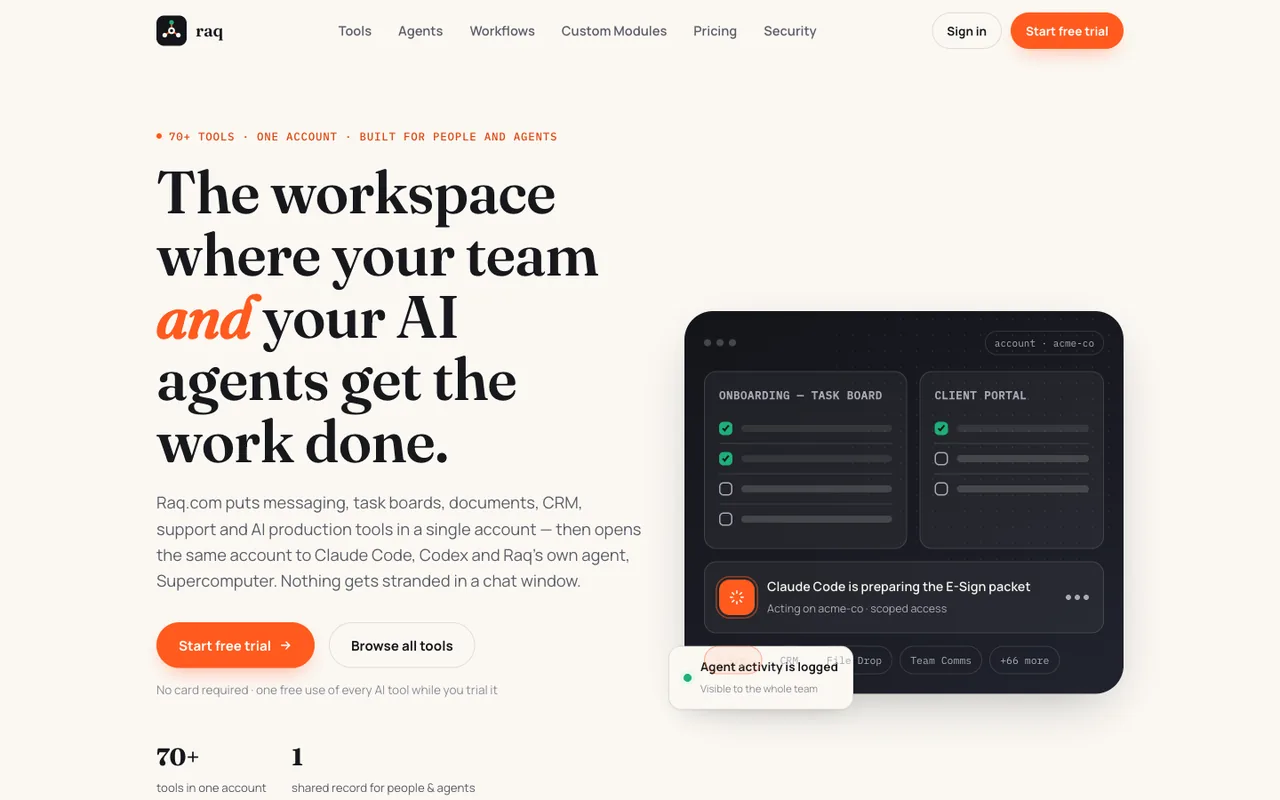
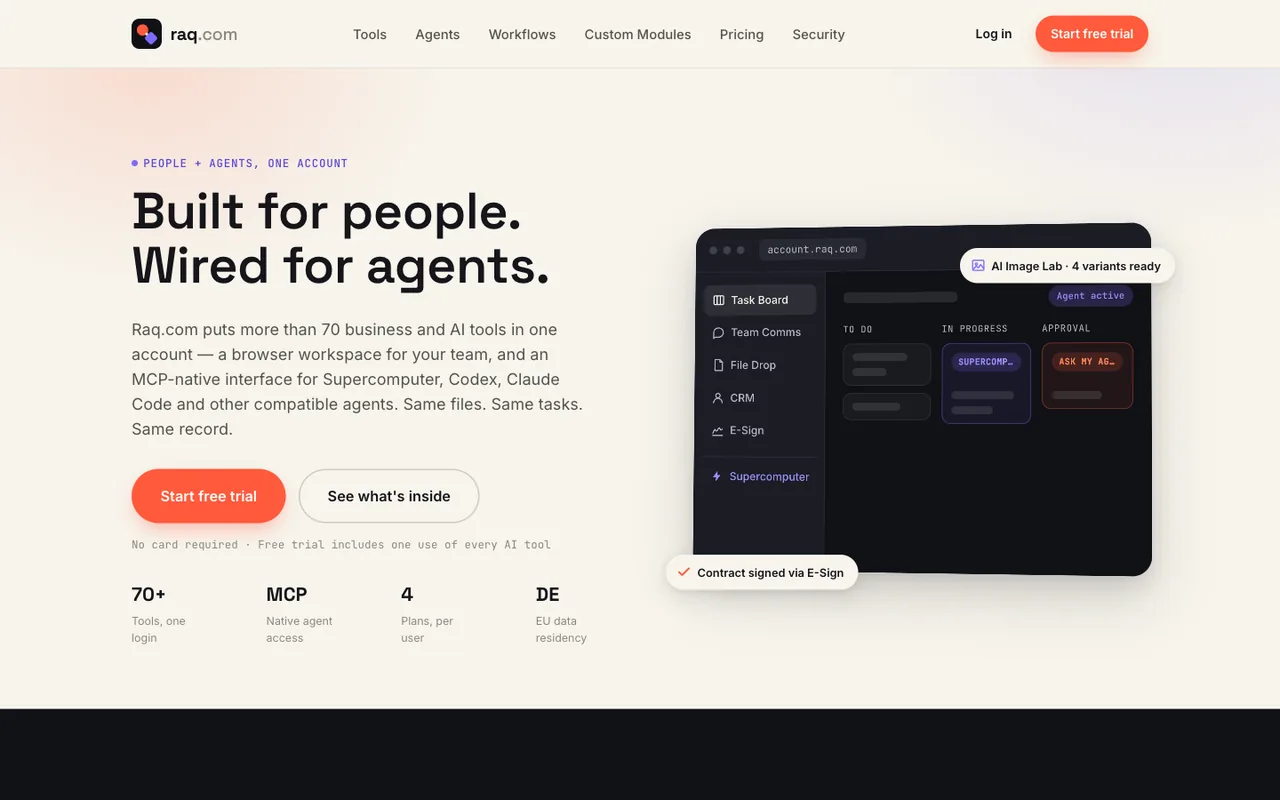
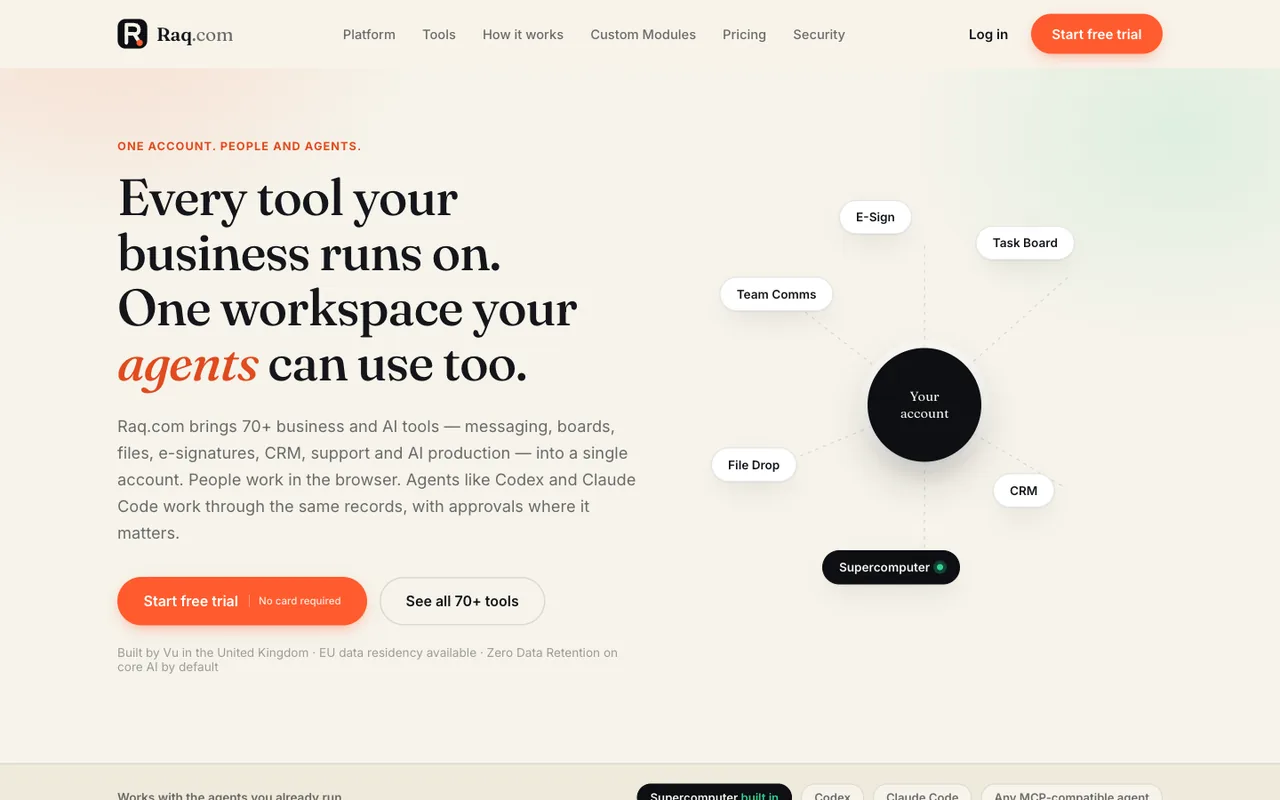
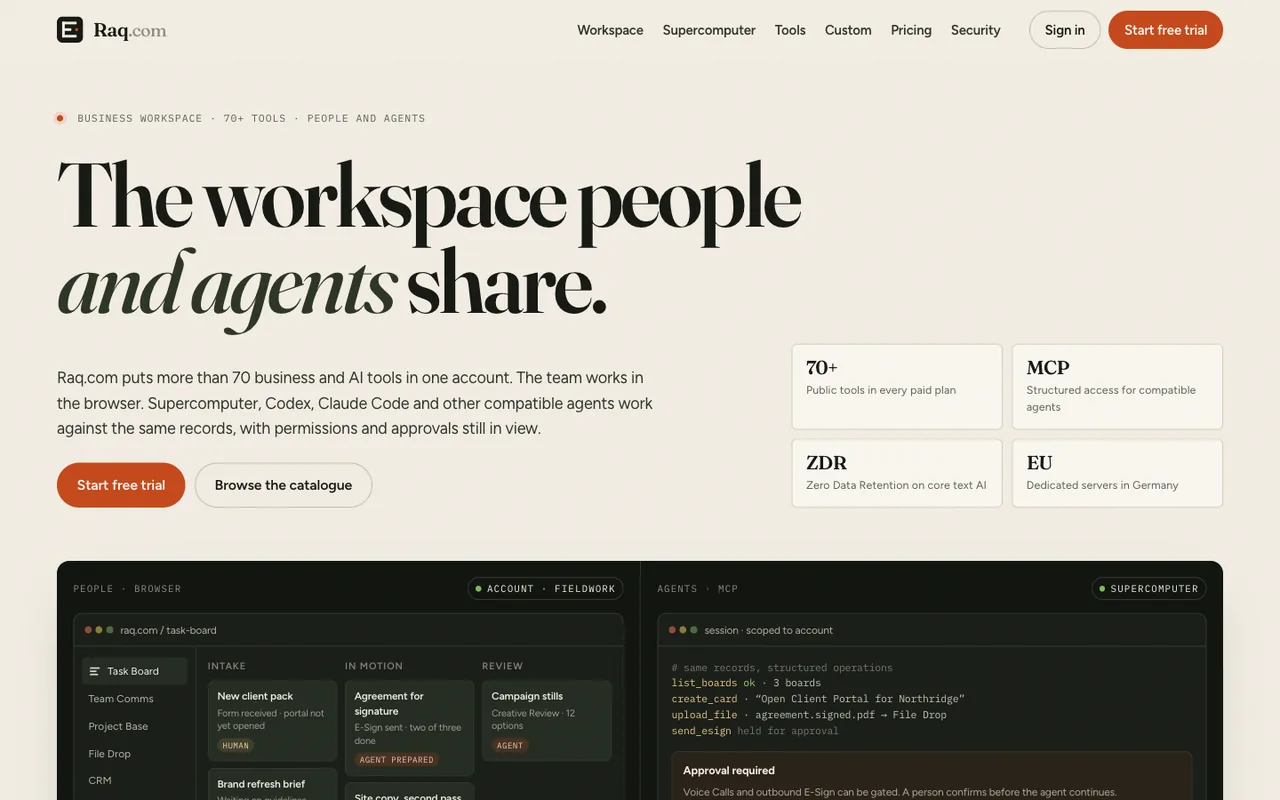
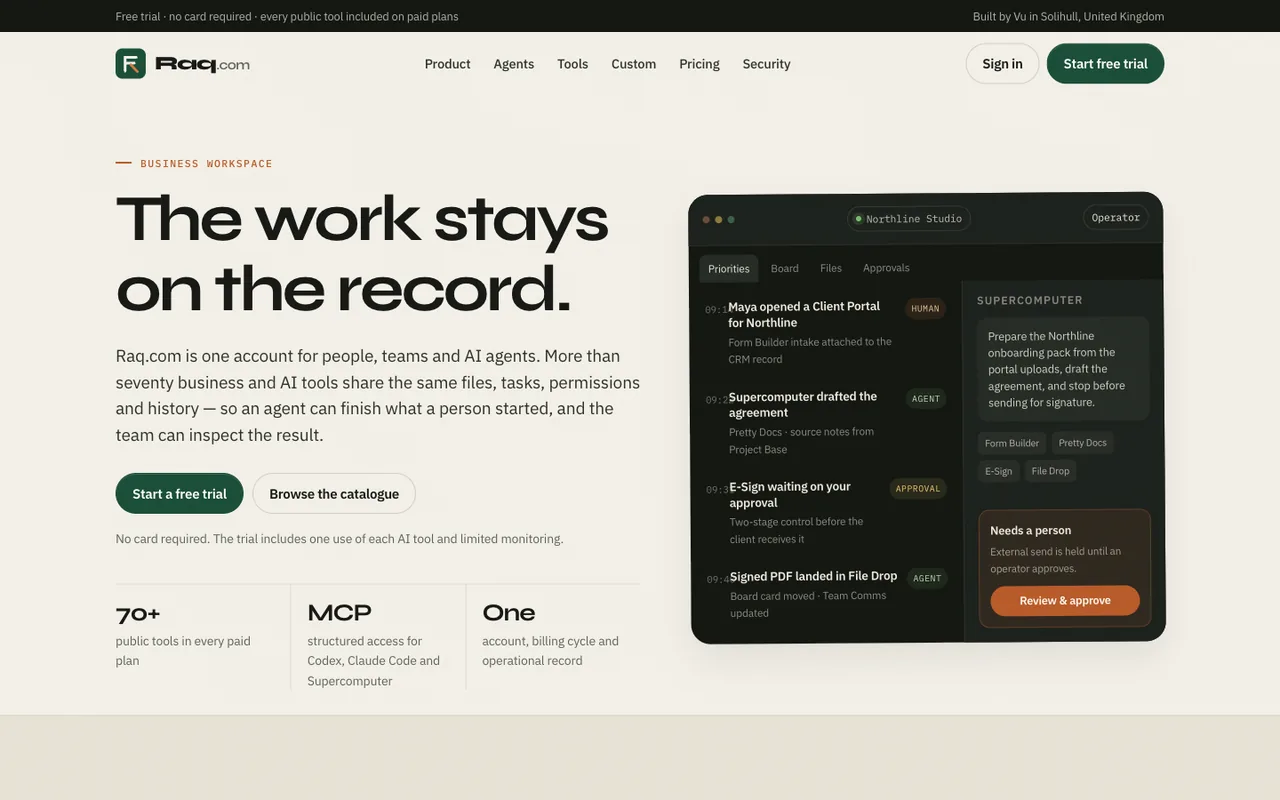
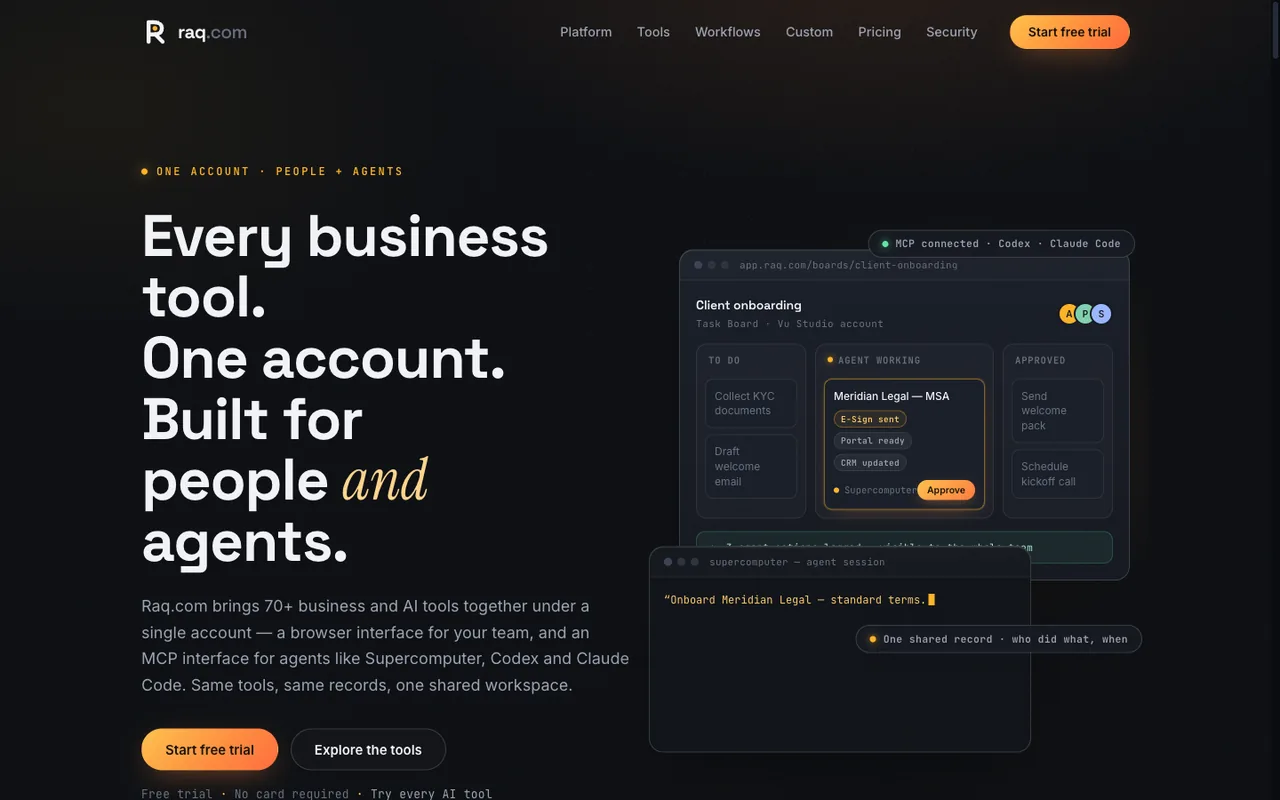
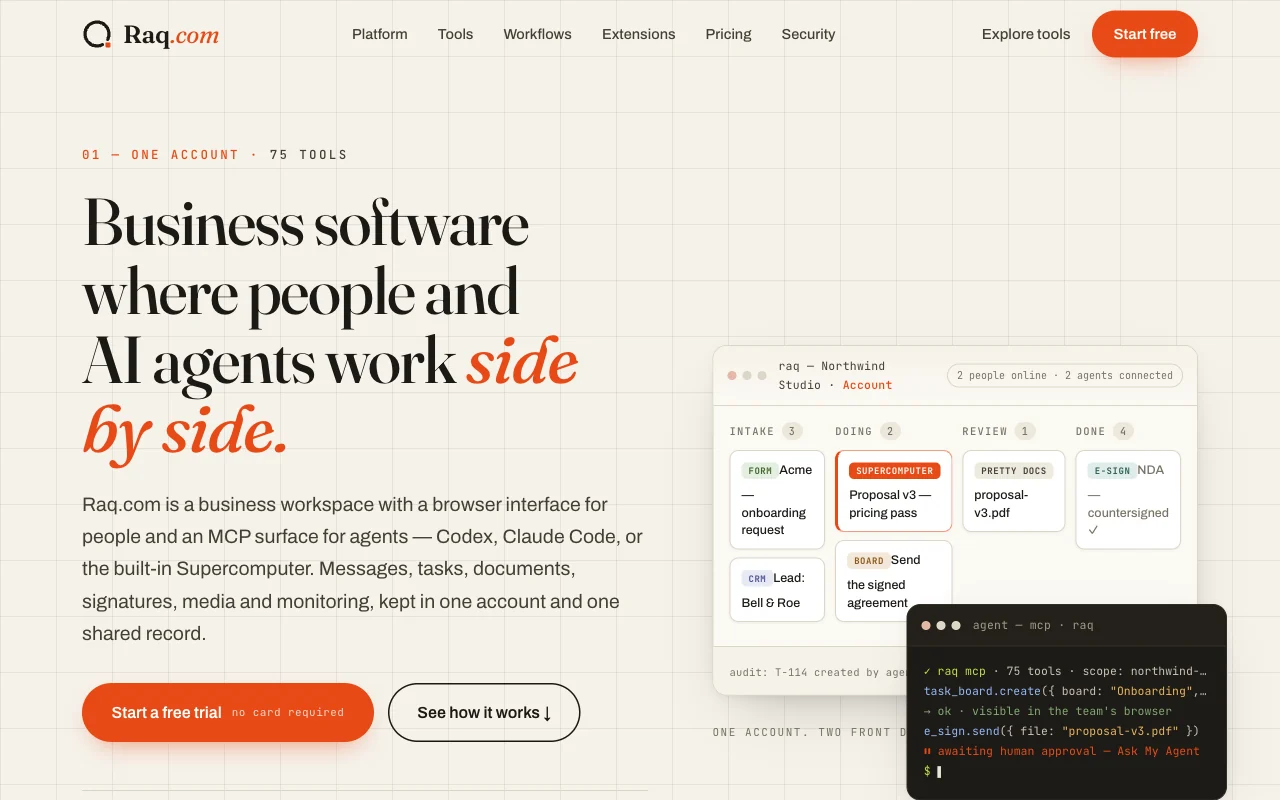
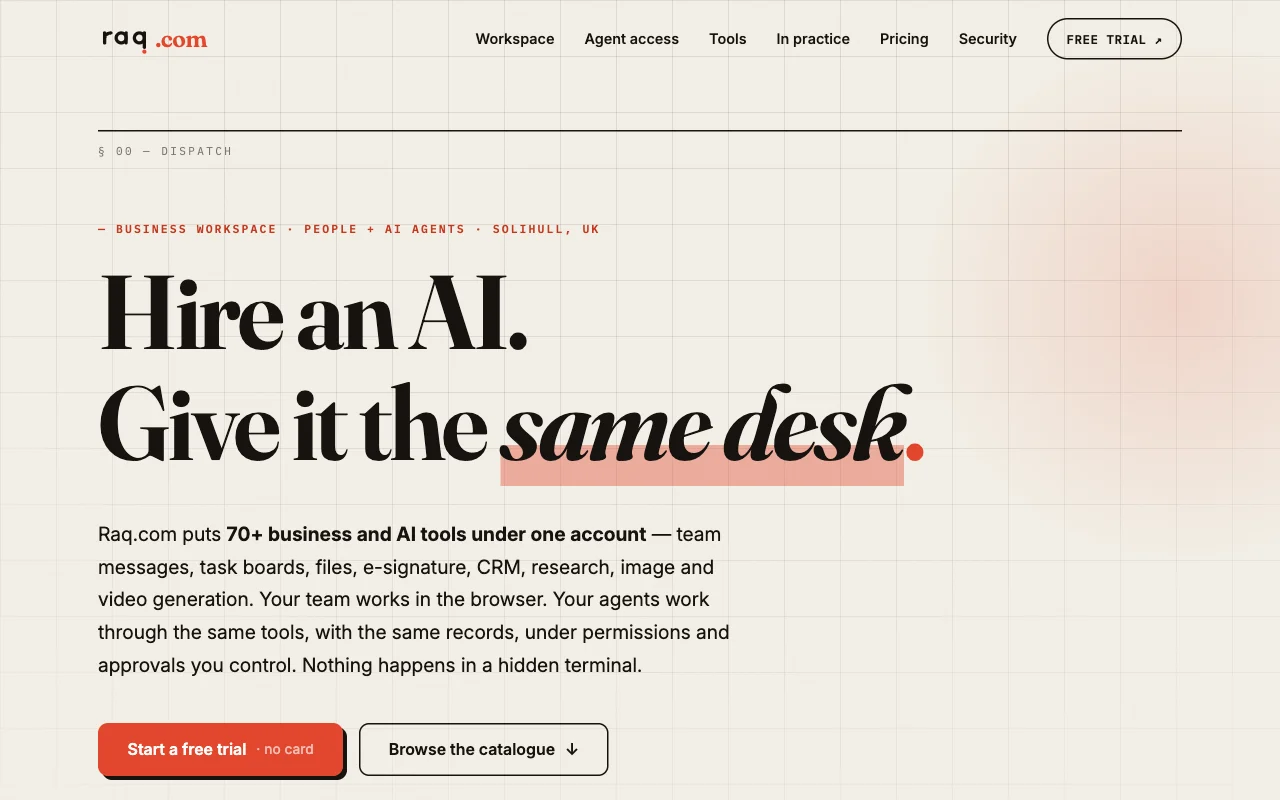
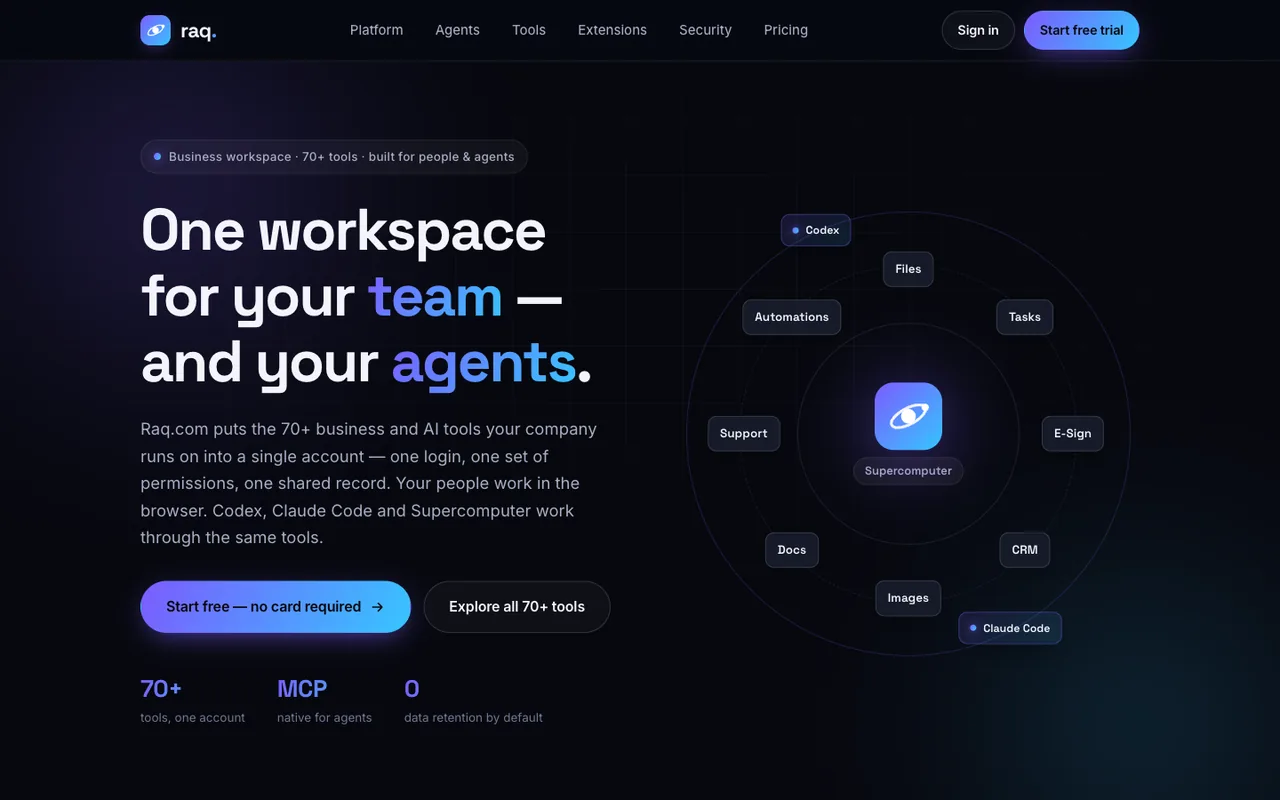
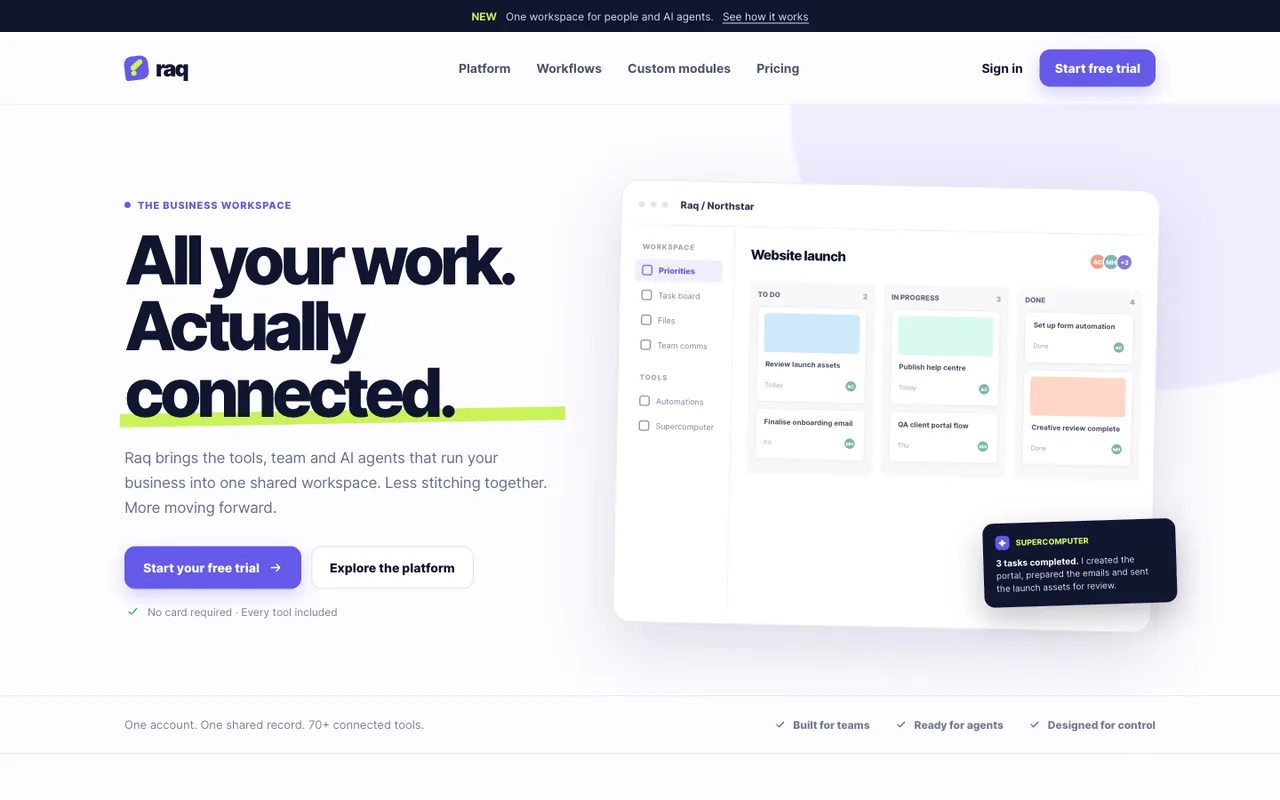
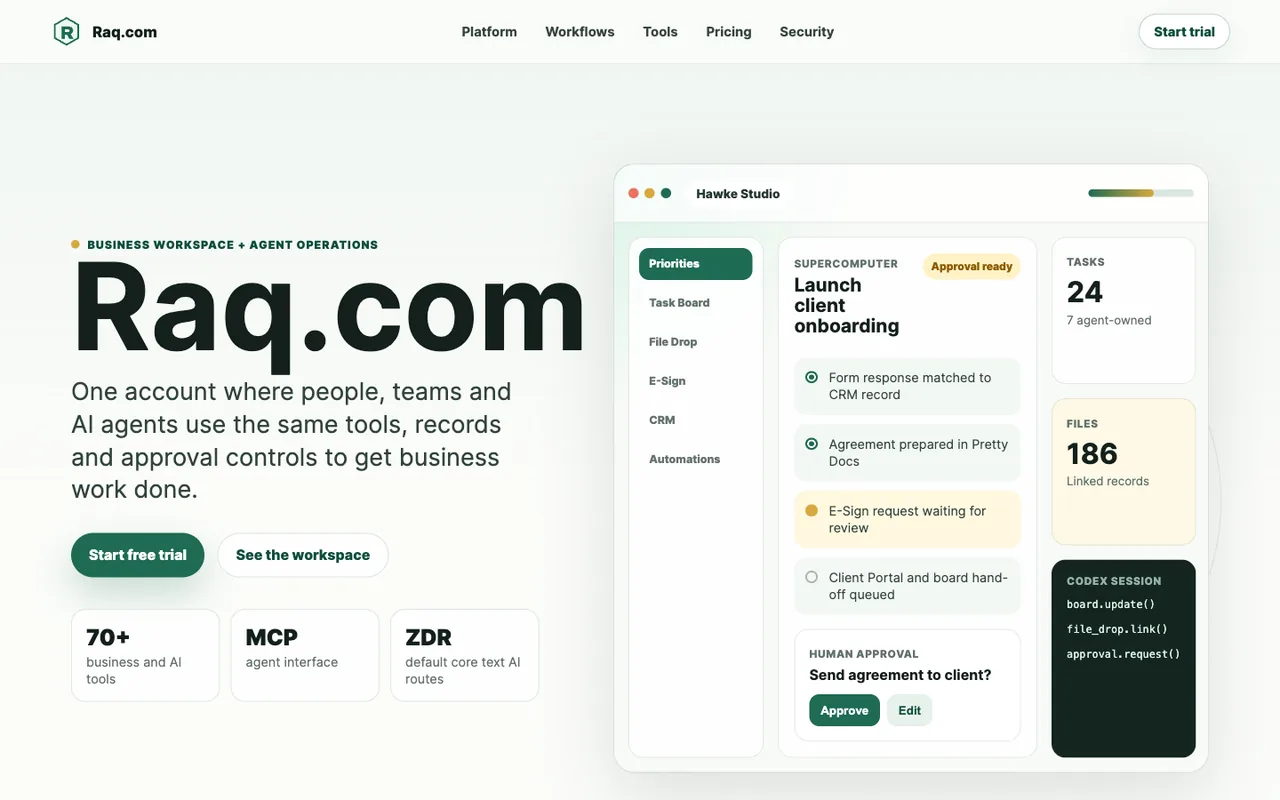
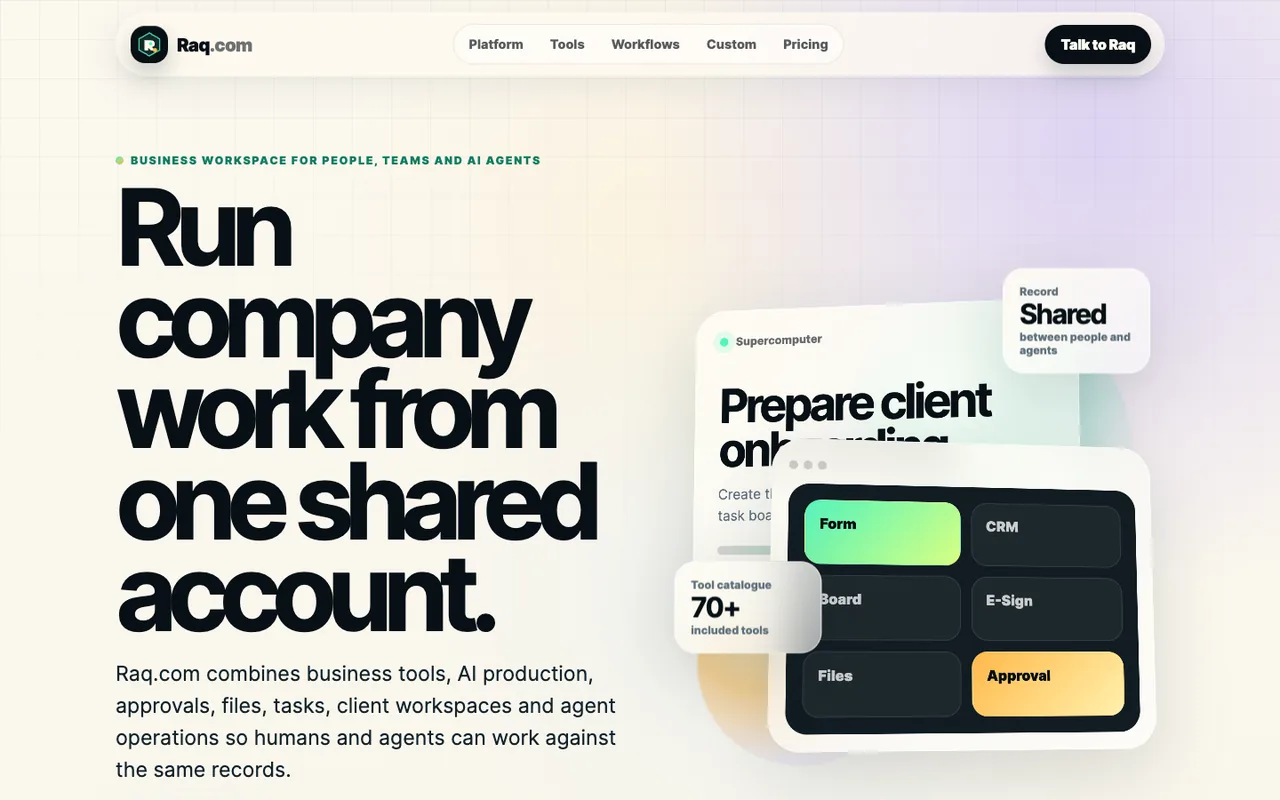
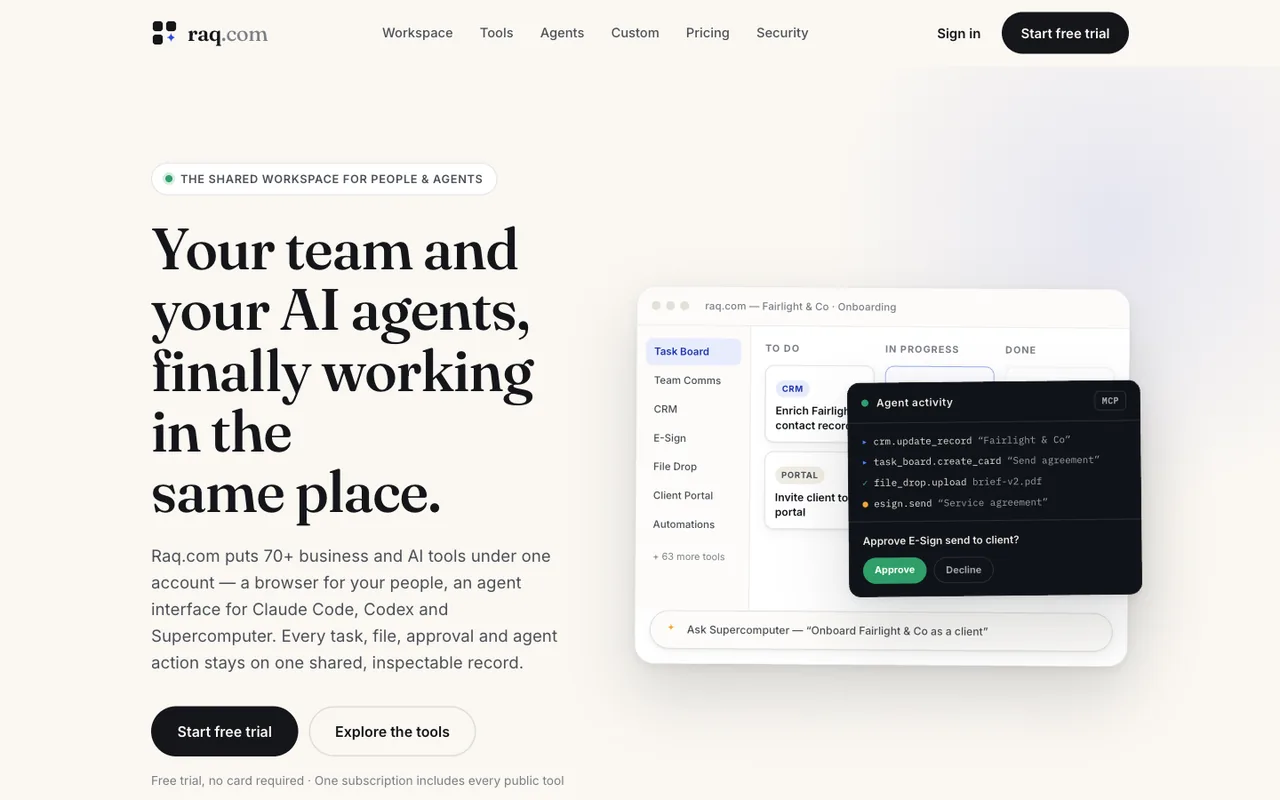
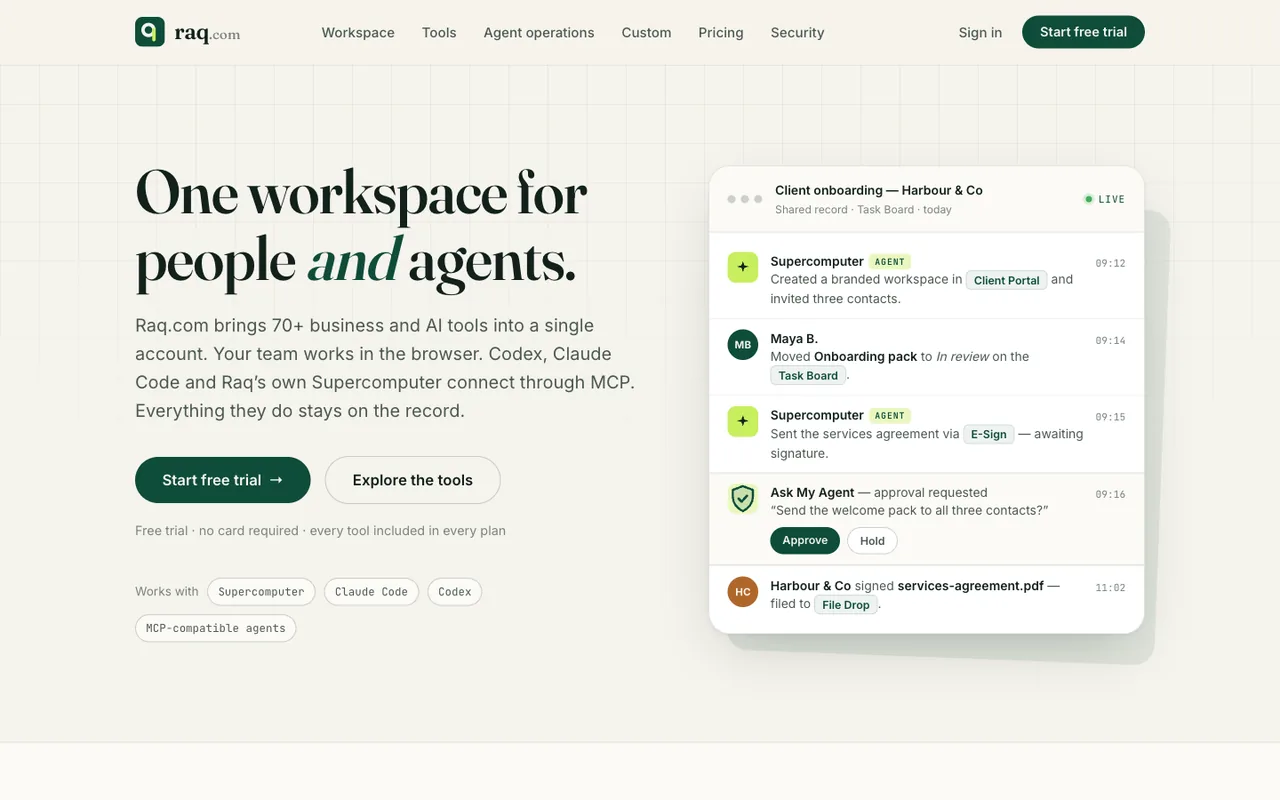
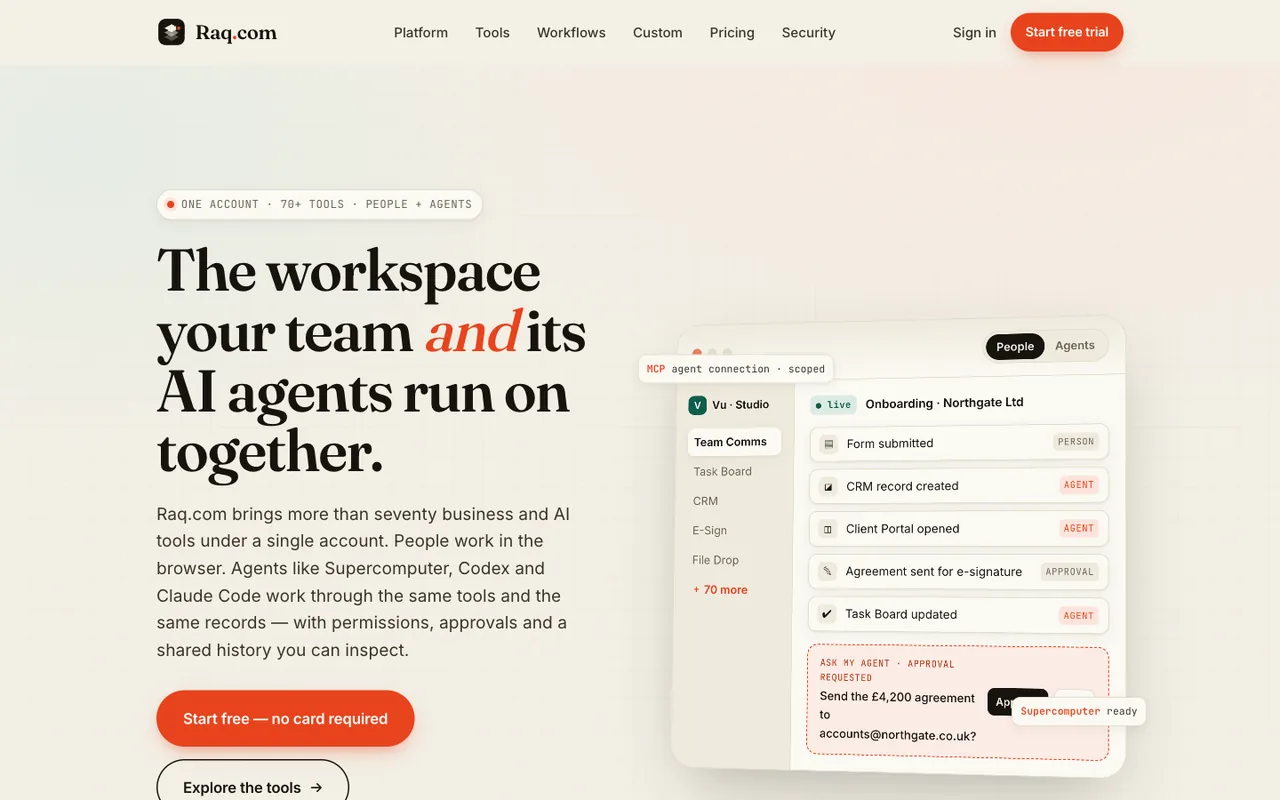
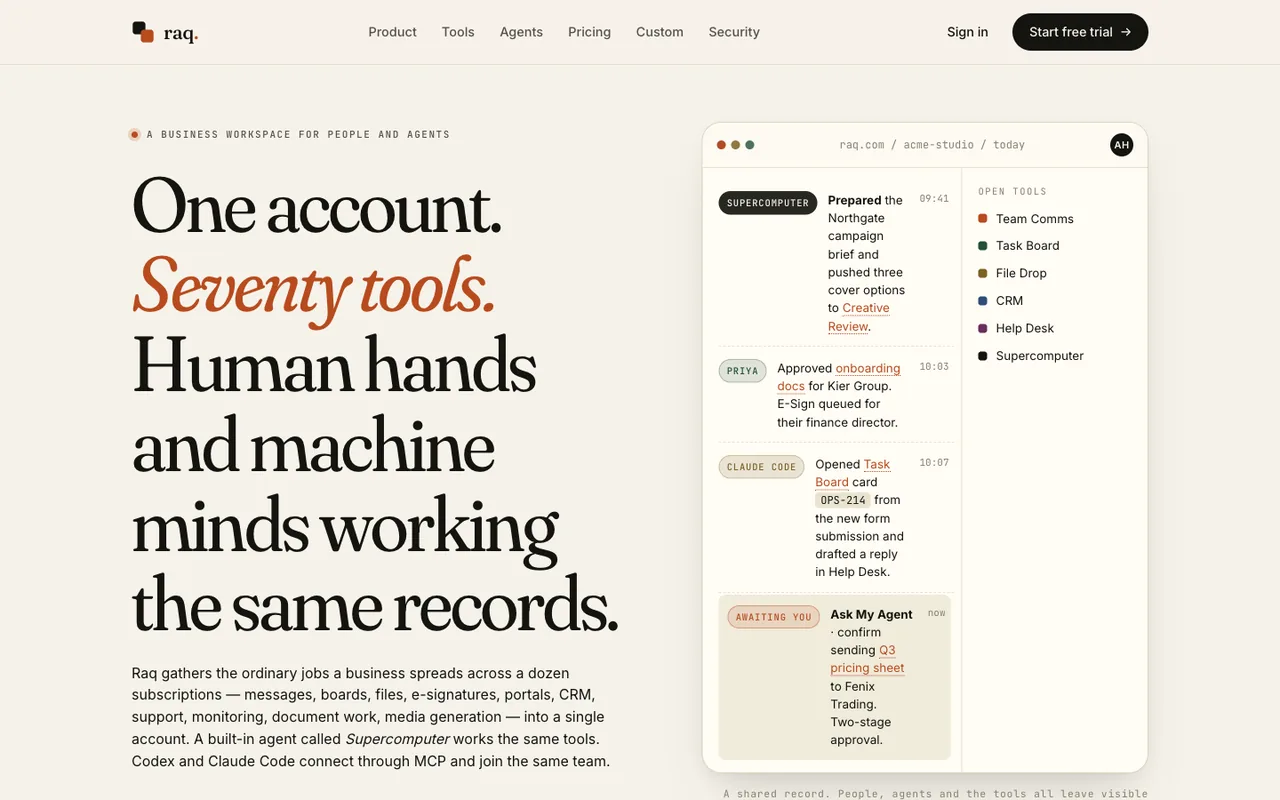
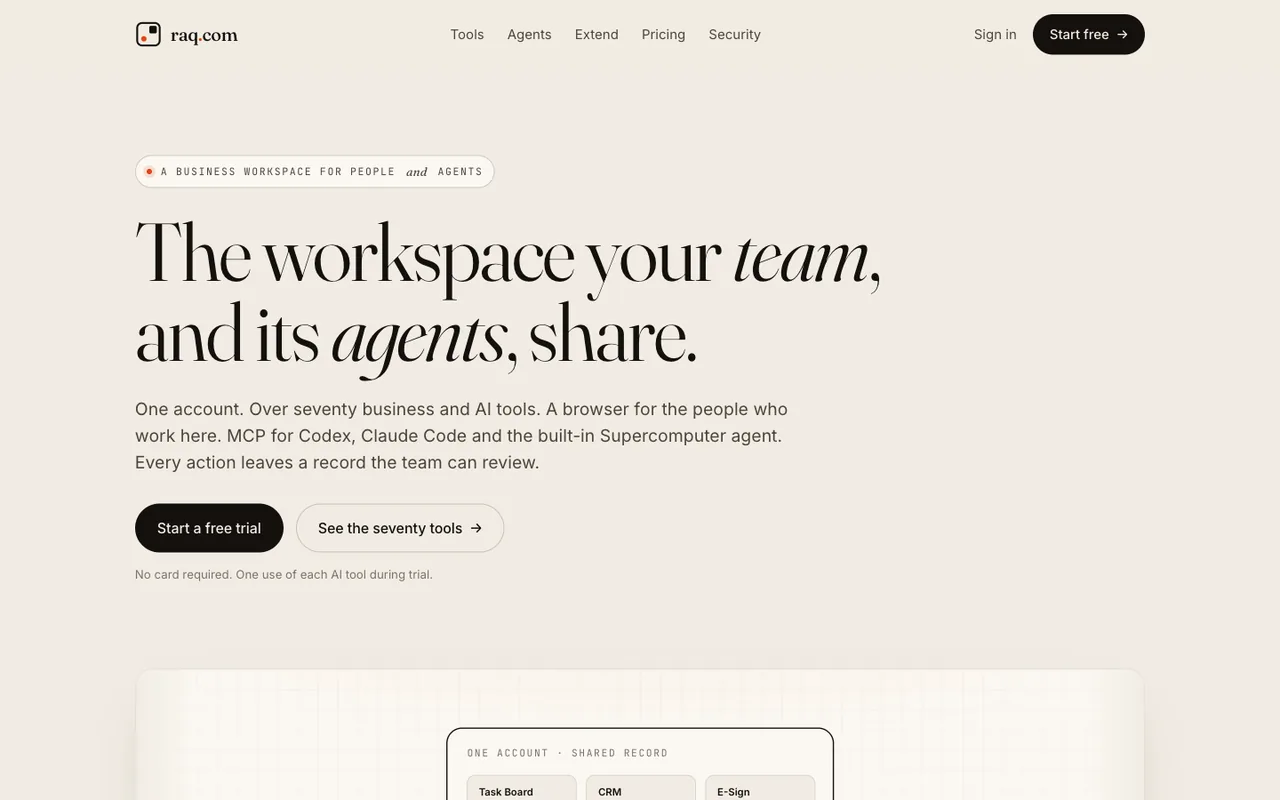
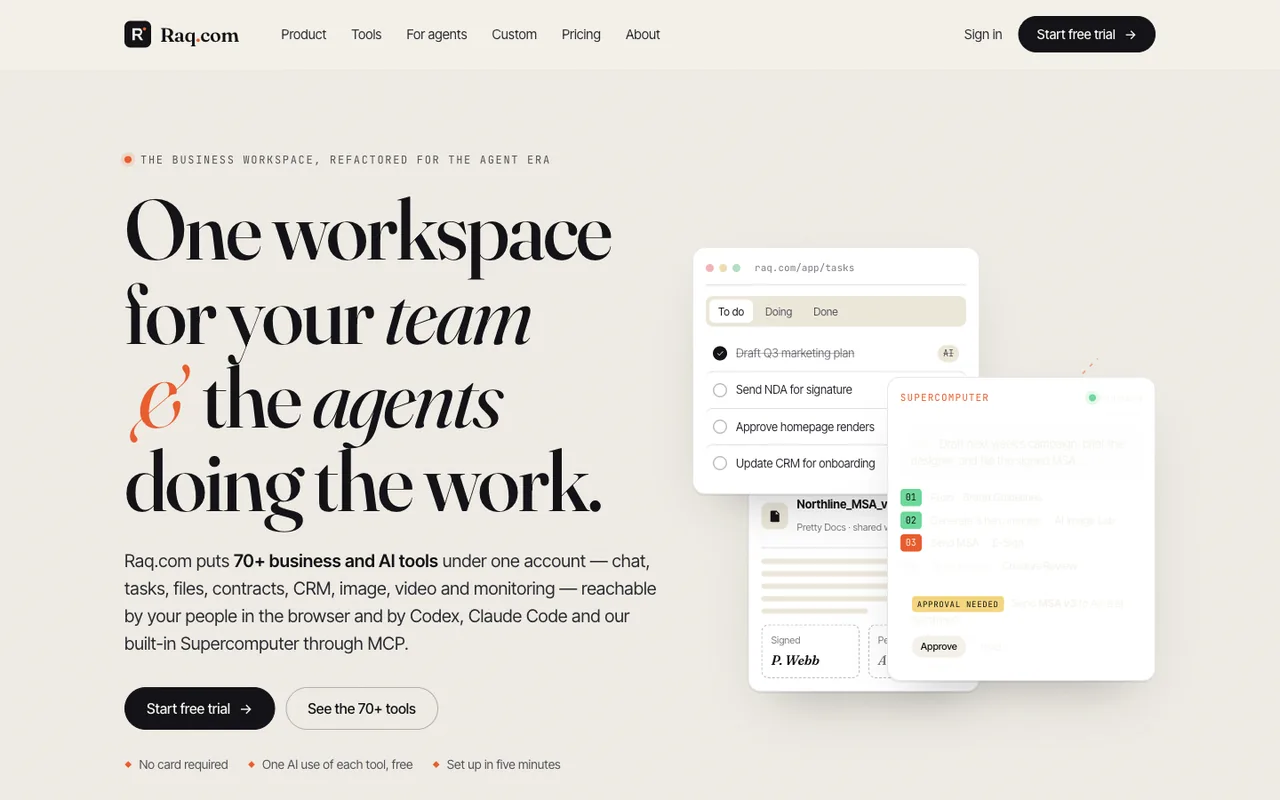
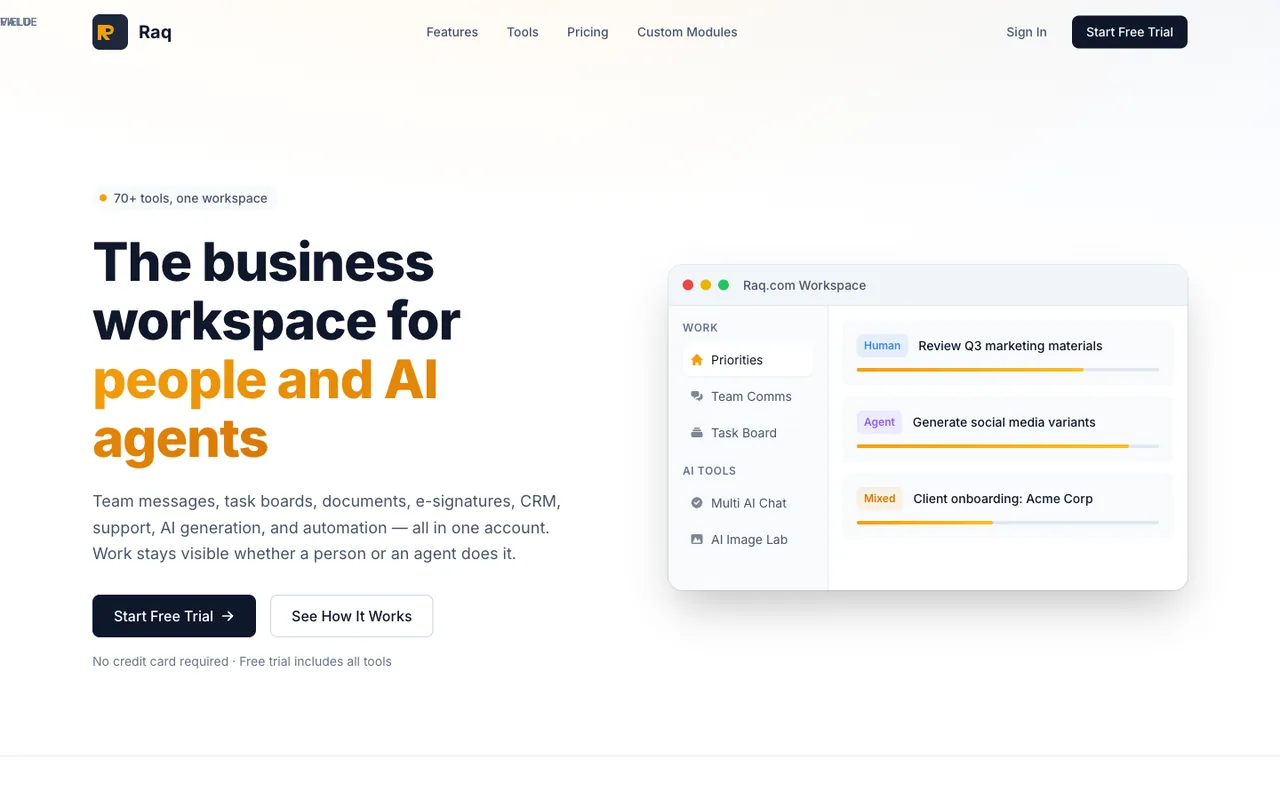
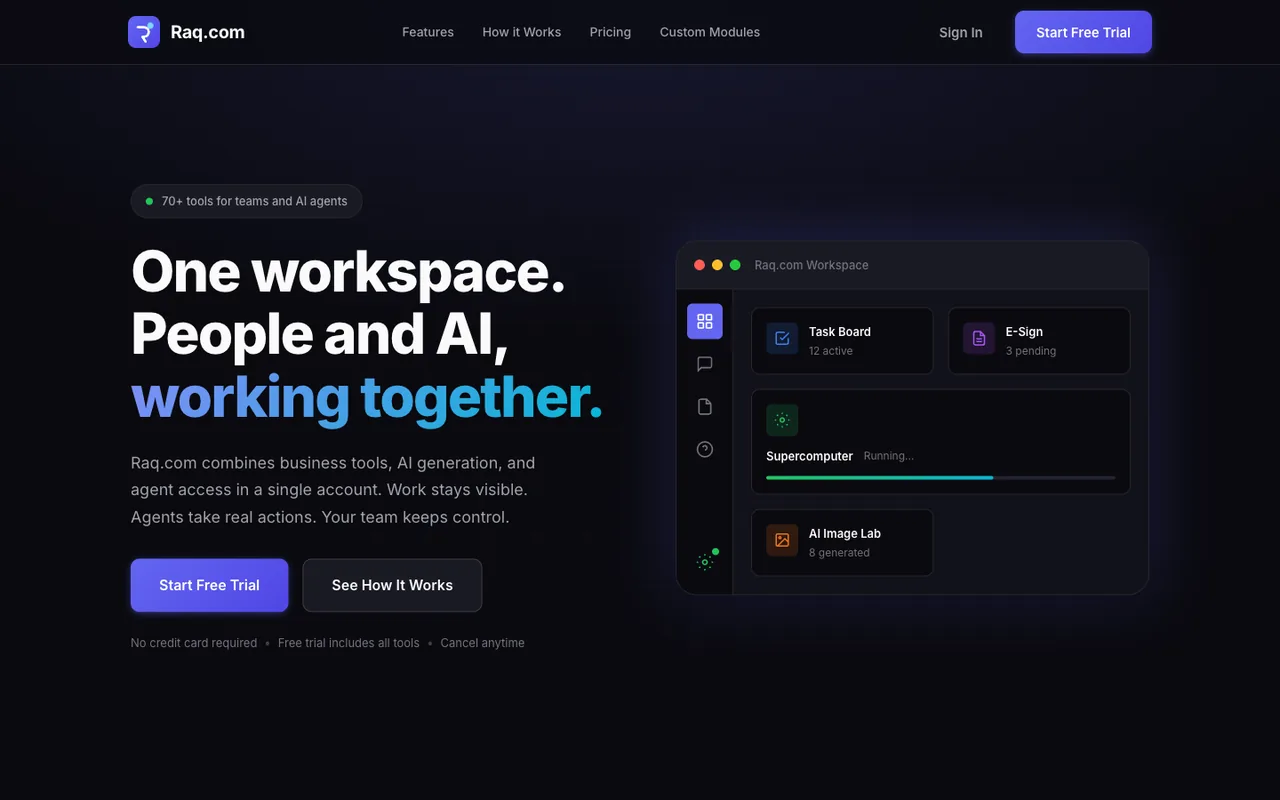
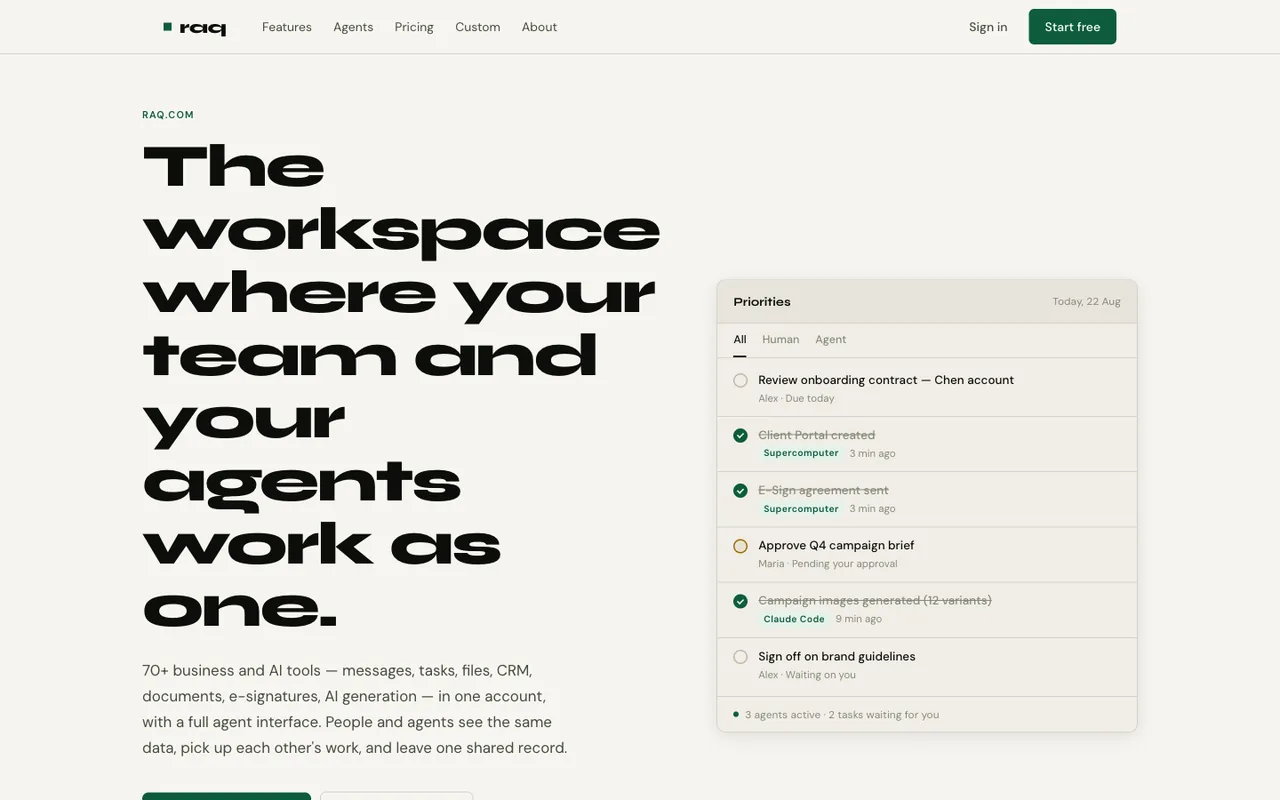
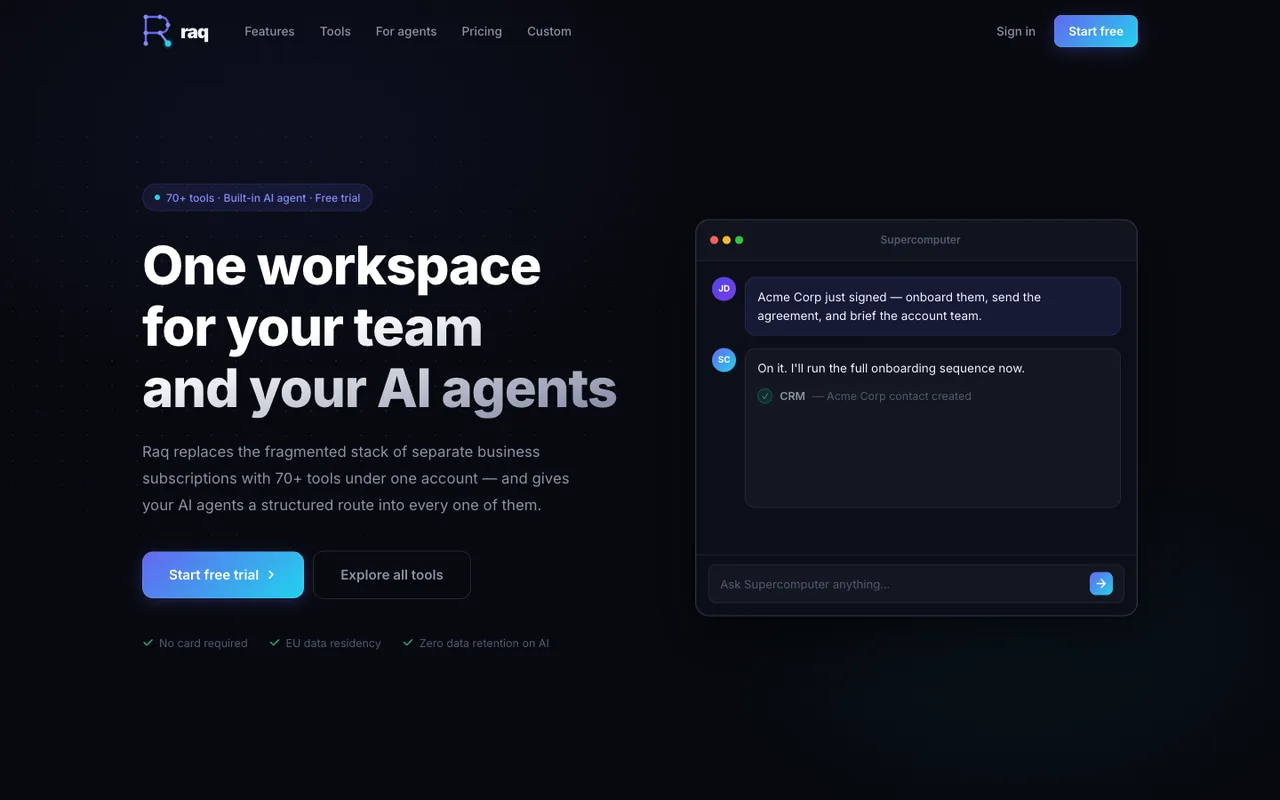
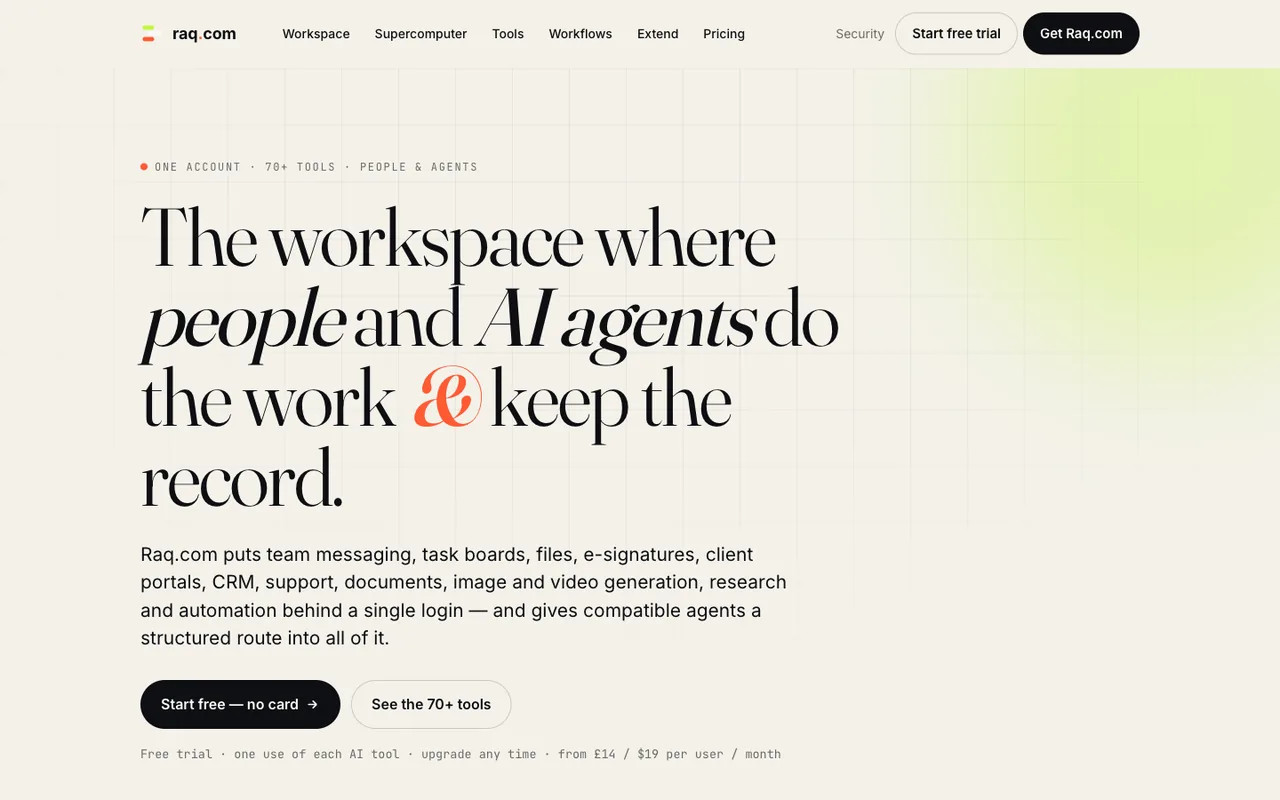
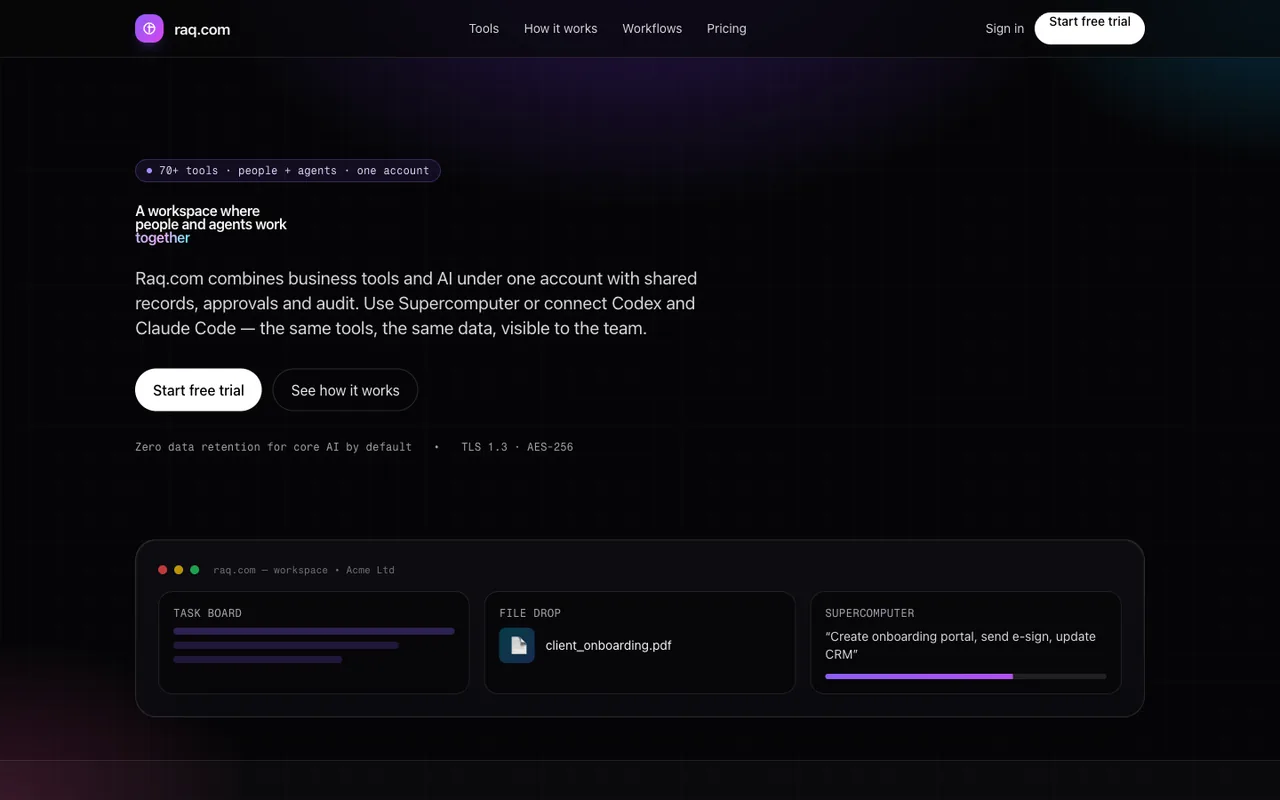
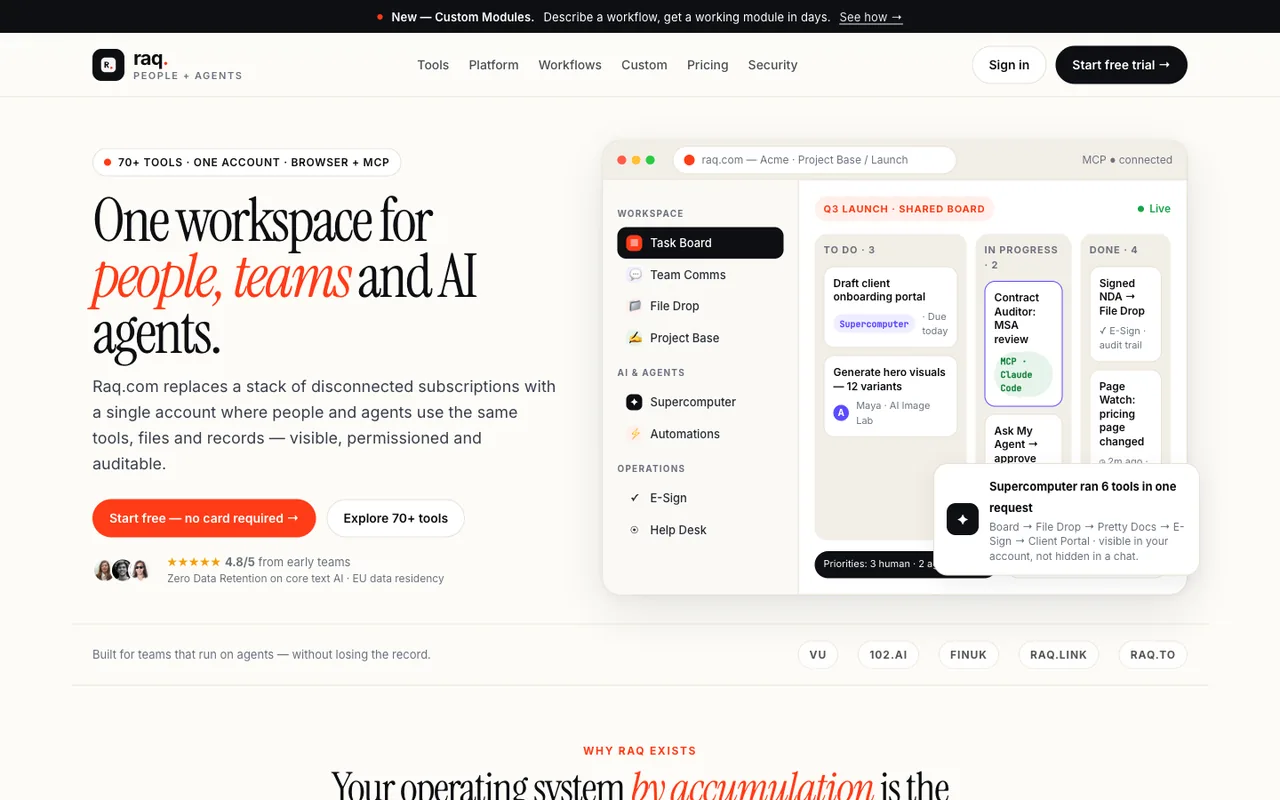
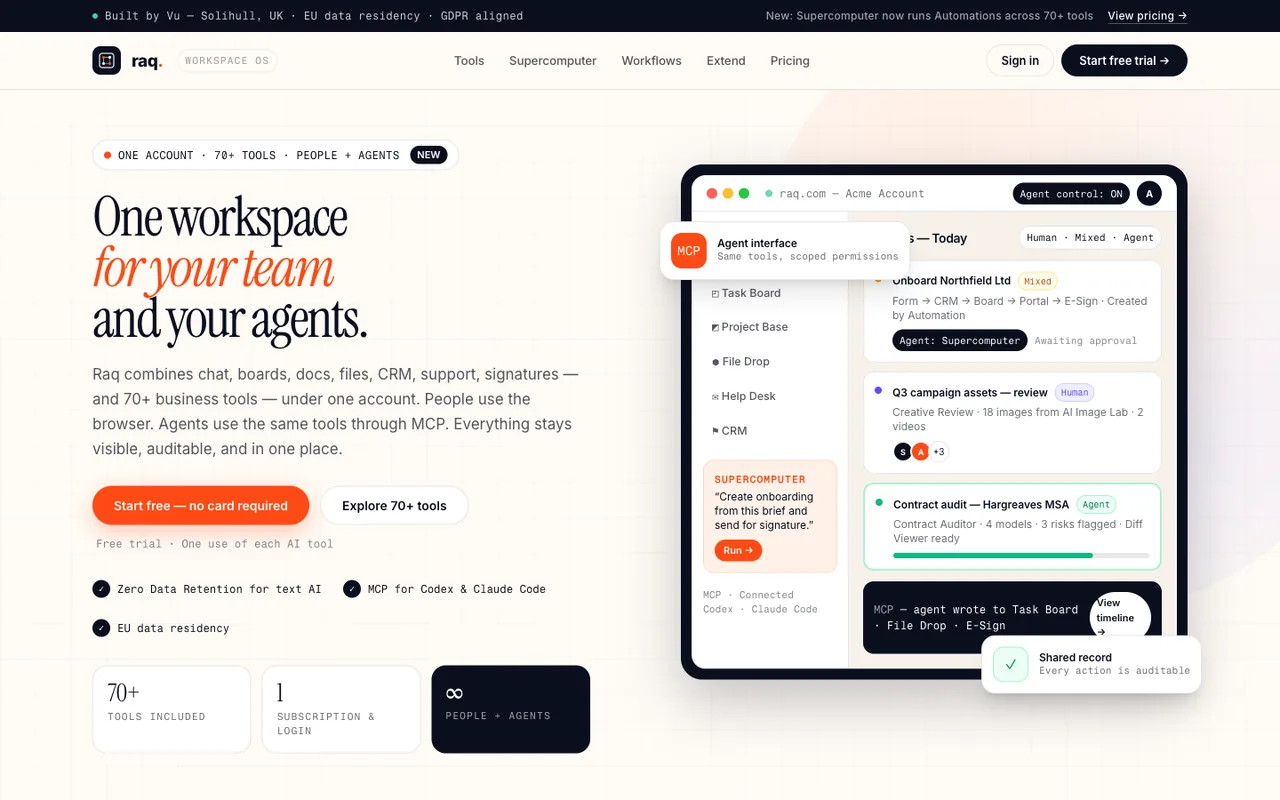
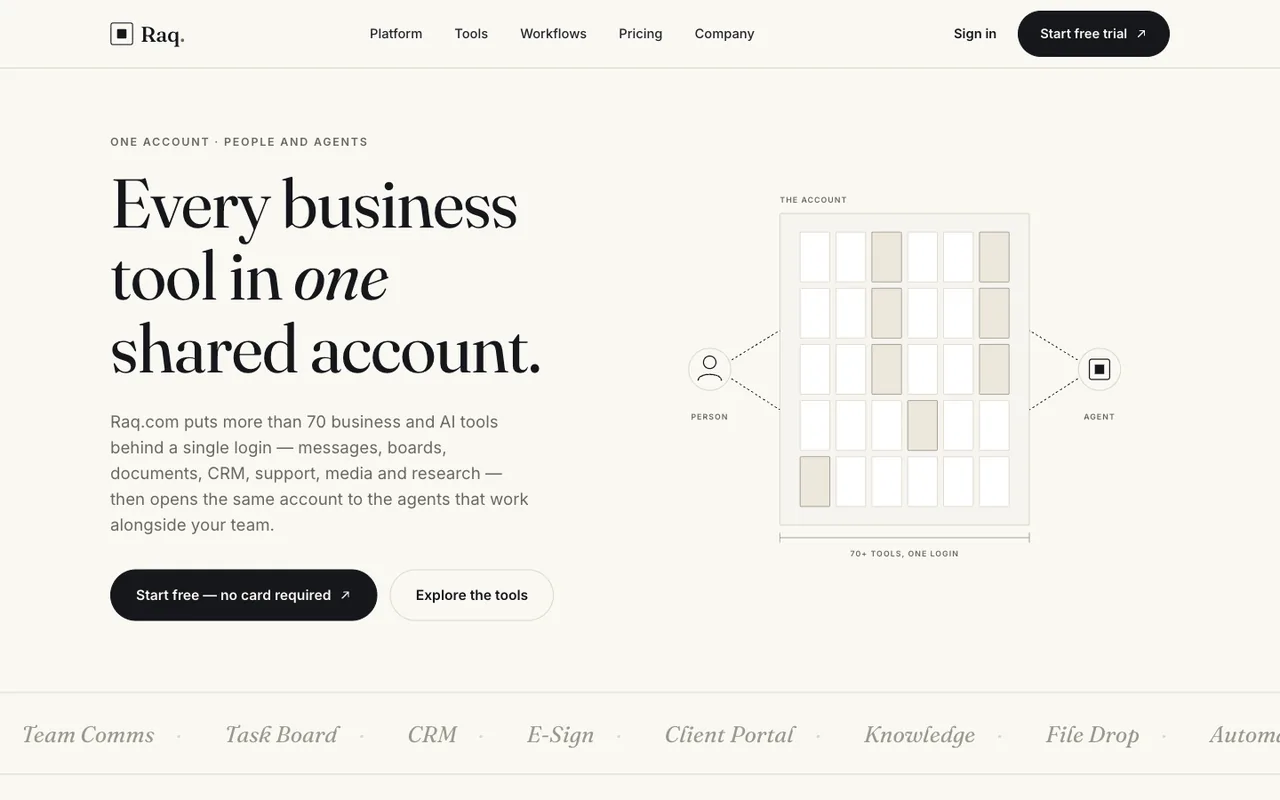
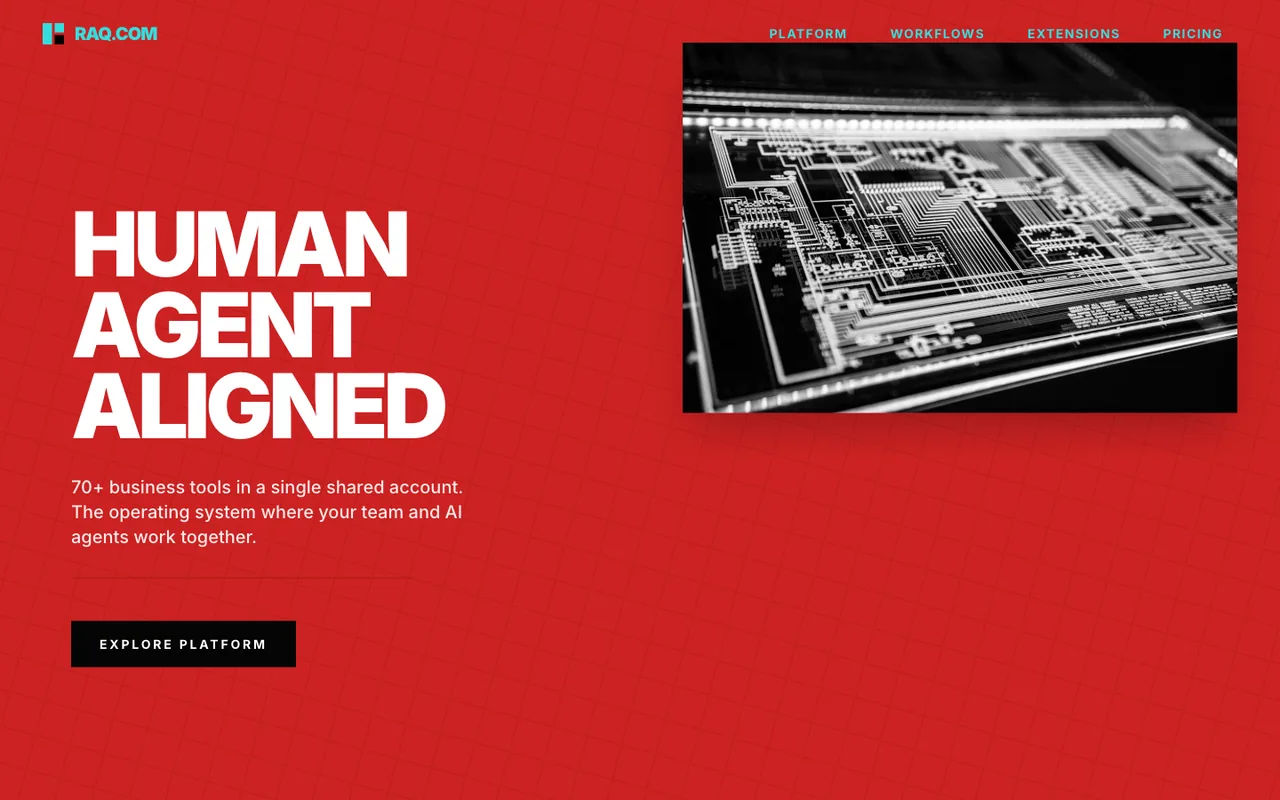
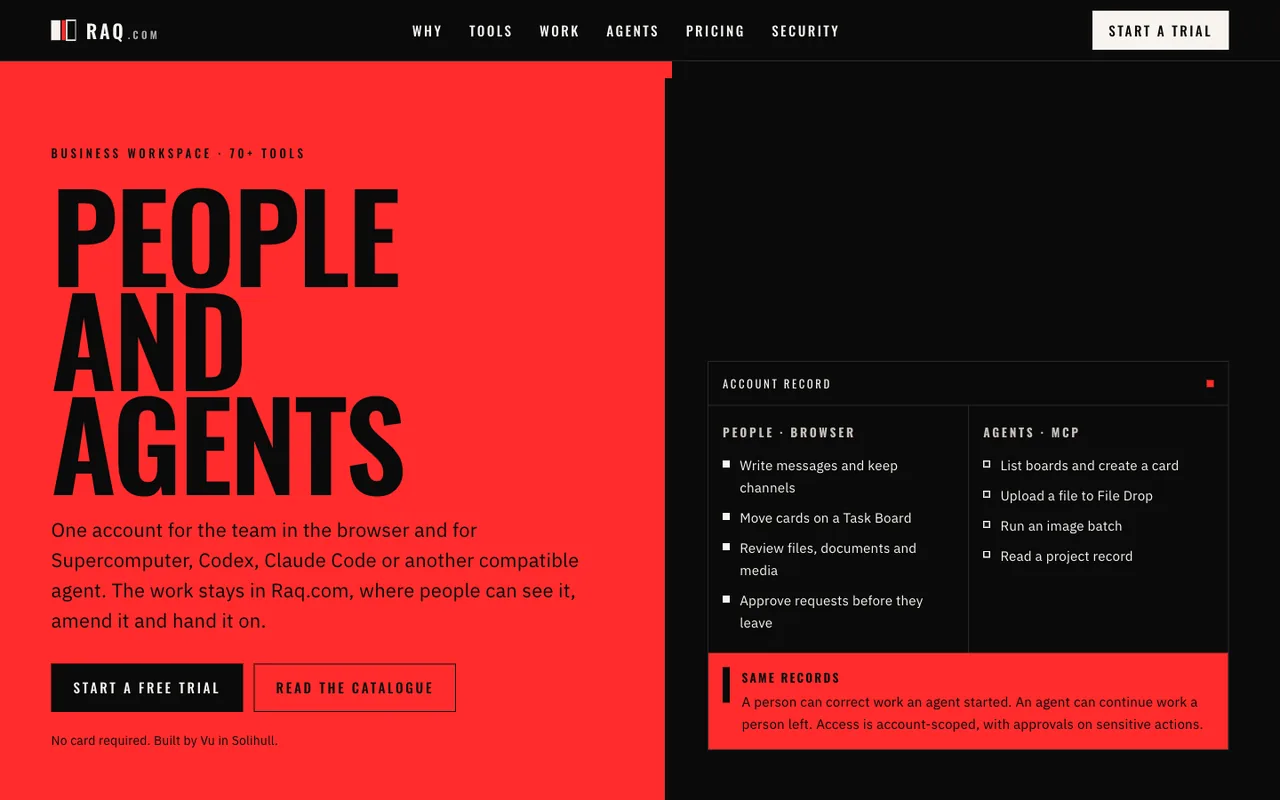
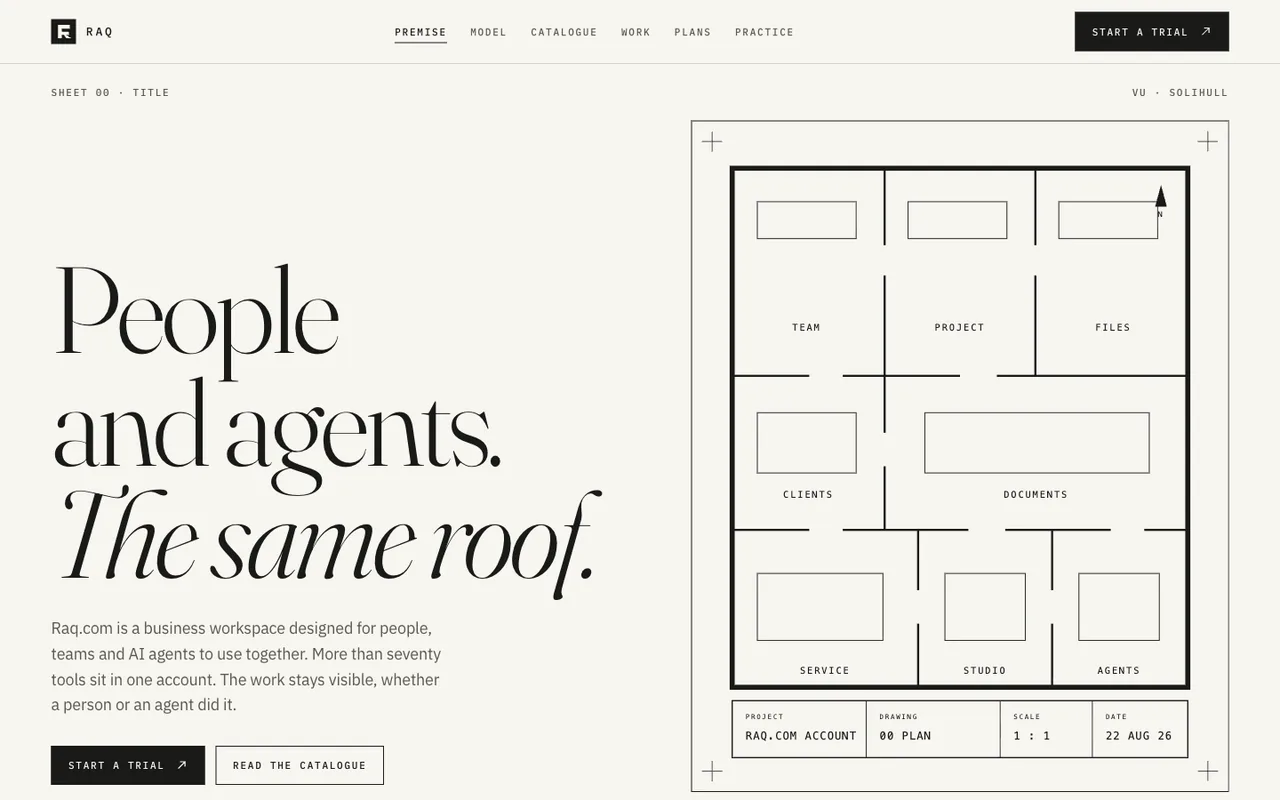
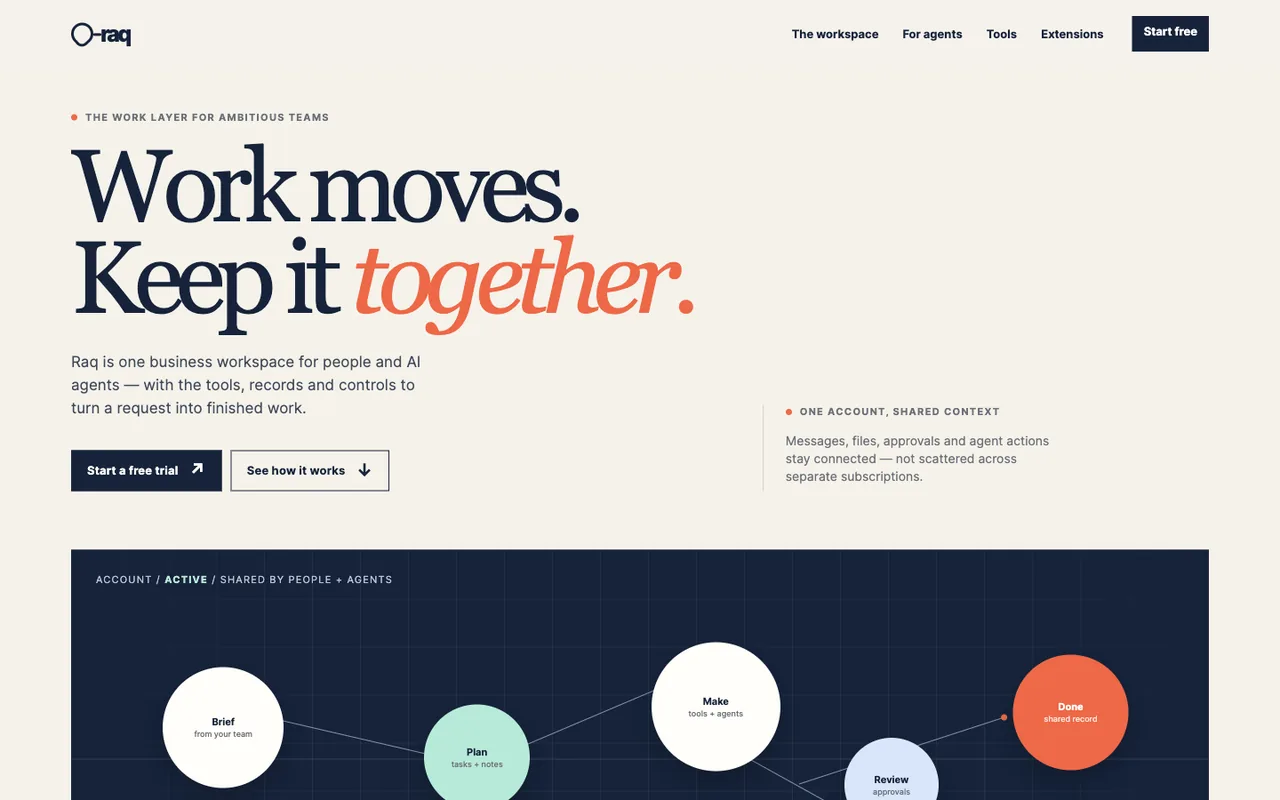
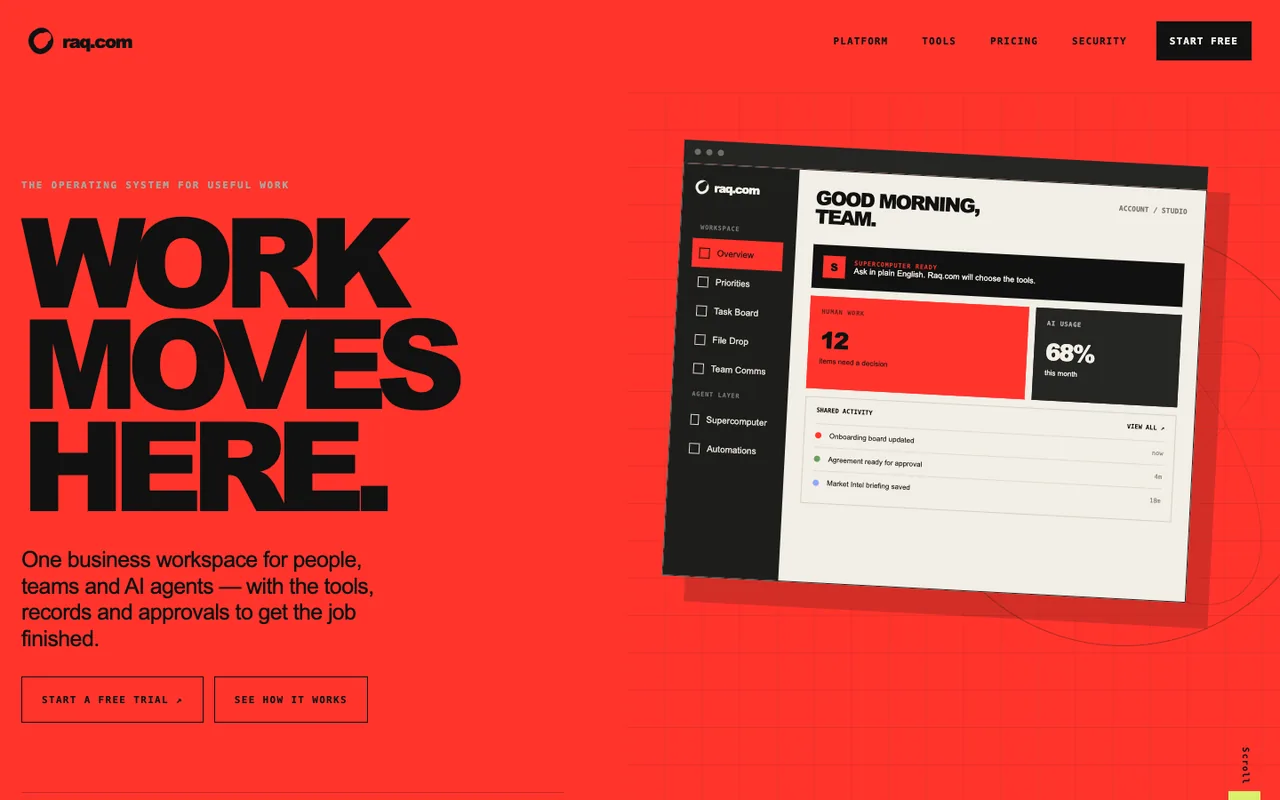
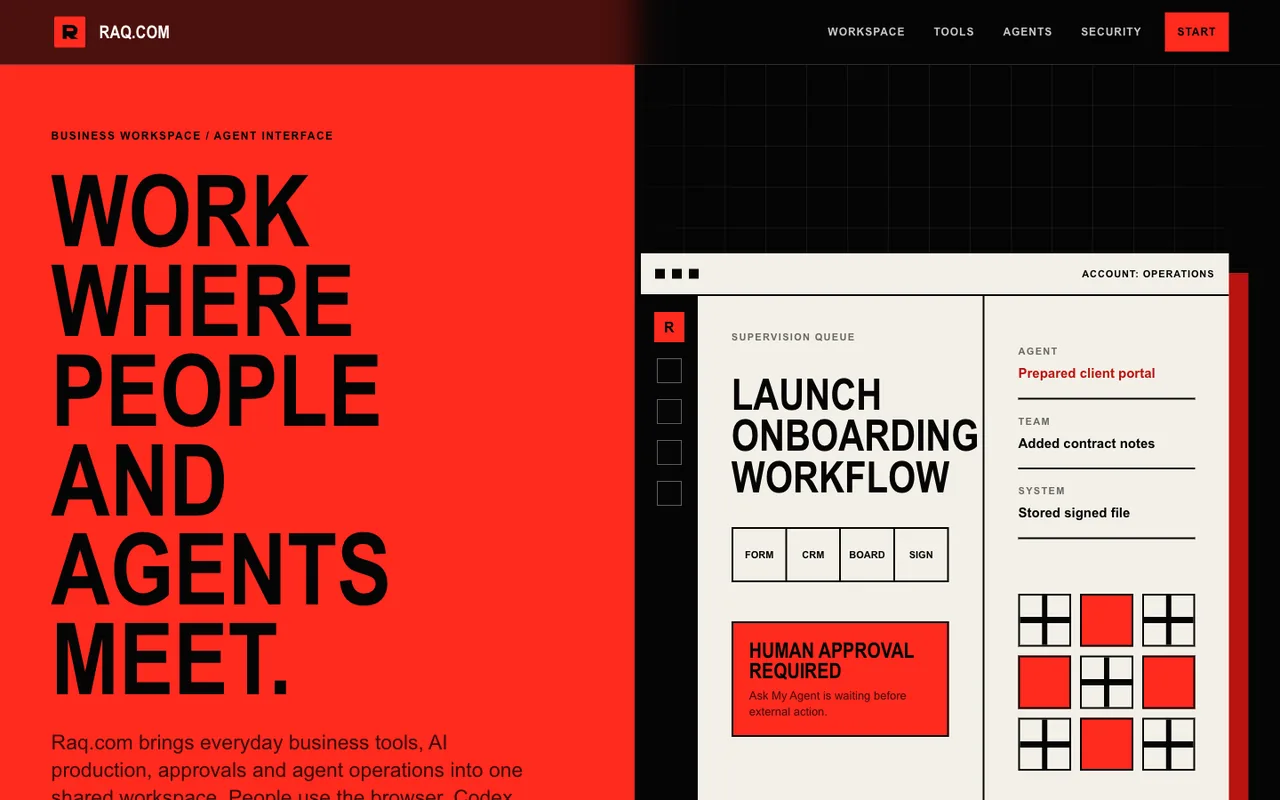
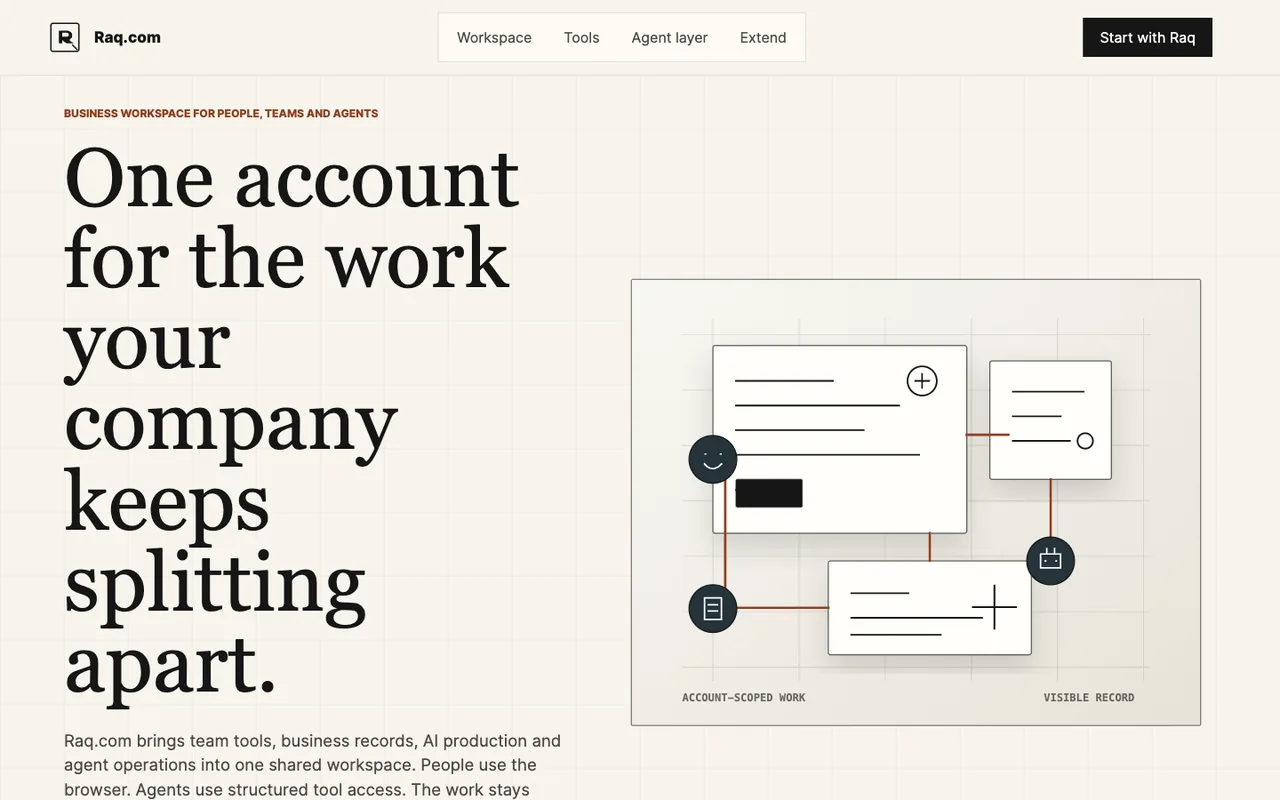
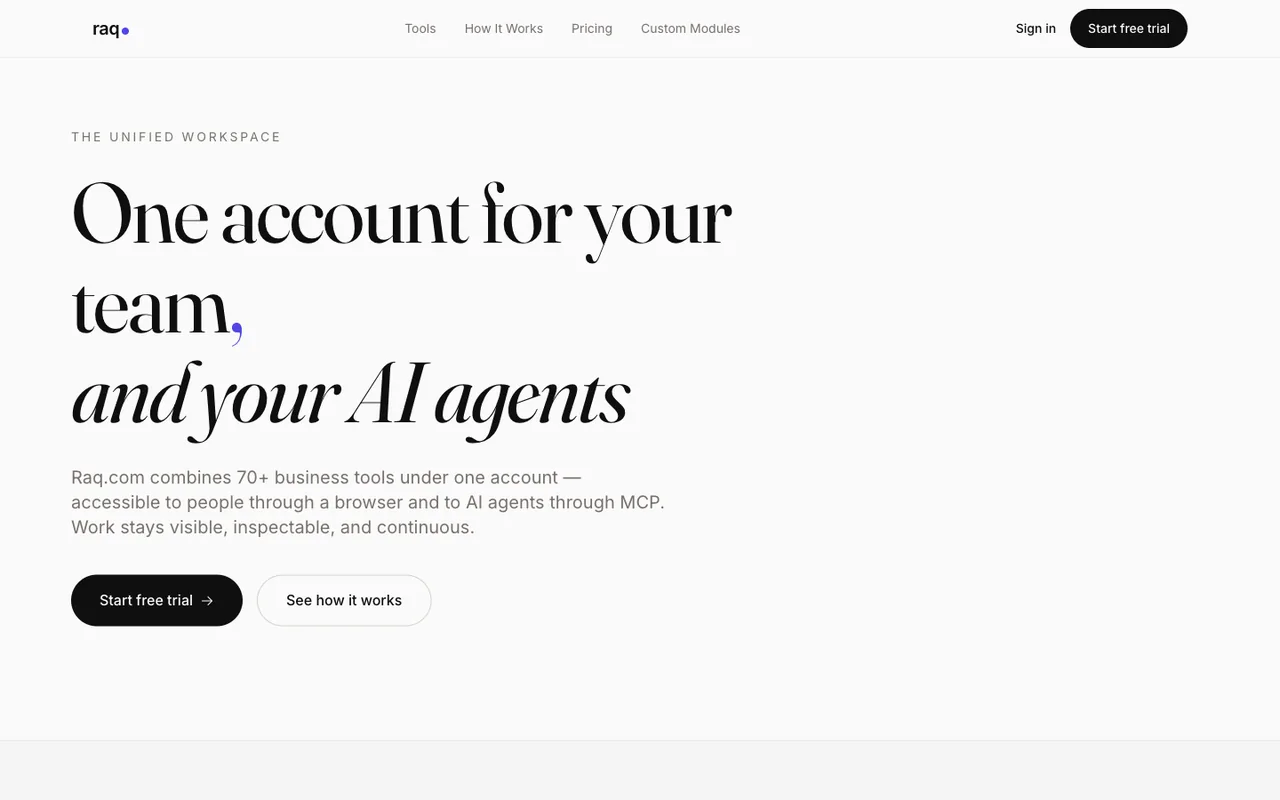
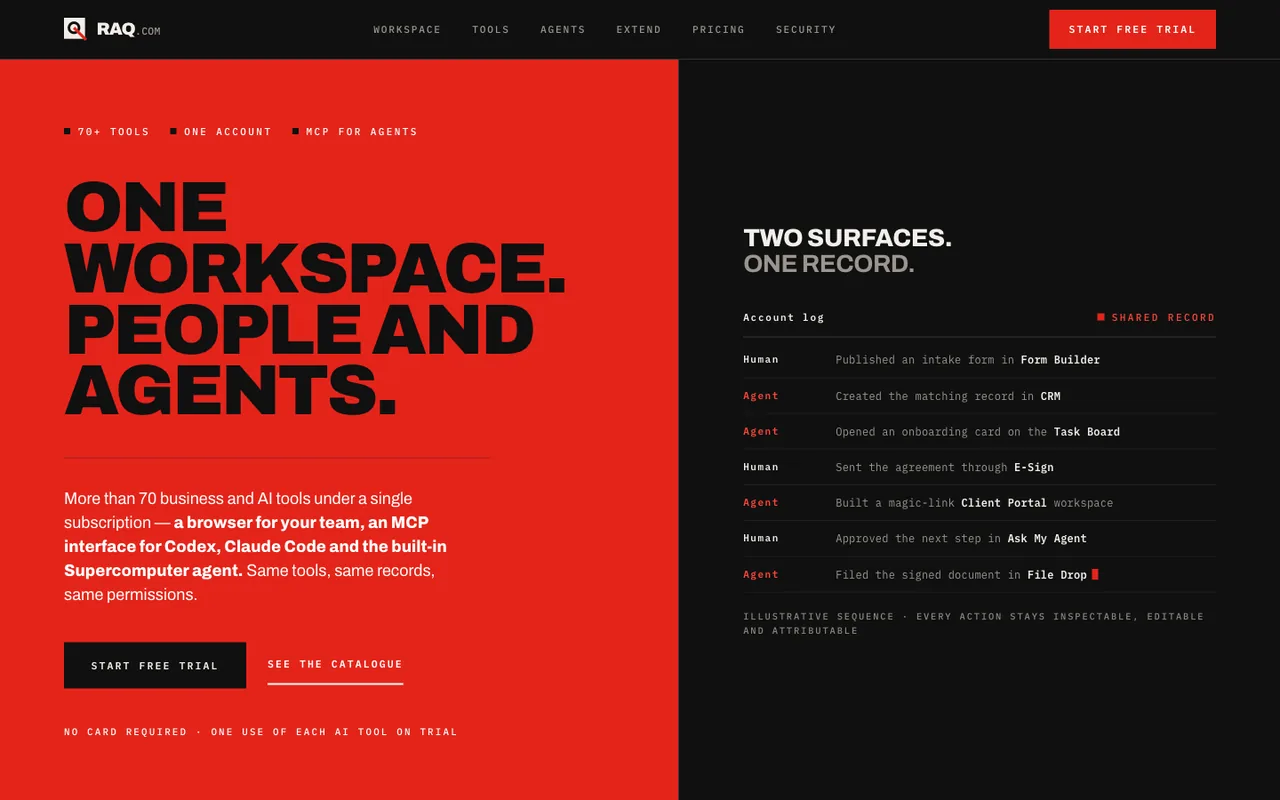
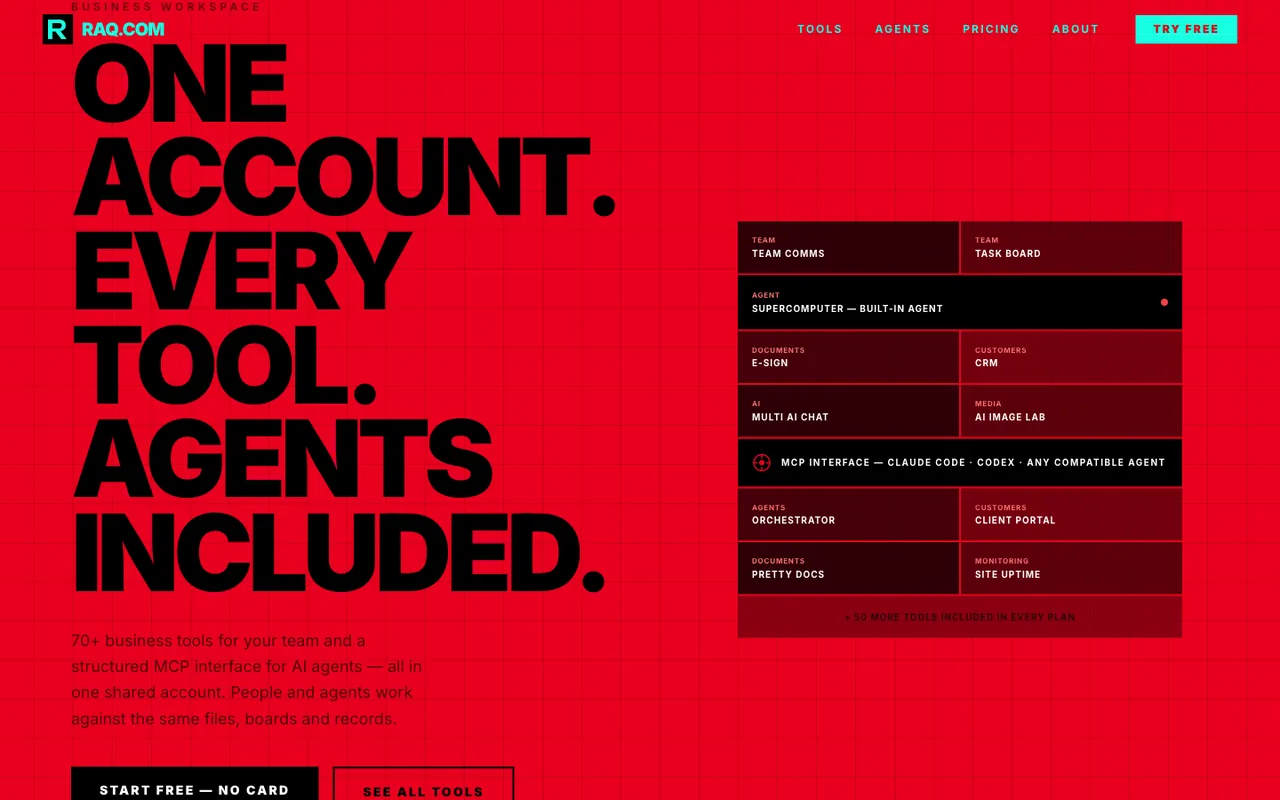
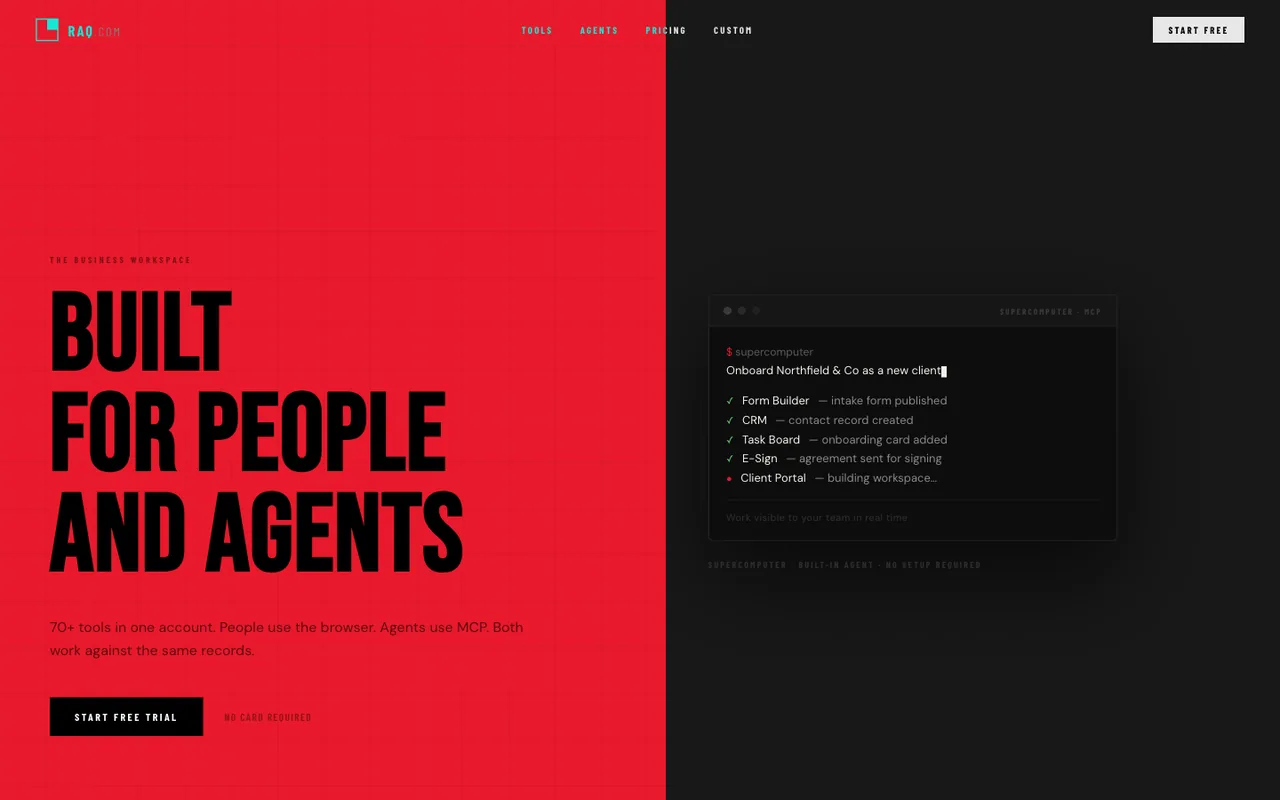
Can you spot AI writing? Does “they said the quiet part out loud” send shivers through your spine? Do you feel pain when Claude assures you that code is “load-bearing”? Text and video “slop” is now pretty well spotted, but what about in web design? We’ve built Design MCP as part of Raq.com to help you build websites with a unique design and style, to avoid their website looking like generic AI output.
If you’ve used different models to build websites, try our quiz below to see if you can correctly spot the different design styles of different models, then below that are some examples built giving coding agents access to Raq.com’s Design MCP.
- Designs generated
- 109
- Models
- 42
- Harnesses
- 3
What the models were asked
Each model got an empty folder and one factual file, what-is-raq-com.md. This was the default prompt:
Design and build the best possible homepage for Raq.com in this empty folder. Make it polished, original and professionally designed.
Use ./what-is-raq-com.md as the only source of product information. Do not browse or search the web, follow links, inspect files outside this folder, use MCP or use skills. Do not view or reproduce Raq.com's existing website, branding, code, screenshots or logo.
Create the visual direction and an original Raq.com logo. Use any structure, files, assets, libraries, frameworks or CDNs you think will produce the best result.
Do not ask questions or present options. Complete the website and stop when it is ready.
Can you guess the model?
Question of 10
correct
Which model made this?
Guess to reveal the model and a link to the live page.
The defaults
-
 Open output
Run 1/2
Open output
Run 1/2GPT-6 Astra
-
 Open output
Run 2/2
Open output
Run 2/2GPT-6 Astra
-
 Open output
Run 1/2
Open output
Run 1/2GPT-5.6 Sol
-
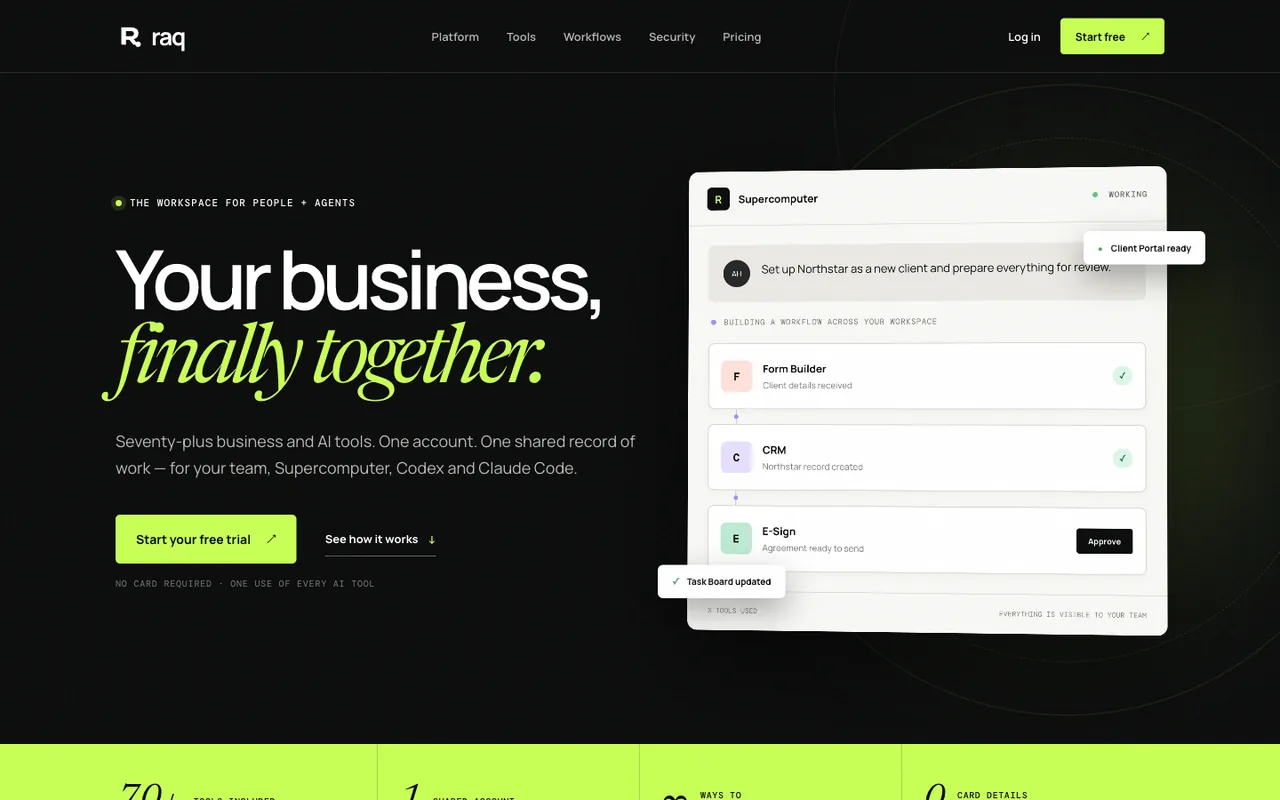 Open output
Run 2/2
Open output
Run 2/2GPT-5.6 Sol
-
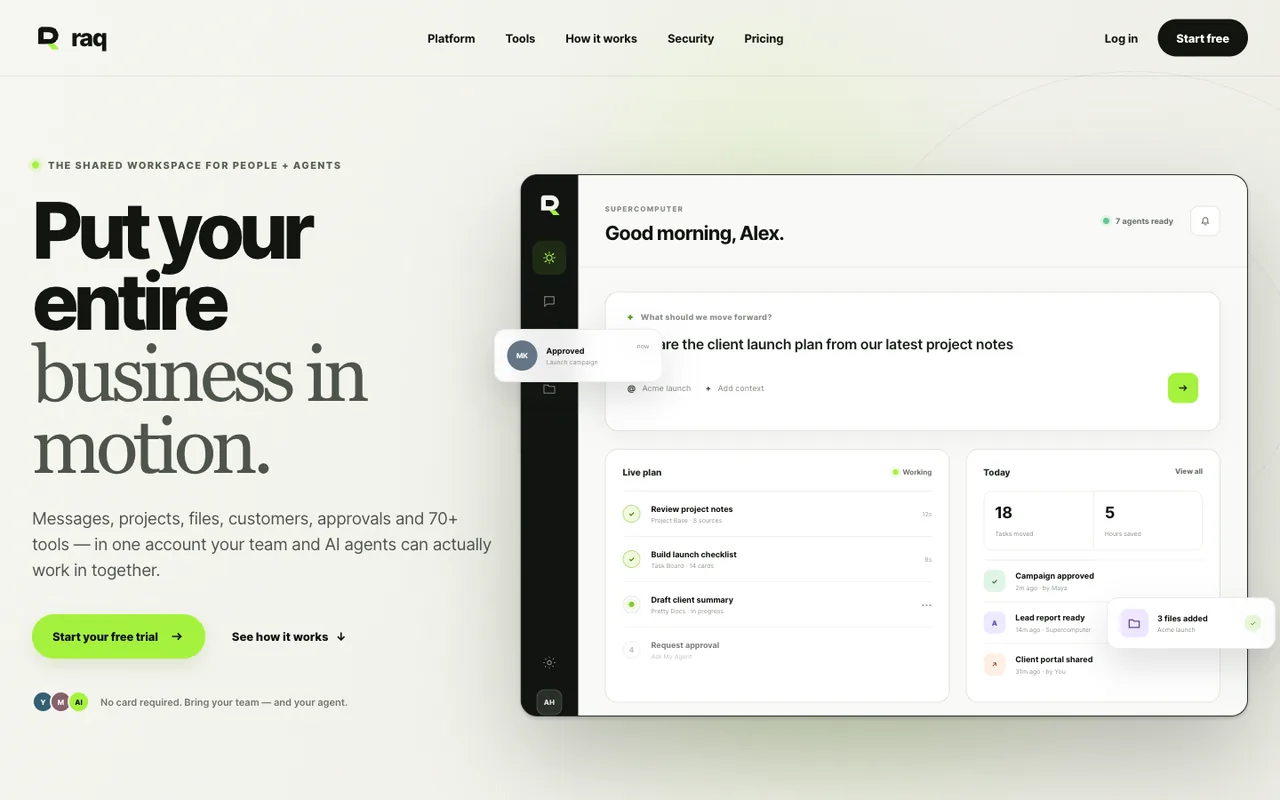 Open output
Run 1/2
Open output
Run 1/2GPT-5.6 Sol
-
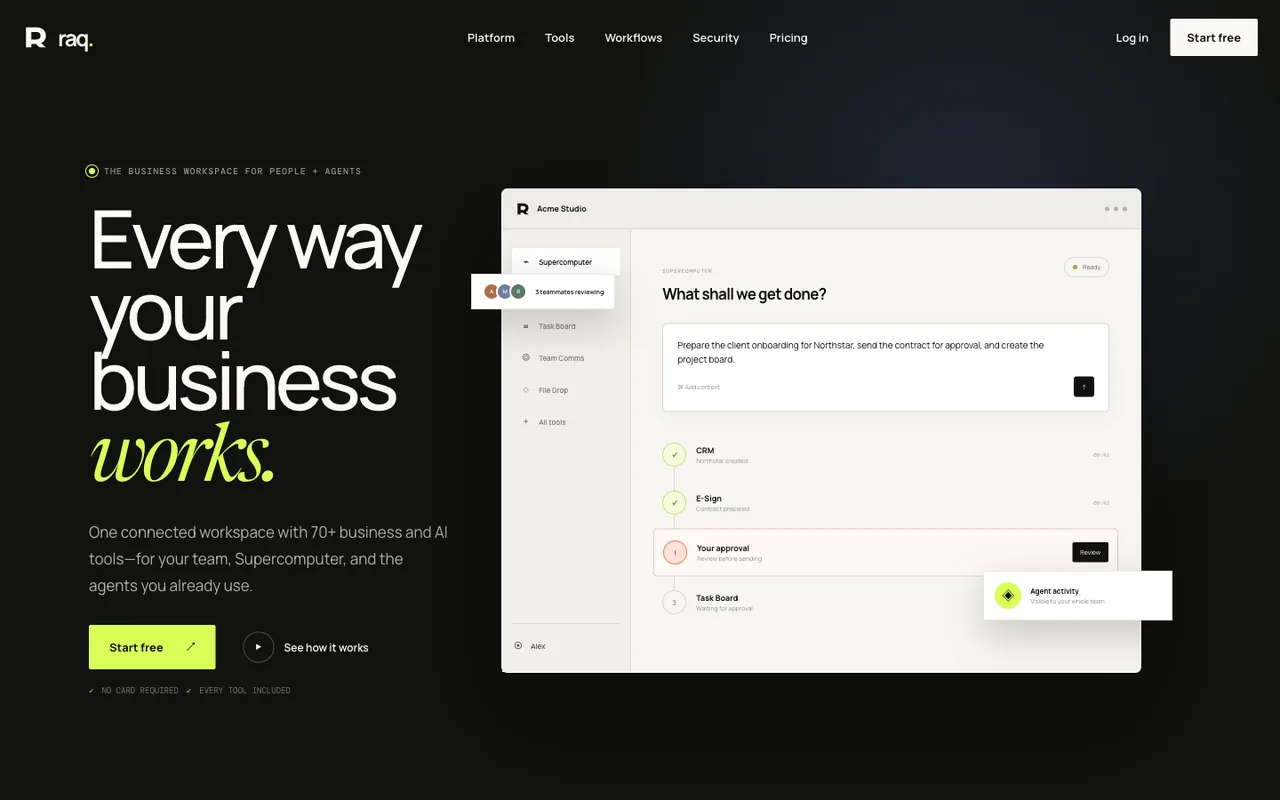 Open output
Run 2/2
Open output
Run 2/2GPT-5.6 Sol
-
 Open output
Run 1/2
Open output
Run 1/2Claude Opus 5
-
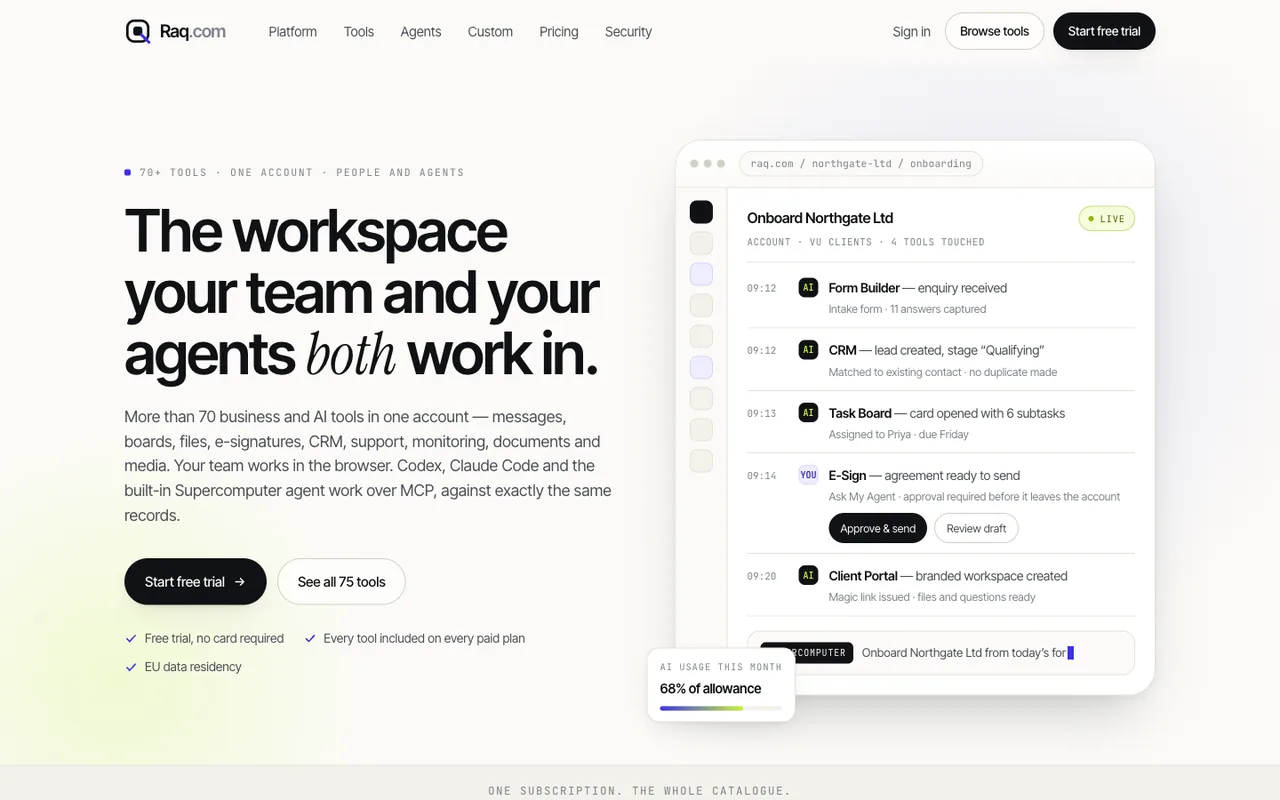 Open output
Run 2/2
Open output
Run 2/2Claude Opus 5
-
 Open output
Run 1/2
Open output
Run 1/2Claude Opus 5
-
 Open output
Run 2/2
Open output
Run 2/2Claude Opus 5
-
 Open output
Run 1/2
Open output
Run 1/2Grok 4.20
-
 Open output
Run 2/2
Open output
Run 2/2Grok 4.20
-
 Open output
Run 1/2
Open output
Run 1/2Claude Sonnet 5
-
 Open output
Run 2/2
Open output
Run 2/2Claude Sonnet 5
-
 Open output
Run 1/2
Open output
Run 1/2Claude Sonnet 5
-
 Open output
Run 2/2
Open output
Run 2/2Claude Sonnet 5
-
 Open output
Run 1/2
Open output
Run 1/2Gemini 3.1 Pro
-
 Open output
Run 2/2
Open output
Run 2/2Gemini 3.1 Pro
-
 Open output
Run 1/2
Open output
Run 1/2Grok 4.6
-
 Open output
Run 2/2
Open output
Run 2/2Grok 4.6
-
 Open output
Run 1/2
Open output
Run 1/2Tencent Hy4 Preview
-
 Open output
Run 2/2
Open output
Run 2/2Tencent Hy4 Preview
-
 Open output
Run 1/2
Open output
Run 1/2Qwen 3.8 Max
-
 Open output
Run 2/2
Open output
Run 2/2Qwen 3.8 Max
-
 Open output
Run 1/2
Open output
Run 1/2Qwen 3.8 Flash
-
 Open output
Run 2/2
Open output
Run 2/2Qwen 3.8 Flash
-
 Open output
Run 1/2
Open output
Run 1/2Kimi K3
-
 Open output
Run 2/2
Open output
Run 2/2Kimi K3
-
 Open output
Run 1/2
Open output
Run 1/2DeepSeek 4.1 Flash
-
 Open output
Run 2/2
Open output
Run 2/2DeepSeek 4.1 Flash
-
 Open output
Run 1/2
Open output
Run 1/2DeepSeek V4 Pro 0813
-
 Open output
Run 2/2
Open output
Run 2/2DeepSeek V4 Pro 0813
-
 Open output
Run 1/2
Open output
Run 1/2GLM 5.3
-
 Open output
Run 2/2
Open output
Run 2/2GLM 5.3
-
 Open output
Run 1/2
Open output
Run 1/2GPT-5.6 Terra
-
 Open output
Run 2/2
Open output
Run 2/2GPT-5.6 Terra
-
 Open output
Run 1/2
Open output
Run 1/2GPT-5.6 Terra
-
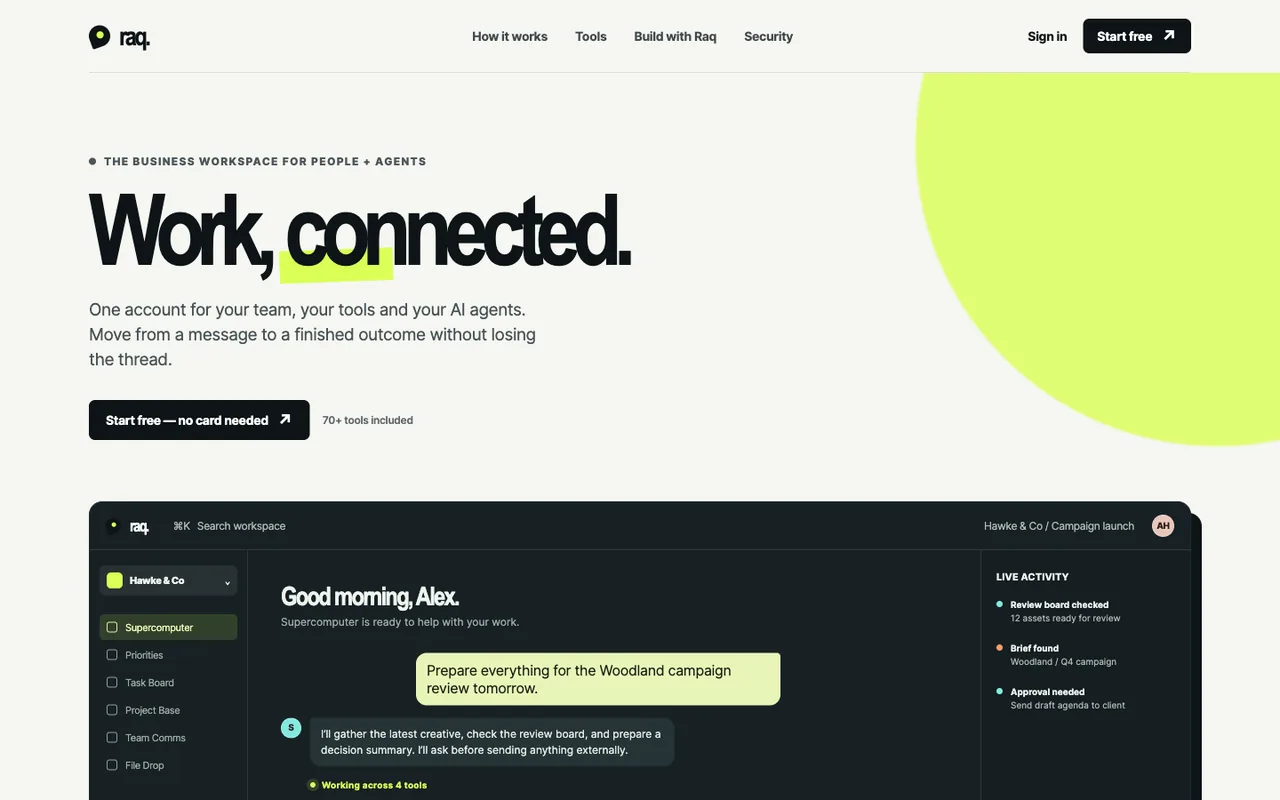 Open output
Run 2/2
Open output
Run 2/2GPT-5.6 Terra
-
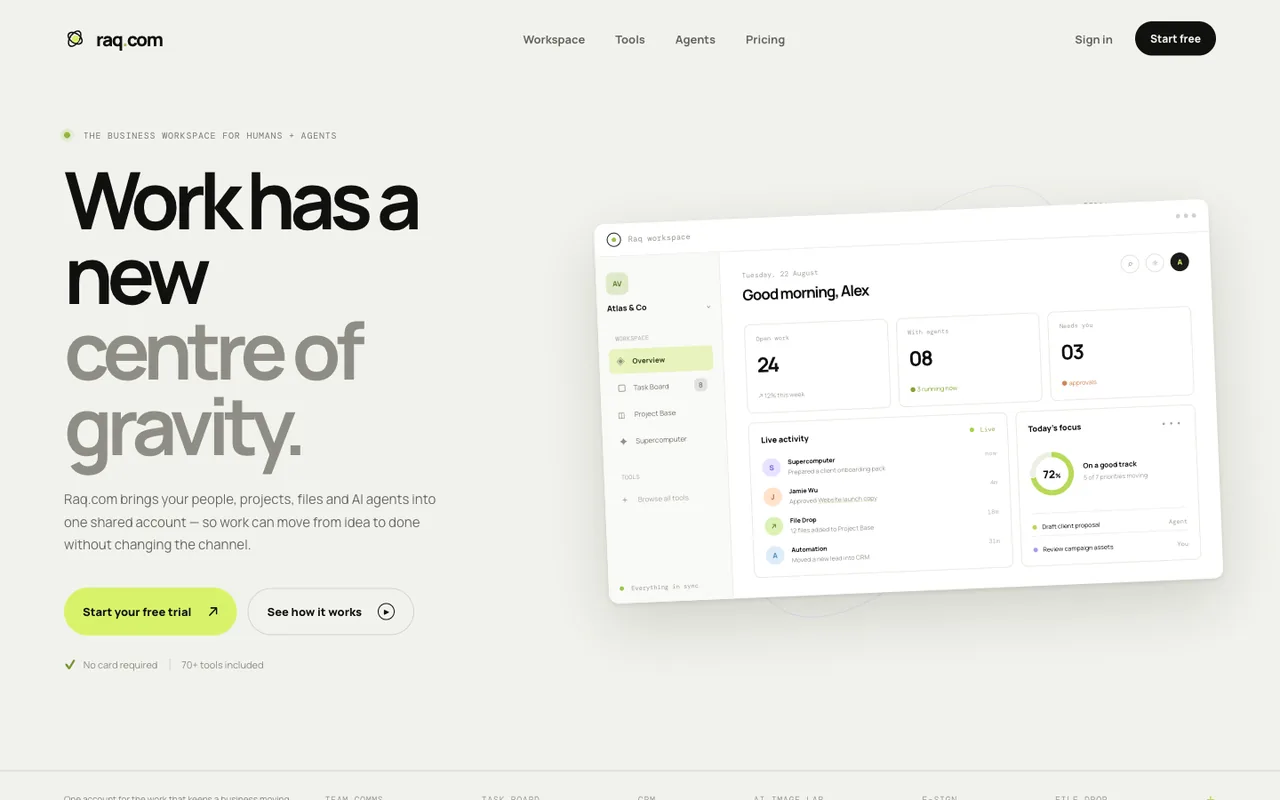 Open output
Run 1/2
Open output
Run 1/2GPT-5.6 Luna
-
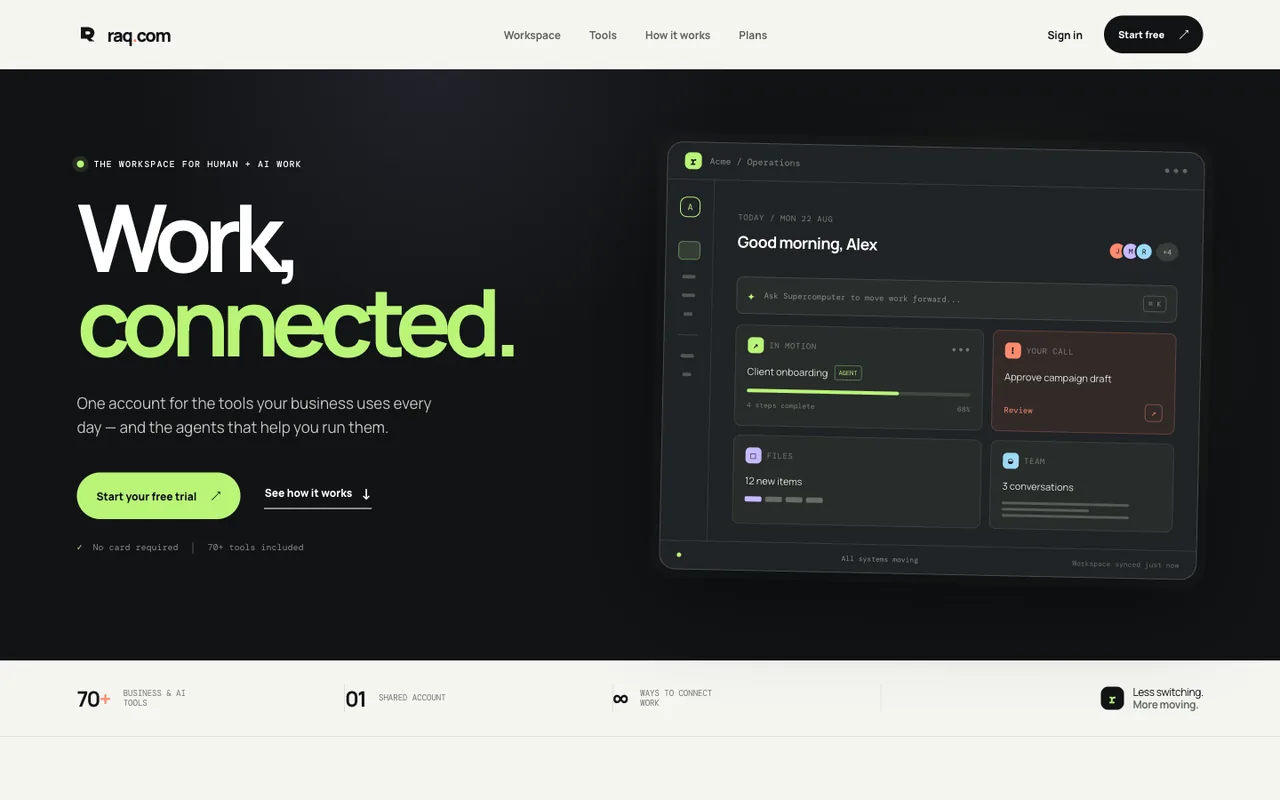 Open output
Run 2/2
Open output
Run 2/2GPT-5.6 Luna
-
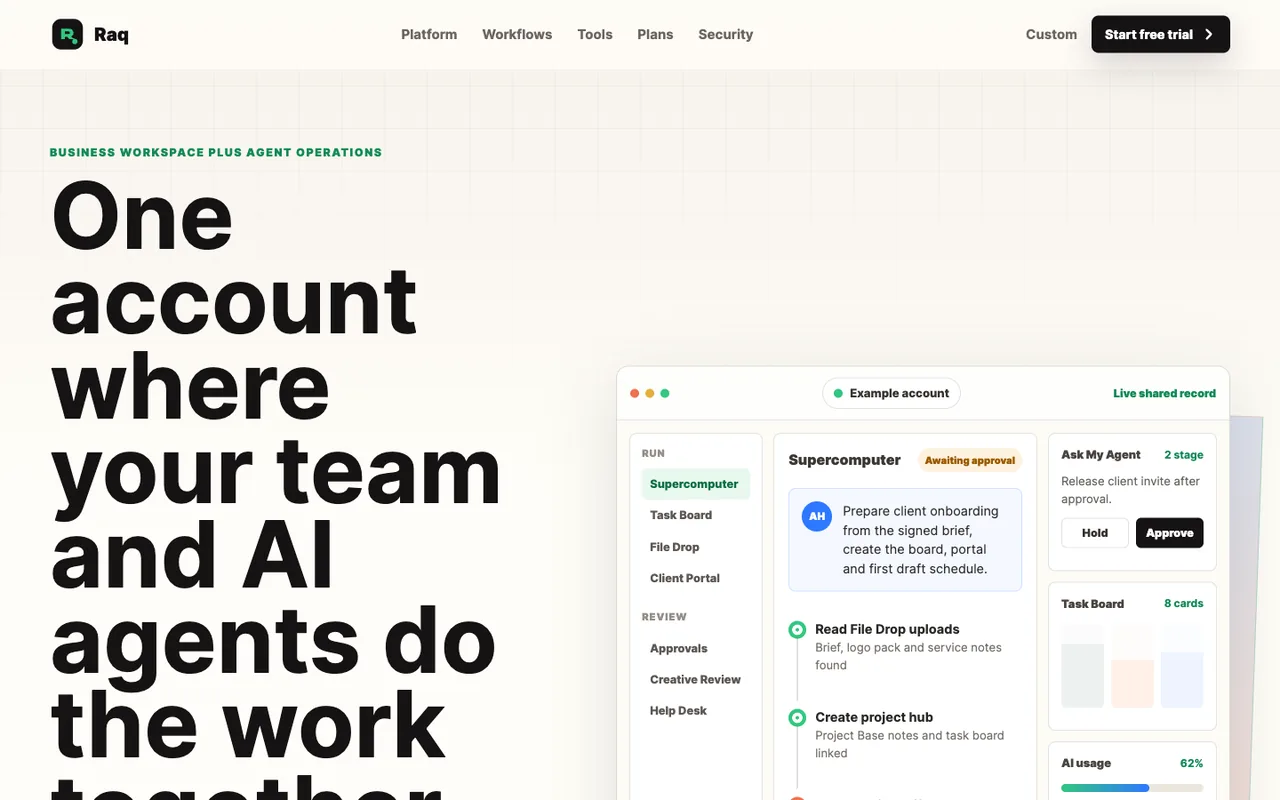 Open output
Run 1/2
Open output
Run 1/2GPT-5.5
-
 Open output
Run 2/2
Open output
Run 2/2GPT-5.5
-
 Open output
Run 1/2
Open output
Run 1/2GPT-5.5
-
 Open output
Run 2/2
Open output
Run 2/2GPT-5.5
-
 Open output
Run 1/2
Open output
Run 1/2Claude Fable 5
-
 Open output
Run 1/2
Open output
Run 1/2Claude Fable 5
-
 Open output
Run 2/2
Open output
Run 2/2Claude Fable 5
-
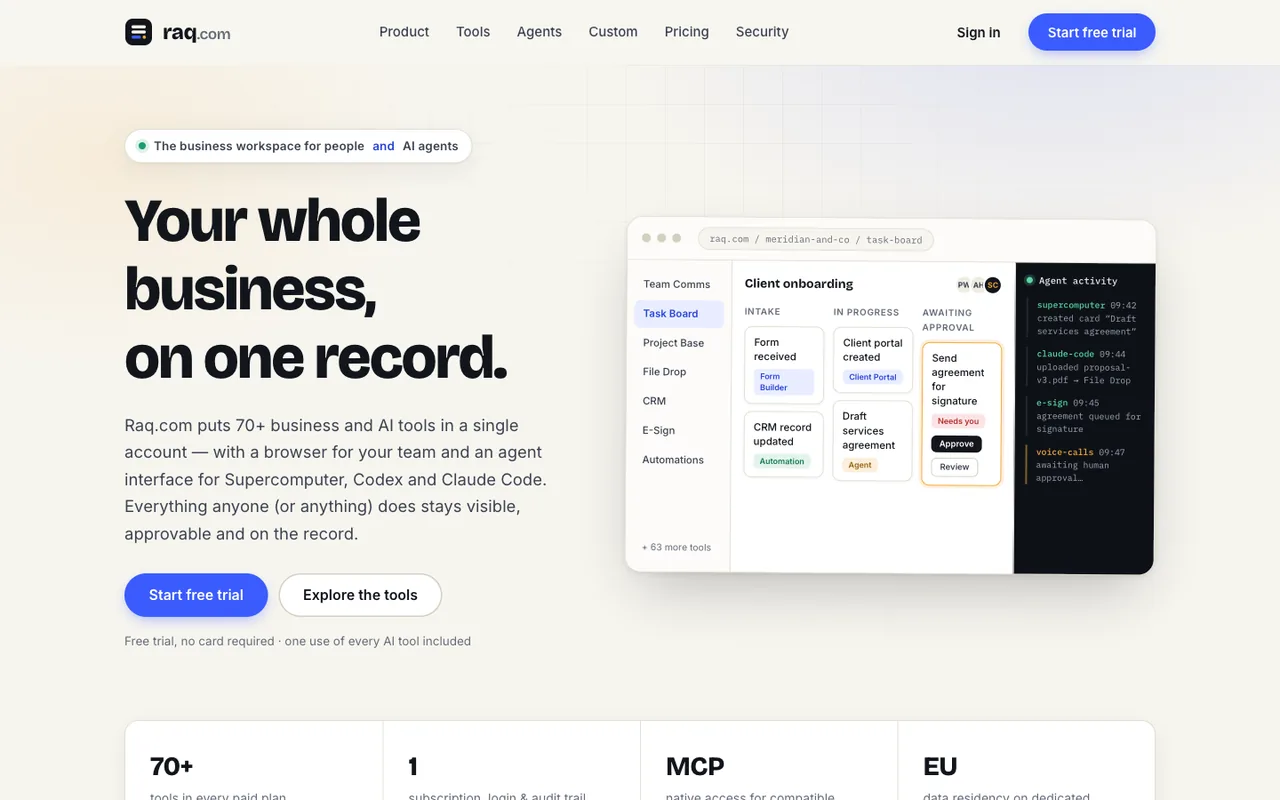 Open output
Run 2/2
Open output
Run 2/2Claude Fable 5
-
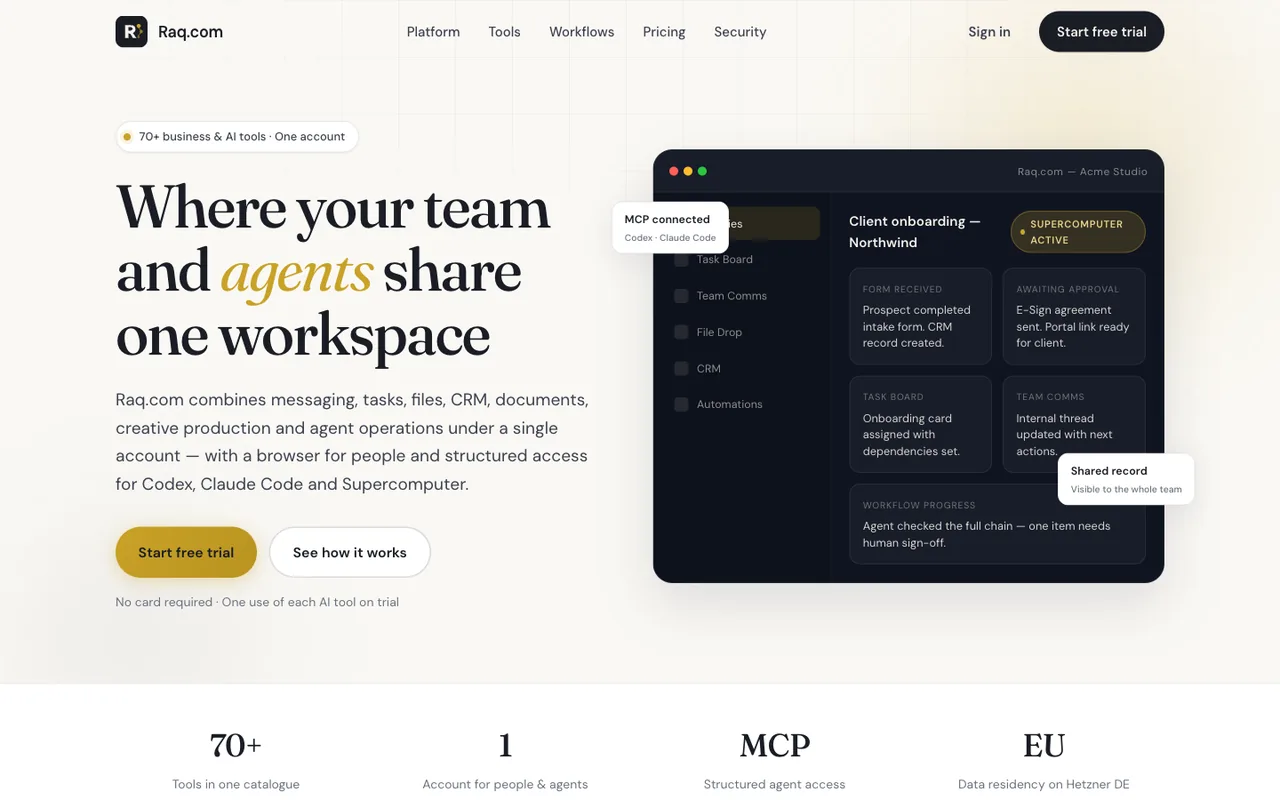 Open output
Run 1/2
Open output
Run 1/2Cursor Composer 2.5
-
 Open output
Run 2/2
Open output
Run 2/2Cursor Composer 2.5
-
 Open output
Run 1/2
Open output
Run 1/2Claude Opus 4.8
-
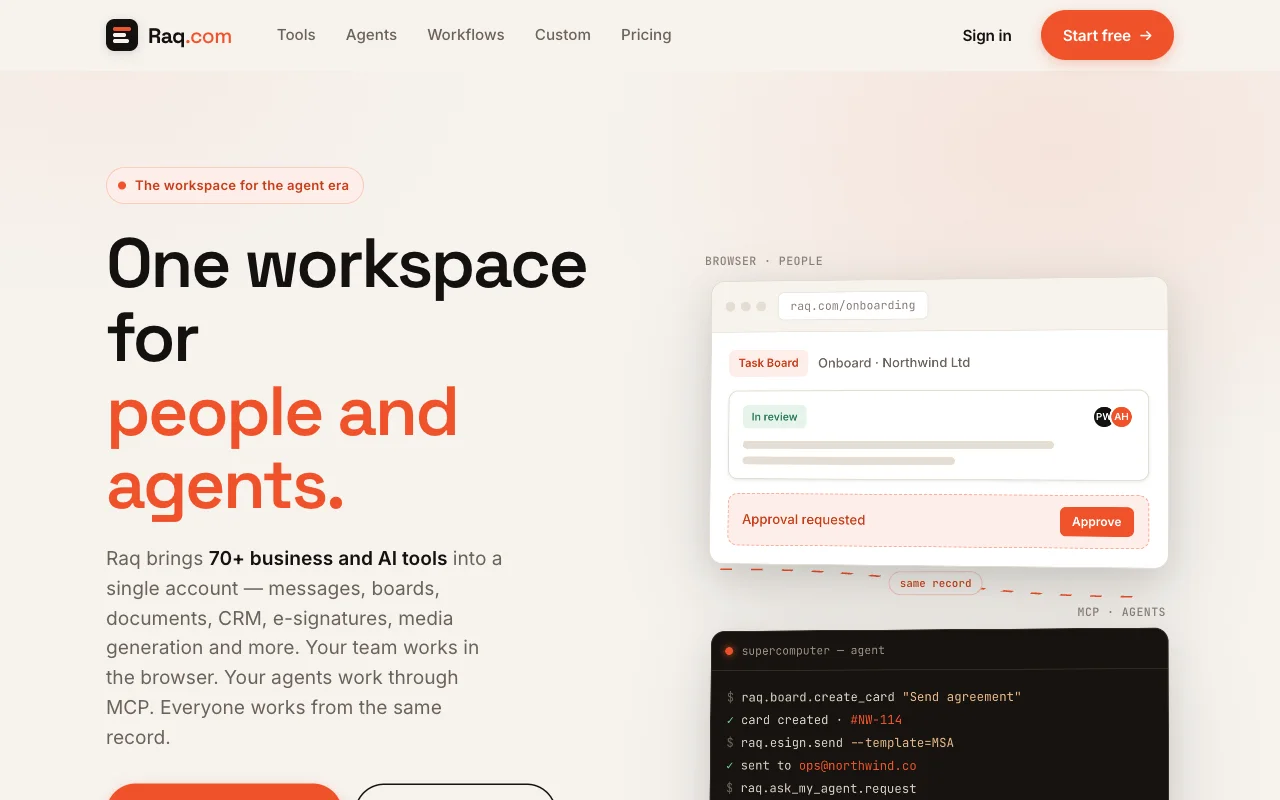 Open output
Run 2/2
Open output
Run 2/2Claude Opus 4.8
-
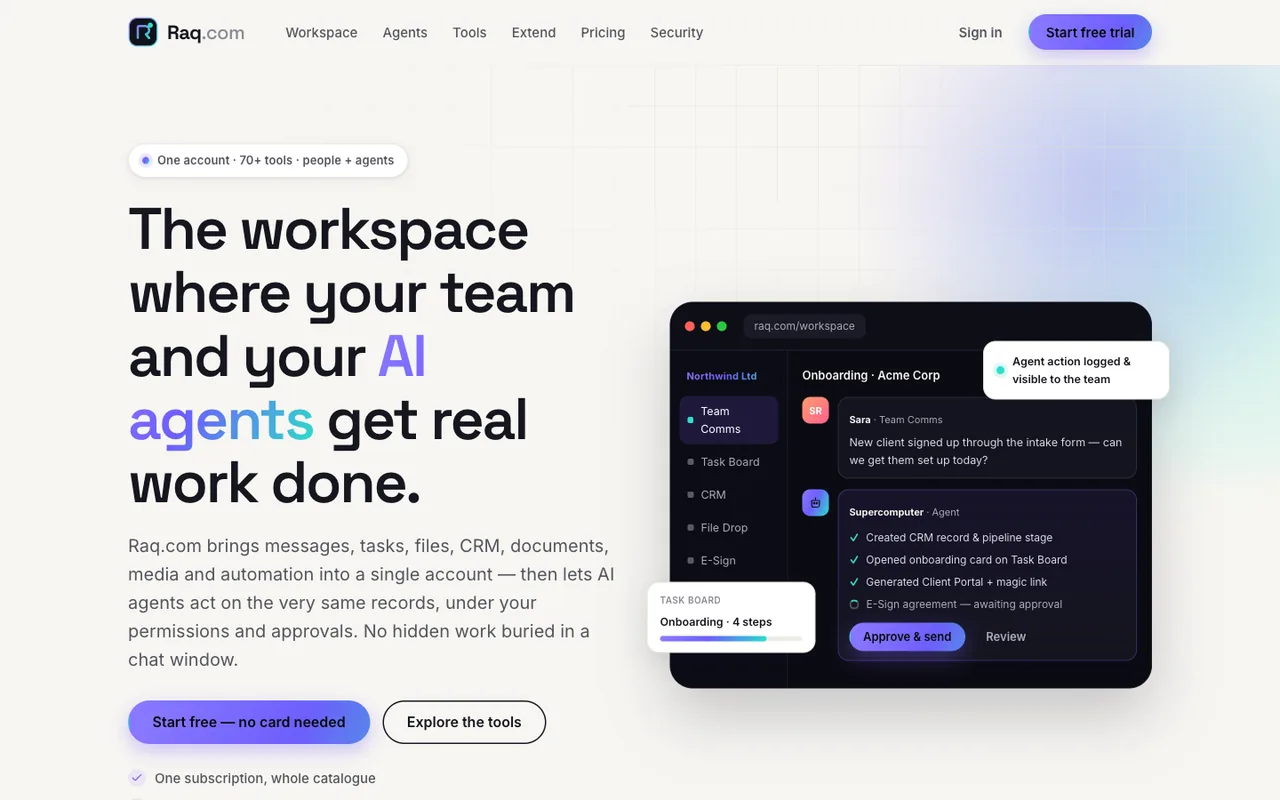 Open output
Run 1/2
Open output
Run 1/2Claude Opus 4.8
-
 Open output
Run 2/2
Open output
Run 2/2Claude Opus 4.8
-
 Open output
Run 1/2
Open output
Run 1/2Claude Opus 4.7
-
 Open output
Run 2/2
Open output
Run 2/2Claude Opus 4.7
-
 Open output
Run 1/2
Open output
Run 1/2Claude Opus 4.7
-
 Open output
Run 2/2
Open output
Run 2/2Claude Opus 4.7
-
 Open output
Run 1/2
Open output
Run 1/2Claude Opus 4.6
-
 Open output
Run 2/2
Open output
Run 2/2Claude Opus 4.6
-
 Open output
Run 1/2
Open output
Run 1/2Claude Opus 4.6
-
 Open output
Run 2/2
Open output
Run 2/2Claude Opus 4.6
-
 Open output
Run 1/2
Open output
Run 1/2Claude Opus 4.5
-
 Open output
Run 2/2
Open output
Run 2/2Claude Opus 4.5
-
 Open output
Run 1/2
Open output
Run 1/2Claude Opus 4.5
-
 Open output
Run 2/2
Open output
Run 2/2Claude Opus 4.5
-
 Open output
Run 1/2
Open output
Run 1/2Claude Opus 4.1
-
 Open output
Run 1/2
Open output
Run 1/2Claude Opus 4.1
-
 Open output
Run 2/2
Open output
Run 2/2Claude Opus 4.1
-
 Open output
Run 2/2
Open output
Run 2/2Claude Opus 4.1
-
 Open output
Run 1/2
Open output
Run 1/2Claude Opus 4
-
 Open output
Run 2/2
Open output
Run 2/2Claude Opus 4
-
 Open output
Run 1/2
Open output
Run 1/2Claude Sonnet 4.6
-
 Open output
Run 2/2
Open output
Run 2/2Claude Sonnet 4.6
-
 Open output
Run 1/2
Open output
Run 1/2Claude Sonnet 4.6
-
 Open output
Run 2/2
Open output
Run 2/2Claude Sonnet 4.6
-
 Open output
Run 1/2
Open output
Run 1/2Claude Sonnet 4.5
-
 Open output
Run 2/2
Open output
Run 2/2Claude Sonnet 4.5
-
 Open output
Run 1/2
Open output
Run 1/2Claude Sonnet 4.5
-
 Open output
Run 2/2
Open output
Run 2/2Claude Sonnet 4.5
-
 Open output
Run 1/2
Open output
Run 1/2Claude Sonnet 4
-
 Open output
Run 2/2
Open output
Run 2/2Claude Sonnet 4
-
 Open output
Run 1/2
Open output
Run 1/2Gemini 3.7 Flash
-
 Open output
Run 2/2
Open output
Run 2/2Gemini 3.7 Flash
-
 Open output
Run 1/2
Open output
Run 1/2Gemini 3.6 Flash
-
 Open output
Run 2/2
Open output
Run 2/2Gemini 3.6 Flash
-
 Open output
Run 1/2
Open output
Run 1/2Gemini 3.5 Flash
-
 Open output
Run 2/2
Open output
Run 2/2Gemini 3.5 Flash
-
 Open output
Run 1/2
Open output
Run 1/2Gemini 3 Flash
-
 Open output
Run 2/2
Open output
Run 2/2Gemini 3 Flash
-
 Open output
Run 1/2
Open output
Run 1/2Grok 4.5
-
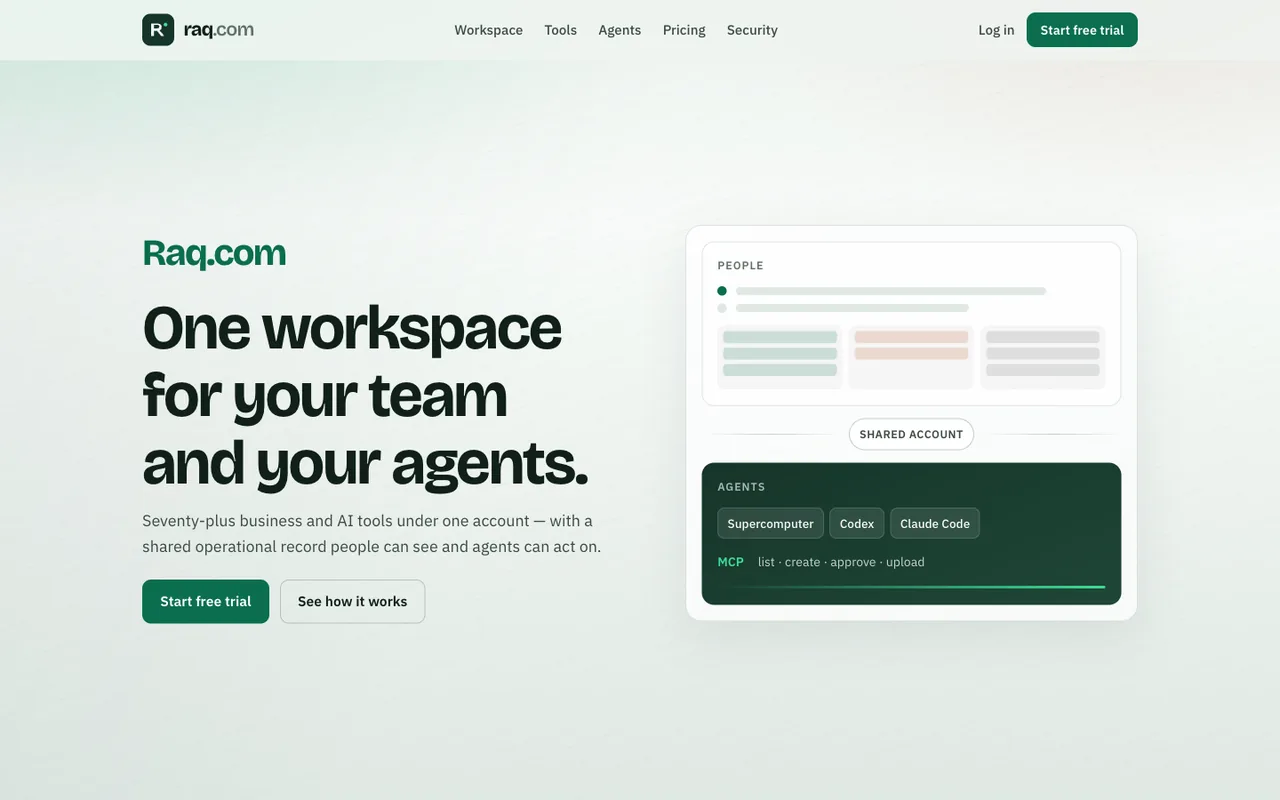 Open output
Run 2/2
Open output
Run 2/2Grok 4.5
-
 Open output
Run 1/2
Open output
Run 1/2Grok 4.3
-
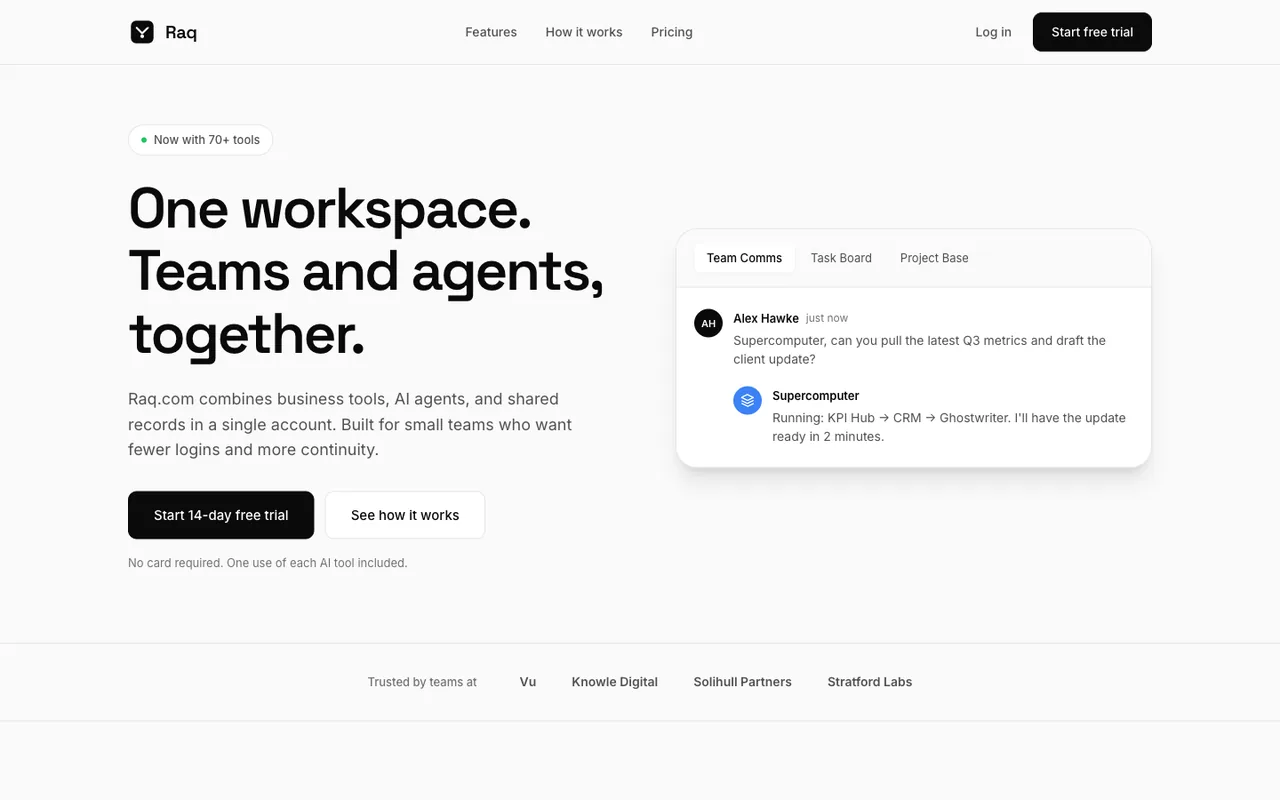 Open output
Run 2/2
Open output
Run 2/2Grok 4.3
-
 Open output
Run 1/2
Open output
Run 1/2Qwen 3.8 2.4T A95B
-
 Open output
Run 2/2
Open output
Run 2/2Qwen 3.8 2.4T A95B
-
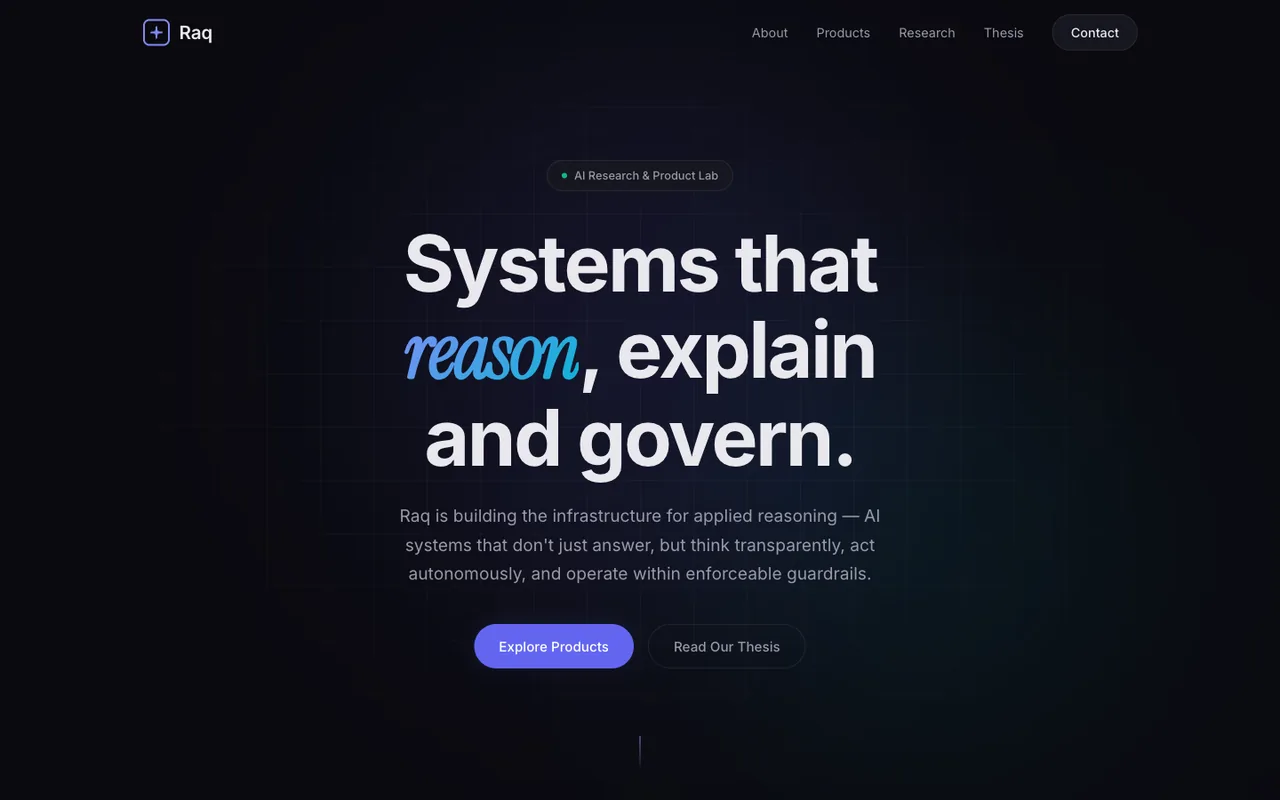 Open output
Run 1/2
Open output
Run 1/2Qwen 3.7 Max
-
 Open output
Run 2/2
Open output
Run 2/2Qwen 3.7 Max
-
 Open output
Run 2/2
Open output
Run 2/2DeepSeek V4 Flash 0731
-
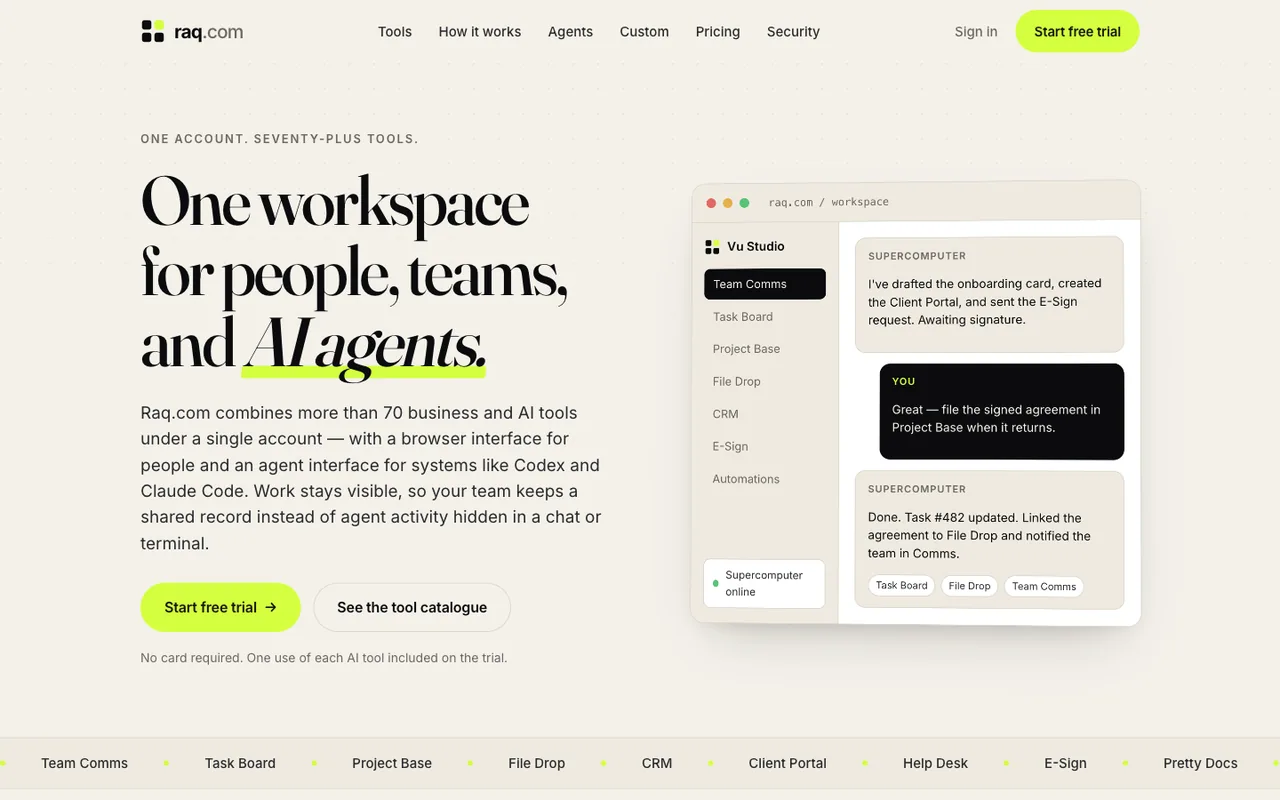 Open output
Run 1/2
Open output
Run 1/2GLM 5.2
-
 Open output
Run 2/2
Open output
Run 2/2GLM 5.2
-
 Open output
Run 1/2
Open output
Run 1/2Meta Muse Glimmer 30B
-
 Open output
Run 2/2
Open output
Run 2/2Meta Muse Glimmer 30B
-
 Open output
Run 1/2
Open output
Run 1/2Meta Muse Spark 1.2
-
 Open output
Run 2/2
Open output
Run 2/2Meta Muse Spark 1.2
-
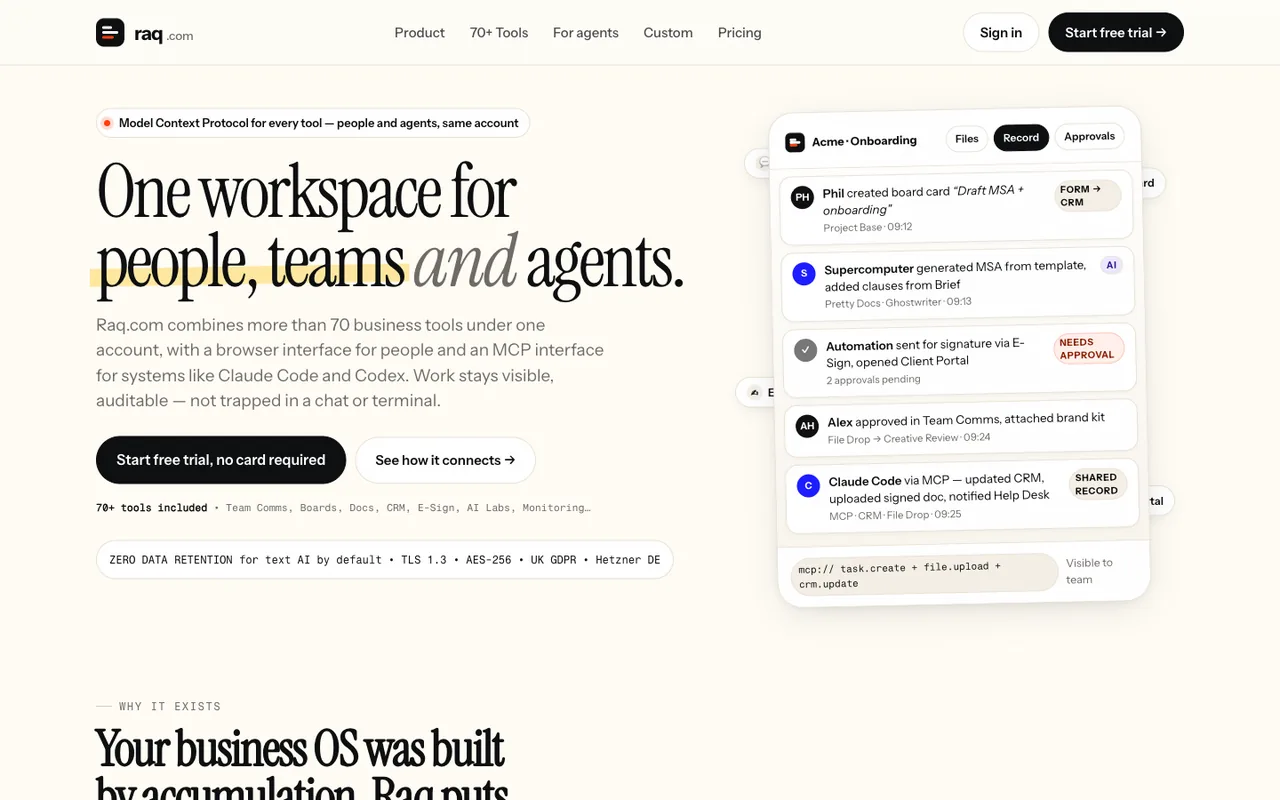 Open output
Run 1/2
Open output
Run 1/2Meta Muse Spark 1.1
-
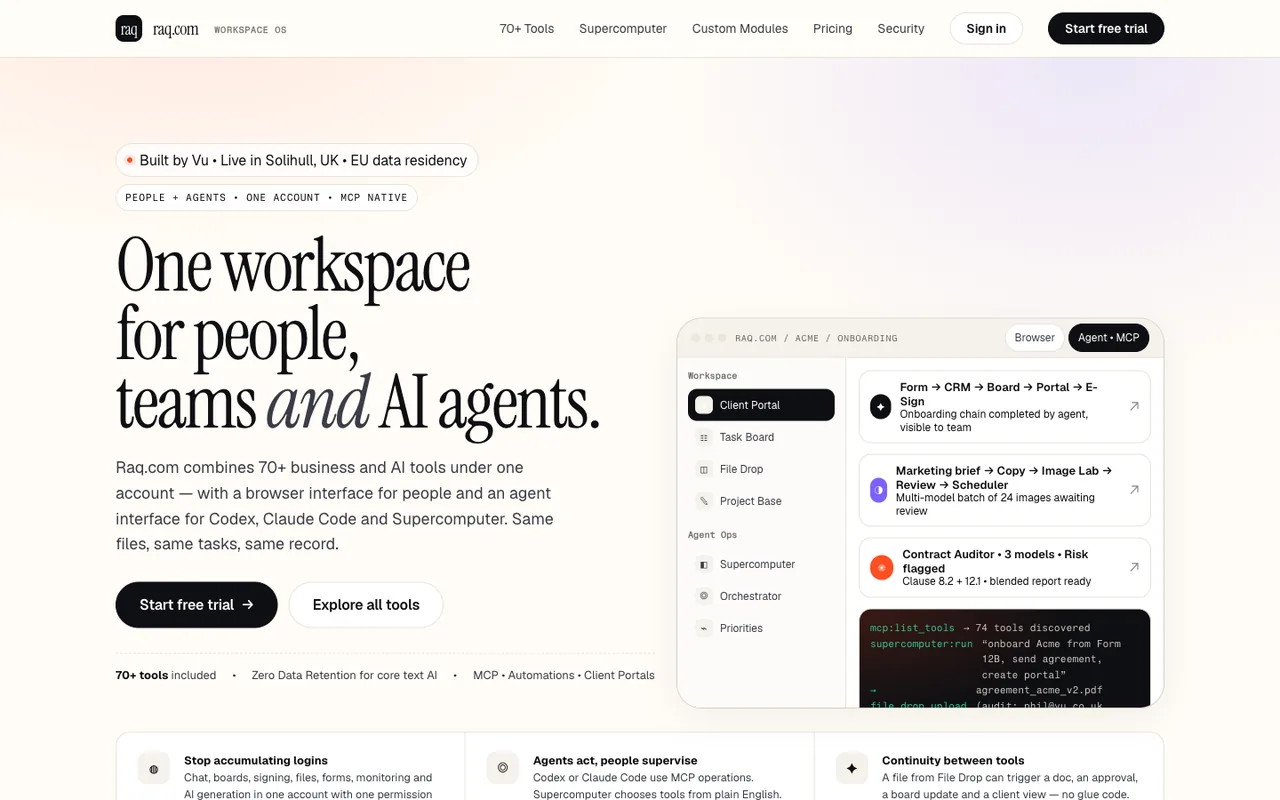 Open output
Run 2/2
Open output
Run 2/2Meta Muse Spark 1.1
-
 Open output
Run 1/2
Open output
Run 1/2Inkling
-
 Open output
Run 2/2
Open output
Run 2/2Inkling
Claude with its own frontend design skill
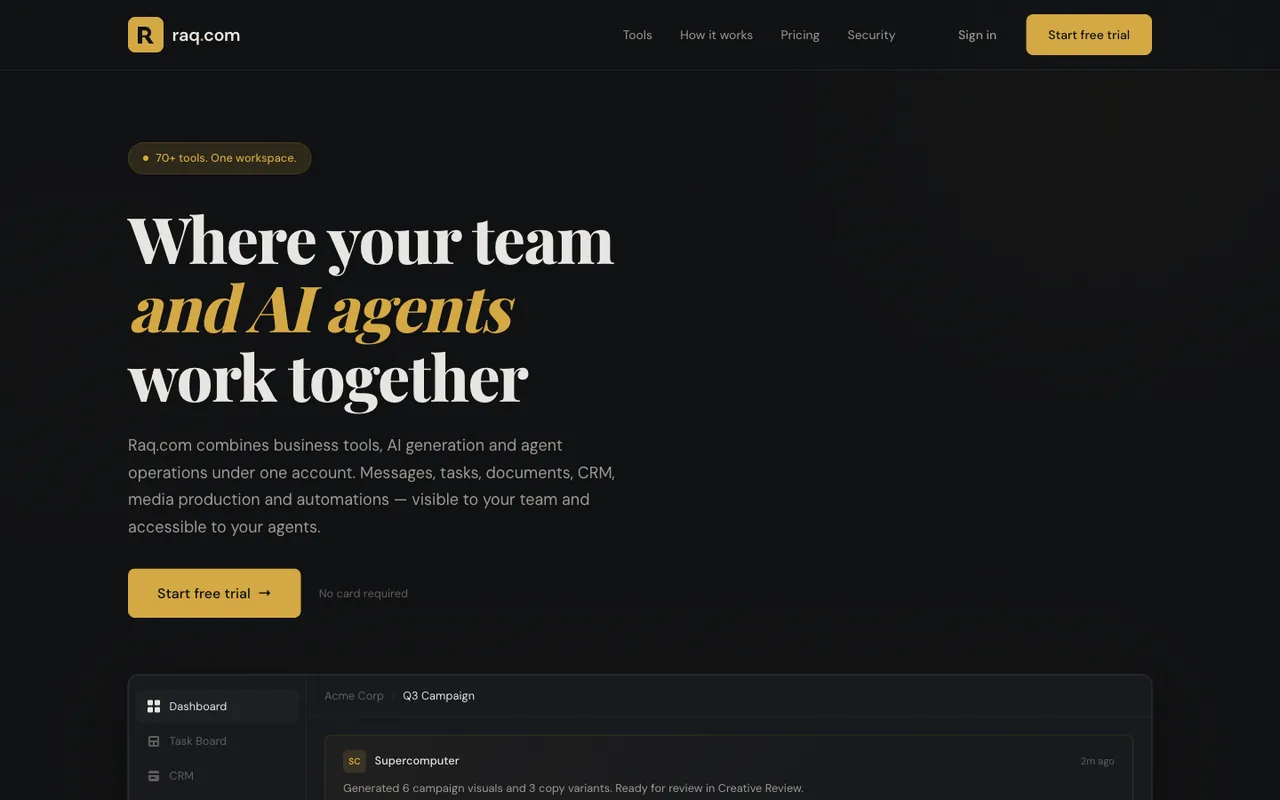
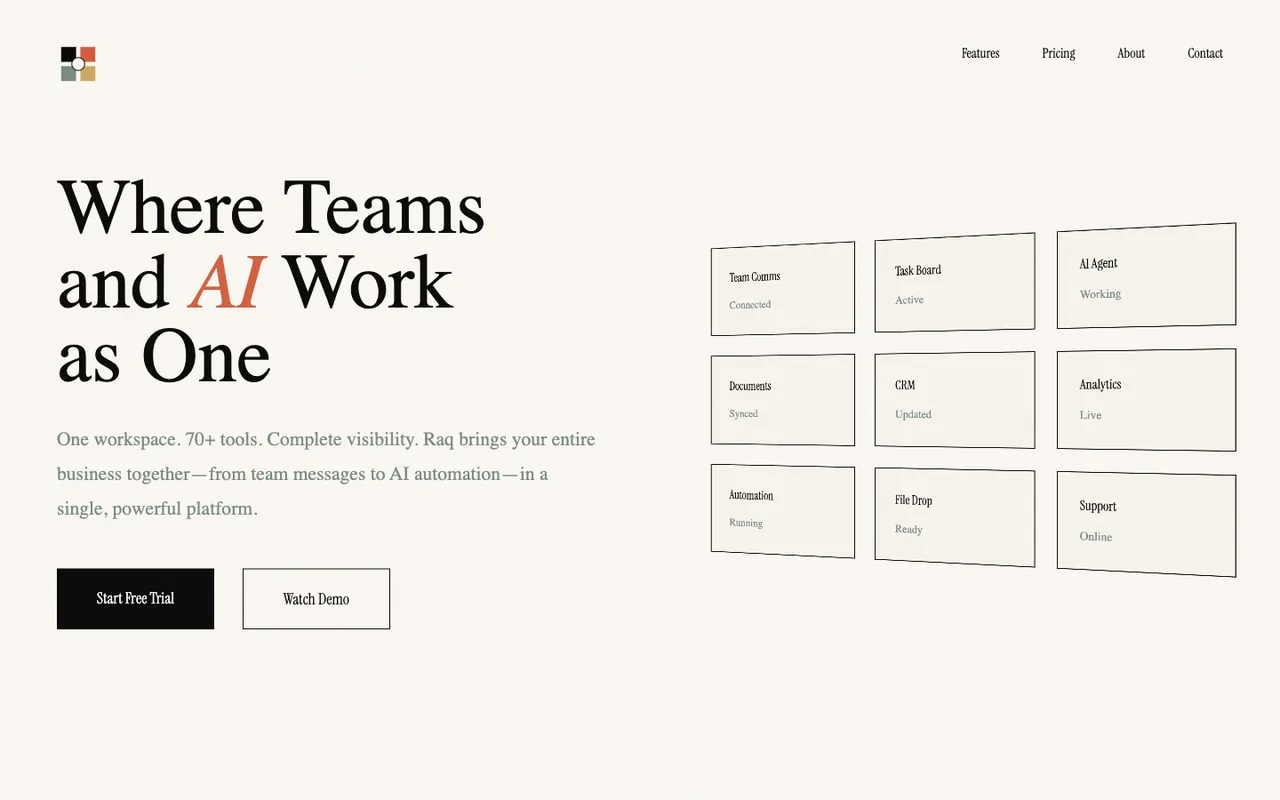
Claude's own front-end design skill actually just makes designs even more samey.
-
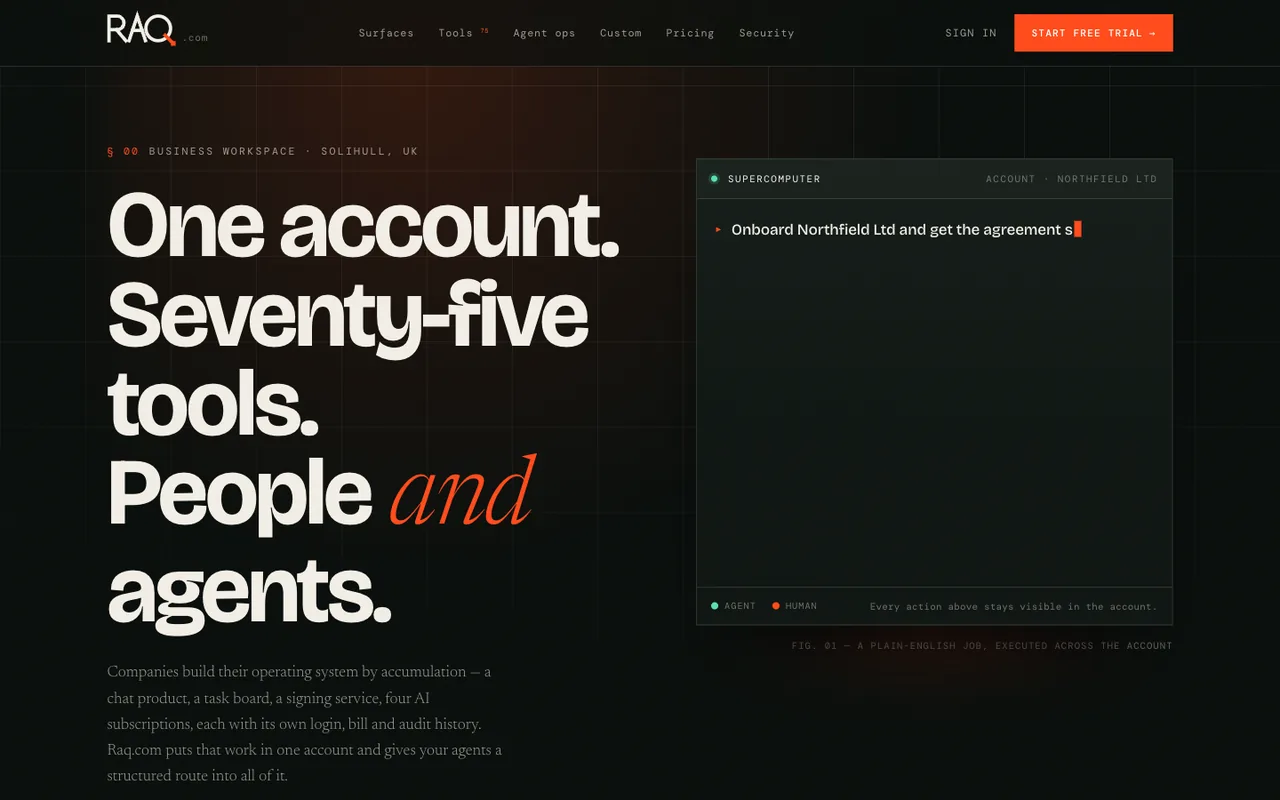 Open output
Run 1/2
Open output
Run 1/2Claude Opus 5
-
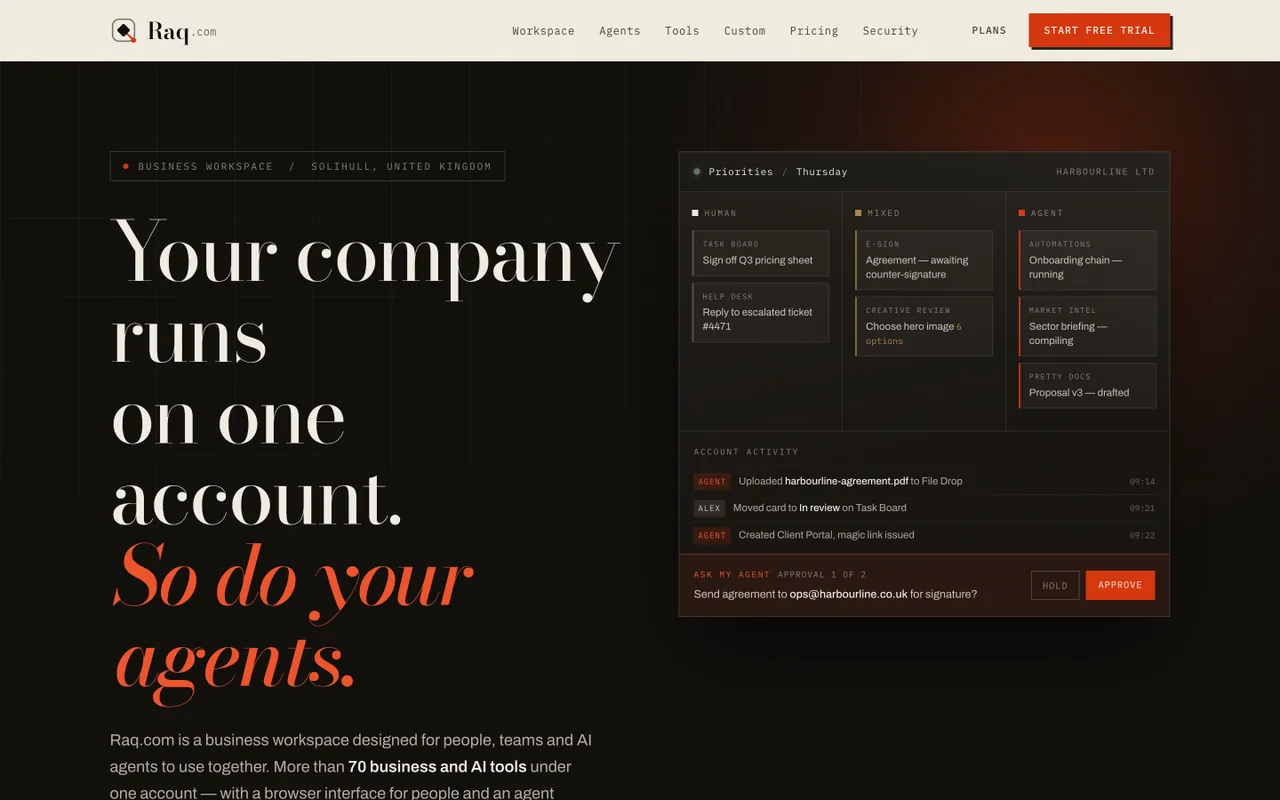 Open output
Run 2/2
Open output
Run 2/2Claude Opus 5
-
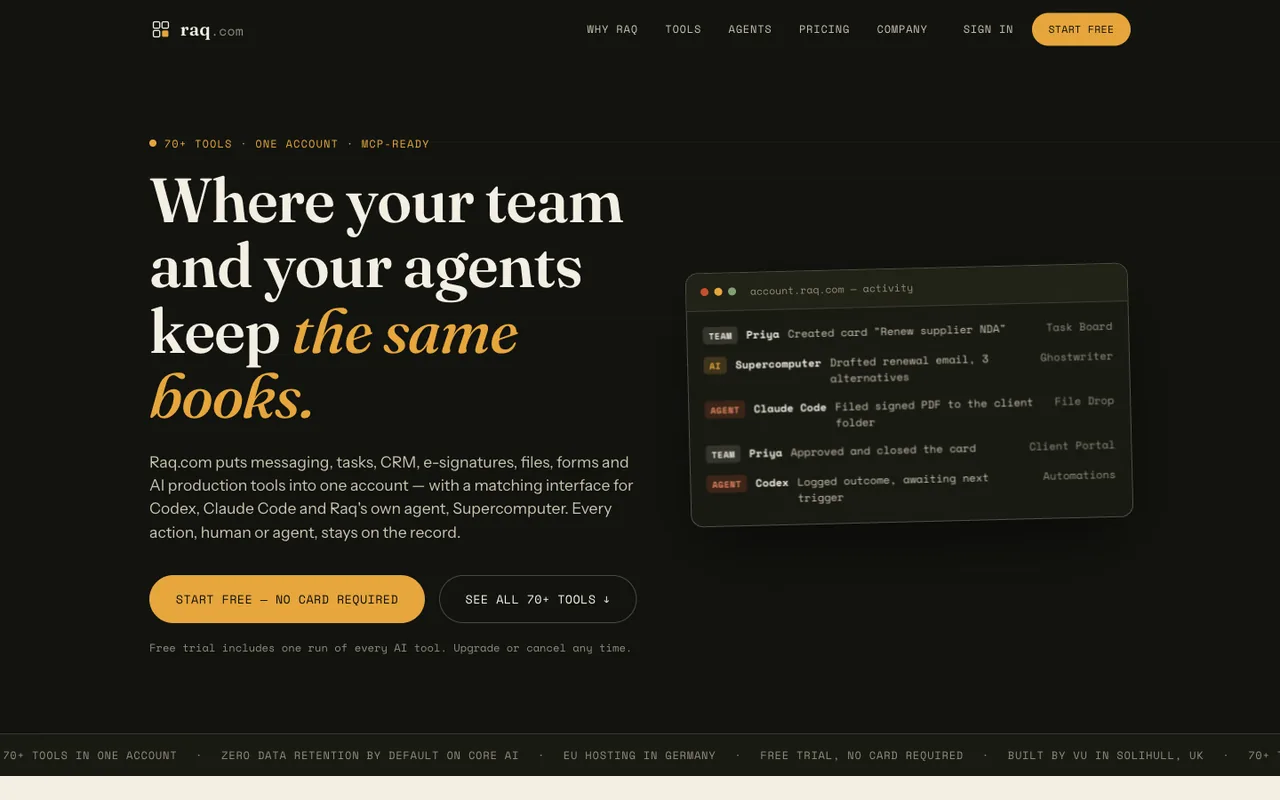 Open output
Run 1/2
Open output
Run 1/2Claude Sonnet 5
-
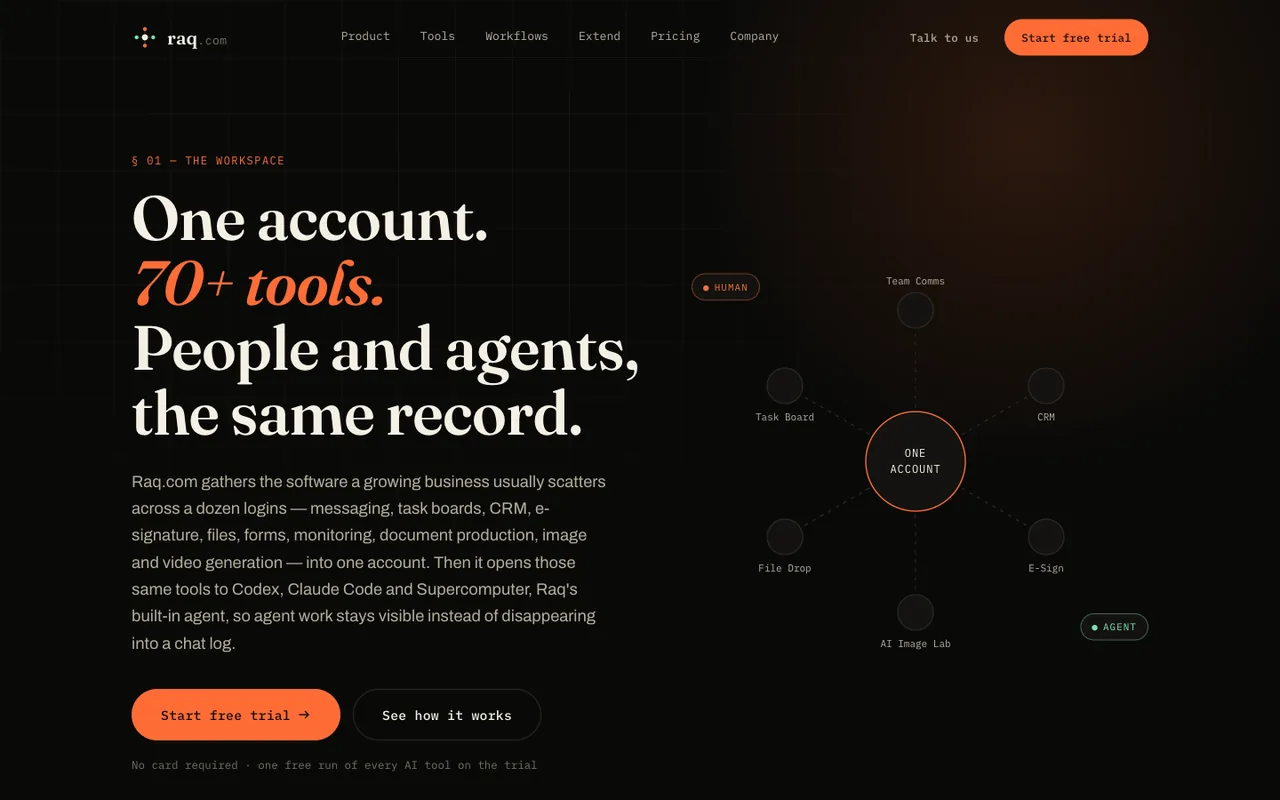 Open output
Run 2/2
Open output
Run 2/2Claude Sonnet 5
-
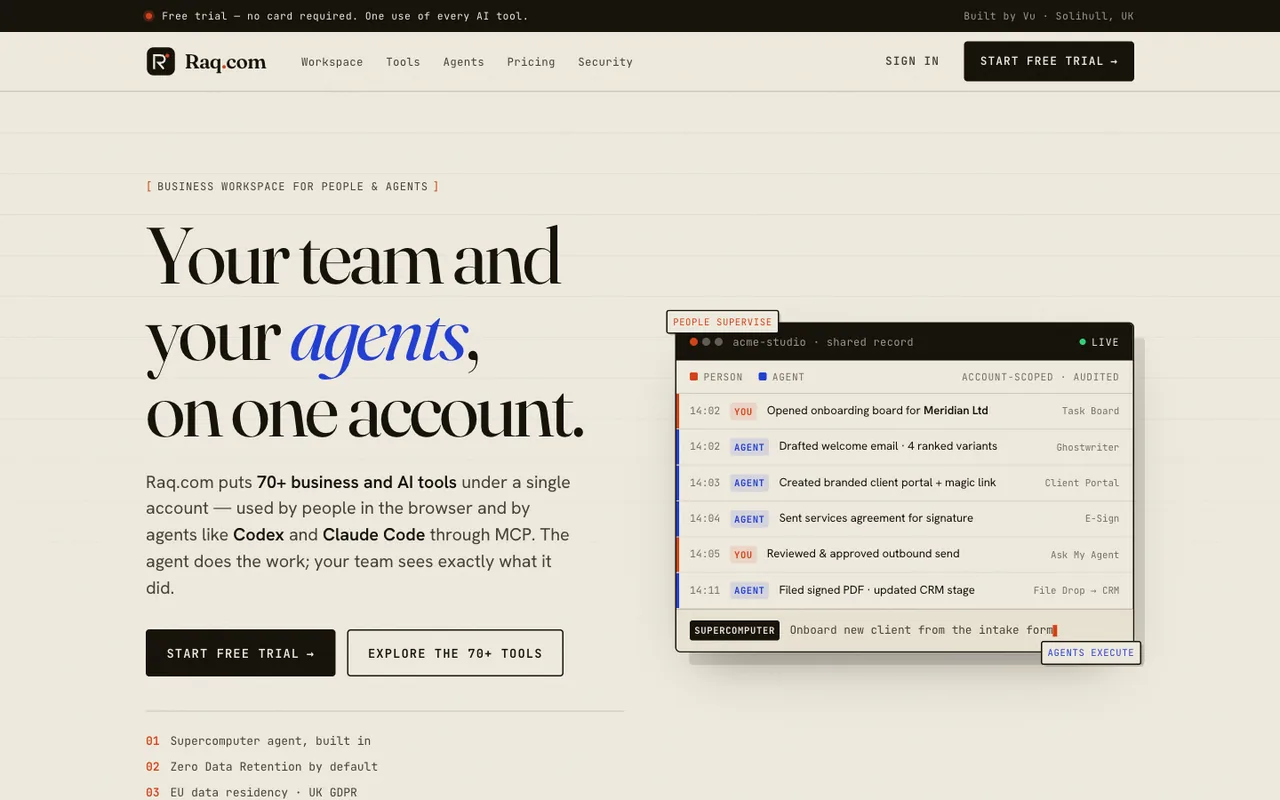 Open output
Run 1/2
Open output
Run 1/2Claude Opus 4.8
-
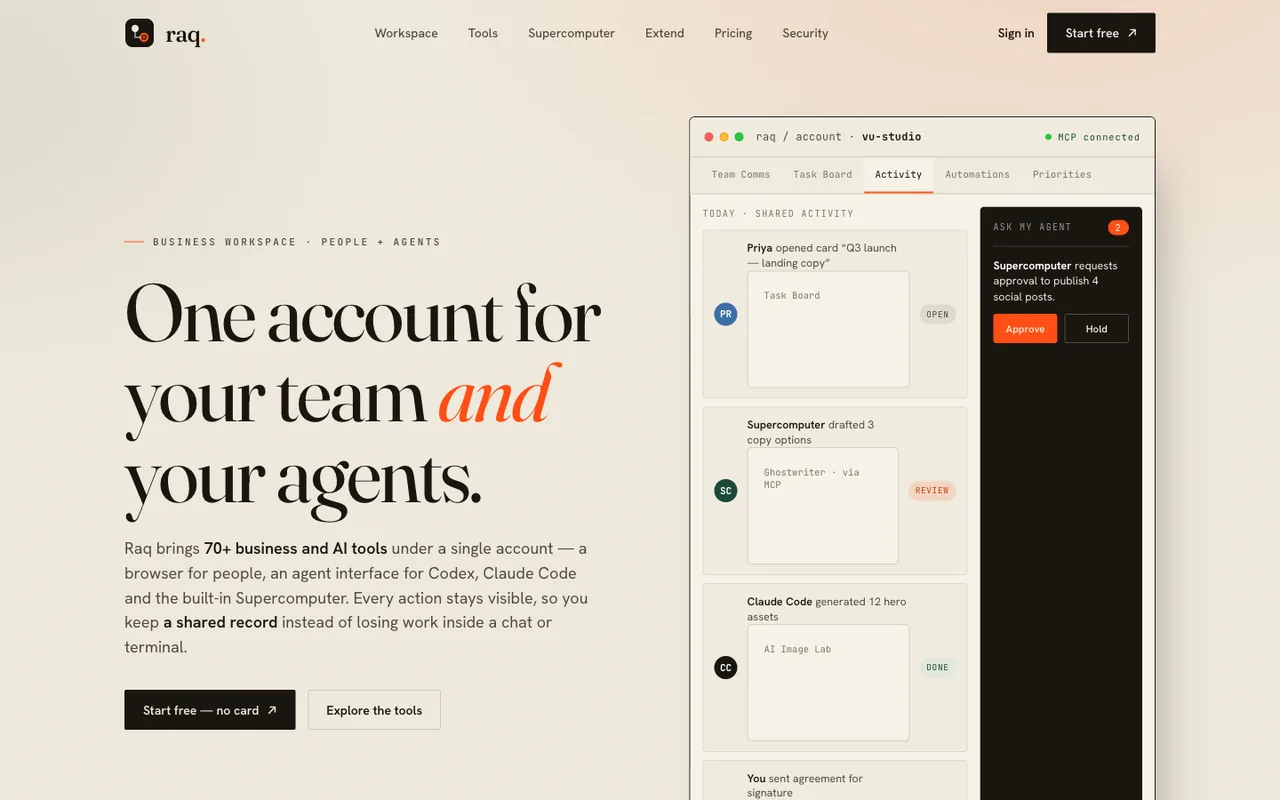 Open output
Run 2/2
Open output
Run 2/2Claude Opus 4.8
-
 Open output
Run 1/2
Open output
Run 1/2Claude Opus 4.7
-
 Open output
Run 2/2
Open output
Run 2/2Claude Opus 4.7
-
 Open output
Run 1/2
Open output
Run 1/2Claude Opus 4.6
-
 Open output
Run 2/2
Open output
Run 2/2Claude Opus 4.6
-
 Open output
Run 1/2
Open output
Run 1/2Claude Opus 4.5
-
 Open output
Run 2/2
Open output
Run 2/2Claude Opus 4.5
-
 Open output
Run 1/2
Open output
Run 1/2Claude Opus 4.1
-
 Open output
Run 2/2
Open output
Run 2/2Claude Opus 4.1
-
 Open output
Run 1/2
Open output
Run 1/2Claude Opus 4
-
 Open output
Run 2/2
Open output
Run 2/2Claude Opus 4
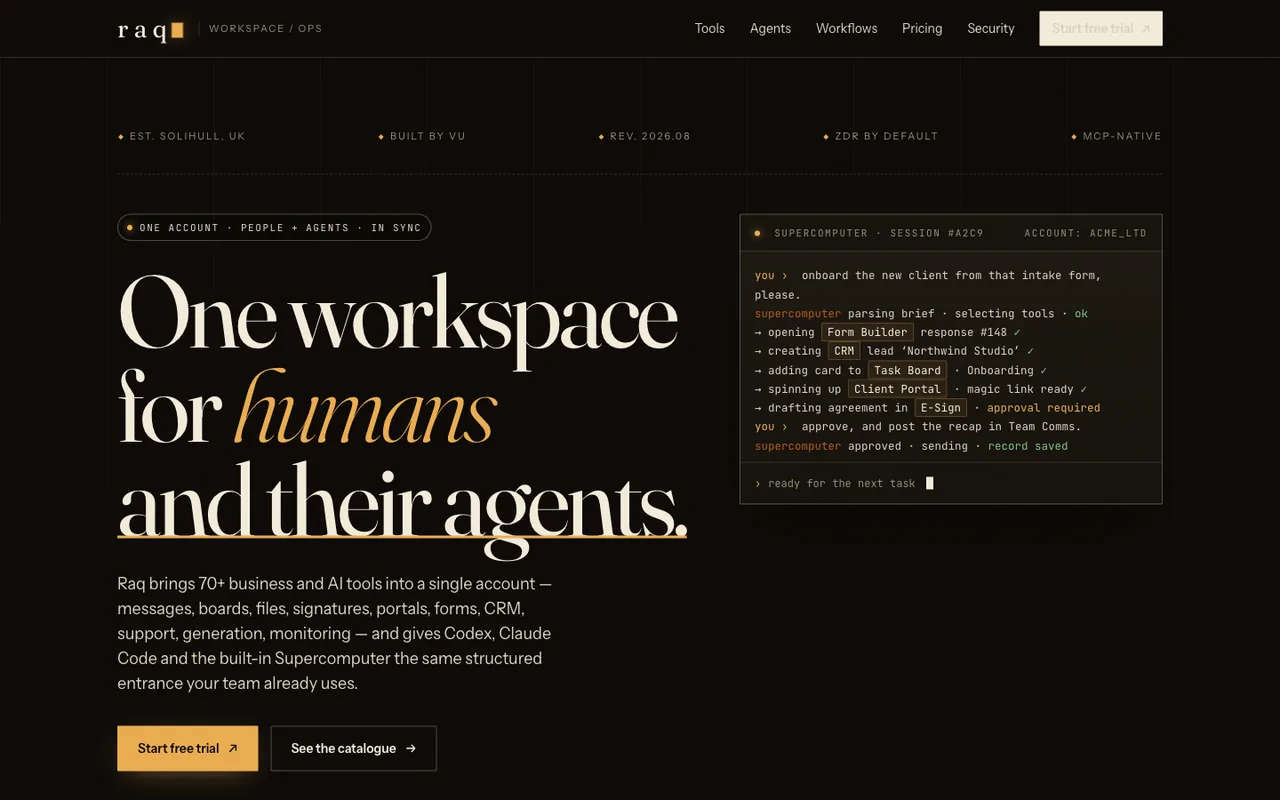
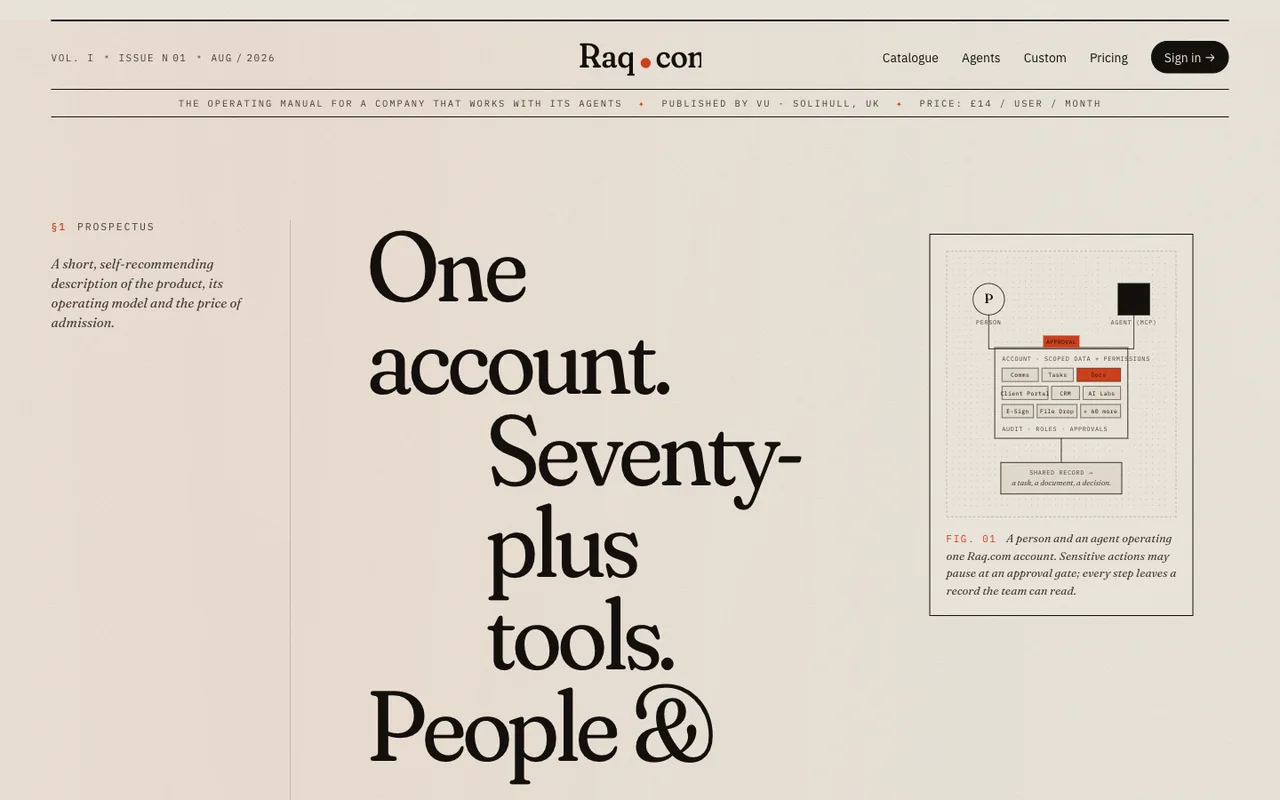
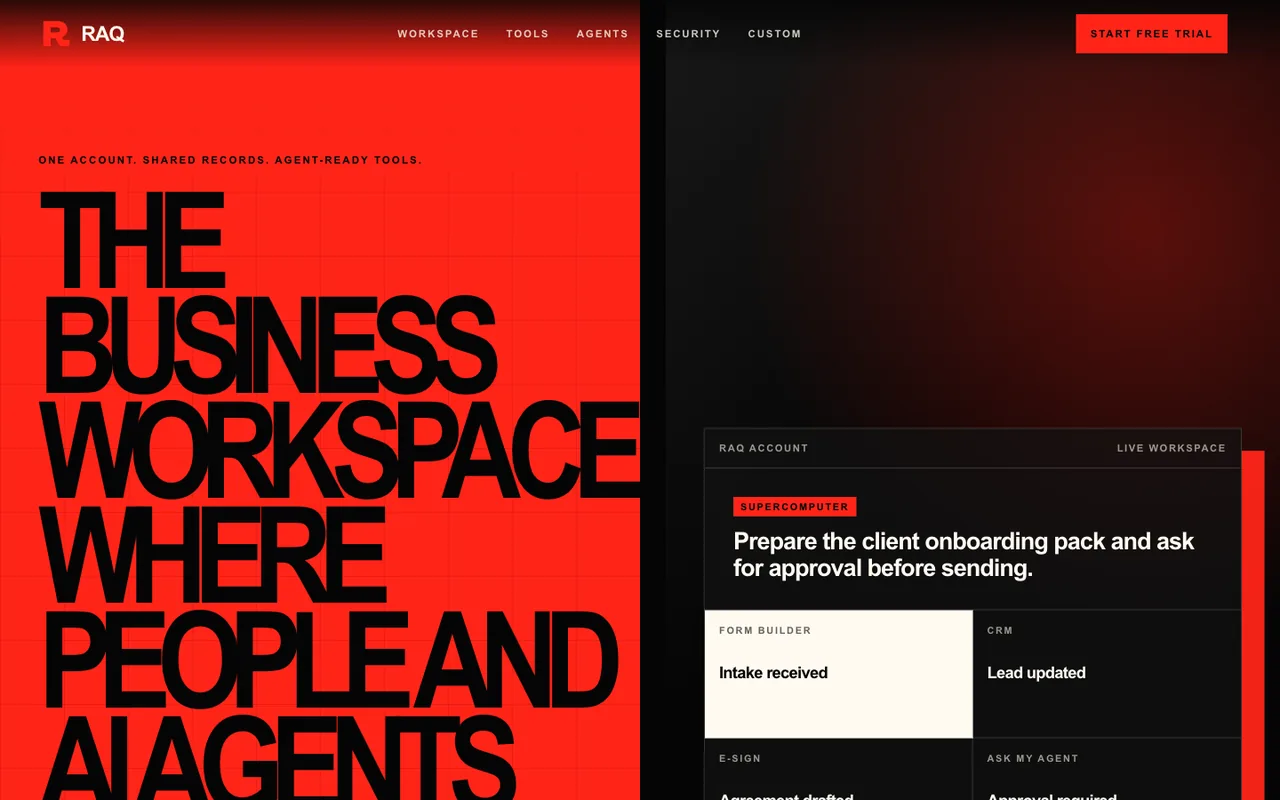
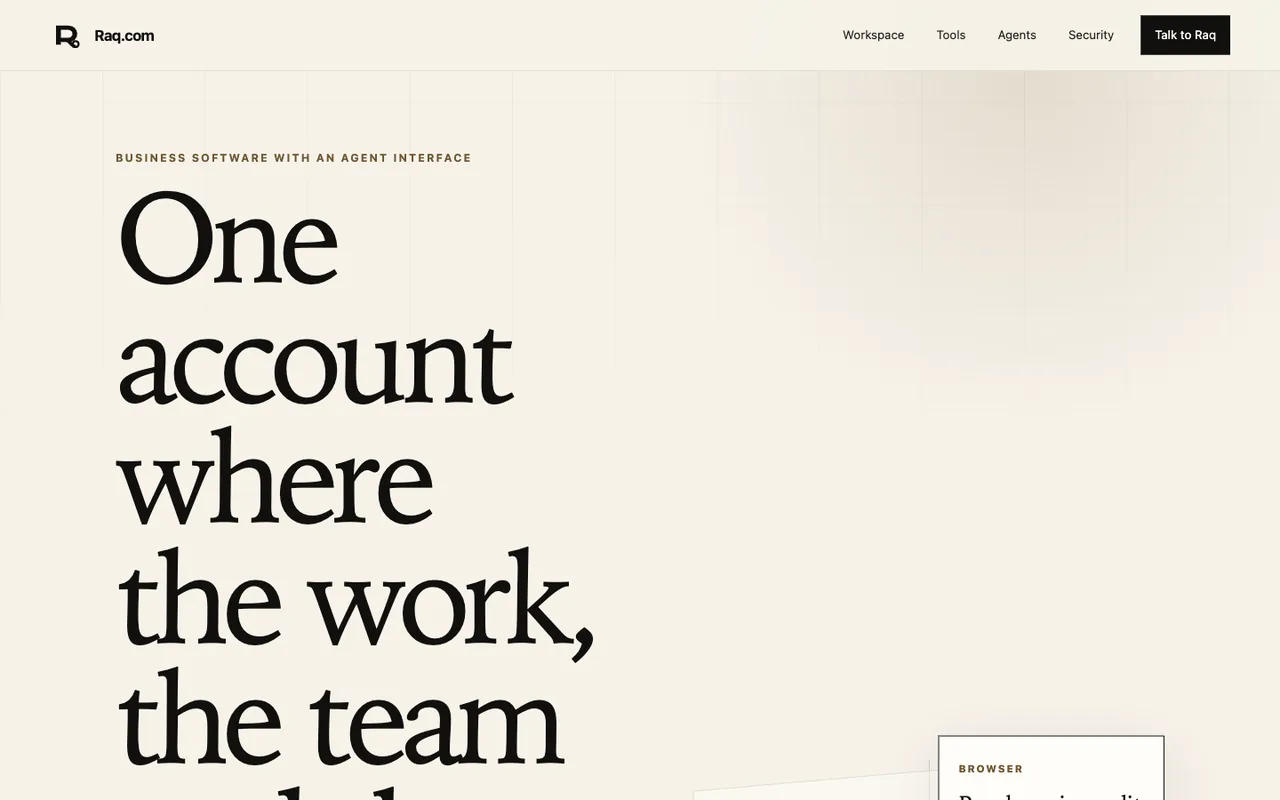
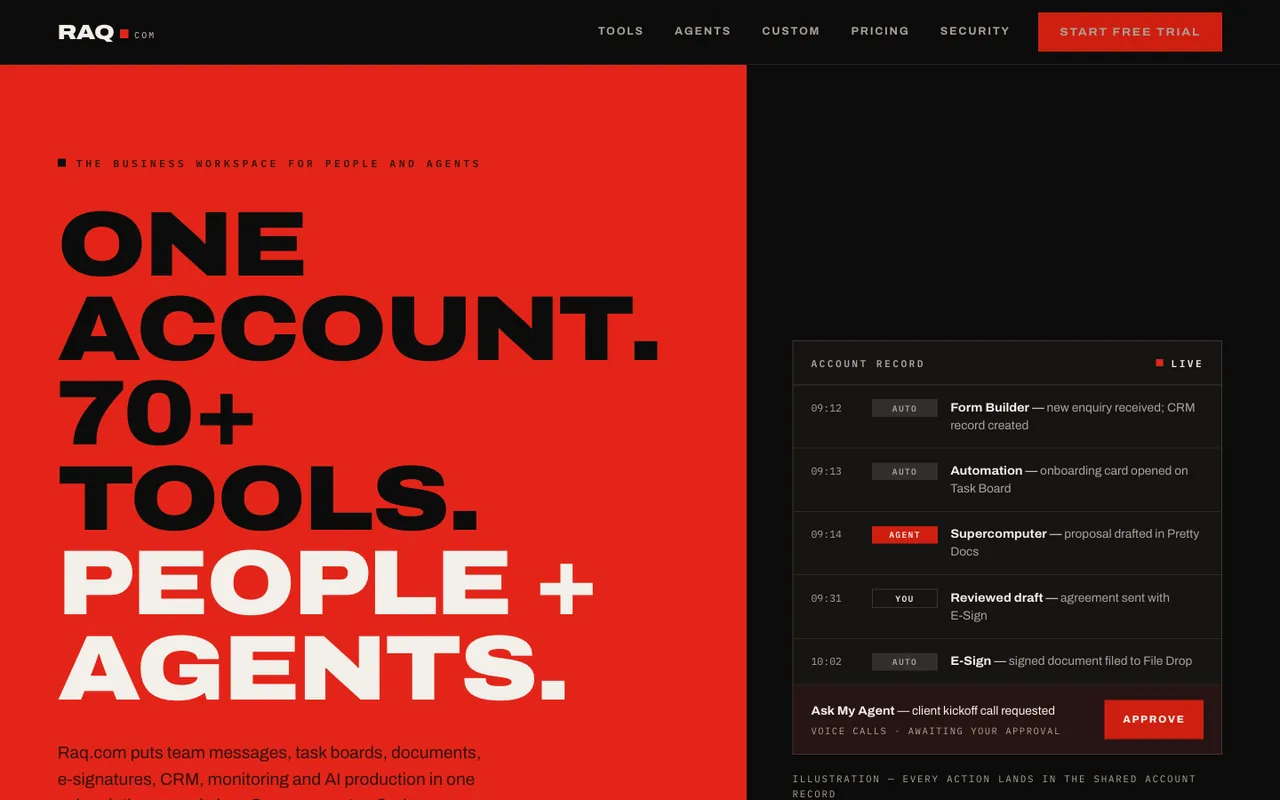
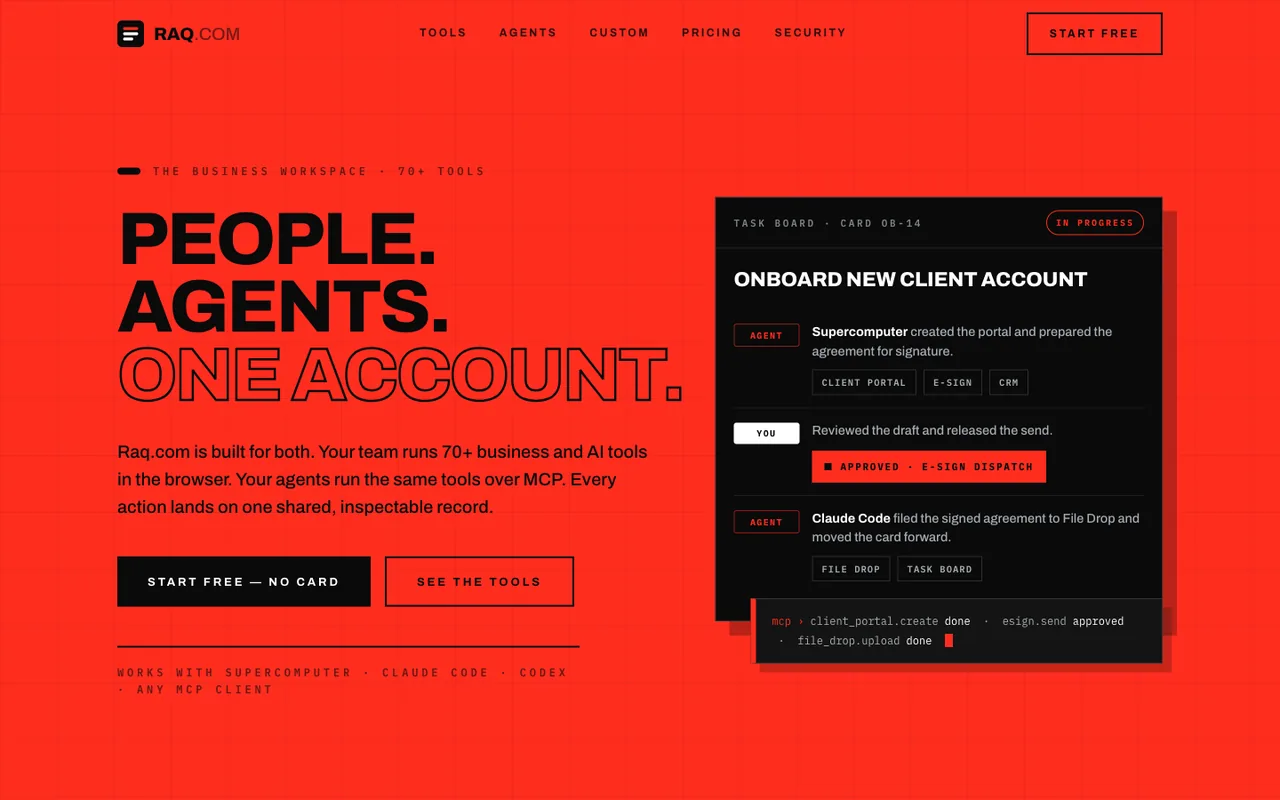
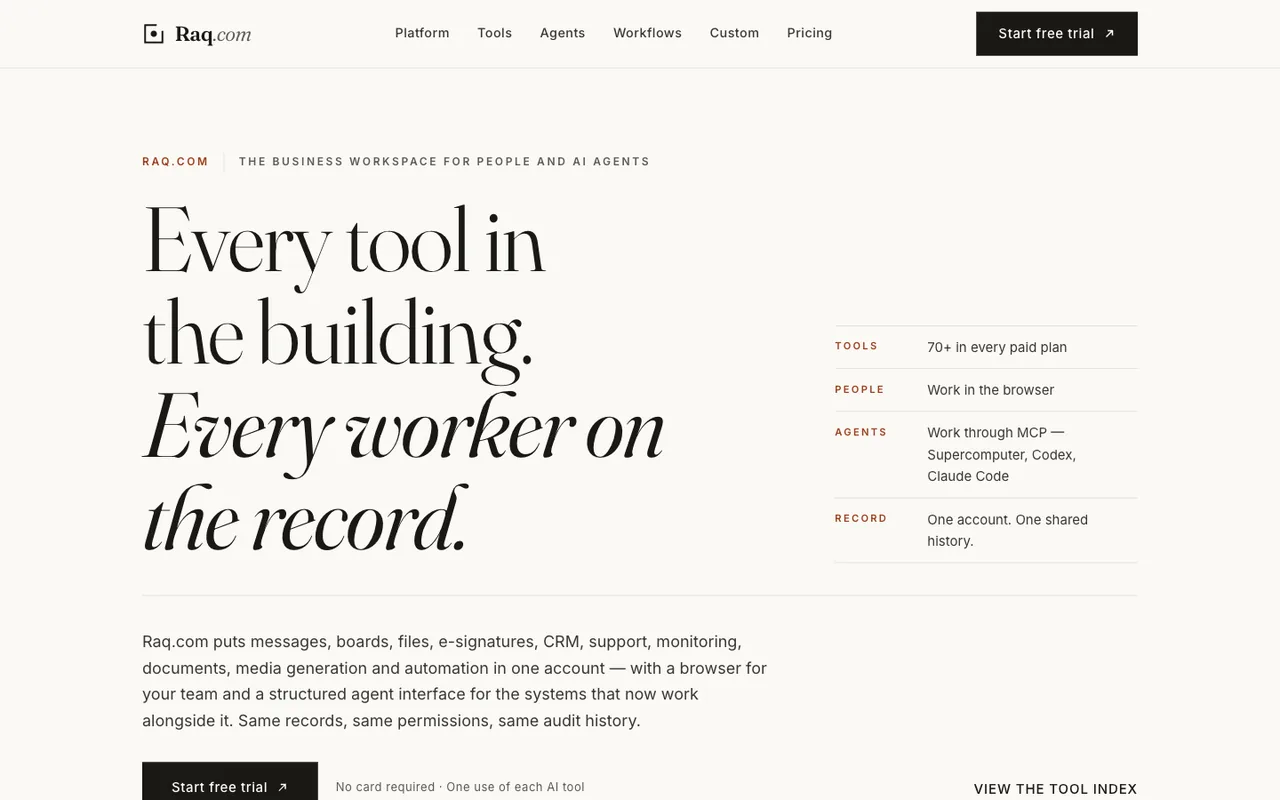
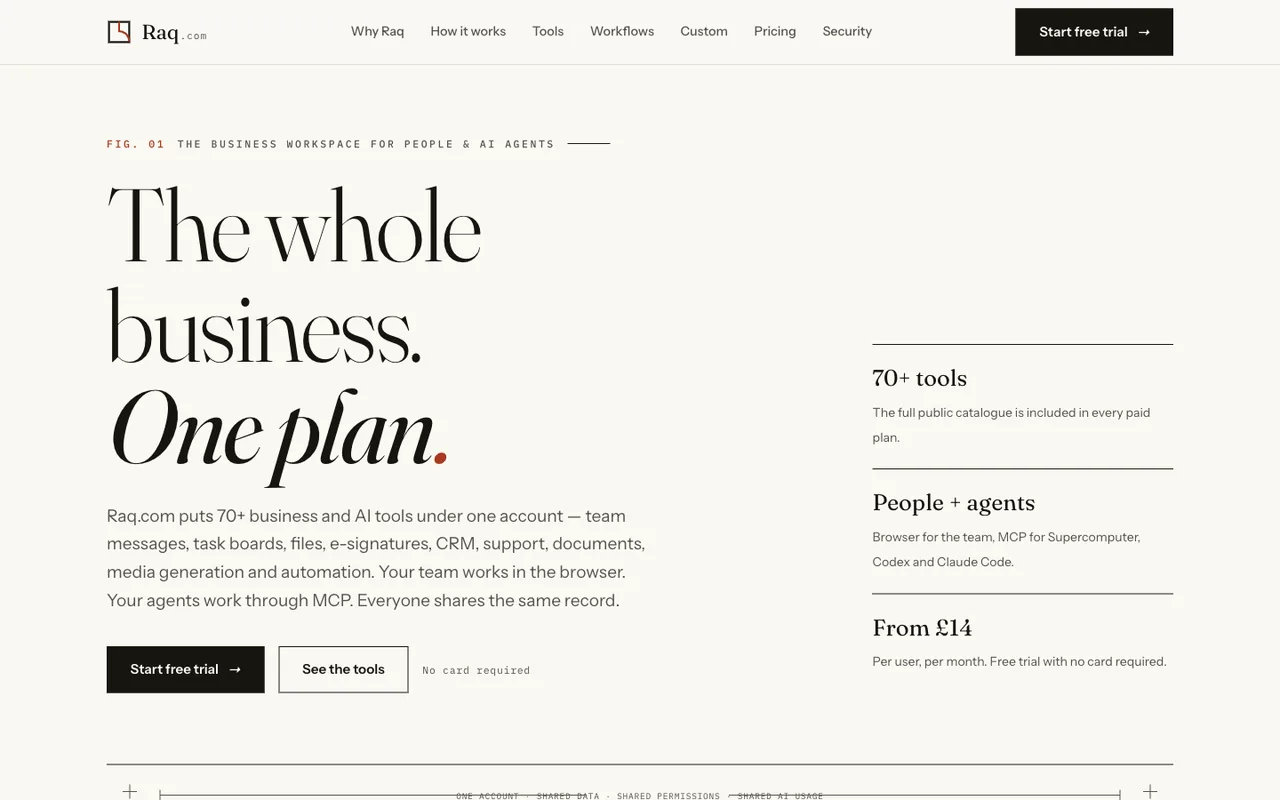
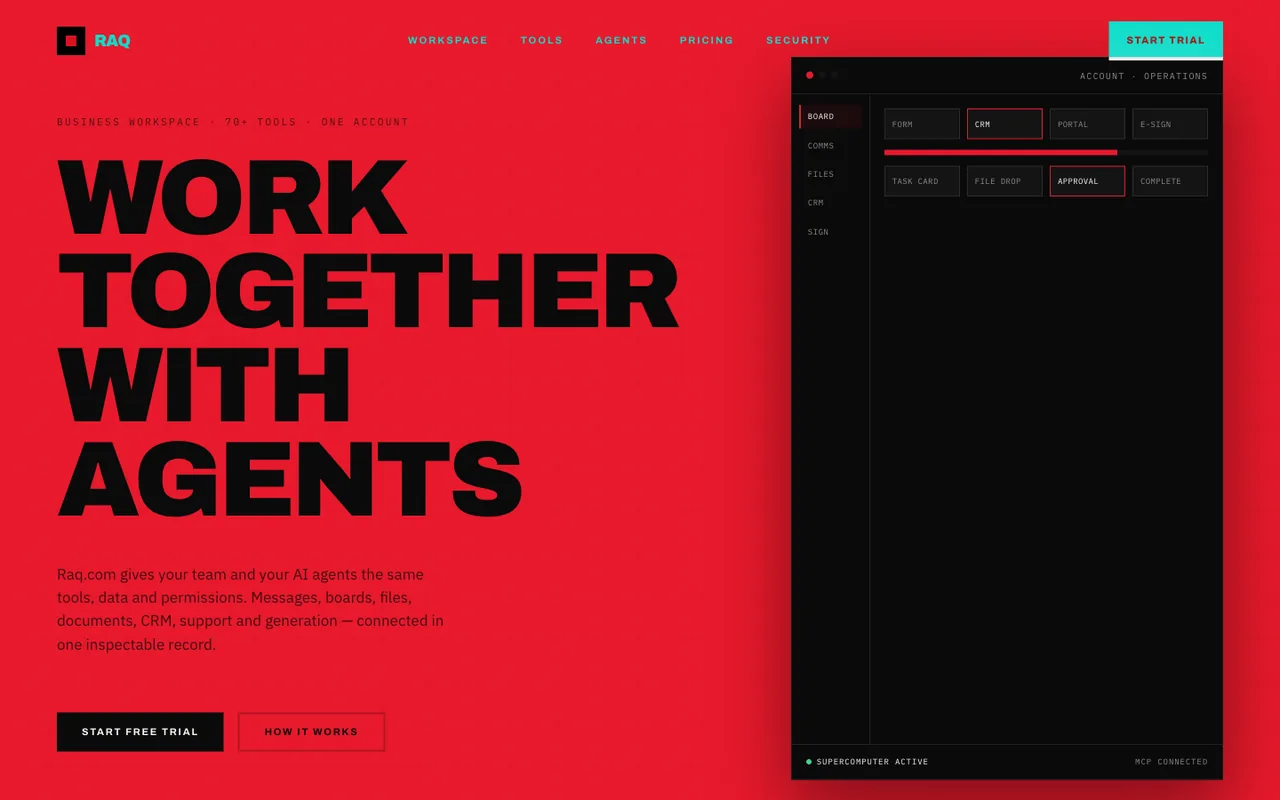
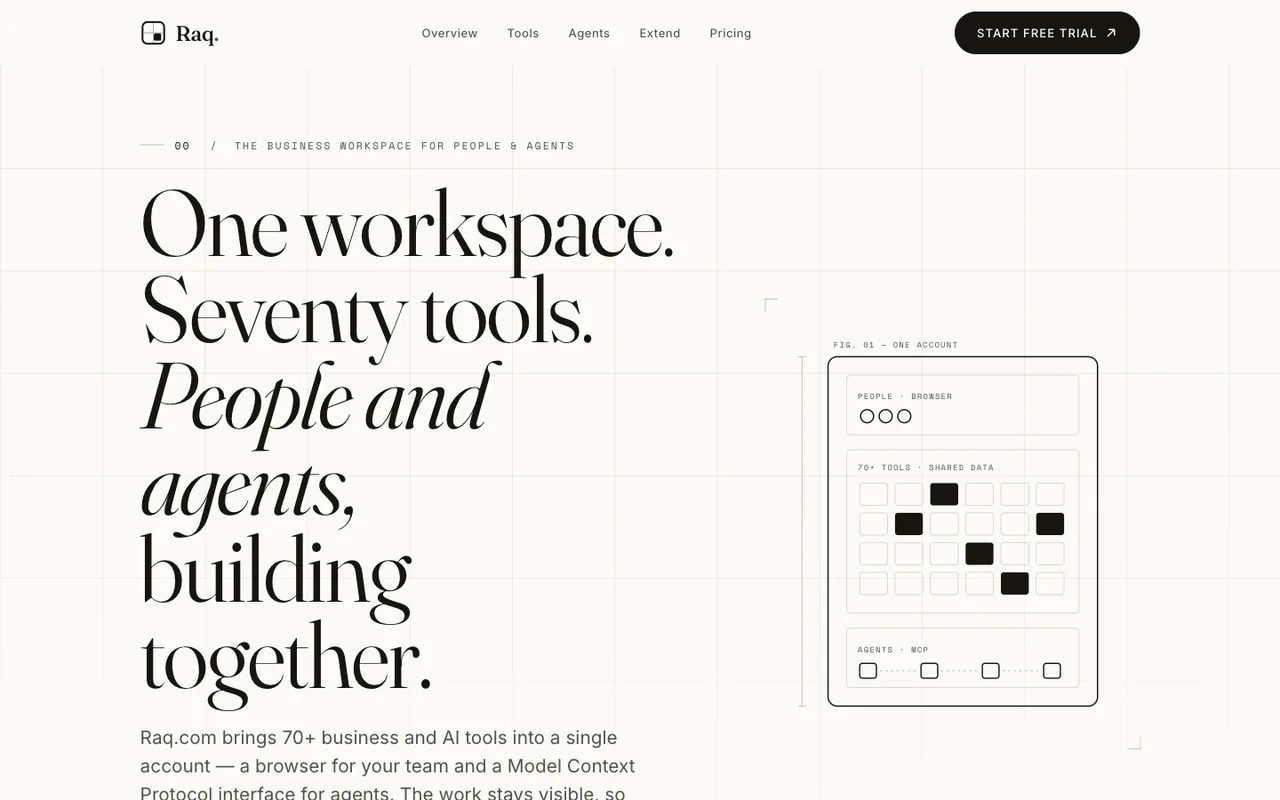
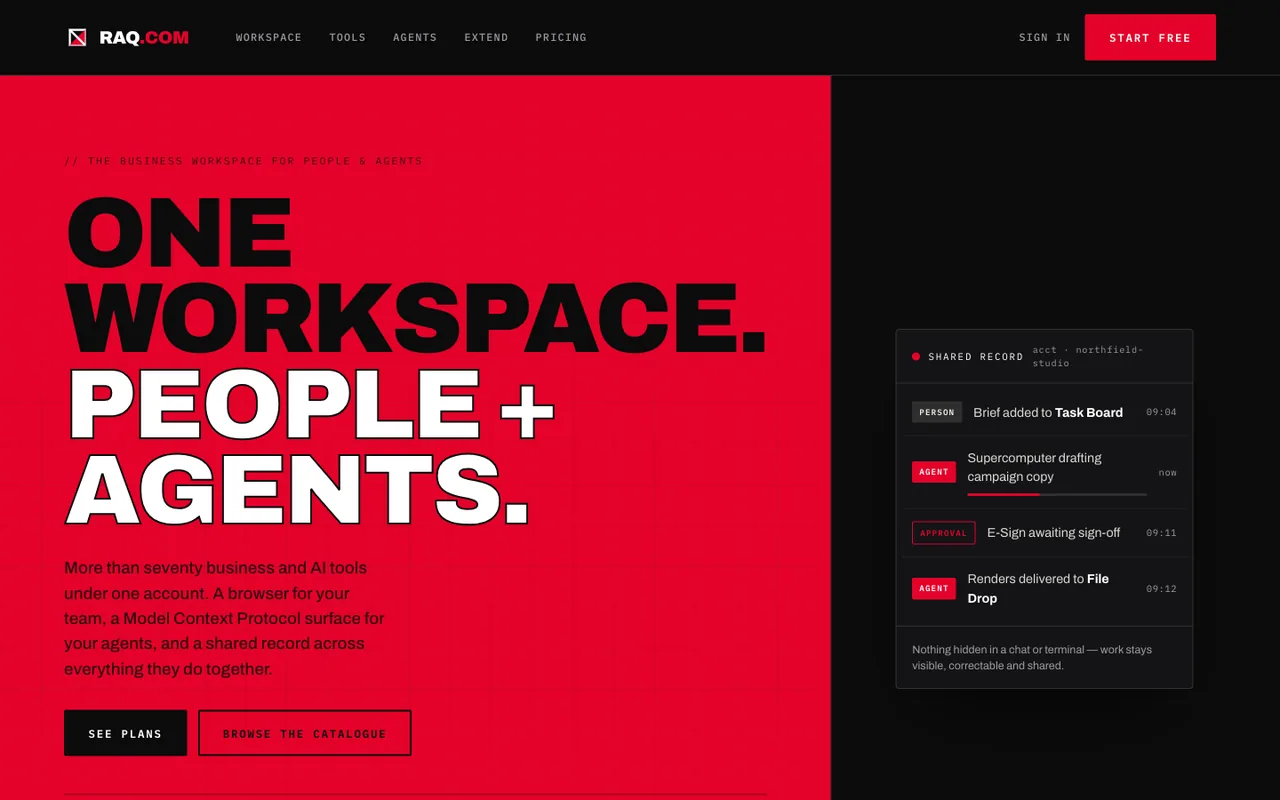
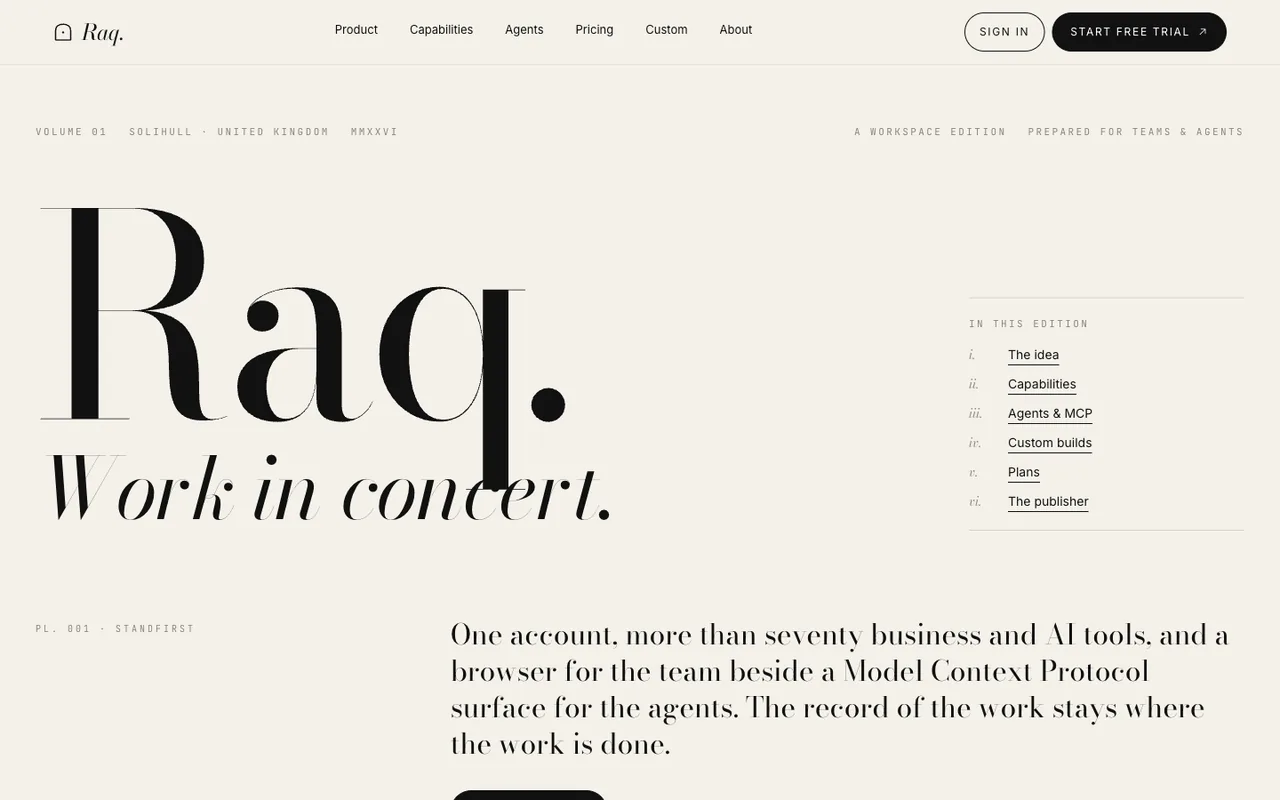
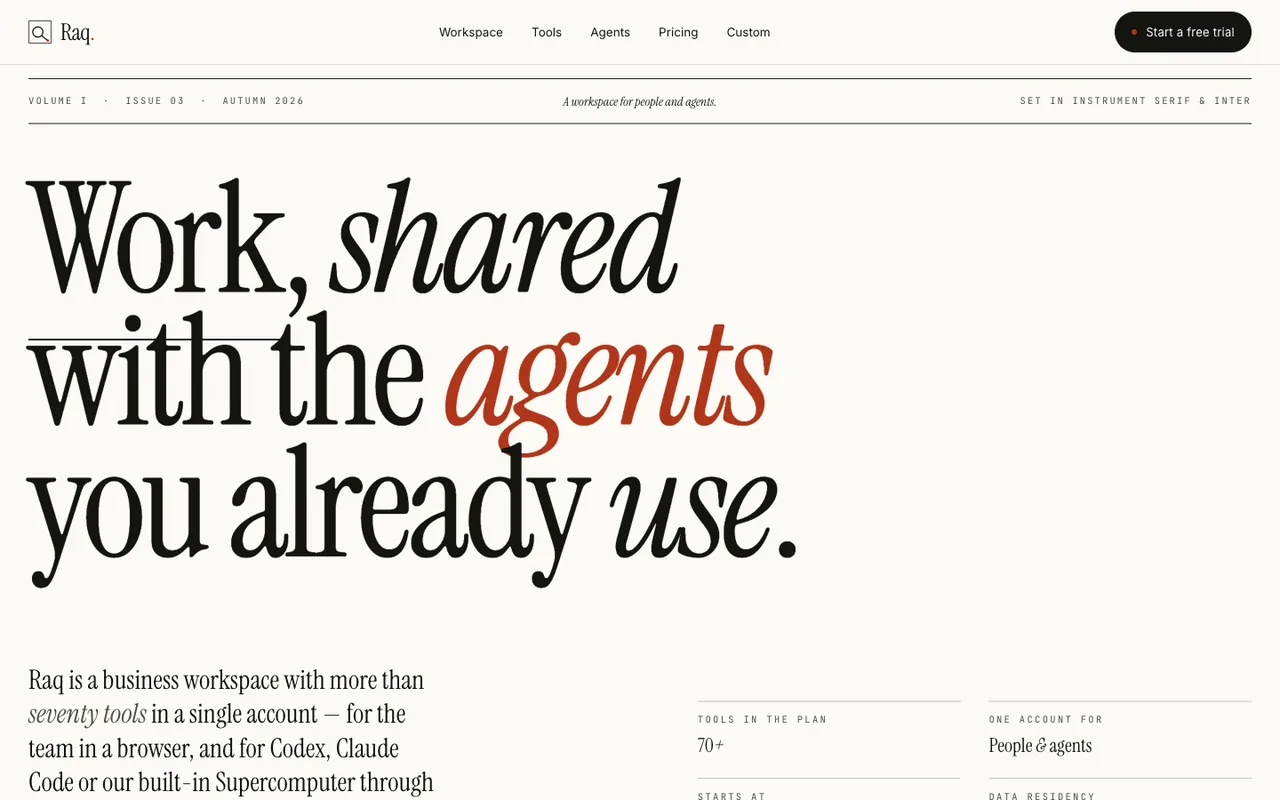
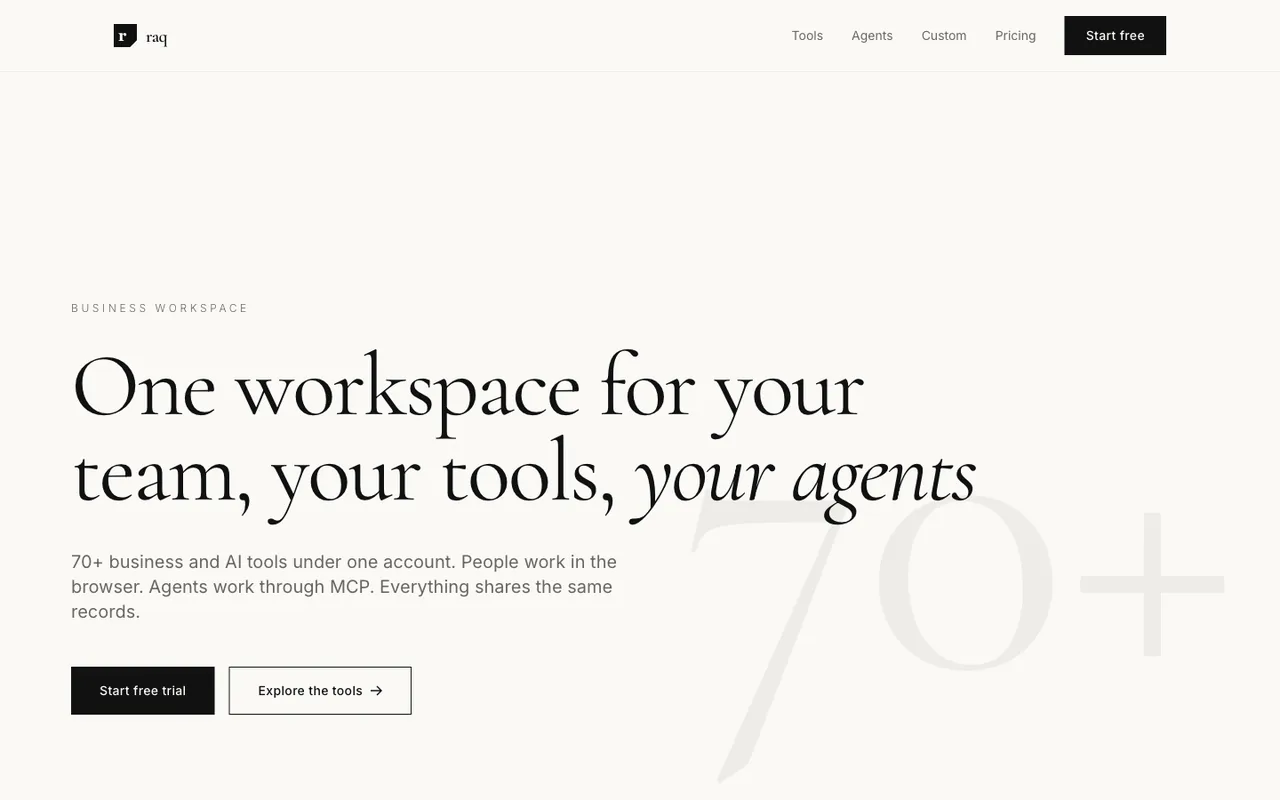
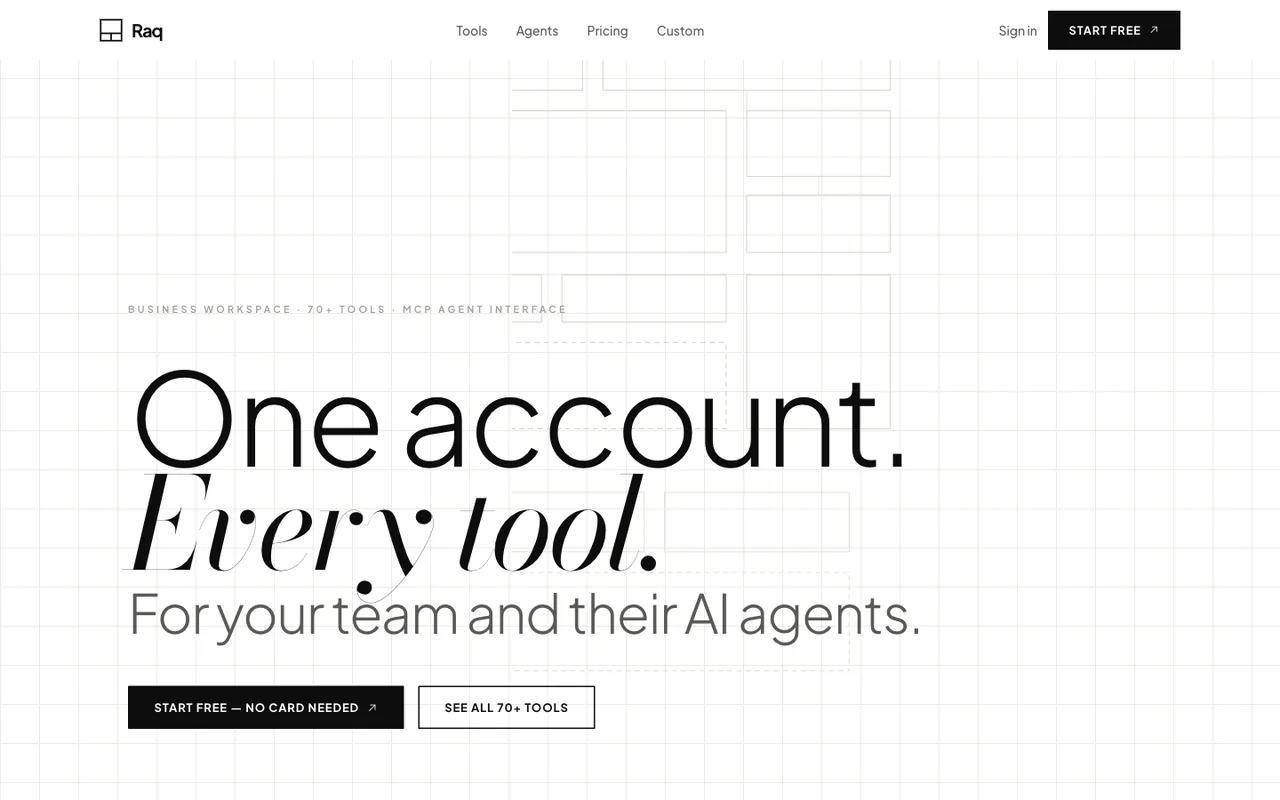
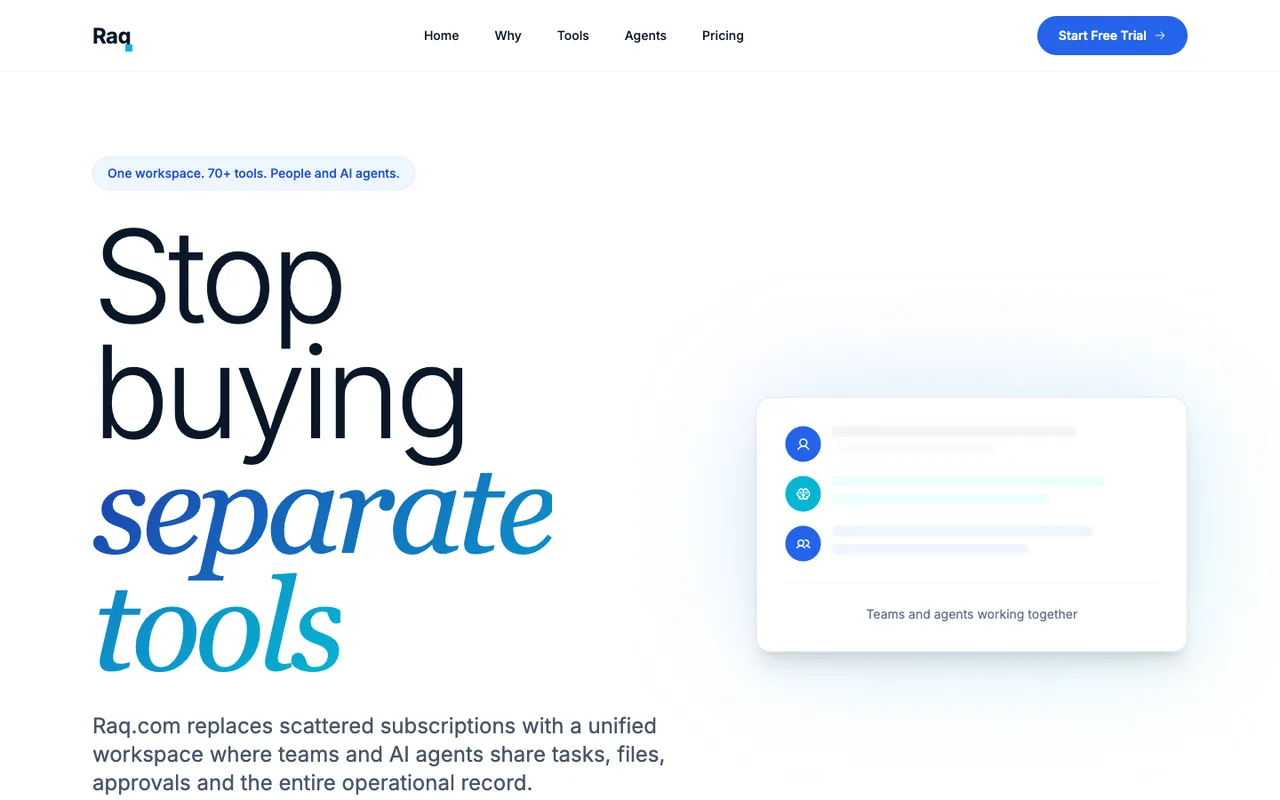
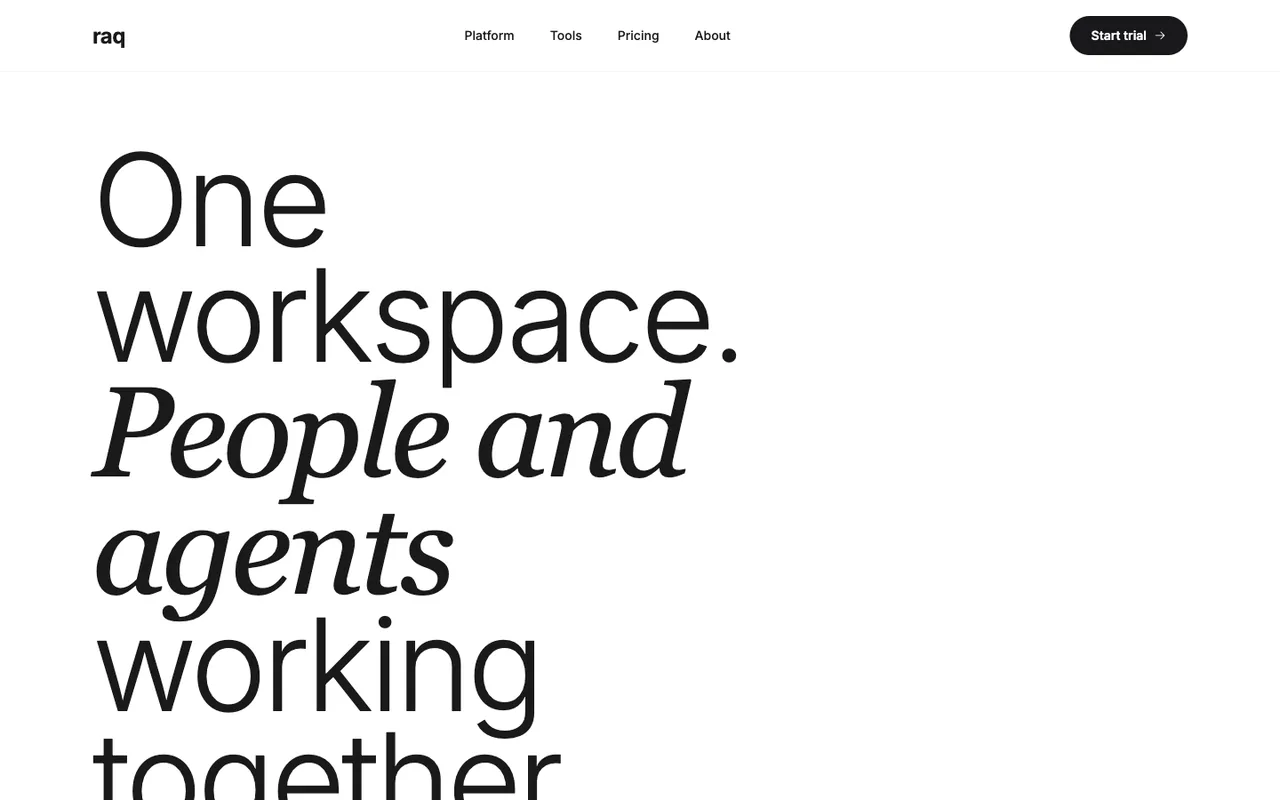
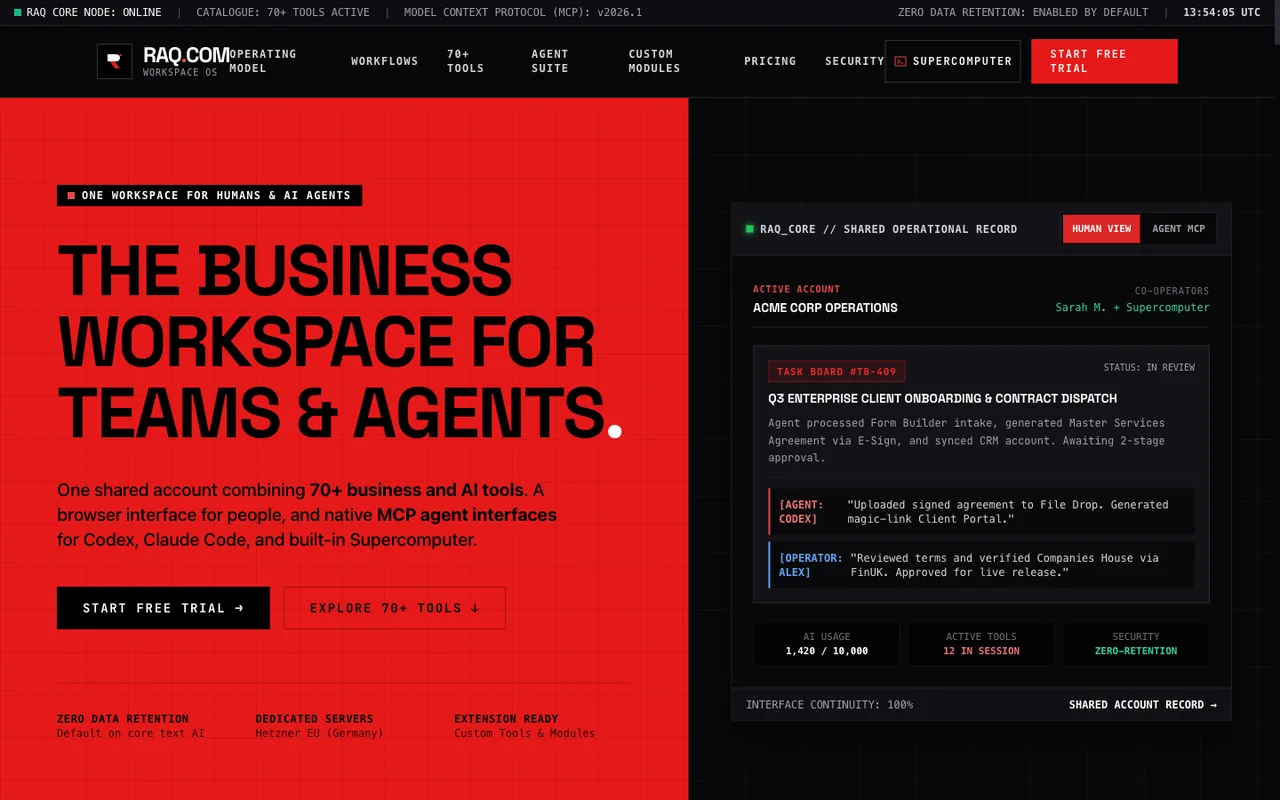
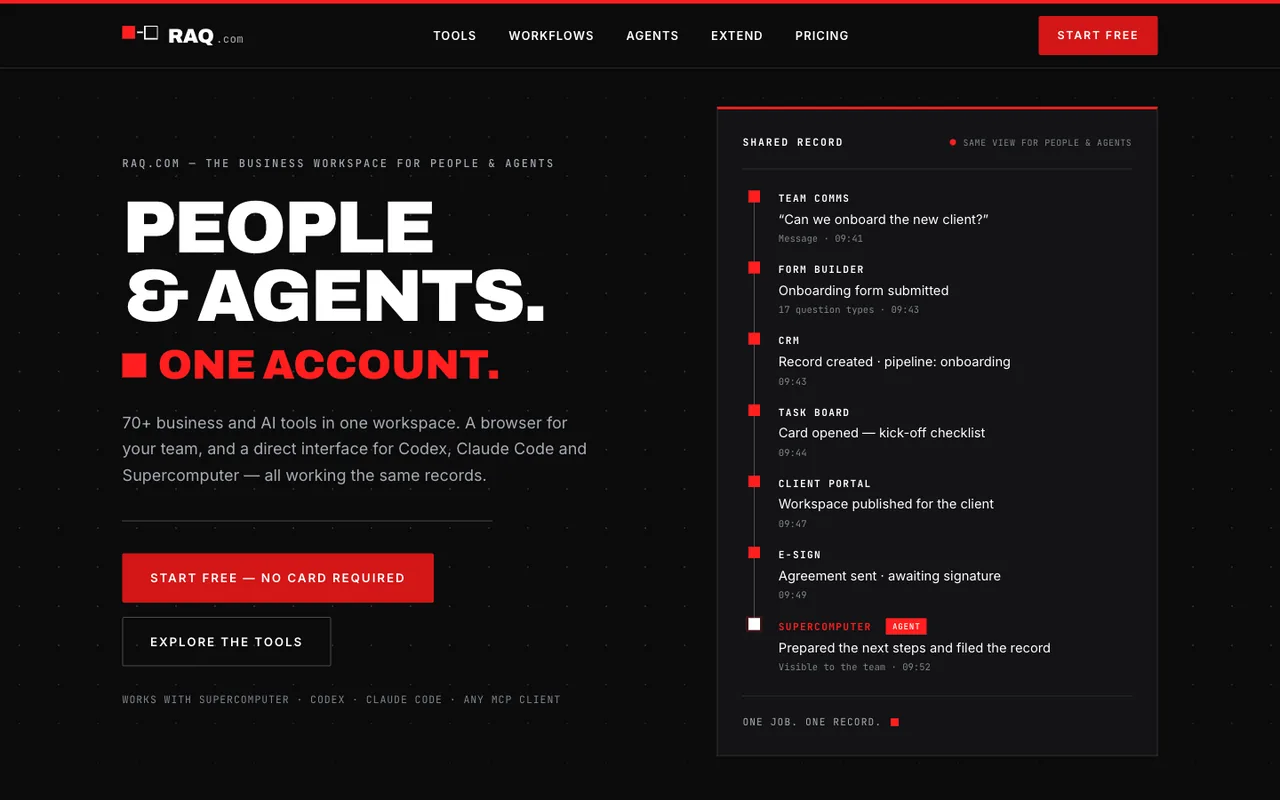
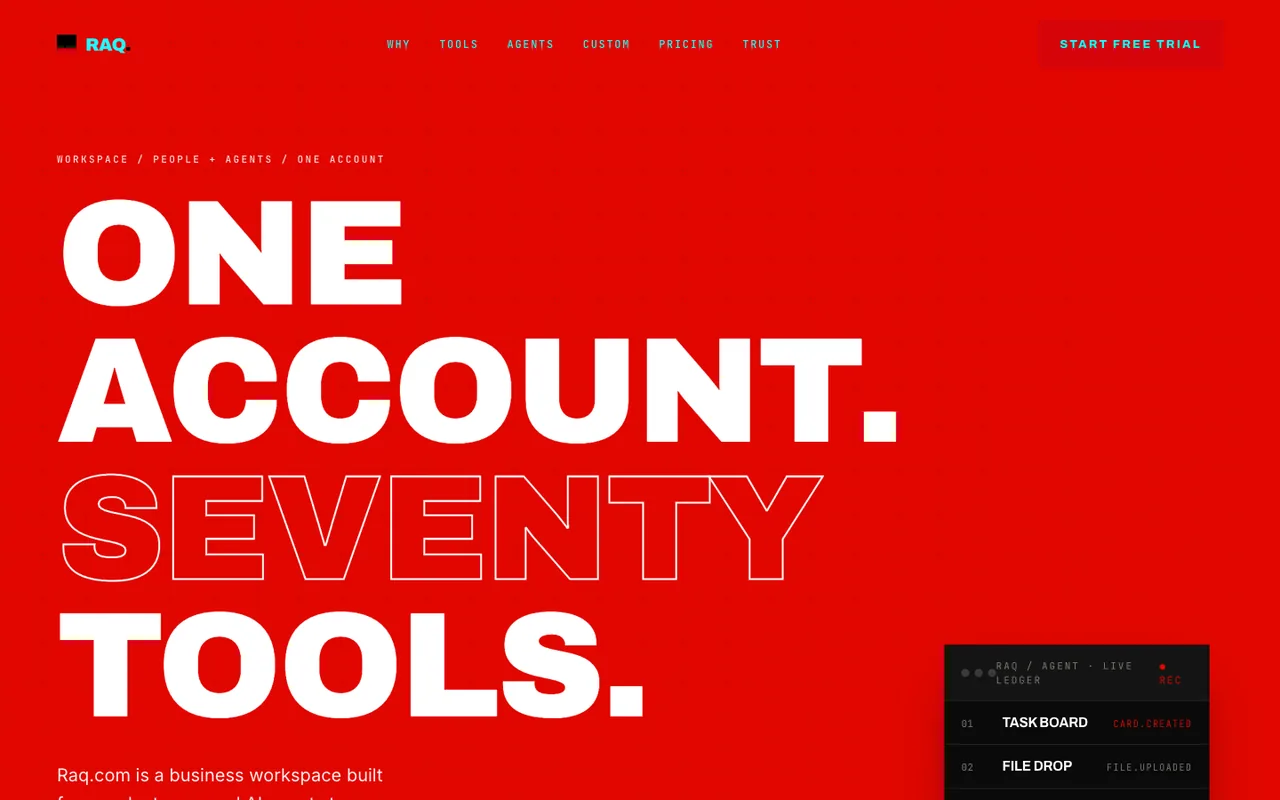
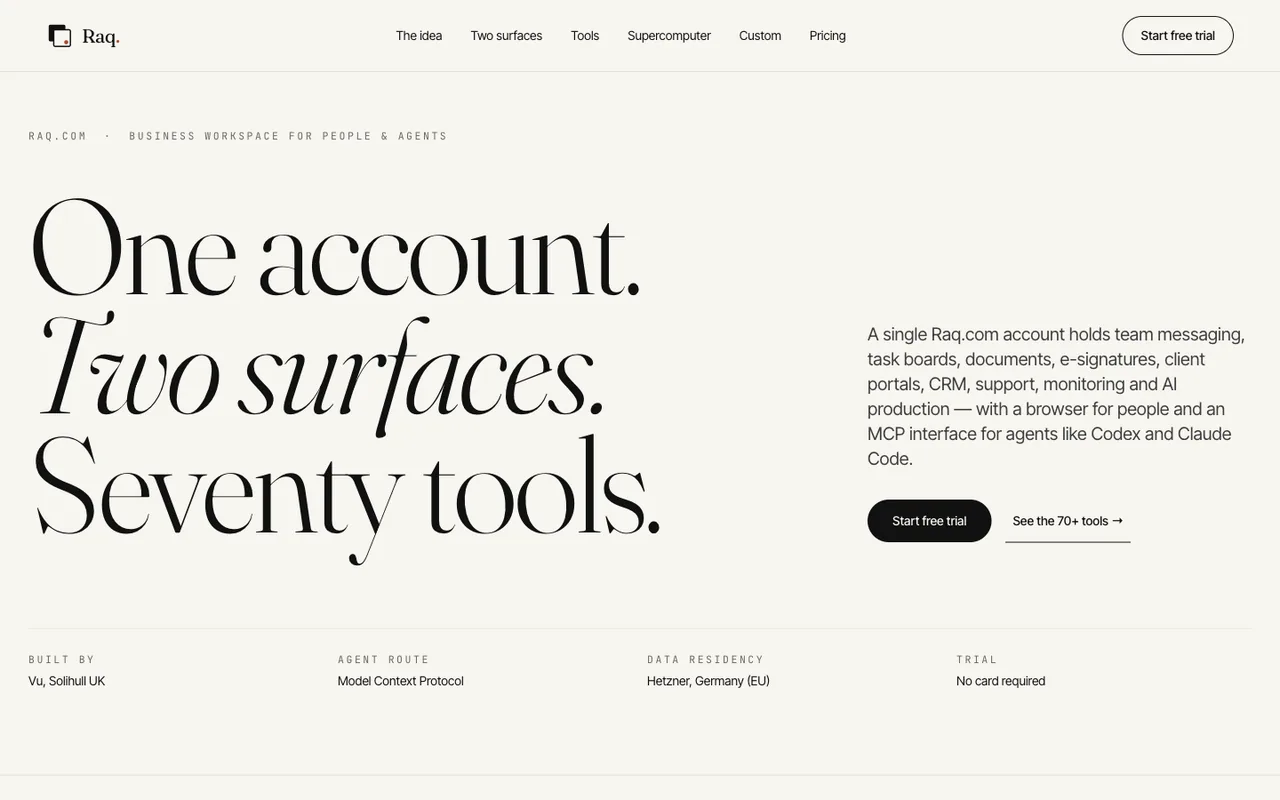
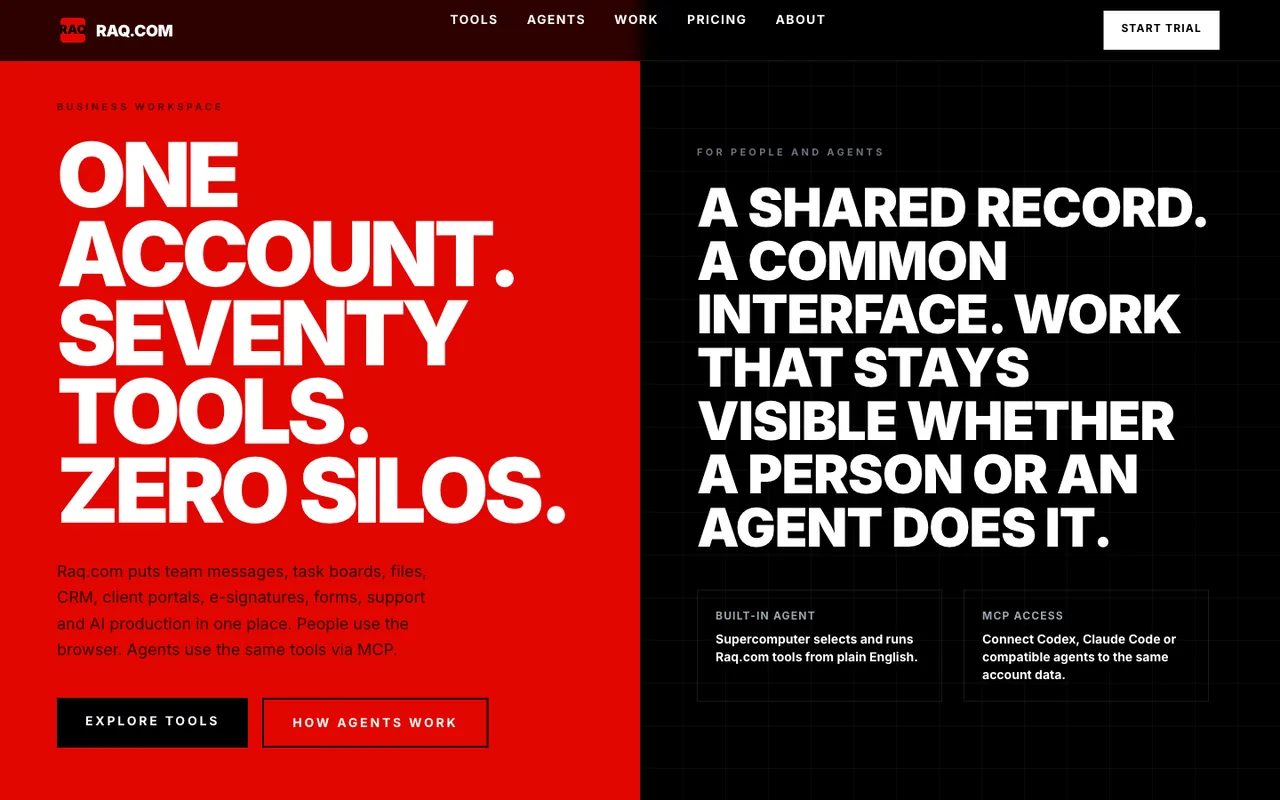
Here are versions ran with the same design requirements using Raq.com Design MCP
Hence why the designs all follow a similar pattern, but look far less like default output.
See Design MCP in Raq.com-
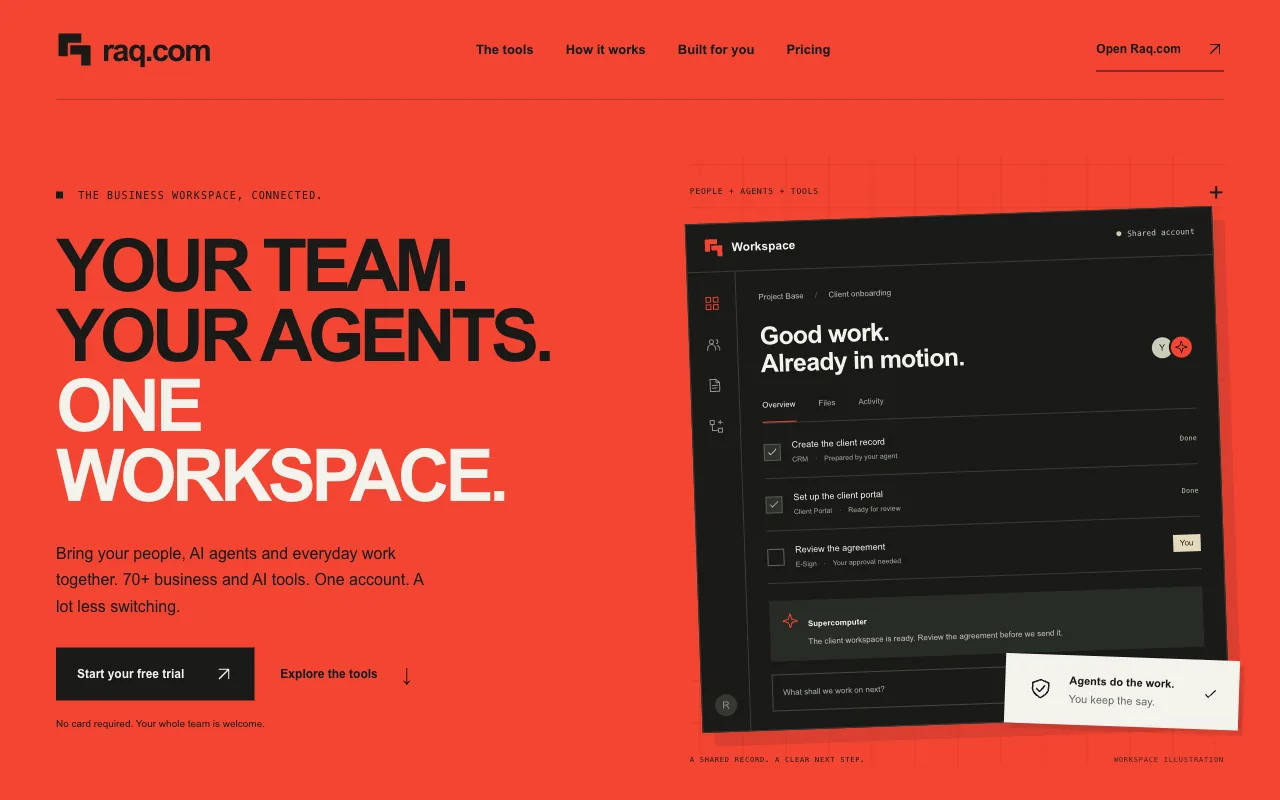 Open output
Ref A
Open output
Ref AGPT-6 Astra
-
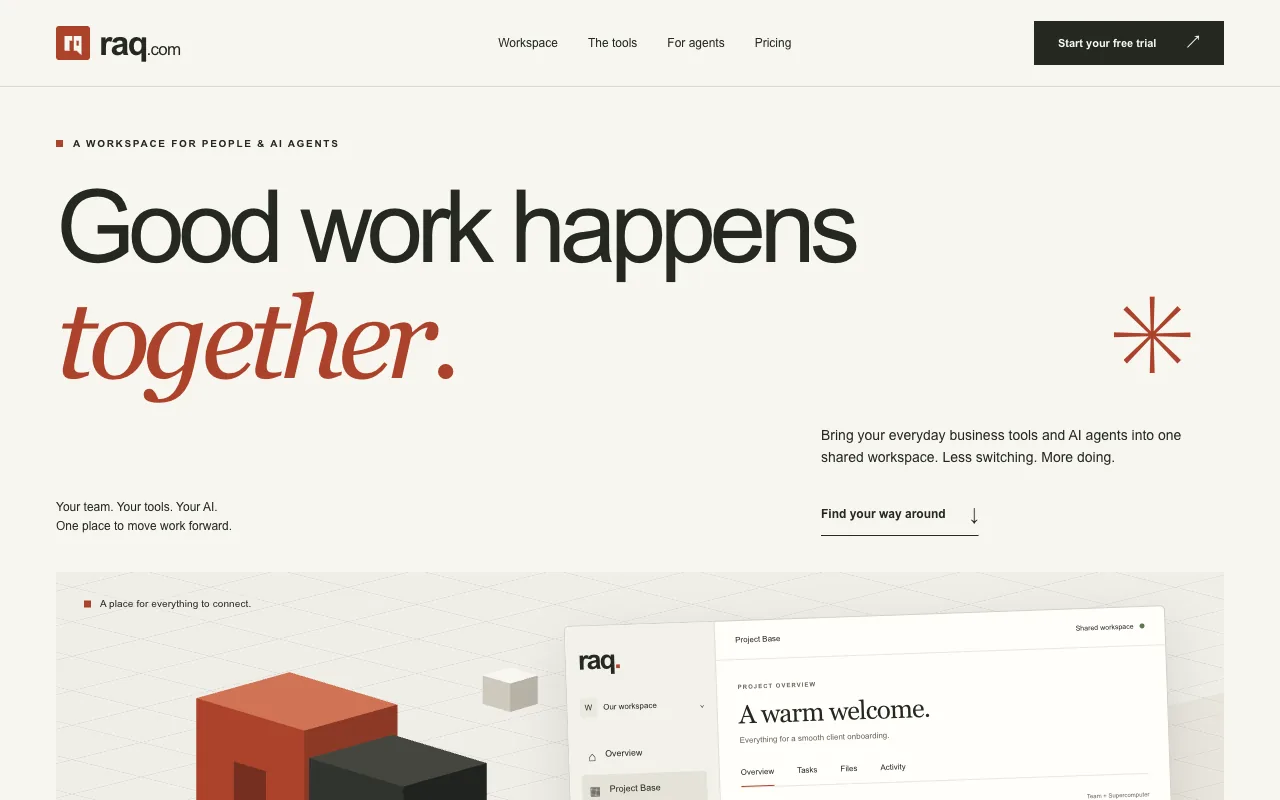 Open output
Ref B
Open output
Ref BGPT-6 Astra
-
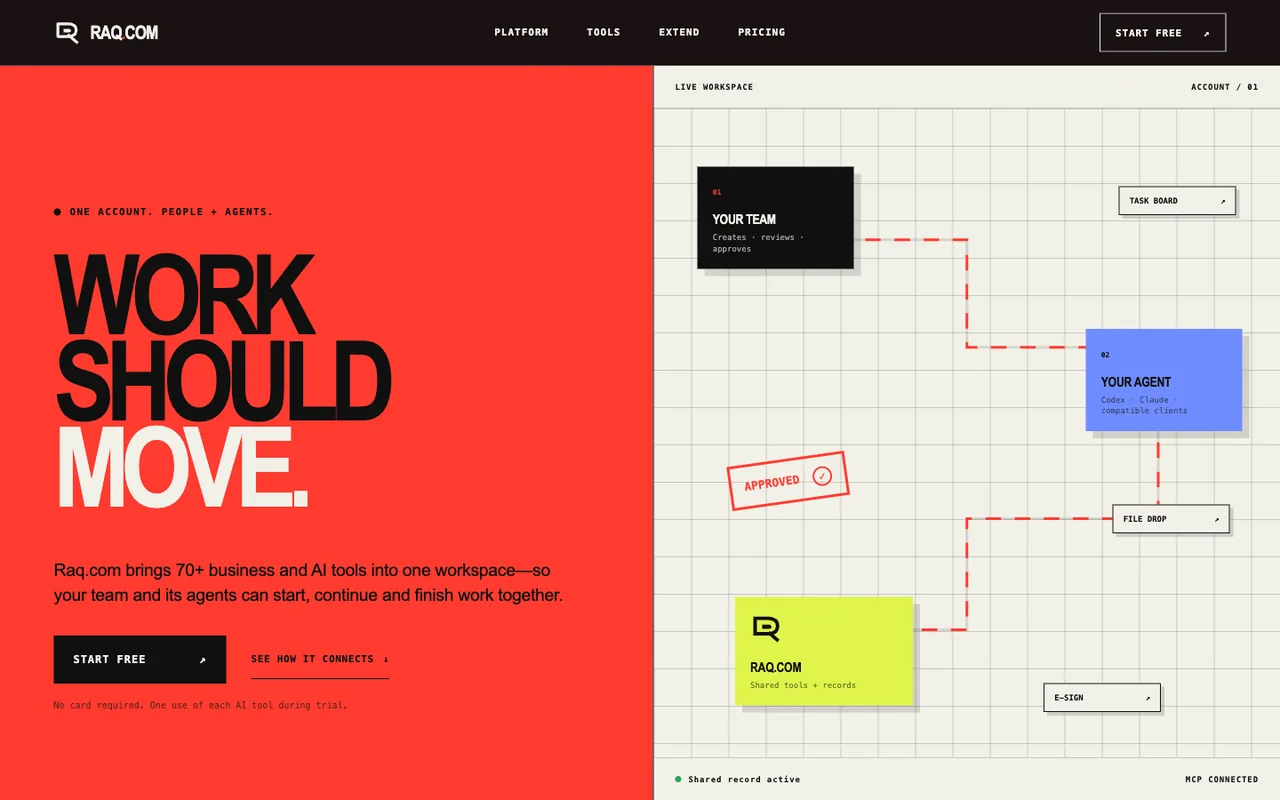 Open output
Ref A
Open output
Ref AGPT-5.6 Sol
-
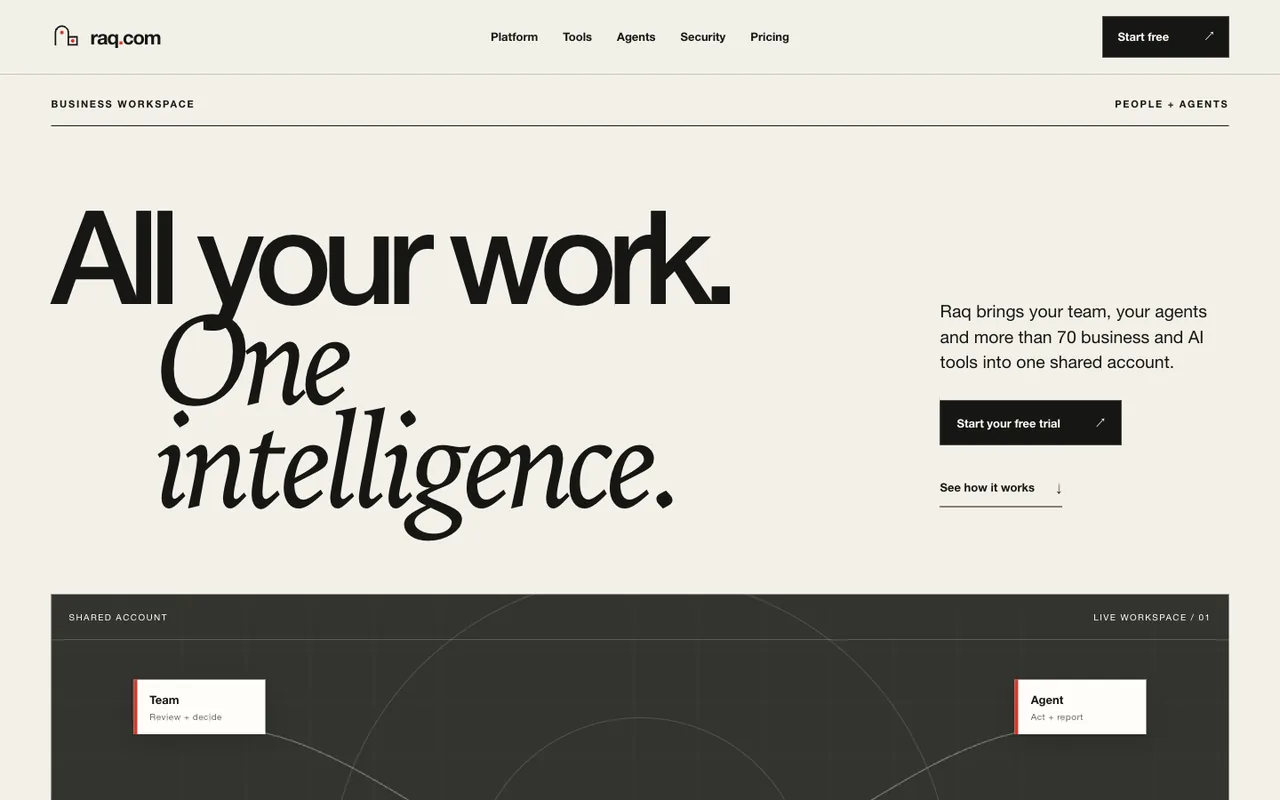 Open output
Ref B
Open output
Ref BGPT-5.6 Sol
-
 Open output
Ref A
Open output
Ref AGPT-5.6 Sol
-
 Open output
Ref B
Open output
Ref BGPT-5.6 Sol
-
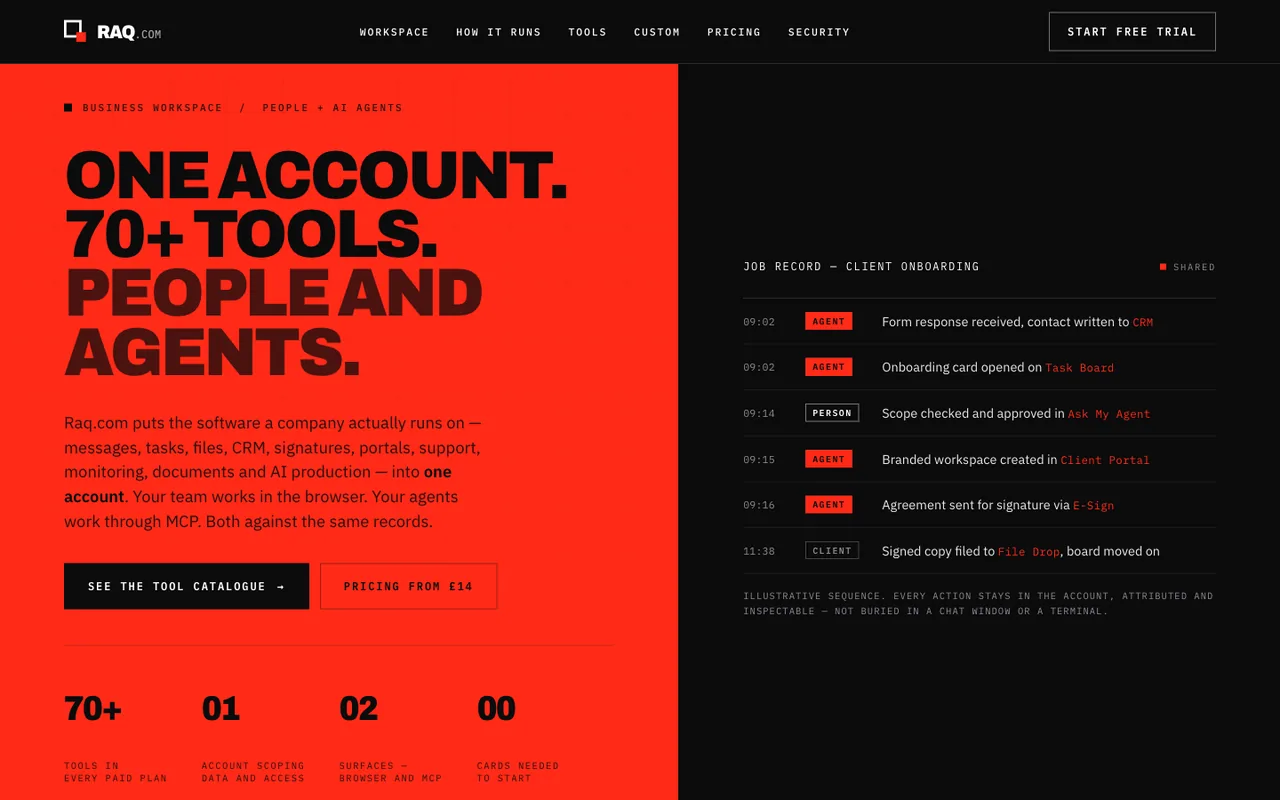 Open output
Ref A
Open output
Ref AClaude Opus 5
-
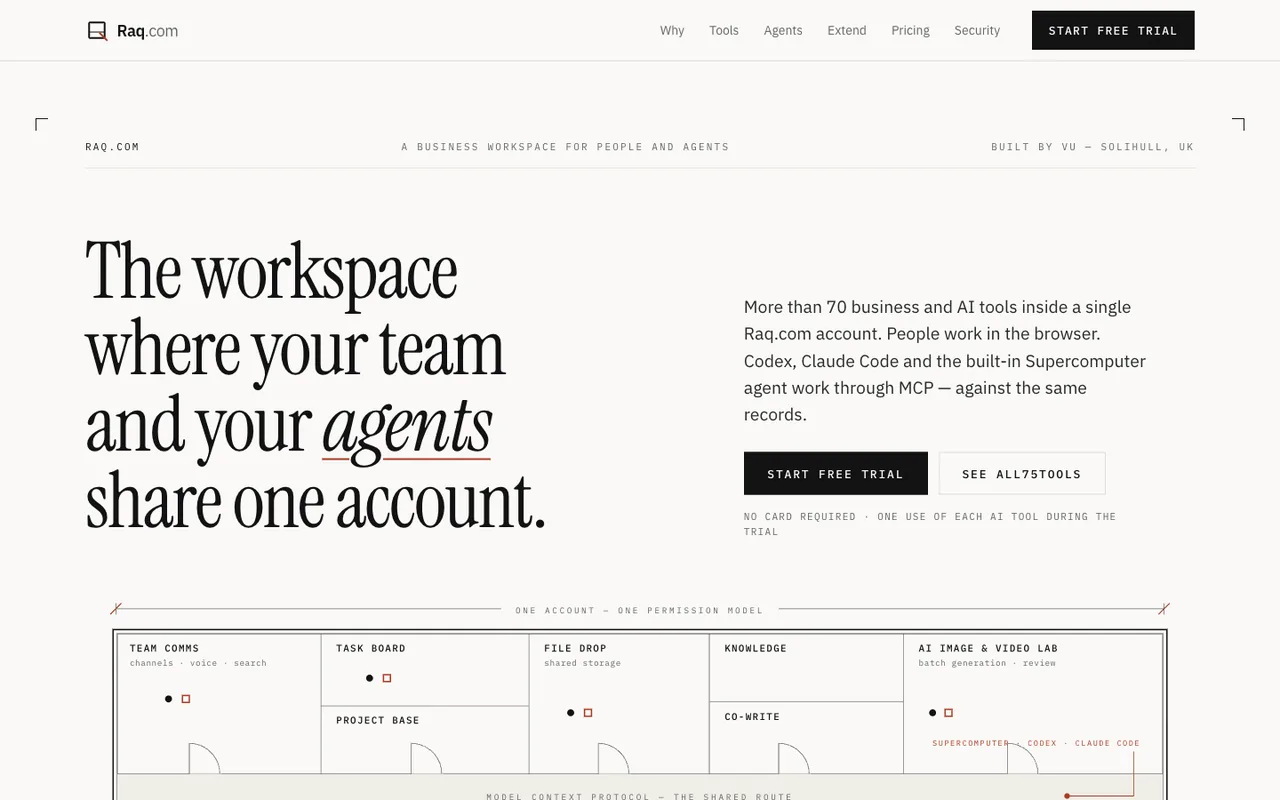 Open output
Ref B
Open output
Ref BClaude Opus 5
-
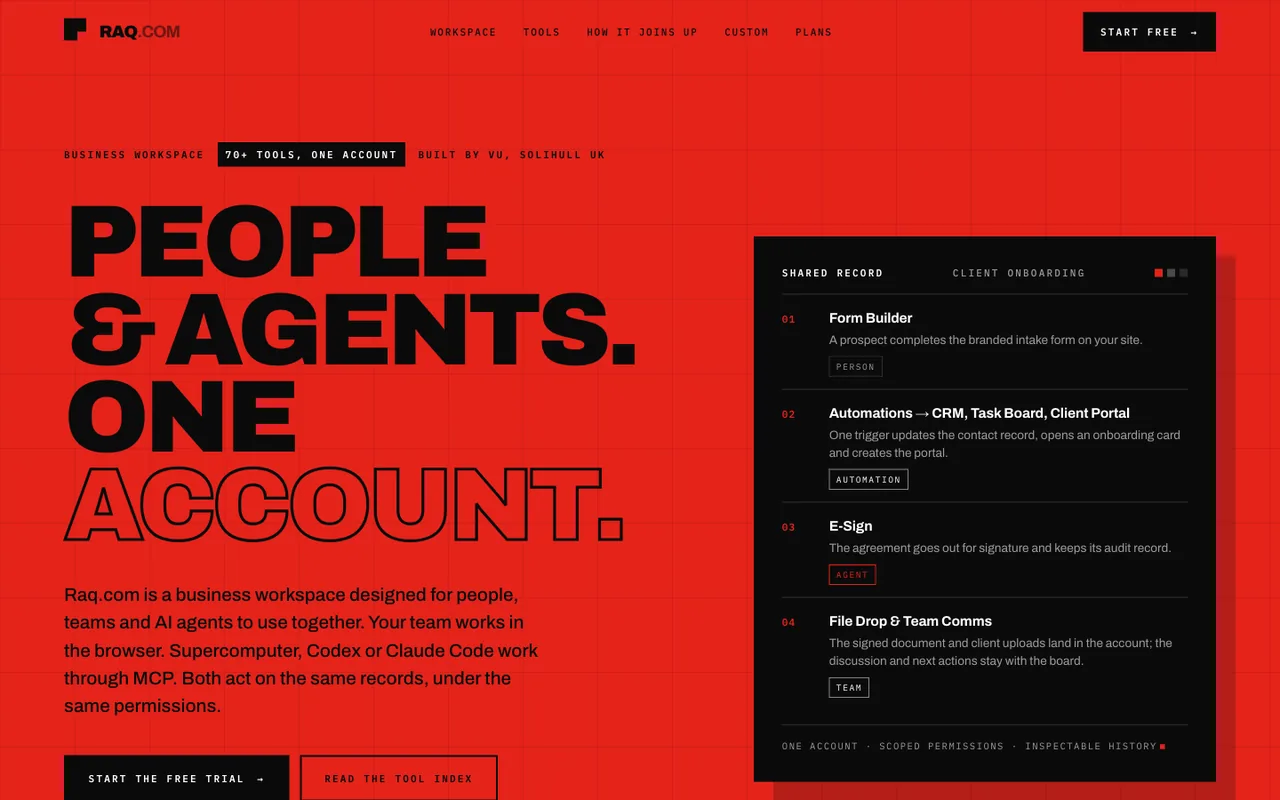 Open output
Ref A
Open output
Ref AClaude Opus 5
-
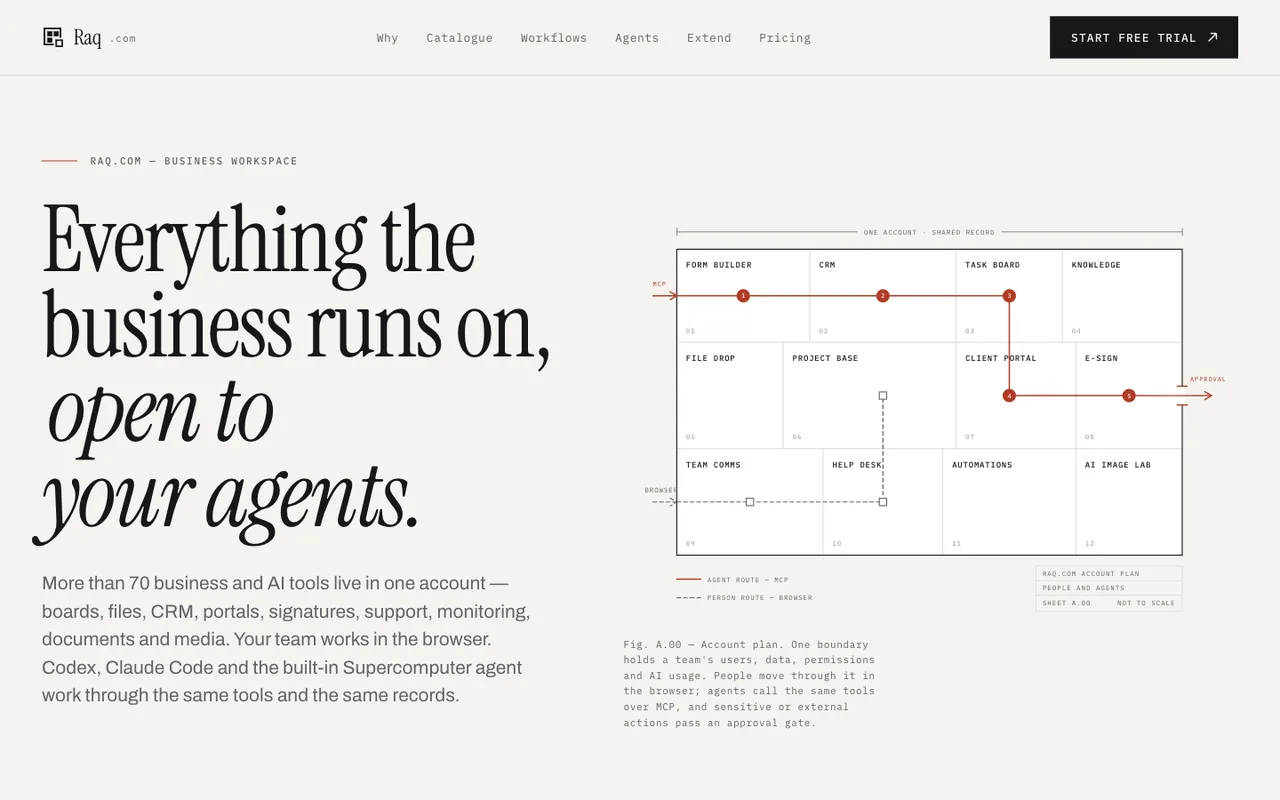 Open output
Ref B
Open output
Ref BClaude Opus 5
-
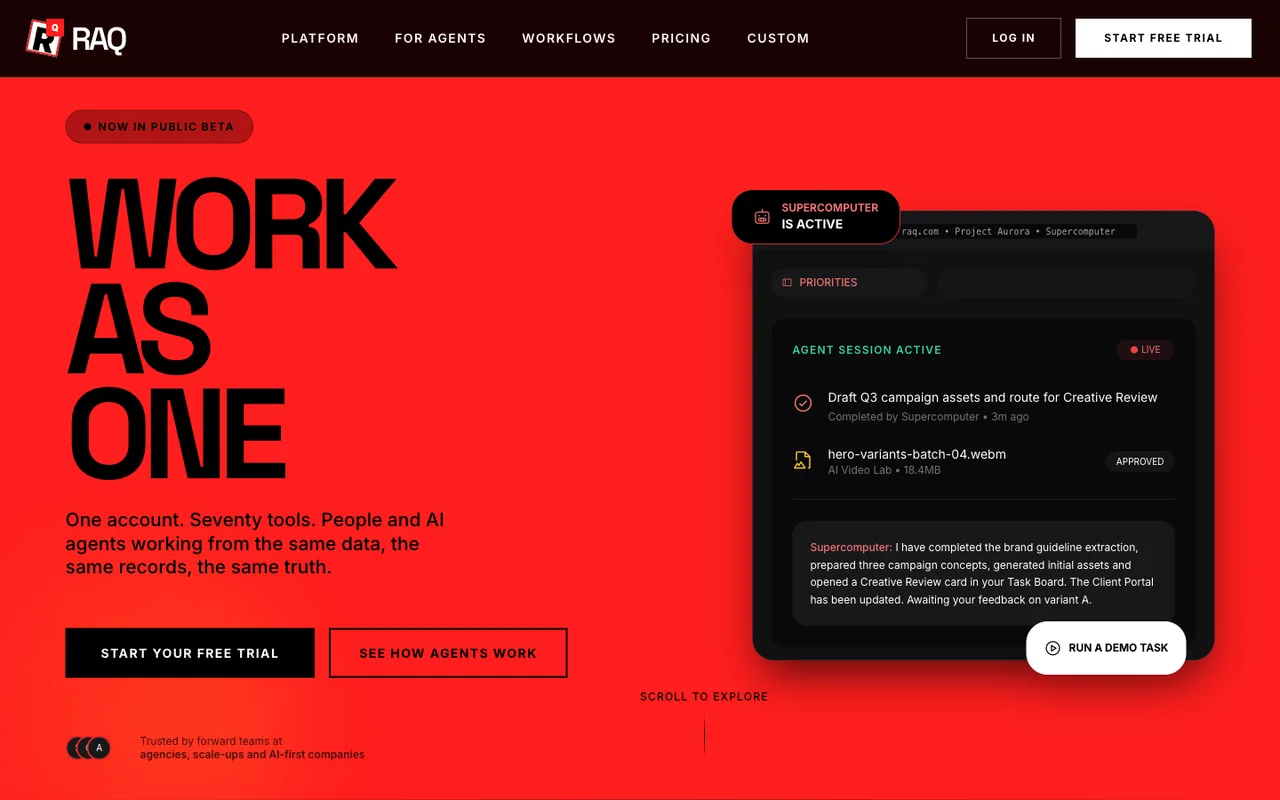 Open output
Ref A
Open output
Ref AGrok 4.20
-
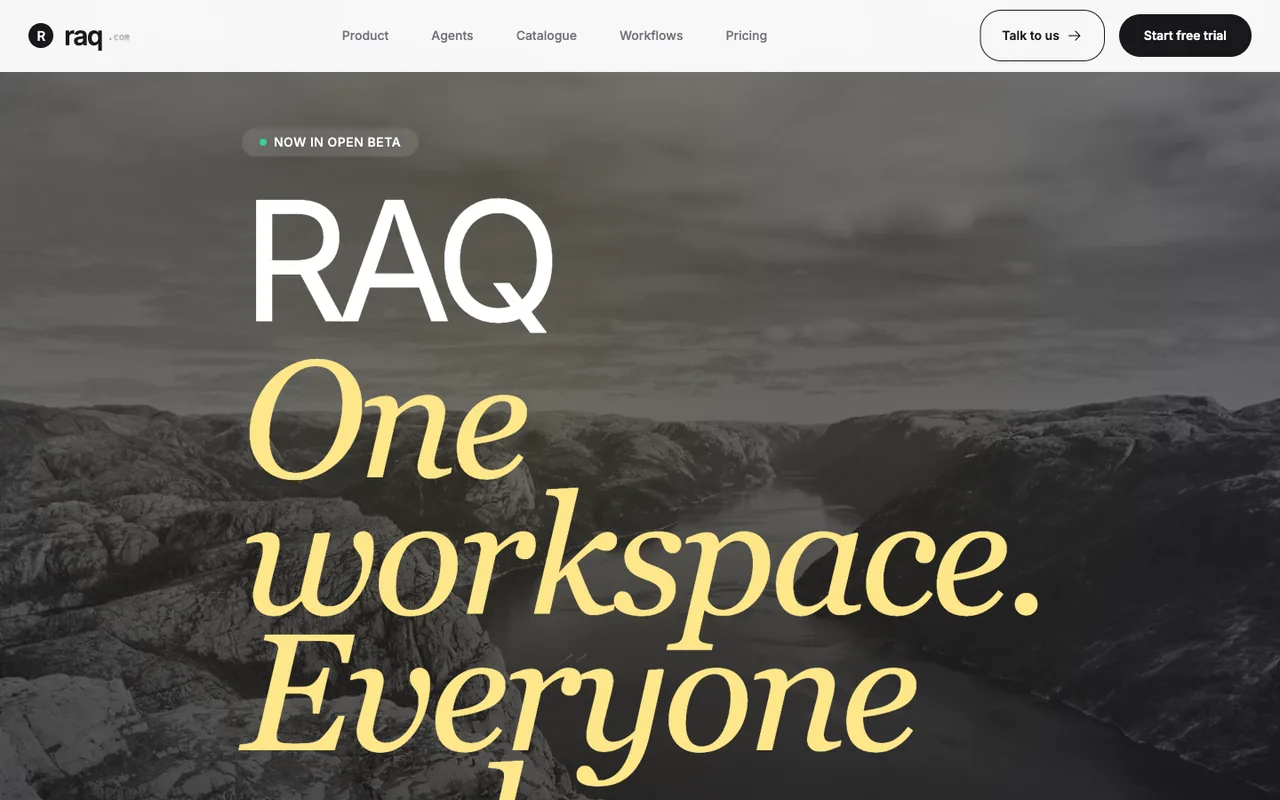 Open output
Ref B
Open output
Ref BGrok 4.20
-
 Open output
Ref A
Open output
Ref AClaude Sonnet 5
-
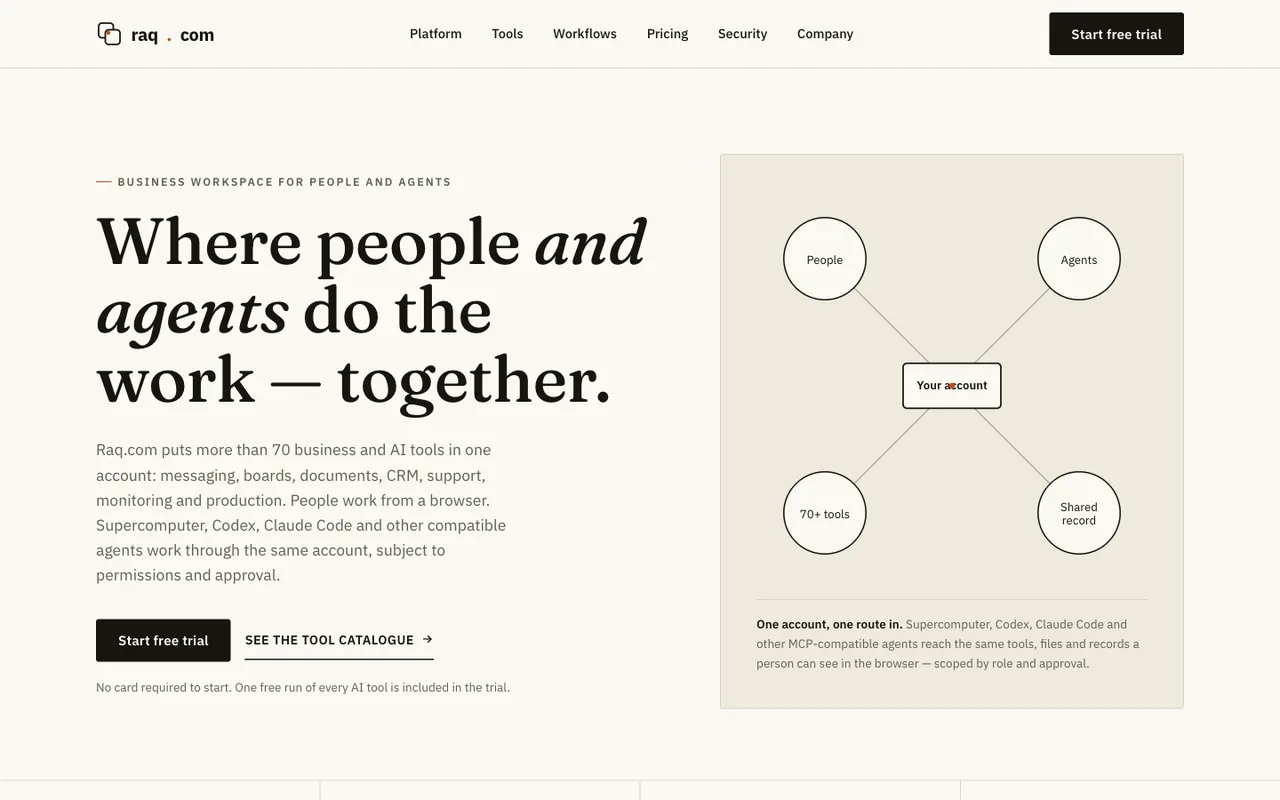 Open output
Ref B
Open output
Ref BClaude Sonnet 5
-
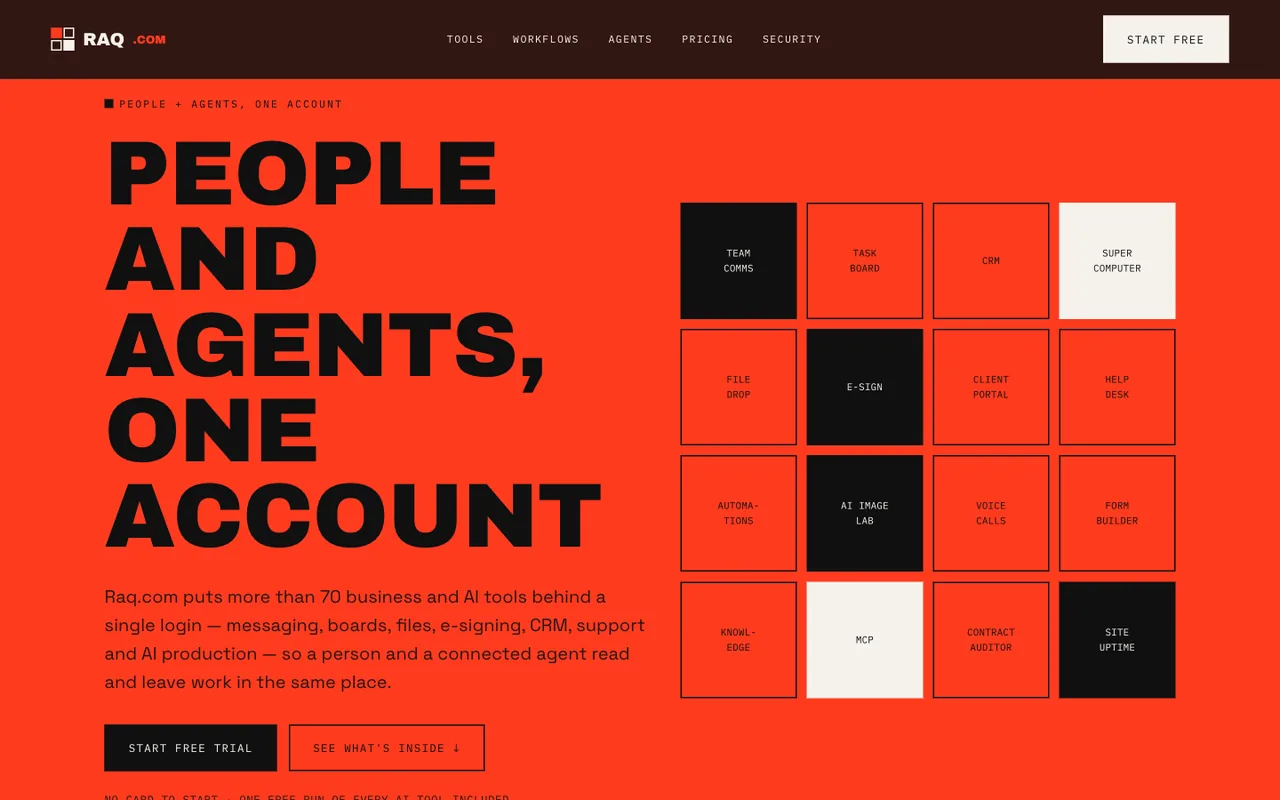 Open output
Ref A
Open output
Ref AClaude Sonnet 5
-
 Open output
Ref B
Open output
Ref BClaude Sonnet 5
-
 Open output
Ref A
Open output
Ref AGemini 3.1 Pro
-
 Open output
Ref B
Open output
Ref BGemini 3.1 Pro
-
 Open output
Ref A
Open output
Ref AGrok 4.6
-
 Open output
Ref B
Open output
Ref BGrok 4.6
-
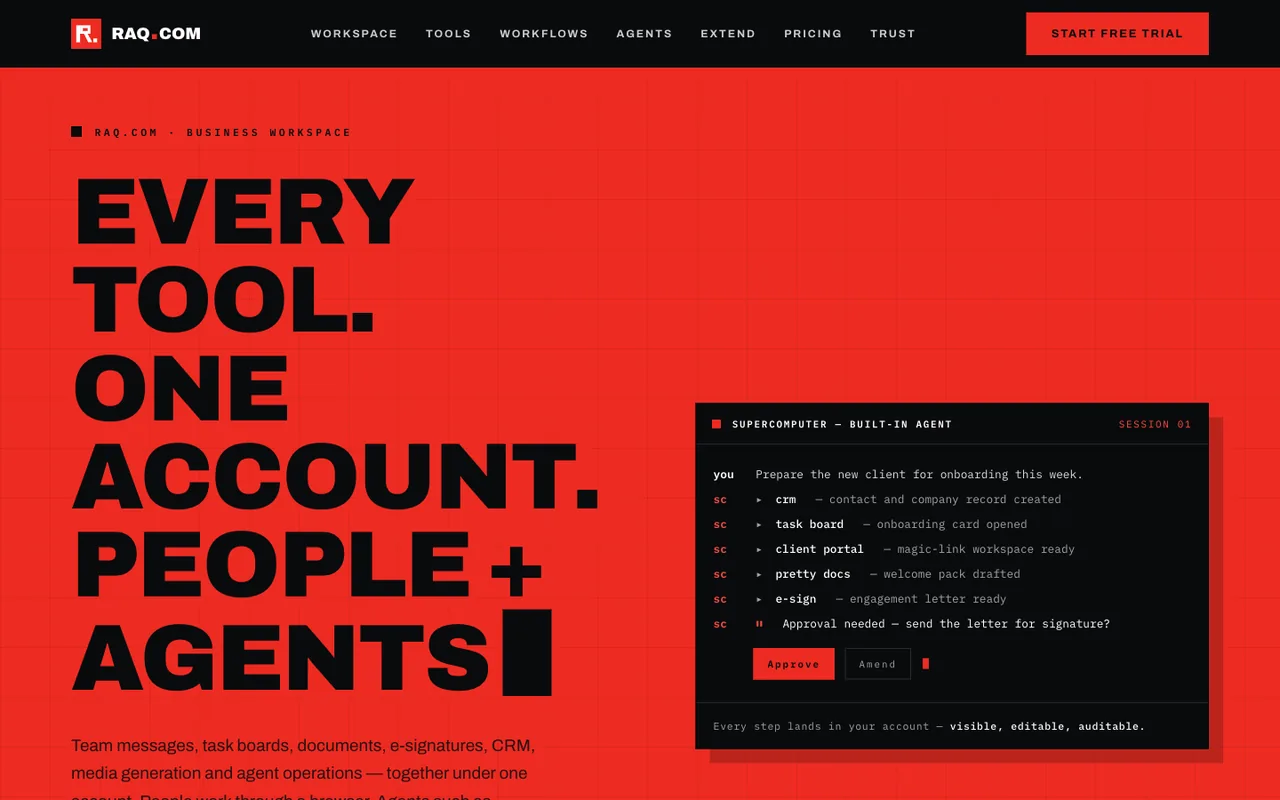 Open output
Ref A
Open output
Ref AQwen 3.8 Max
-
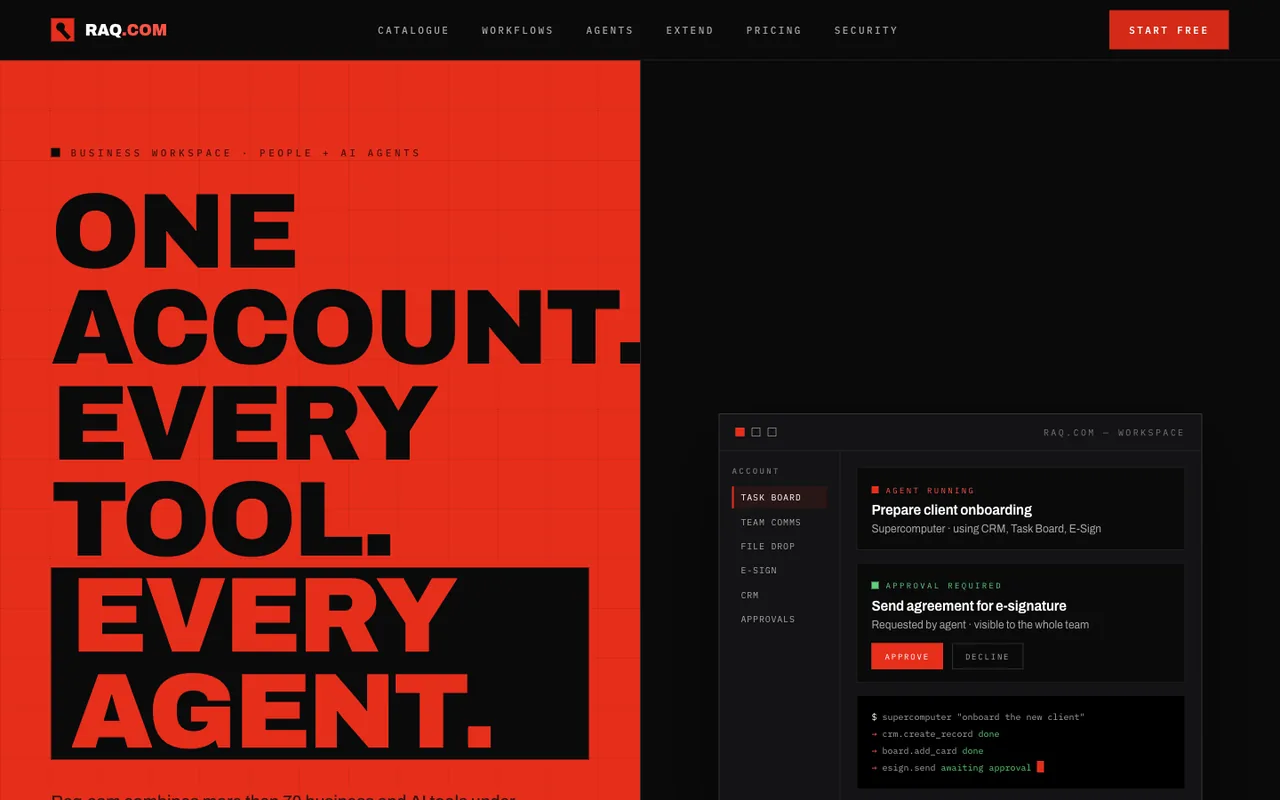 Open output
Ref A
Open output
Ref AKimi K3
-
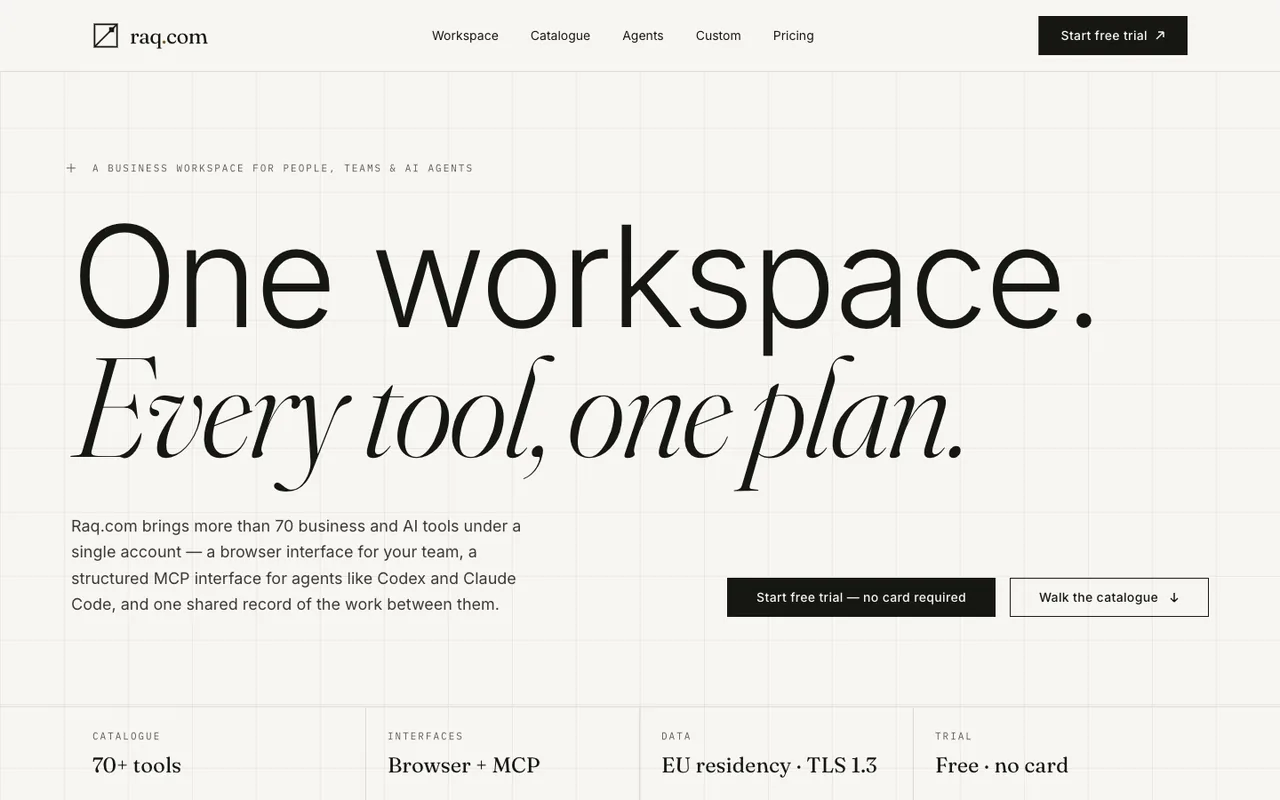 Open output
Ref B
Open output
Ref BKimi K3
-
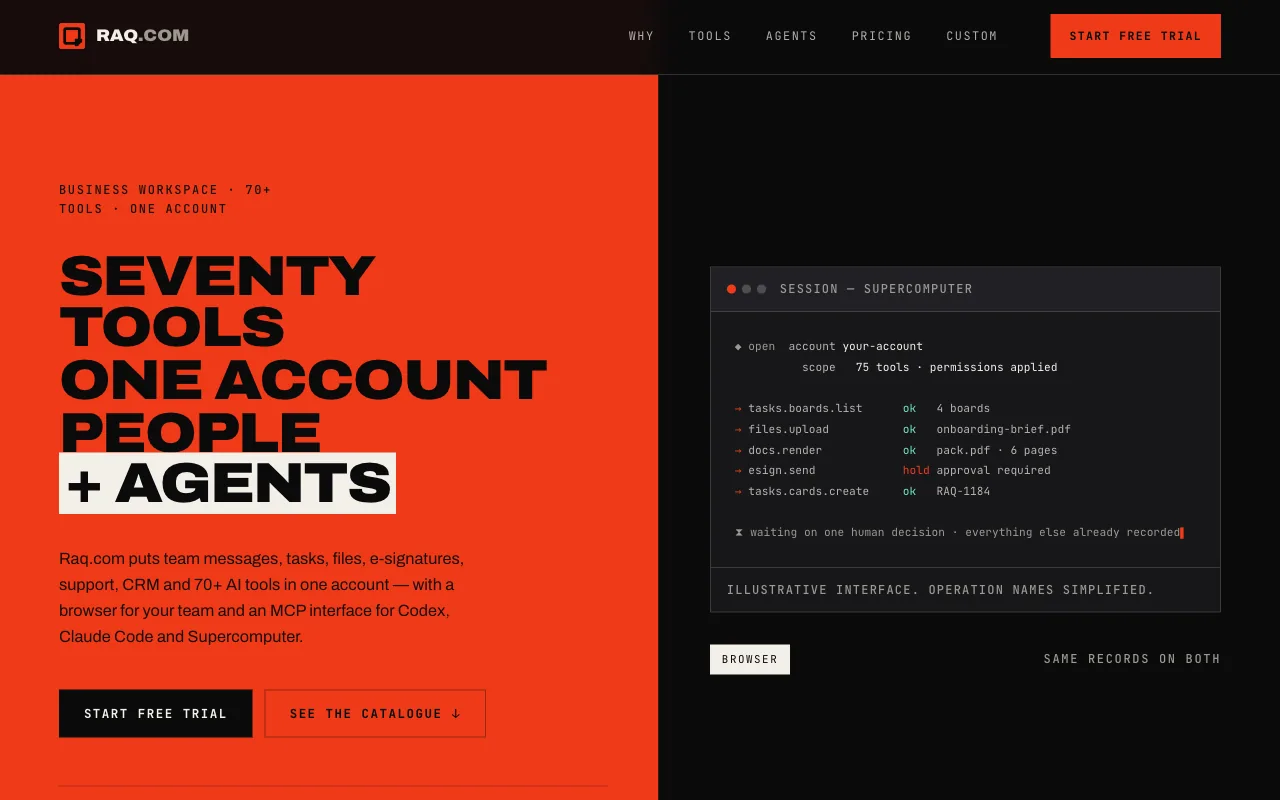 Open output
Ref A
Open output
Ref ADeepSeek 4.1 Flash
-
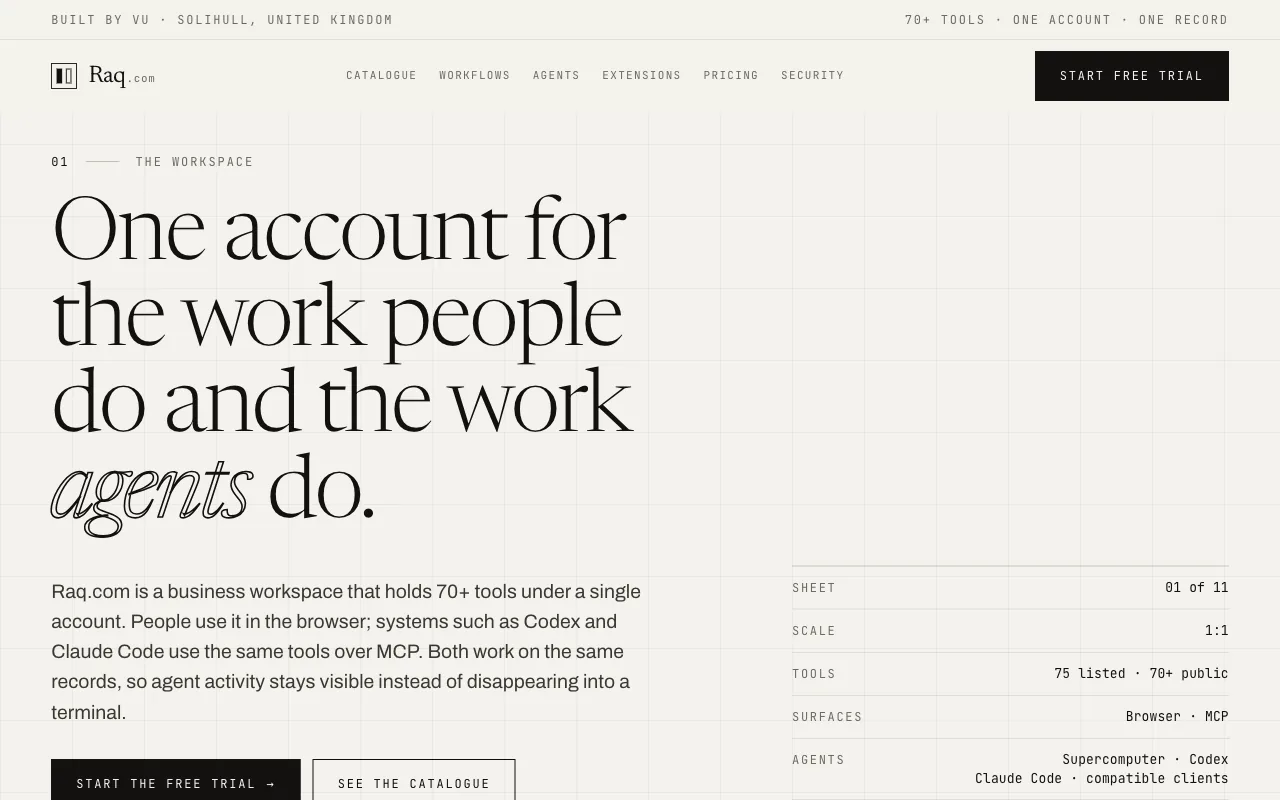 Open output
Ref B
Open output
Ref BDeepSeek 4.1 Flash
-
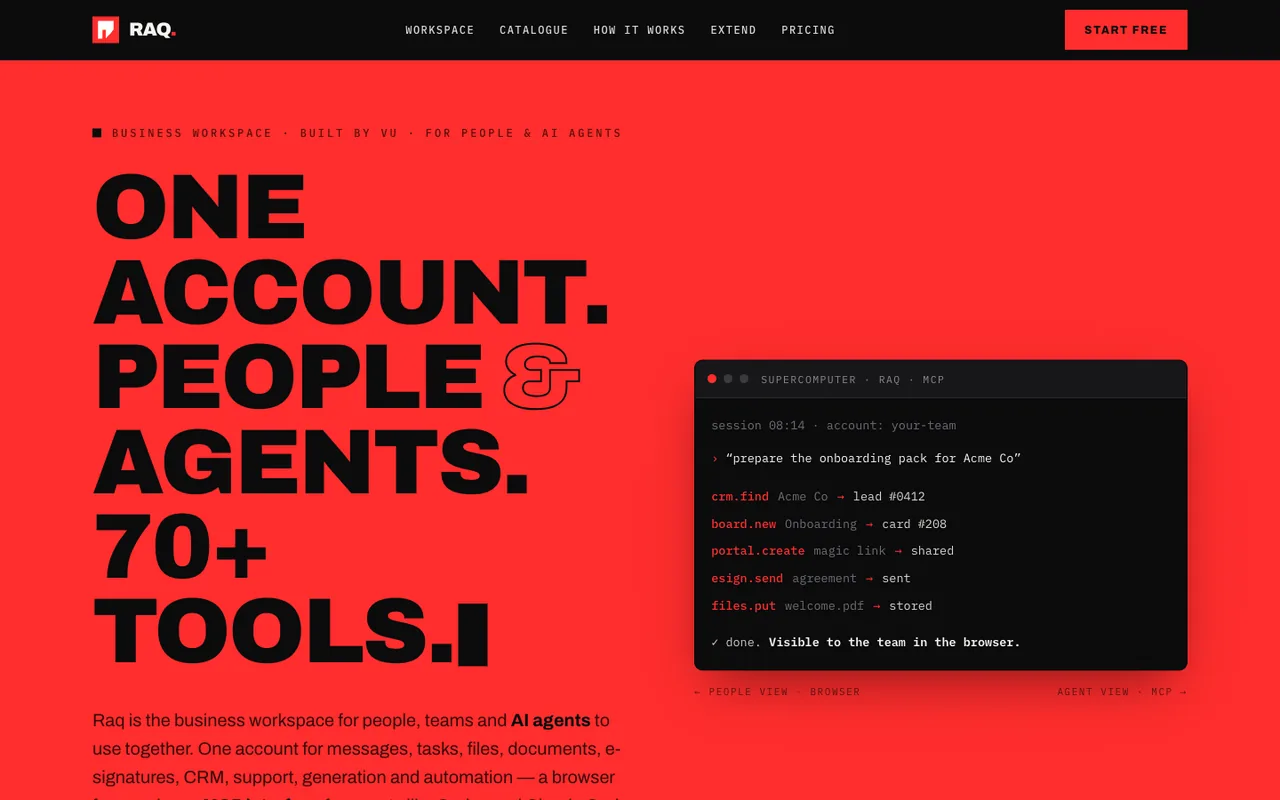 Open output
Ref A
Open output
Ref ADeepSeek V4 Pro 0813
-
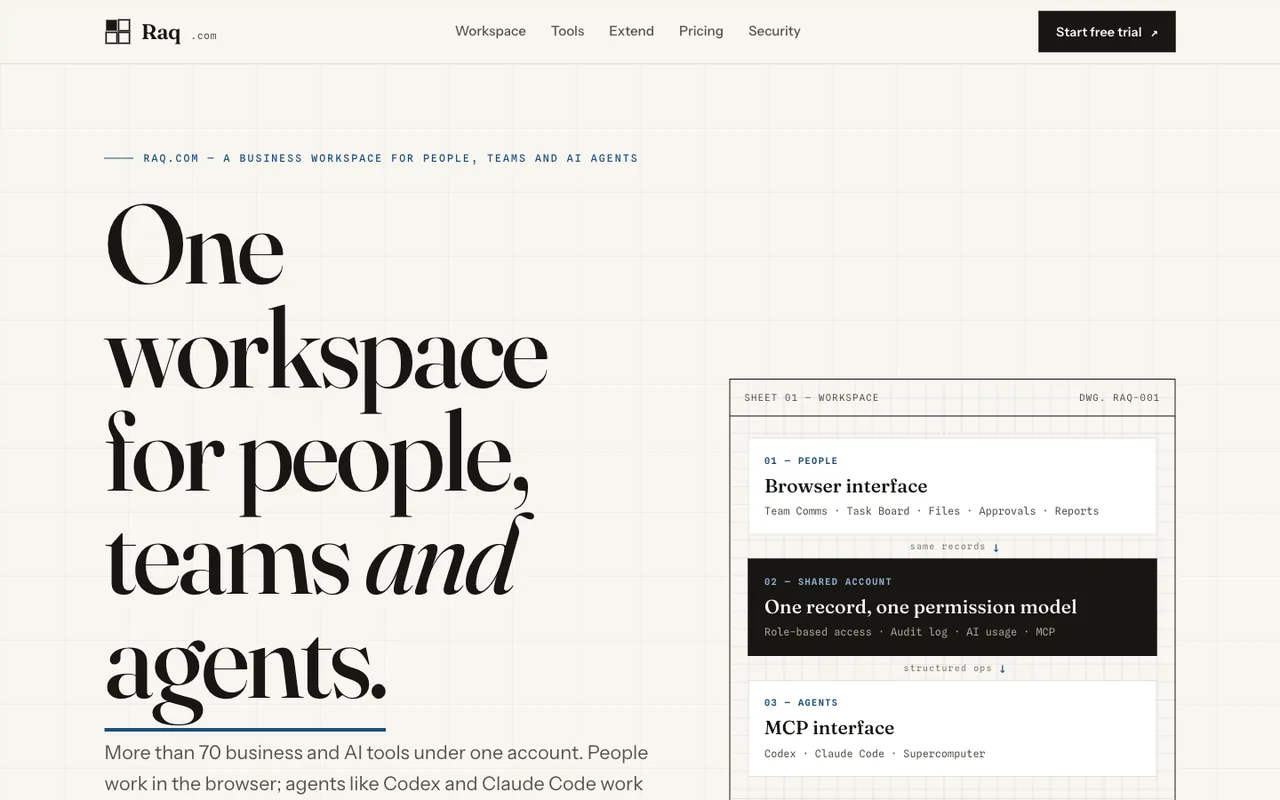 Open output
Ref B
Open output
Ref BDeepSeek V4 Pro 0813
-
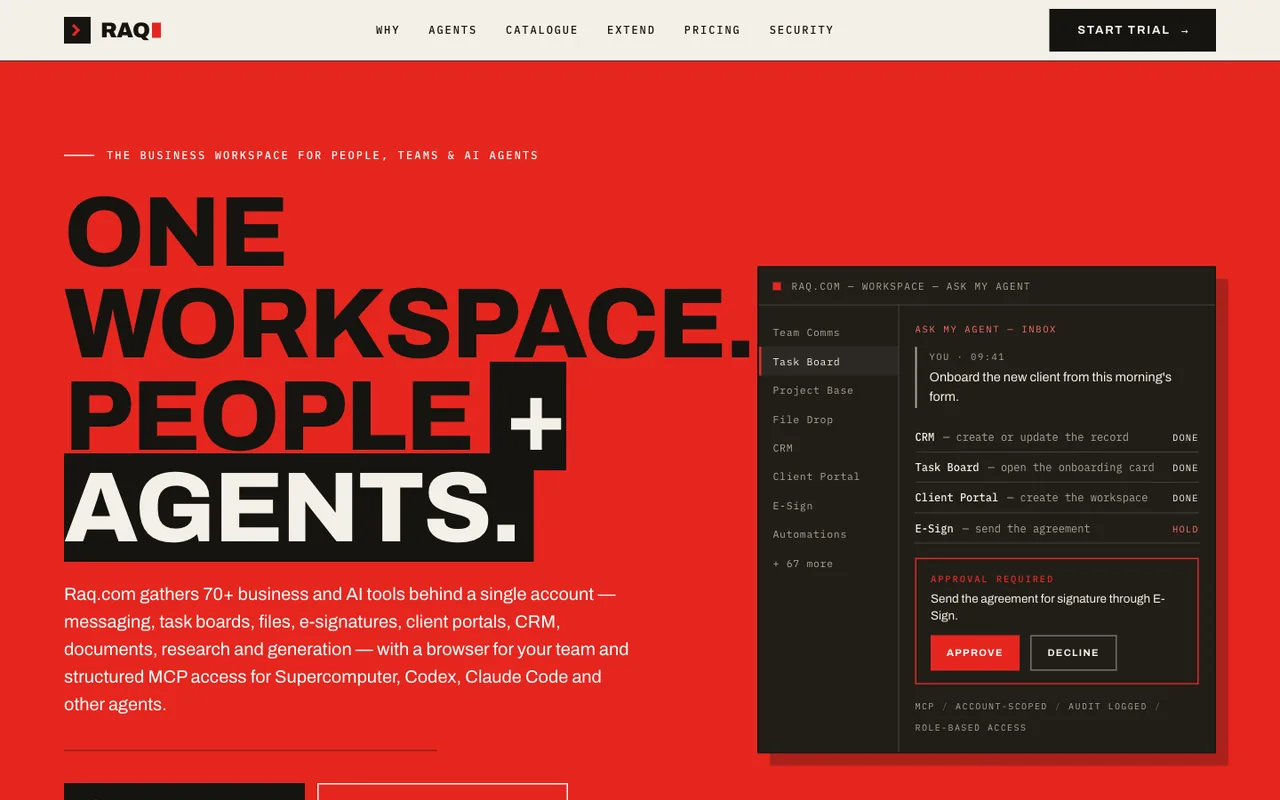 Open output
Ref A
Open output
Ref AGLM 5.3
-
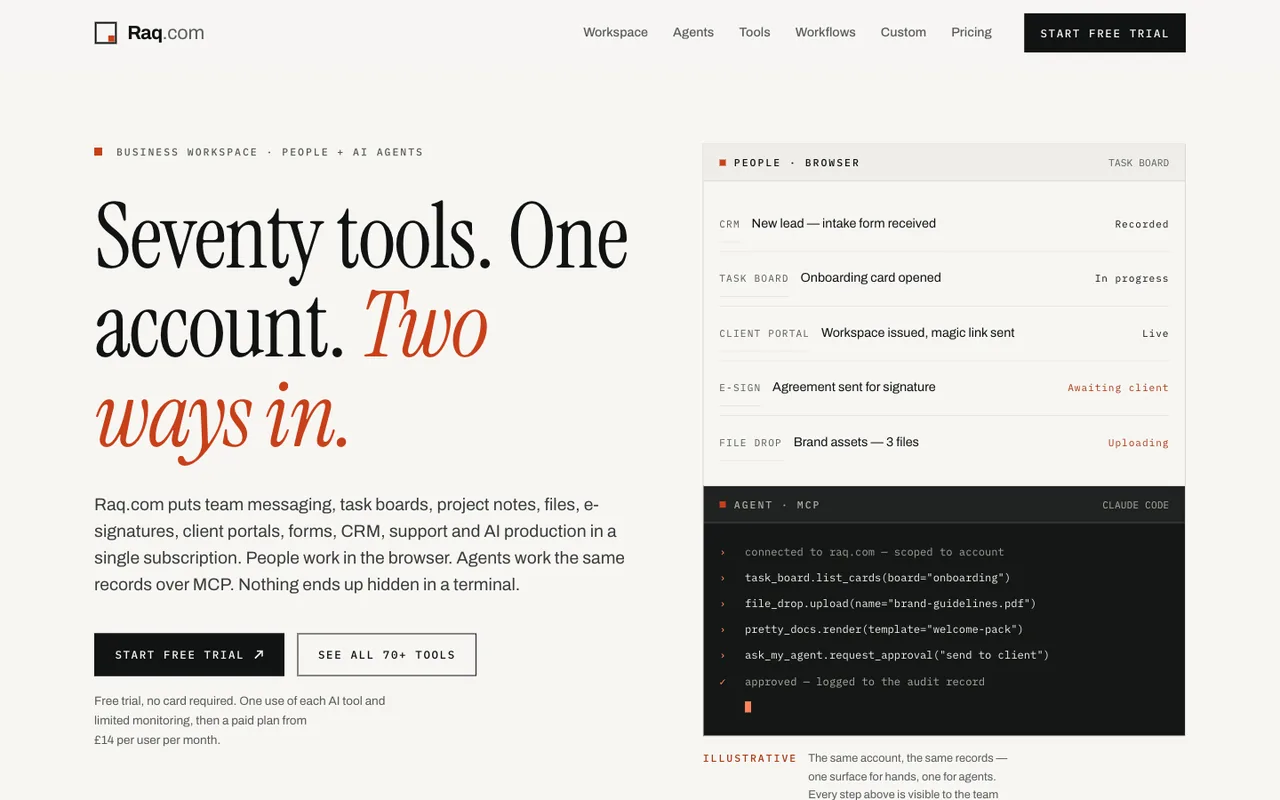 Open output
Ref B
Open output
Ref BGLM 5.3
-
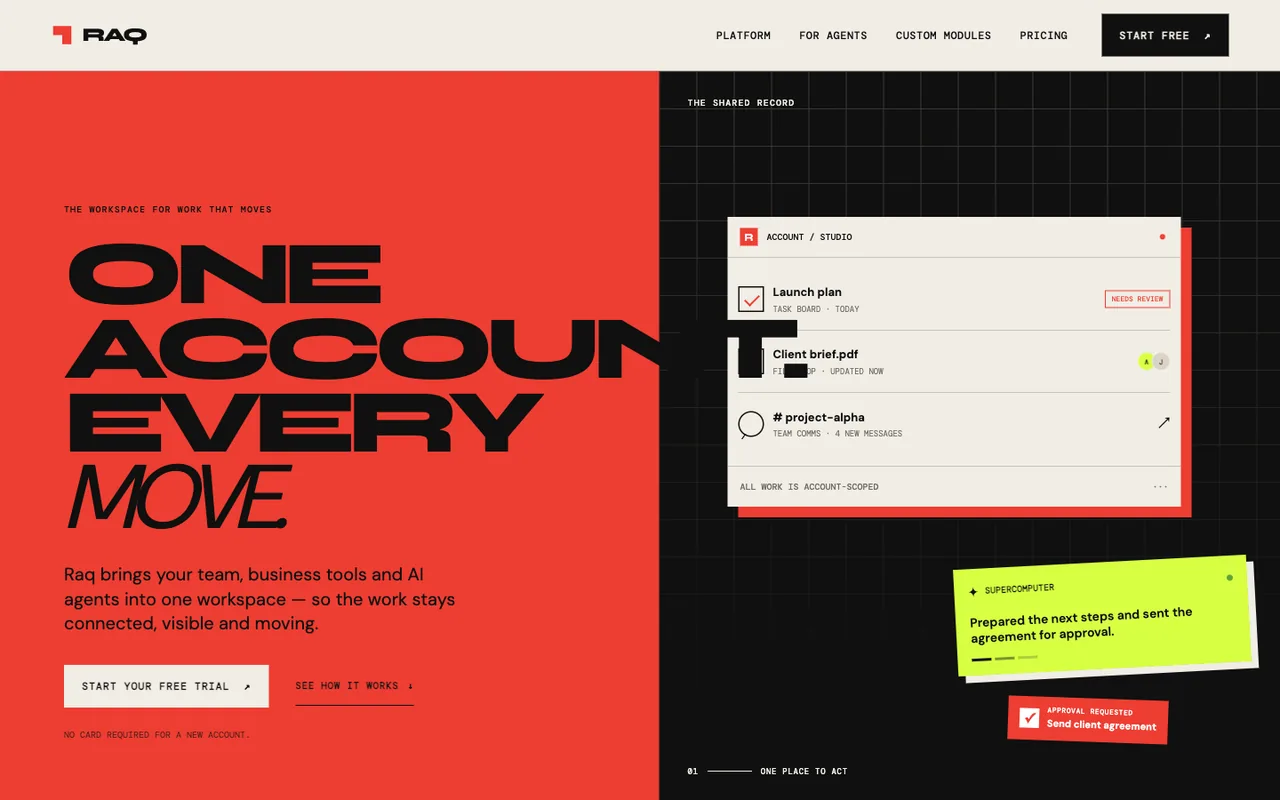 Open output
Ref A
Open output
Ref AGPT-5.6 Terra
-
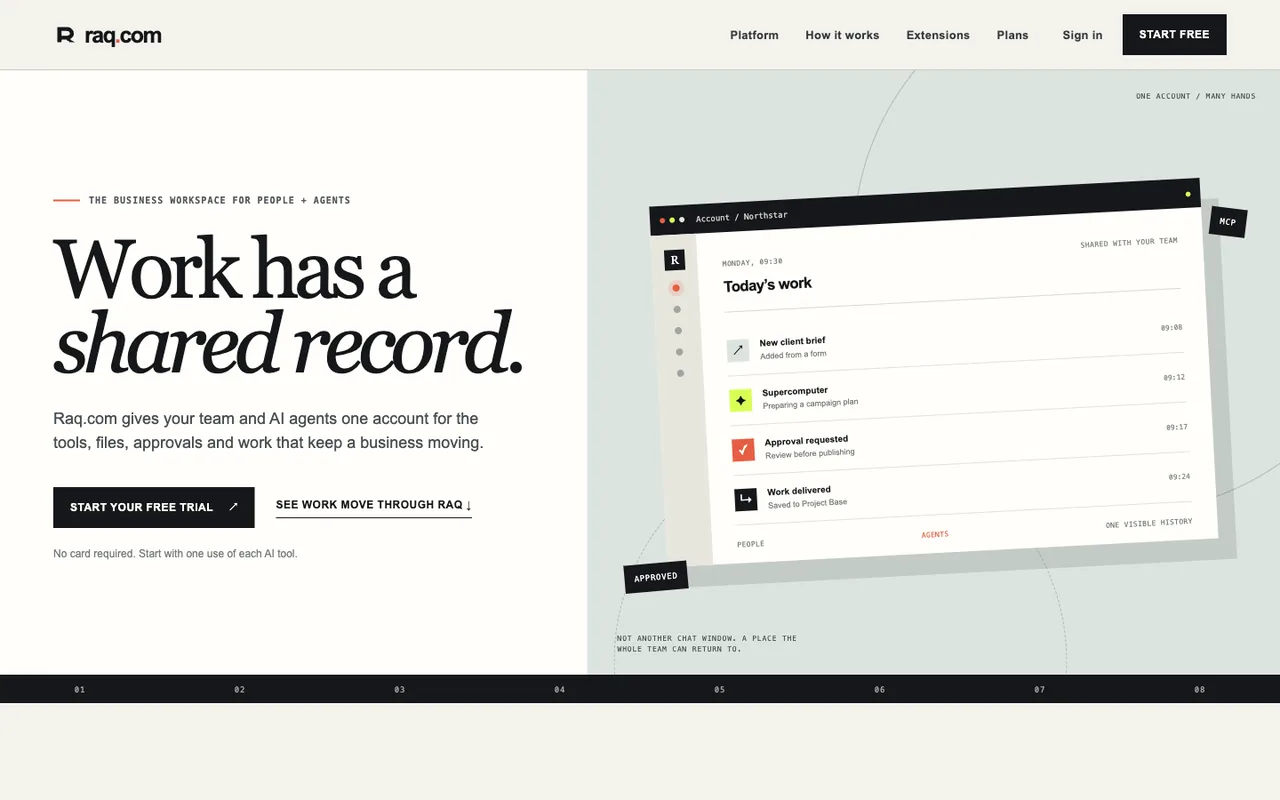 Open output
Ref B
Open output
Ref BGPT-5.6 Terra
-
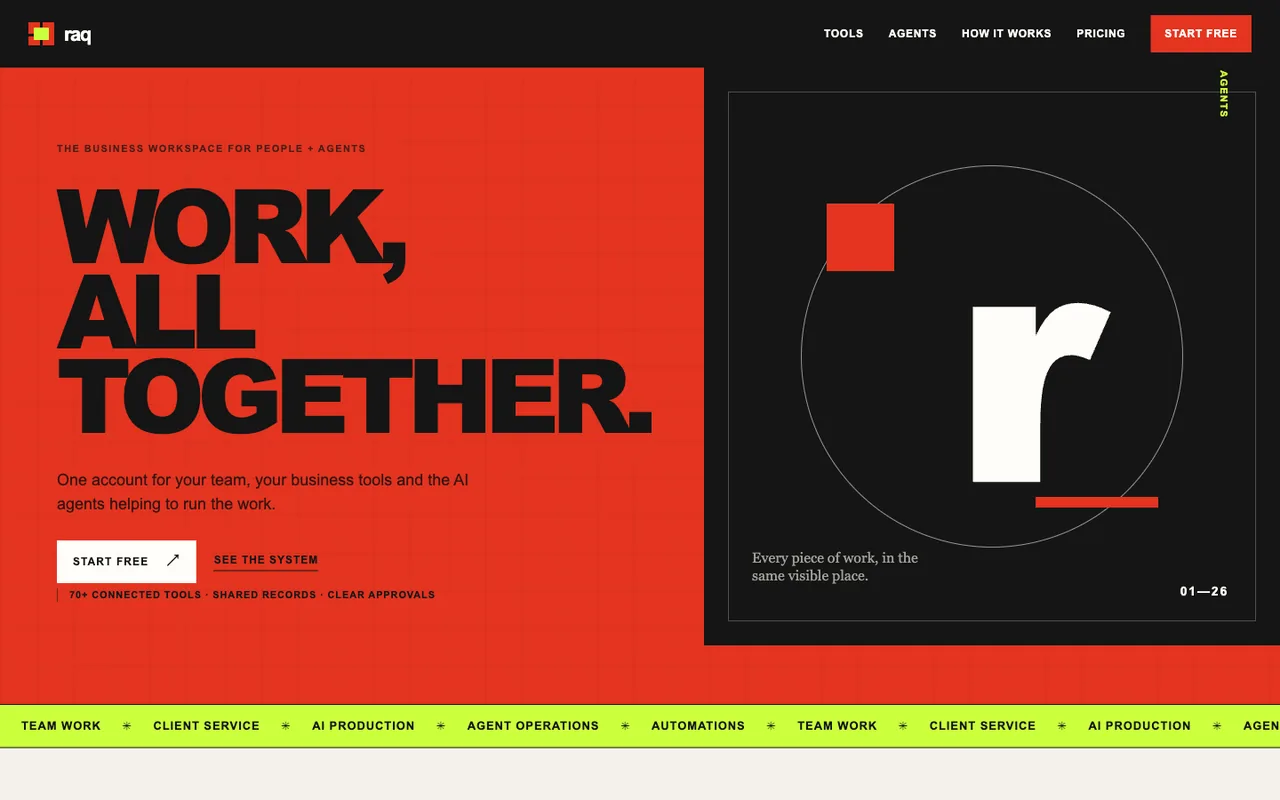 Open output
Ref A
Open output
Ref AGPT-5.6 Terra
-
 Open output
Ref B
Open output
Ref BGPT-5.6 Terra
-
 Open output
Ref A
Open output
Ref AGPT-5.6 Luna
-
 Open output
Ref B
Open output
Ref BGPT-5.6 Luna
-
 Open output
Ref A
Open output
Ref AGPT-5.5
-
 Open output
Ref B
Open output
Ref BGPT-5.5
-
 Open output
Ref A
Open output
Ref AGPT-5.5
-
 Open output
Ref B
Open output
Ref BGPT-5.5
-
 Open output
Ref A
Open output
Ref AClaude Fable 5
-
 Open output
Ref A
Open output
Ref AClaude Fable 5
-
 Open output
Ref B
Open output
Ref BClaude Fable 5
-
 Open output
Ref B
Open output
Ref BClaude Fable 5
-
 Open output
Ref A
Open output
Ref ACursor Composer 2.5
-
 Open output
Ref B
Open output
Ref BCursor Composer 2.5
-
 Open output
Ref A
Open output
Ref AClaude Opus 4.8
-
 Open output
Ref B
Open output
Ref BClaude Opus 4.8
-
 Open output
Ref A
Open output
Ref AClaude Opus 4.8
-
 Open output
Ref A
Open output
Ref AClaude Opus 4.7
-
 Open output
Ref B
Open output
Ref BClaude Opus 4.7
-
 Open output
Ref A
Open output
Ref AClaude Opus 4.7
-
 Open output
Ref B
Open output
Ref BClaude Opus 4.7
-
 Open output
Ref A
Open output
Ref AClaude Opus 4.6
-
 Open output
Ref B
Open output
Ref BClaude Opus 4.6
-
 Open output
Ref A
Open output
Ref AClaude Opus 4.6
-
 Open output
Ref B
Open output
Ref BClaude Opus 4.6
-
 Open output
Ref A
Open output
Ref AClaude Opus 4.5
-
 Open output
Ref B
Open output
Ref BClaude Opus 4.5
-
 Open output
Ref A
Open output
Ref AClaude Opus 4.5
-
 Open output
Ref B
Open output
Ref BClaude Opus 4.5
-
 Open output
Ref A
Open output
Ref AClaude Opus 4.1
-
 Open output
Ref A
Open output
Ref AClaude Opus 4.1
-
 Open output
Ref B
Open output
Ref BClaude Opus 4.1
-
 Open output
Ref A
Open output
Ref AClaude Opus 4
-
 Open output
Ref B
Open output
Ref BClaude Opus 4
-
 Open output
Ref A
Open output
Ref AClaude Sonnet 4.6
-
 Open output
Ref B
Open output
Ref BClaude Sonnet 4.6
-
 Open output
Ref A
Open output
Ref AClaude Sonnet 4.6
-
 Open output
Ref B
Open output
Ref BClaude Sonnet 4.6
-
 Open output
Ref A
Open output
Ref AClaude Sonnet 4.5
-
 Open output
Ref B
Open output
Ref BClaude Sonnet 4.5
-
 Open output
Ref A
Open output
Ref AClaude Sonnet 4.5
-
 Open output
Ref B
Open output
Ref BClaude Sonnet 4.5
-
 Open output
Ref A
Open output
Ref AClaude Sonnet 4
-
 Open output
Ref B
Open output
Ref BClaude Sonnet 4
-
 Open output
Ref A
Open output
Ref AGemini 3.7 Flash
-
 Open output
Ref B
Open output
Ref BGemini 3.7 Flash
-
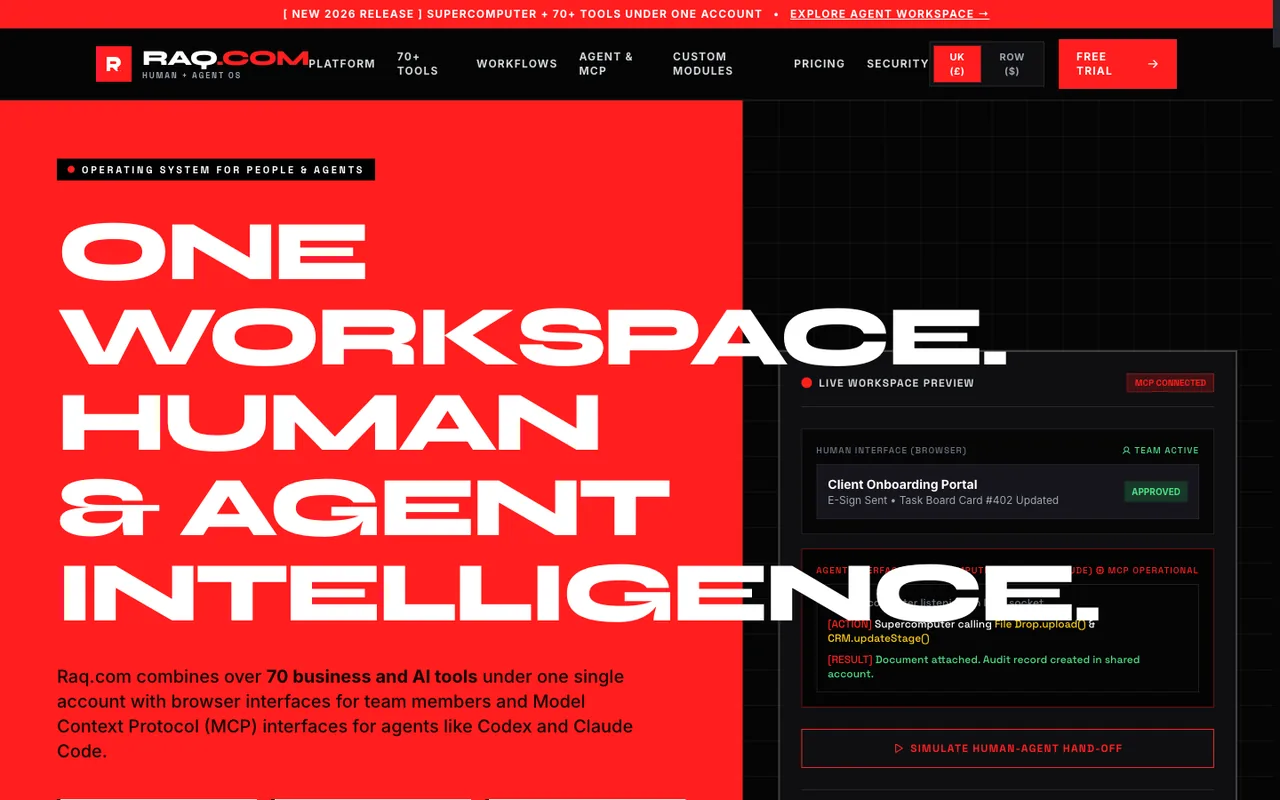 Open output
Ref A
Open output
Ref AGemini 3.6 Flash
-
 Open output
Ref B
Open output
Ref BGemini 3.6 Flash
-
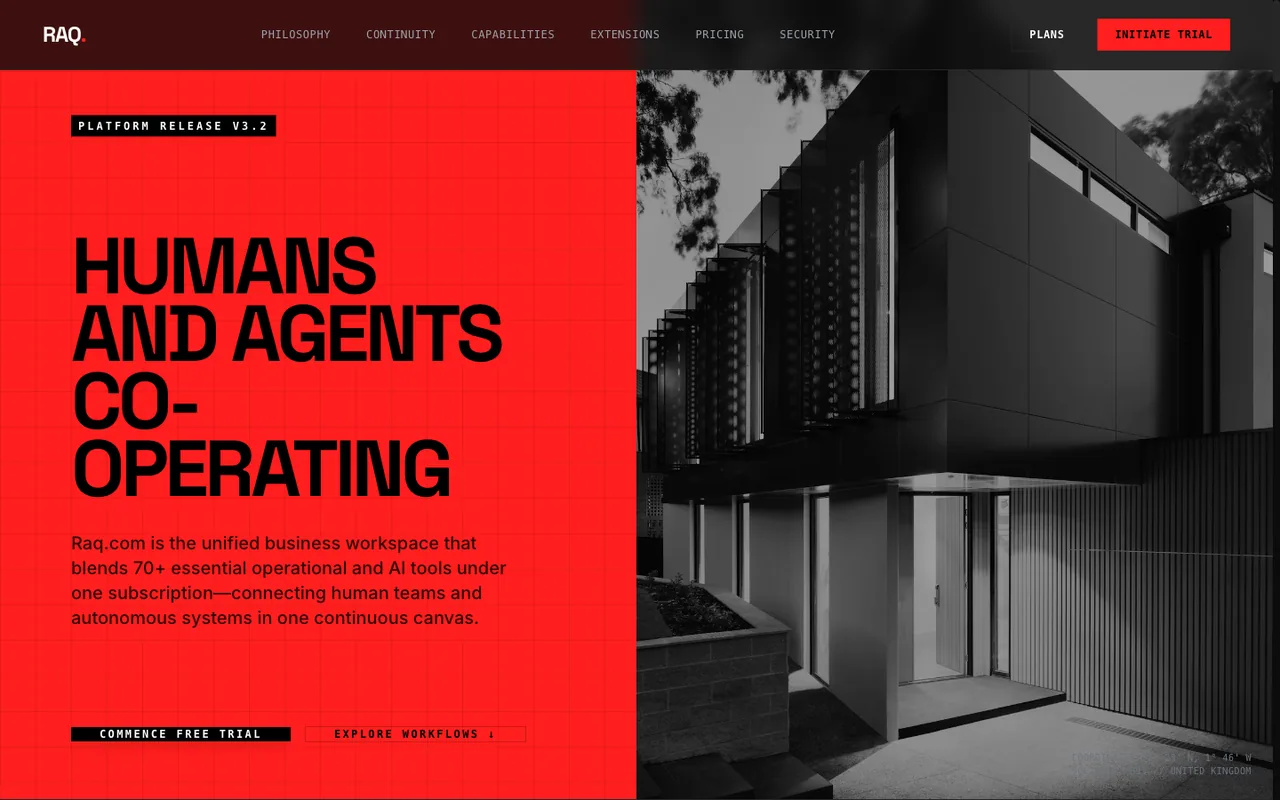 Open output
Ref A
Open output
Ref AGemini 3.5 Flash
-
 Open output
Ref B
Open output
Ref BGemini 3.5 Flash
-
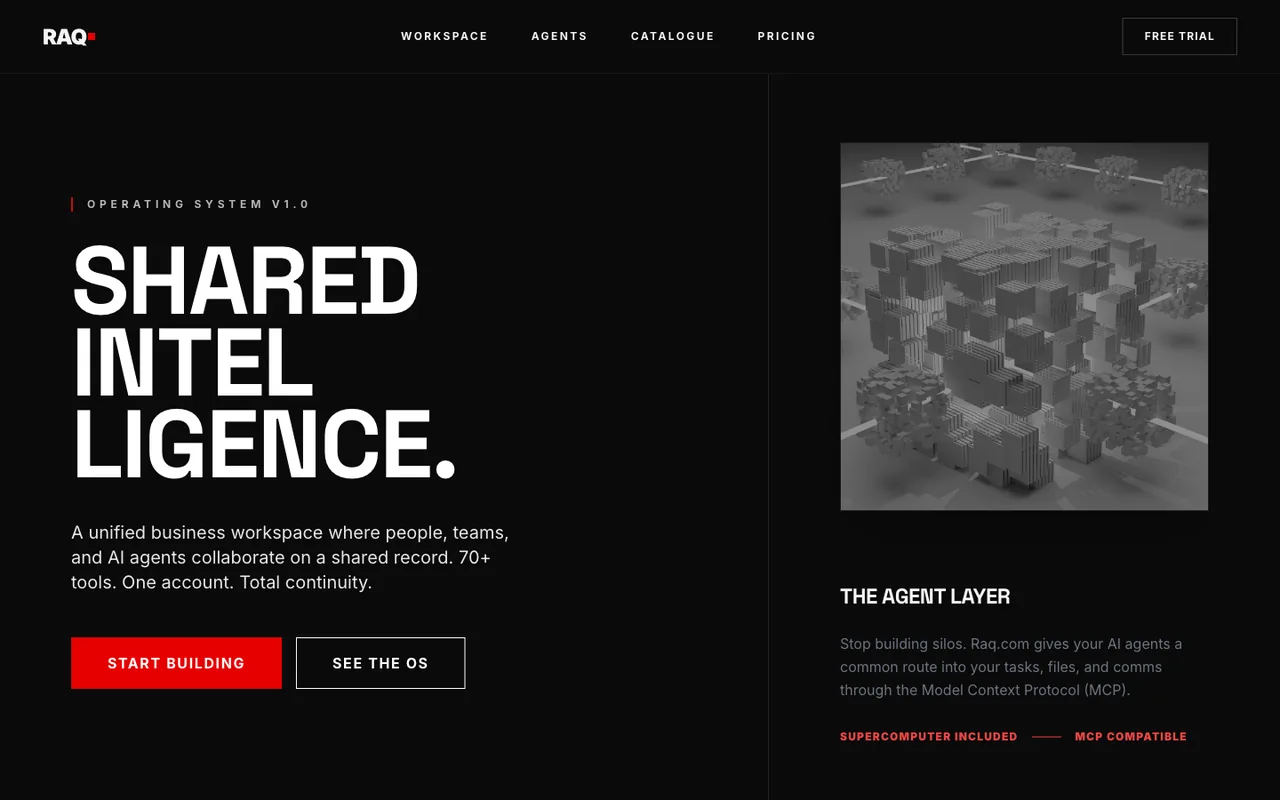 Open output
Ref A
Open output
Ref AGemini 3 Flash
-
 Open output
Ref B
Open output
Ref BGemini 3 Flash
-
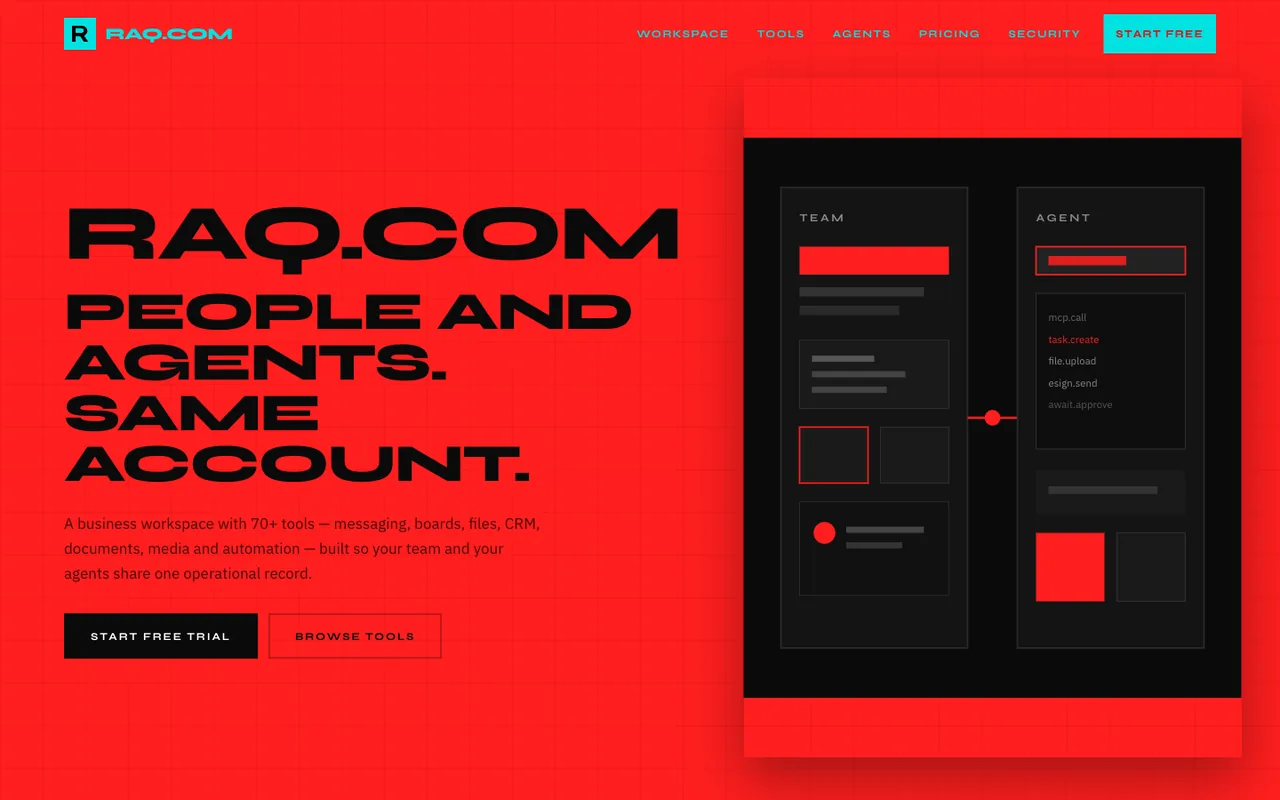 Open output
Ref A
Open output
Ref AGrok 4.5
-
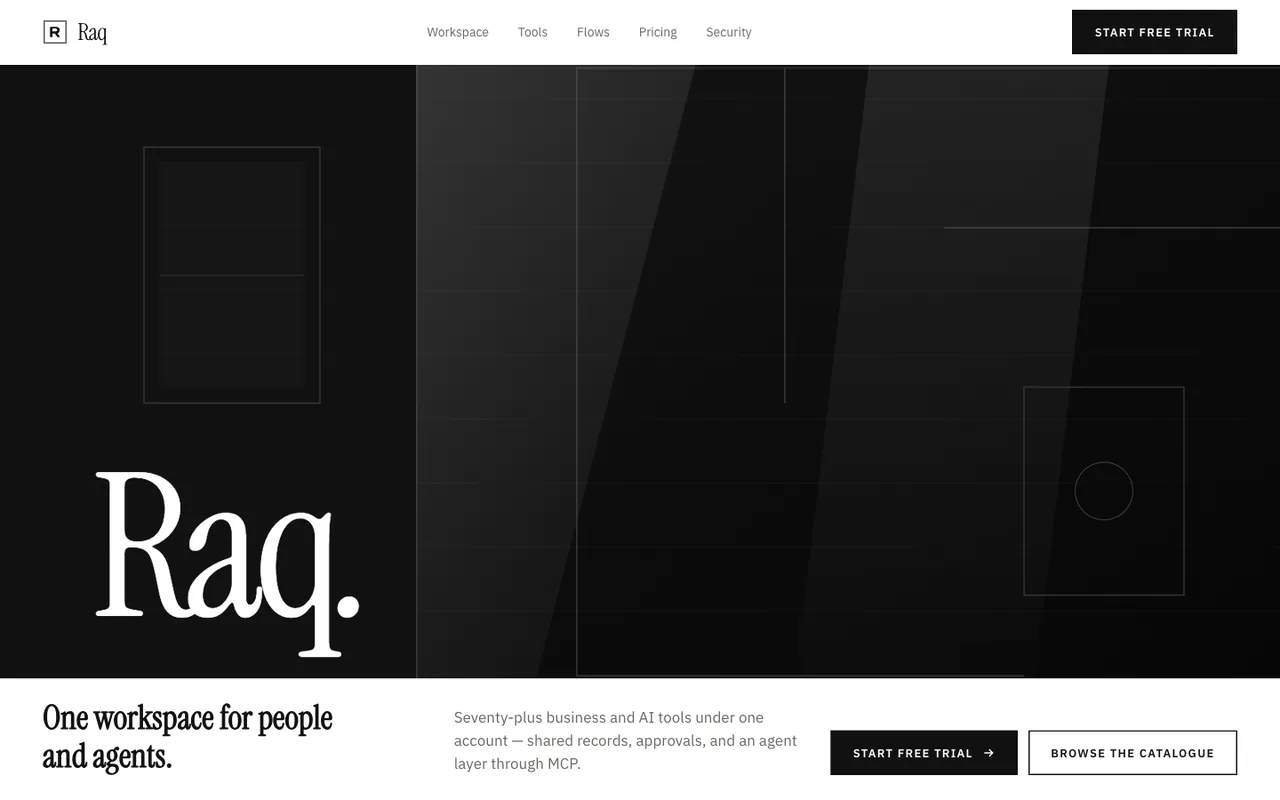 Open output
Ref B
Open output
Ref BGrok 4.5
-
 Open output
Ref A
Open output
Ref AGrok 4.3
-
 Open output
Ref A
Open output
Ref AQwen 3.8 2.4T A95B
-
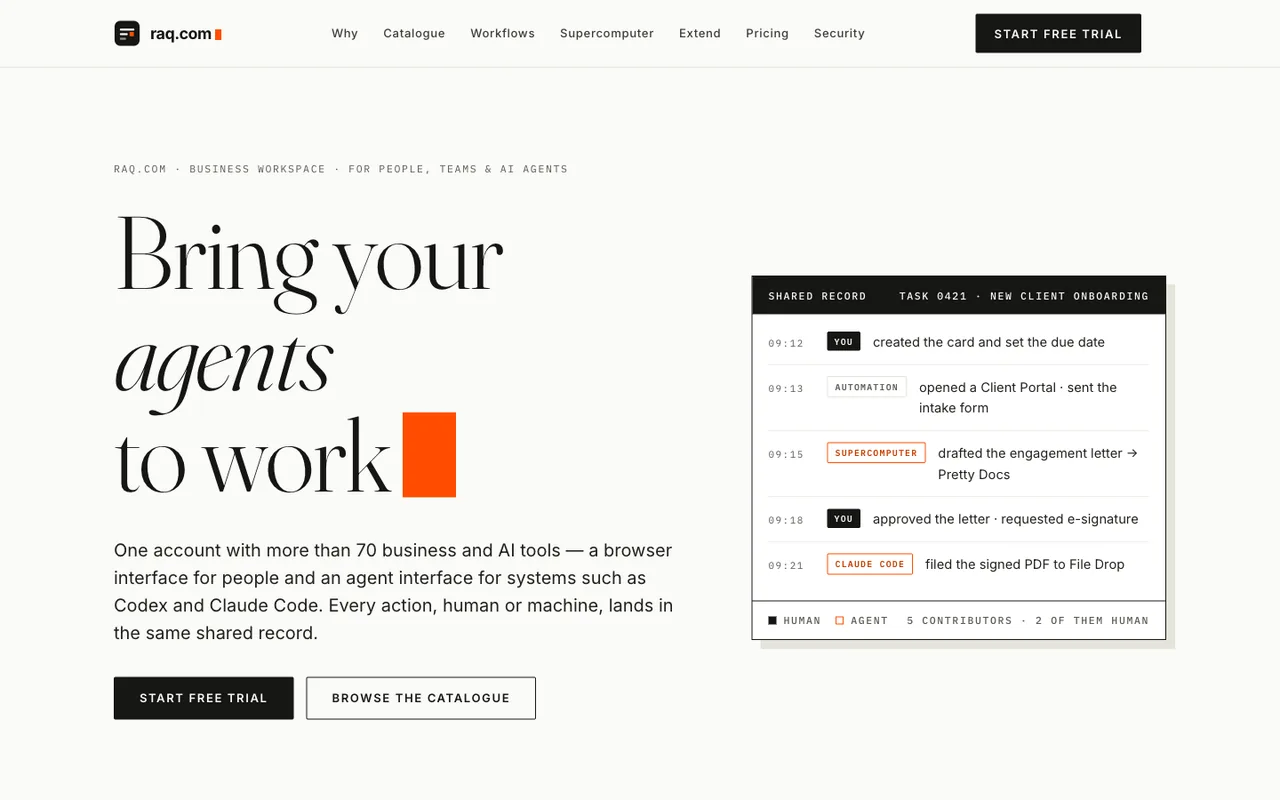 Open output
Ref B
Open output
Ref BQwen 3.8 2.4T A95B
-
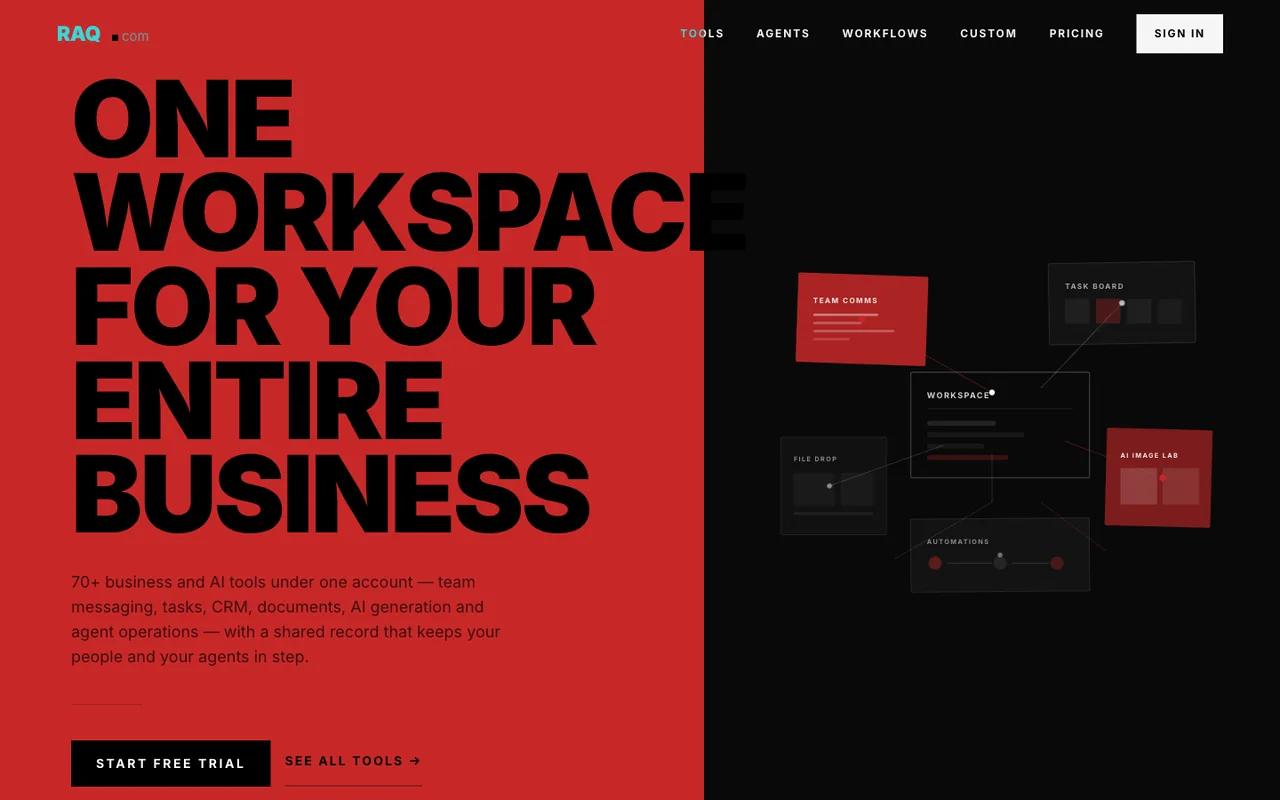 Open output
Ref A
Open output
Ref AQwen 3.7 Max
-
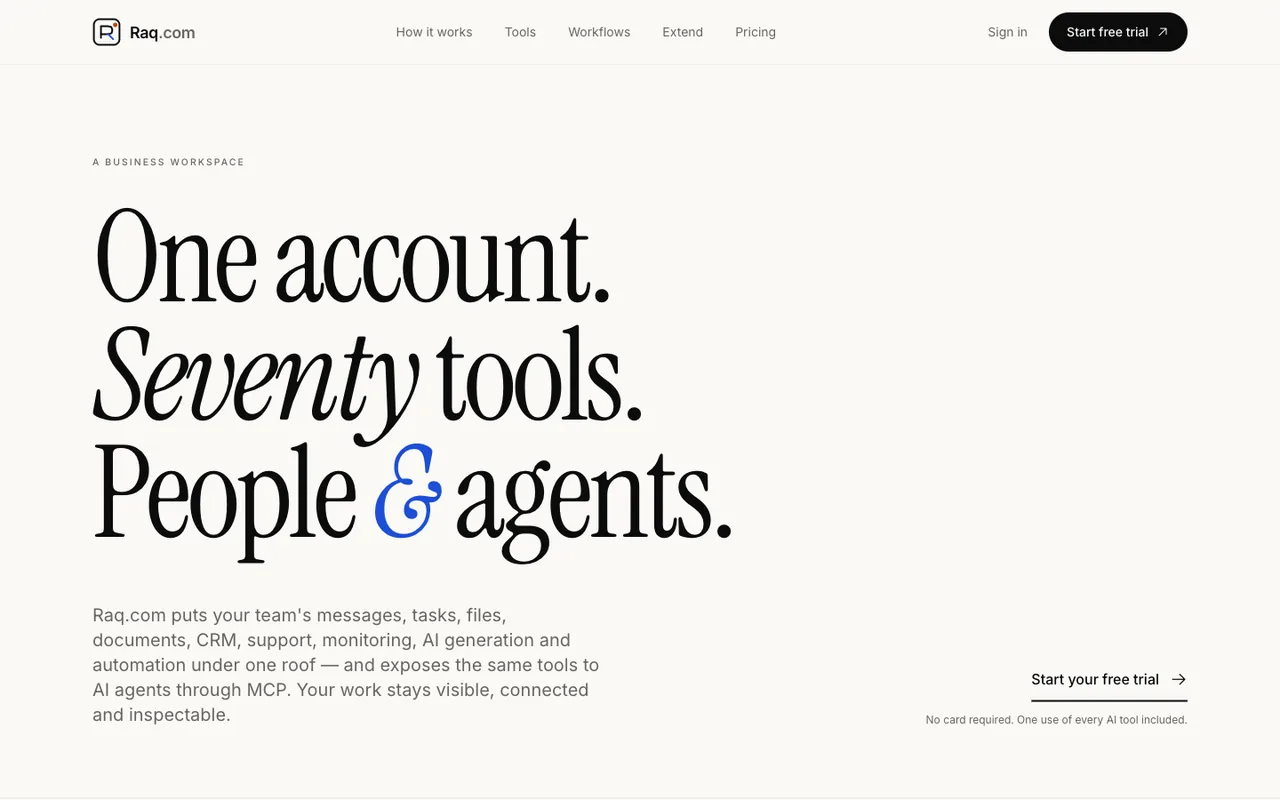 Open output
Ref B
Open output
Ref BQwen 3.7 Max
-
 Open output
Ref B
Open output
Ref BDeepSeek V4 Pro 0423
-
 Open output
Ref A
Open output
Ref ADeepSeek V4 Flash 0731
-
 Open output
Ref A
Open output
Ref AGLM 5.2
-
 Open output
Ref B
Open output
Ref BGLM 5.2
-
 Open output
Ref A
Open output
Ref AMeta Muse Glimmer 30B
-
 Open output
Ref B
Open output
Ref BMeta Muse Glimmer 30B
-
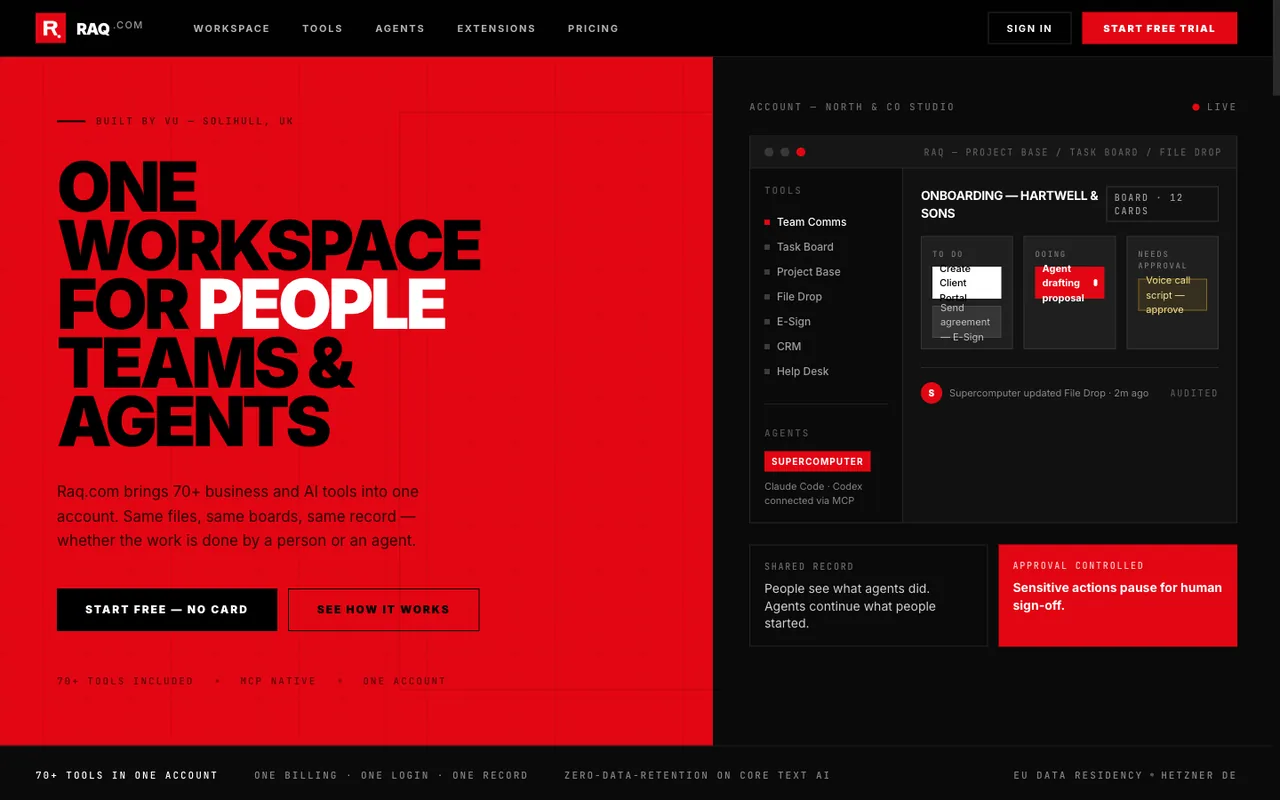 Open output
Ref A
Open output
Ref AMeta Muse Spark 1.2
-
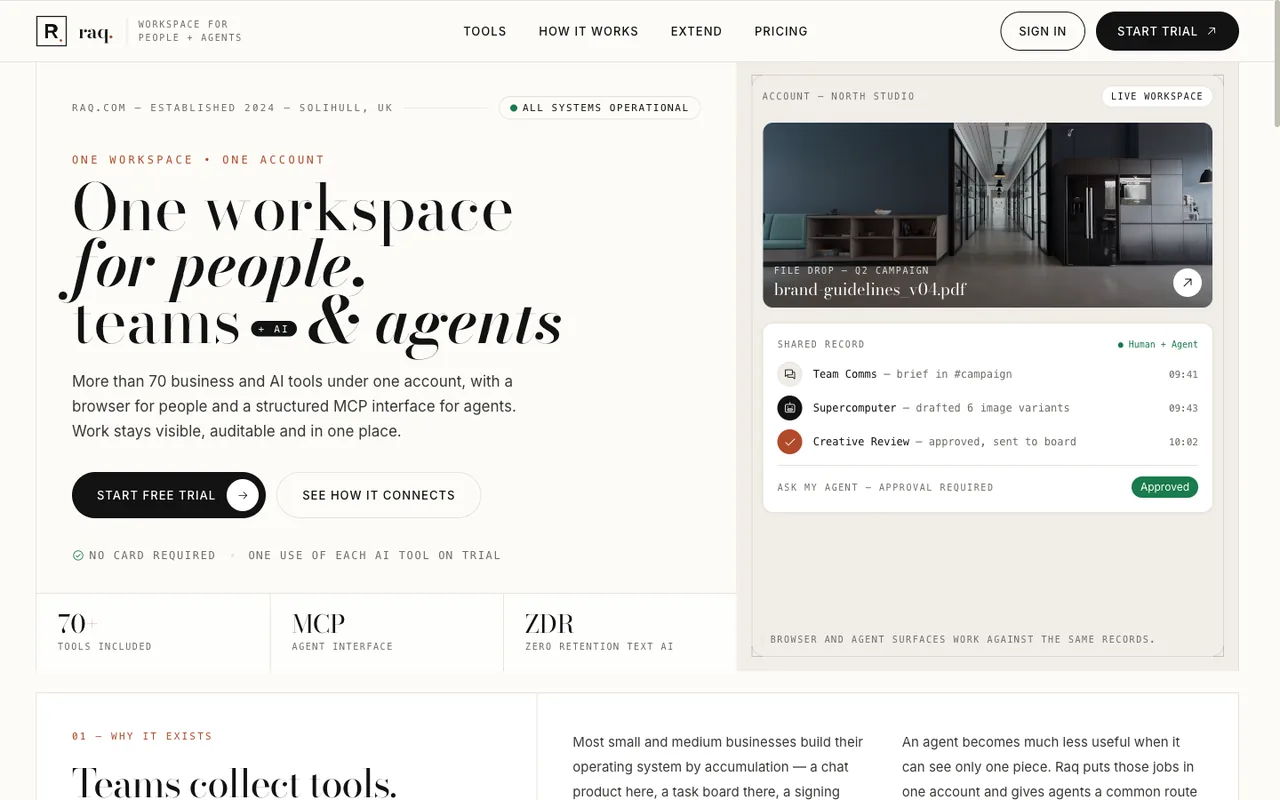 Open output
Ref B
Open output
Ref BMeta Muse Spark 1.2
-
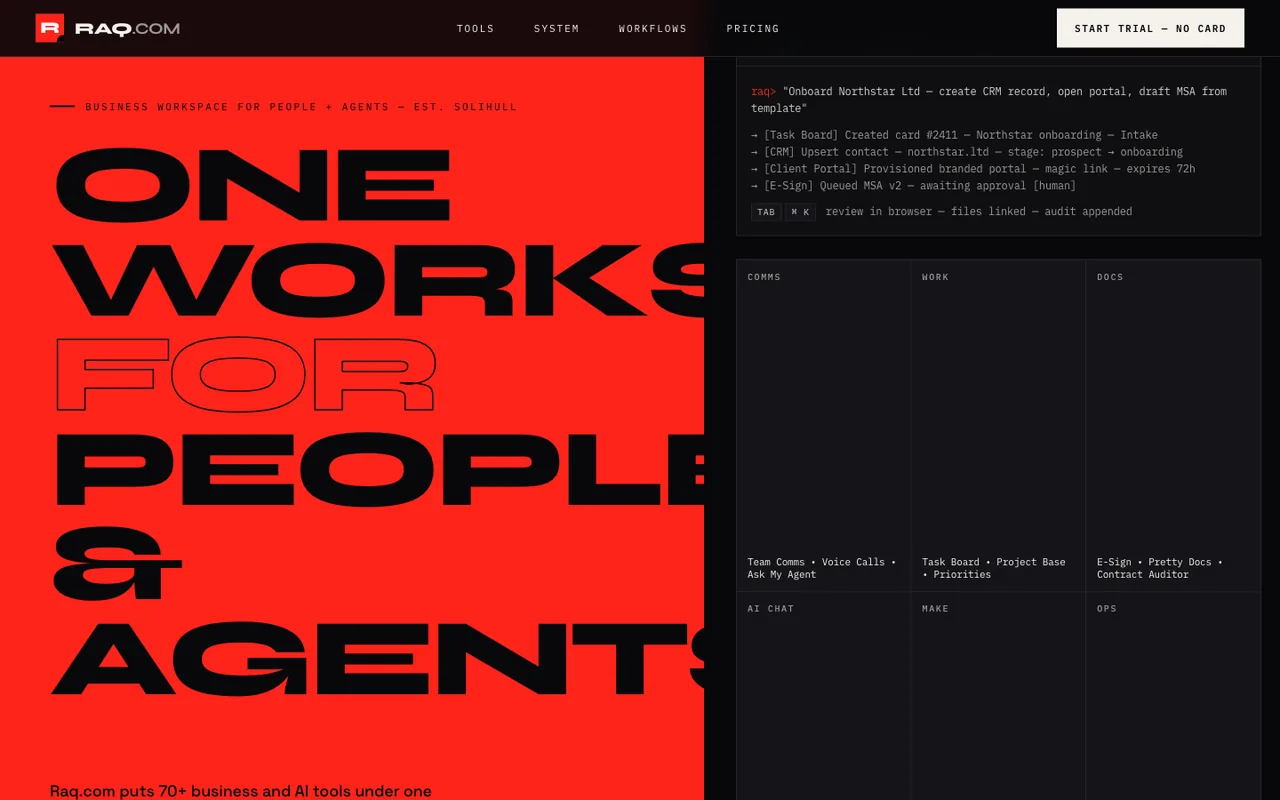 Open output
Ref A
Open output
Ref AMeta Muse Spark 1.1
-
 Open output
Ref B
Open output
Ref BMeta Muse Spark 1.1
-
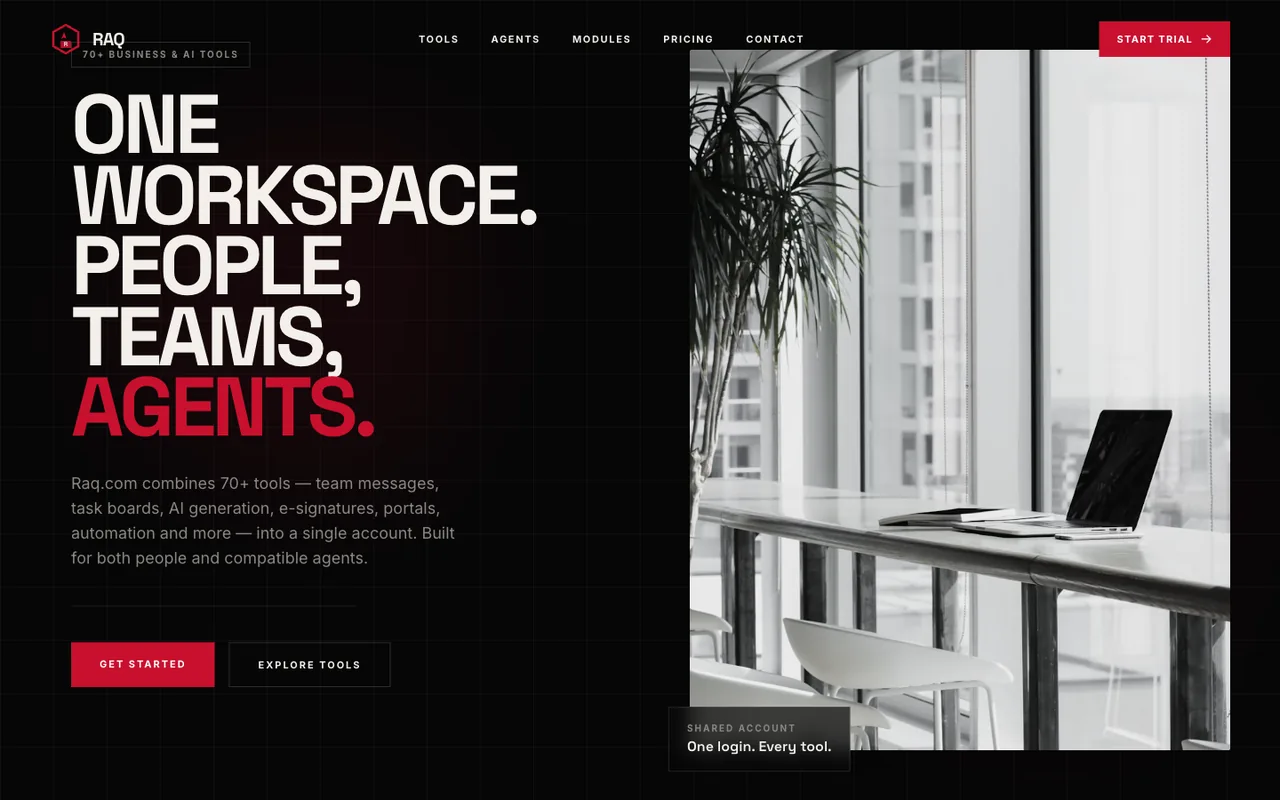 Open output
Ref A
Open output
Ref AInkling
-
 Open output
Ref B
Open output
Ref BInkling
Giving Design MCP more freedom and a SOTA model
Here are a few designs where GPT-5.6 Sol was given free reign with Raq.com Design MCP.
-
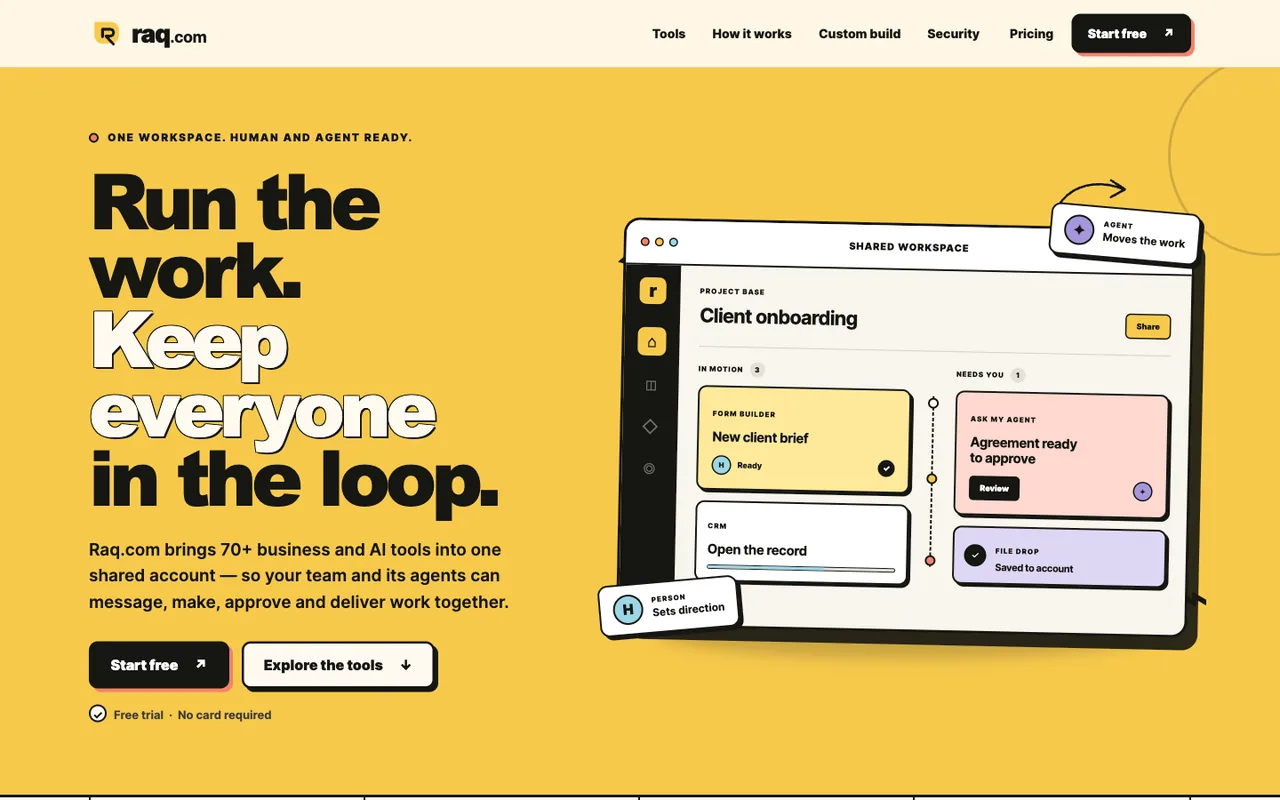 Open output
GPT-5.6 Sol
-
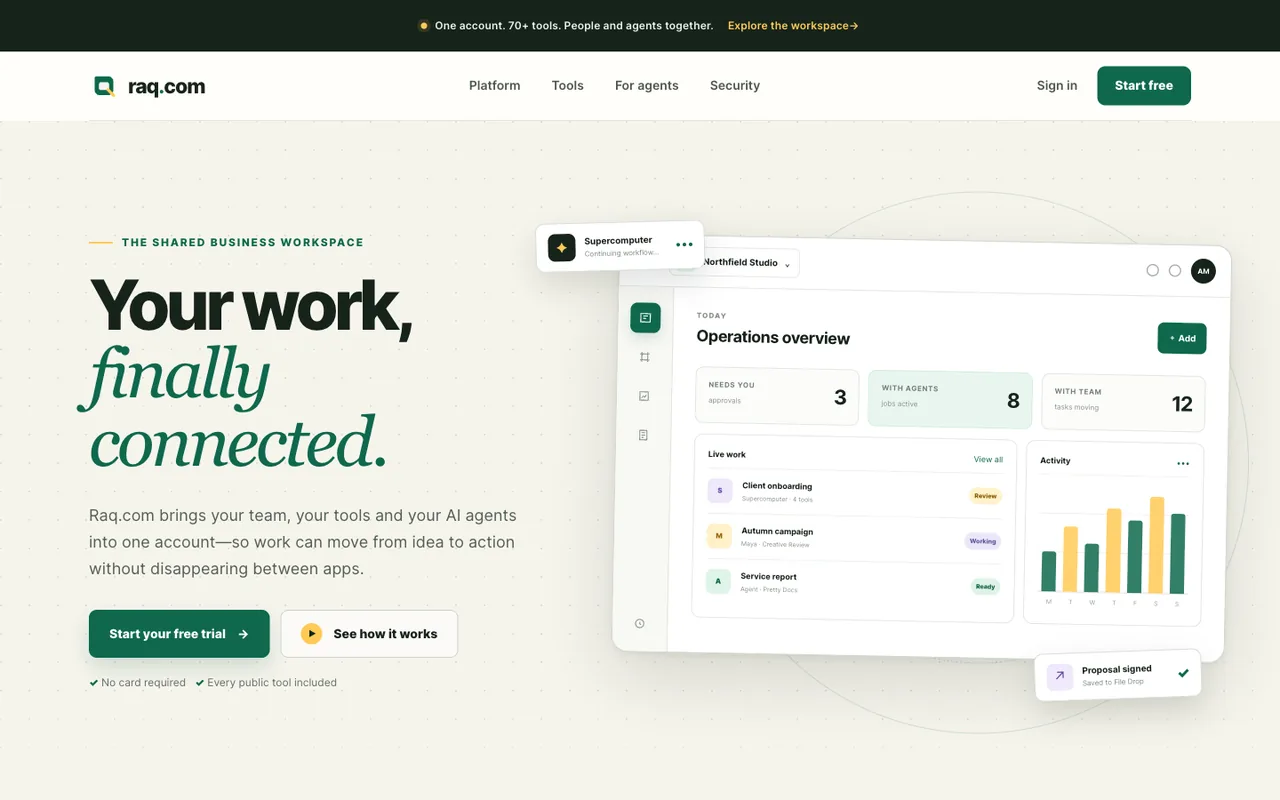 Open output
GPT-5.6 Sol
-
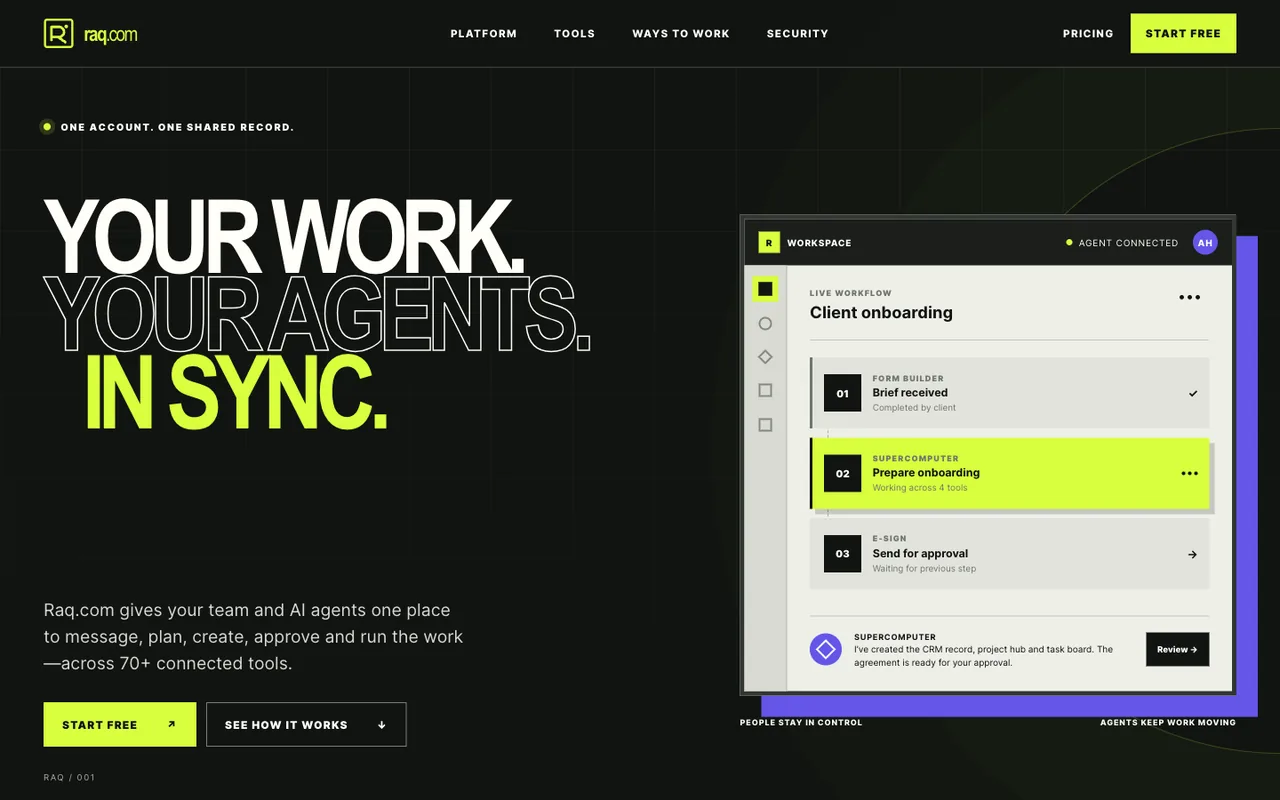 Open output
GPT-5.6 Sol
-
 Open output
GPT-5.6 Sol
-
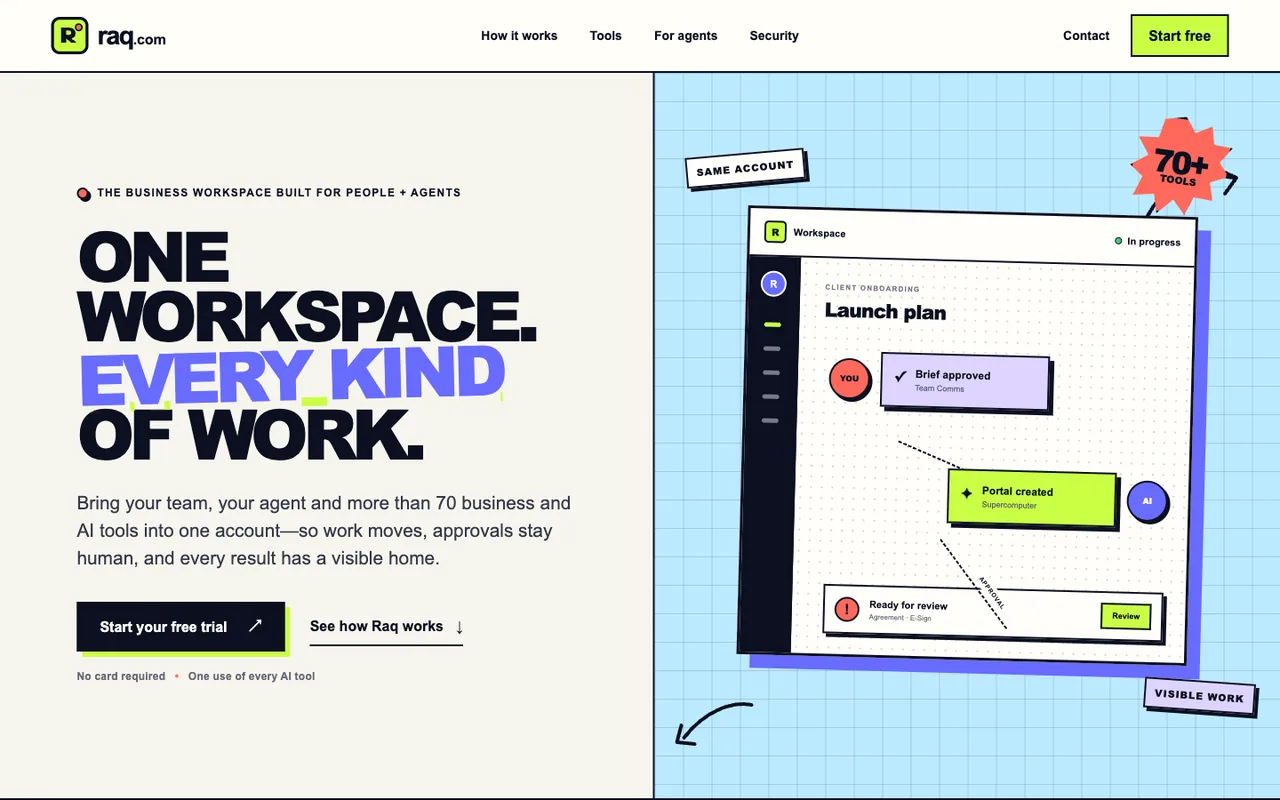 Open output
GPT-5.6 Sol
Build a website that doesn't look generated
Give your coding agent Design MCP and start from a considered design direction instead of the usual defaults.