
Getting started with Raq.com
Ask your AI what Raq.com can do for you.
Raq.com gives your AI app a workspace of business tools, from e-signing and a CRM to forms and task boards. You don't need to learn them one by one. Start with one question.
Not connected yet? Connect your AI app first. It takes about a minute.
 Raq.comConnected
What can we do with Raq.com? We pay for separate tools for our CRM and e-signing at the moment. Could Raq.com replace any of them, so we can save money? Then suggest three things you could set up for us first.
Raq.com could take over these for you:
Happy to look. Which tools do you pay for at the moment?
-
 CRM
CRM
CRM
CRM
-
 E-signing
E-Sign
E-signing
E-Sign
-
 Online forms
Form Builder
Online forms
Form Builder
-
 Task boards
Task Board
Task boards
Task Board
-
 Automations
Automations
Automations
-
 Team chat
Team Comms
Team chat
Team Comms
-
 Screen recording
Screen Recorder
Screen recording
Screen Recorder
-
 Shared notes
Project Base
Shared notes
Project Base
-
 Transcription
Transcribe
Transcription
Transcribe
-
 Time tracking
Time Tracker
Time tracking
Time Tracker
Here are three things I could set up first. Which shall we start with?
How it goes.
Raq.com works inside the AI app you already use. There's nothing to install, and you don't need to open Raq.com to get started.
-
1
Switch Raq.com on
In ChatGPT or Claude, open the plus menu in the message box and turn Raq.com on for this chat.
-
2
Ask the question
Paste the question from above. Add the names of the tools you use if you like.
-
3
Pick where to start
Choose one of its suggestions and your AI sets it up with you. Everything it makes is in your Raq.com workspace.
Then try one of these.
Copy one into your AI app and change the words in square brackets. You can attach files in the chat as normal, and the result shows up in Raq.com like this.
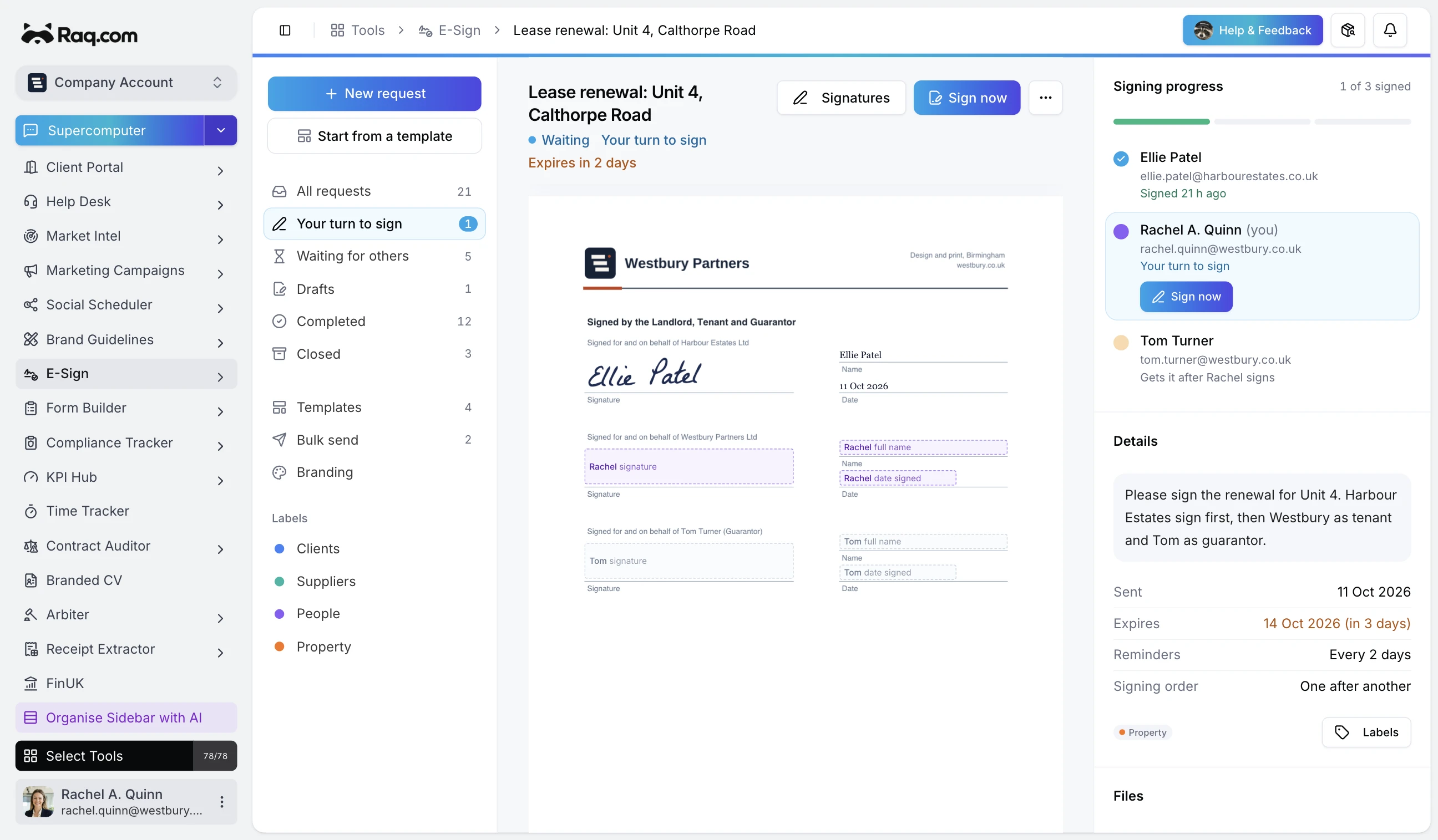 E-Sign
Instead of DocuSign
Get a contract signed
Send the attached agreement to [name] at [email address] to sign with Raq.com E-Sign.
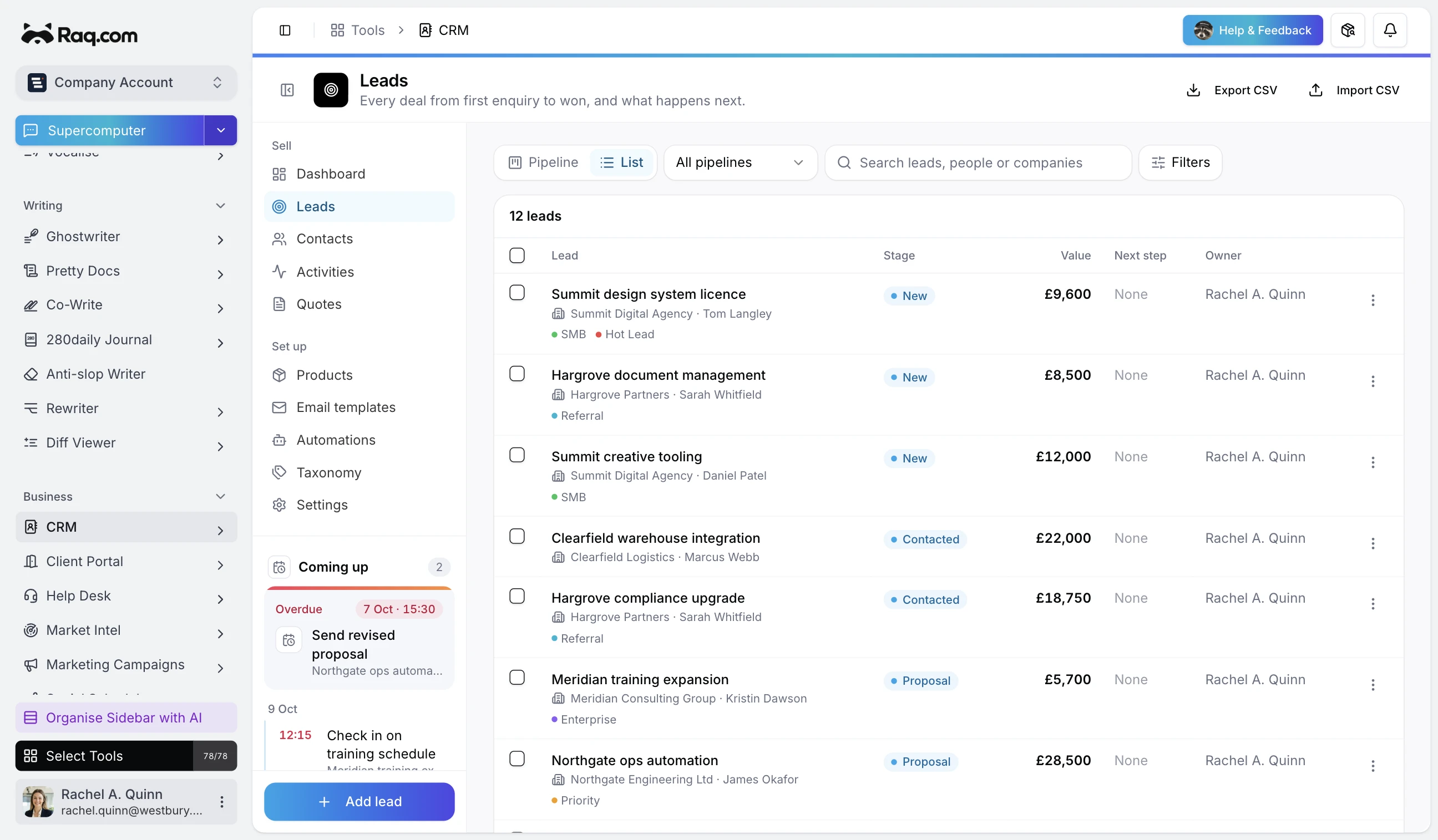 CRM
CRM
Instead of HubSpot or Pipedrive
Keep your customer list in one place
Add the people and companies in the attached spreadsheet to our Raq.com CRM.
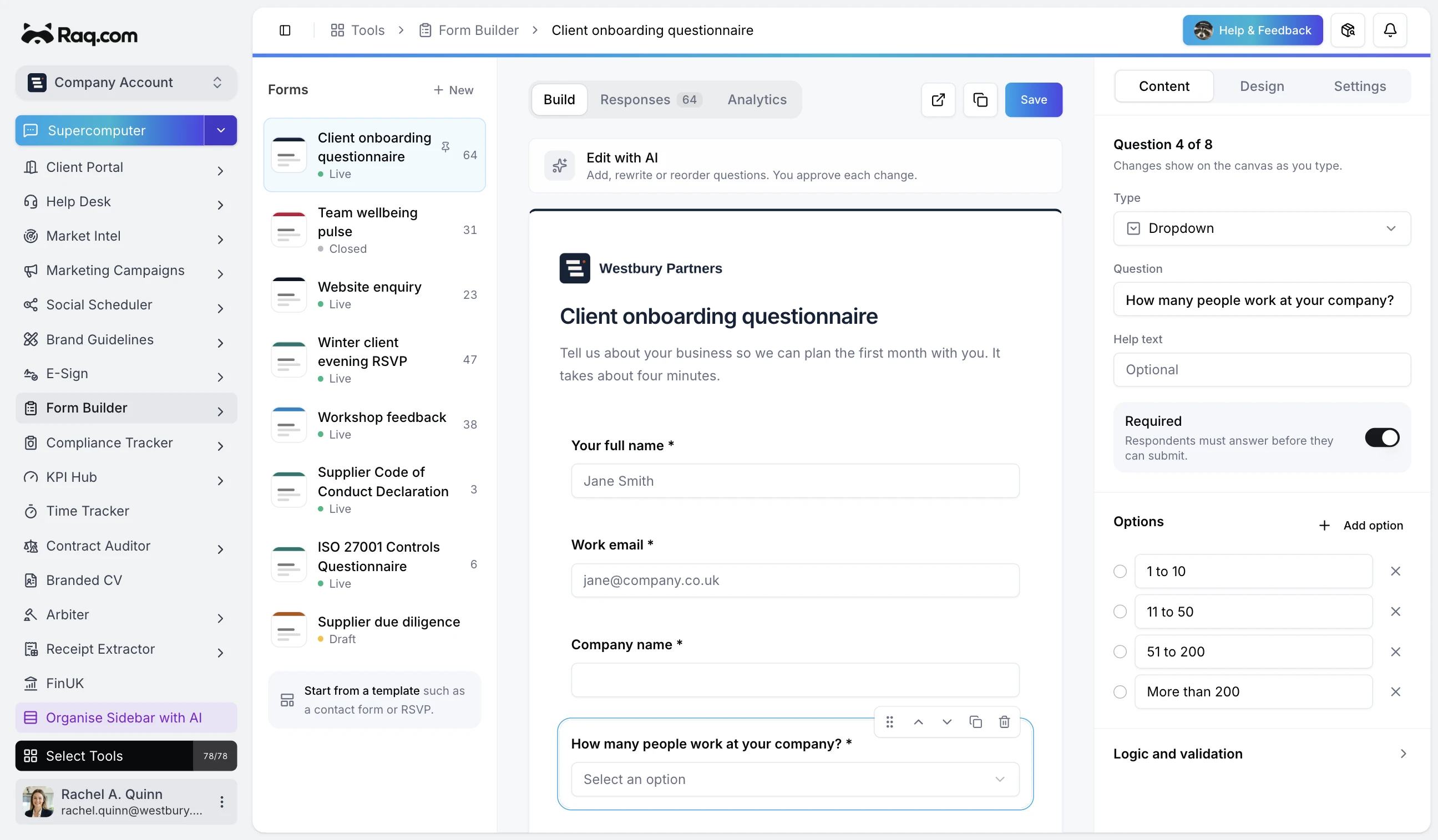 Form Builder
Instead of Typeform
Collect details with a form
Make a Raq.com form that new clients can fill in with their contact details and what they need from us, then give me the link to share.
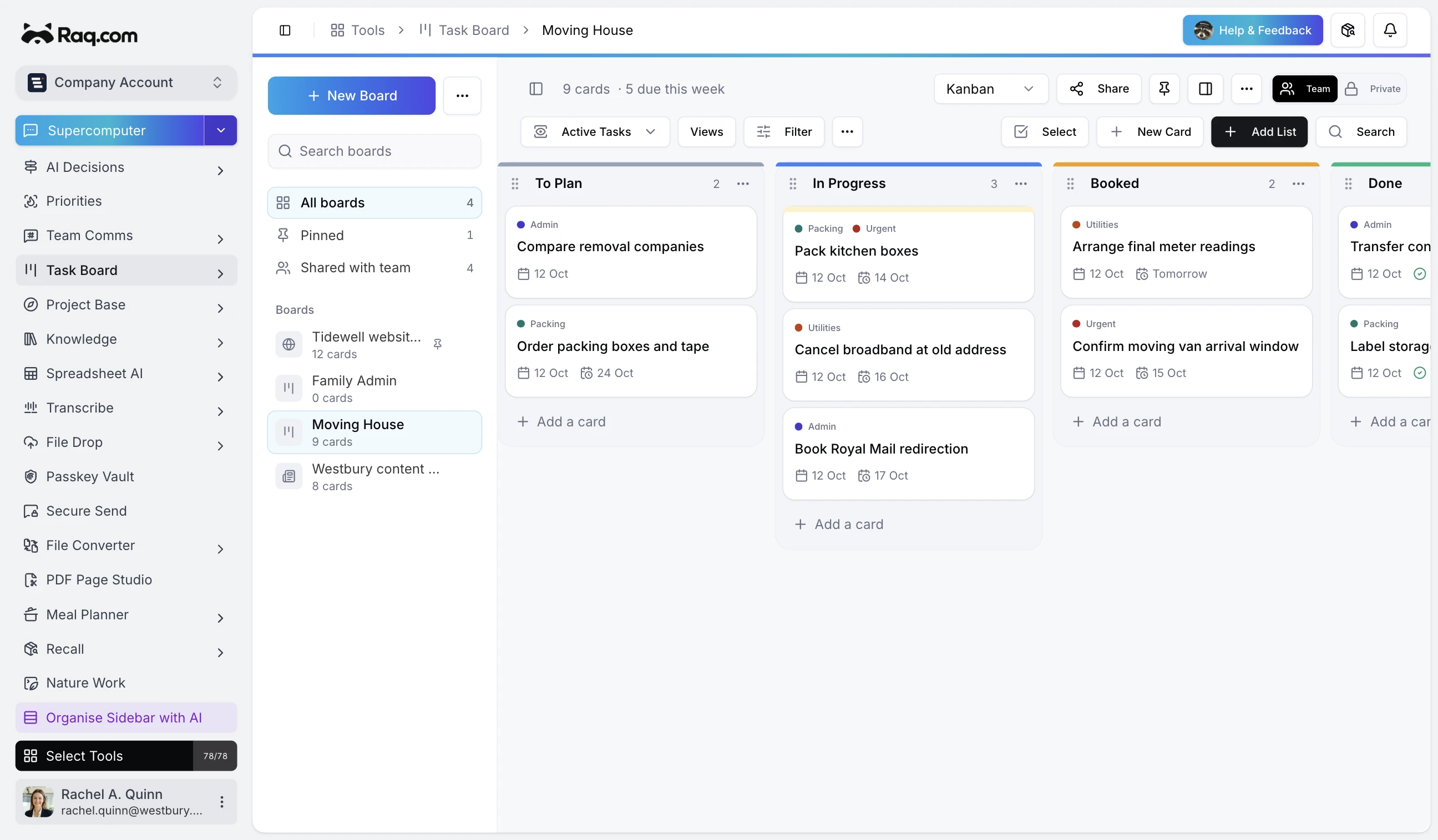 Task Board
Instead of Trello
Put a process on a board
Set up a Raq.com task board for taking on a new client. Ask me what our steps are first.
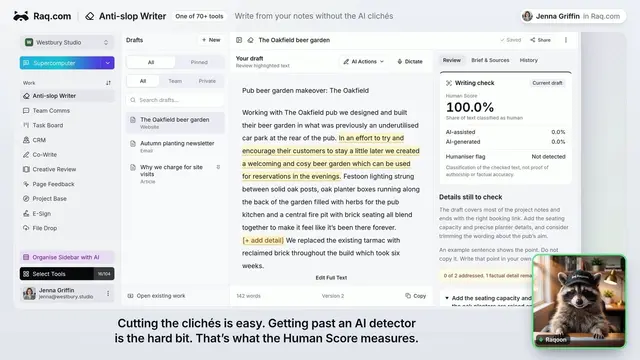
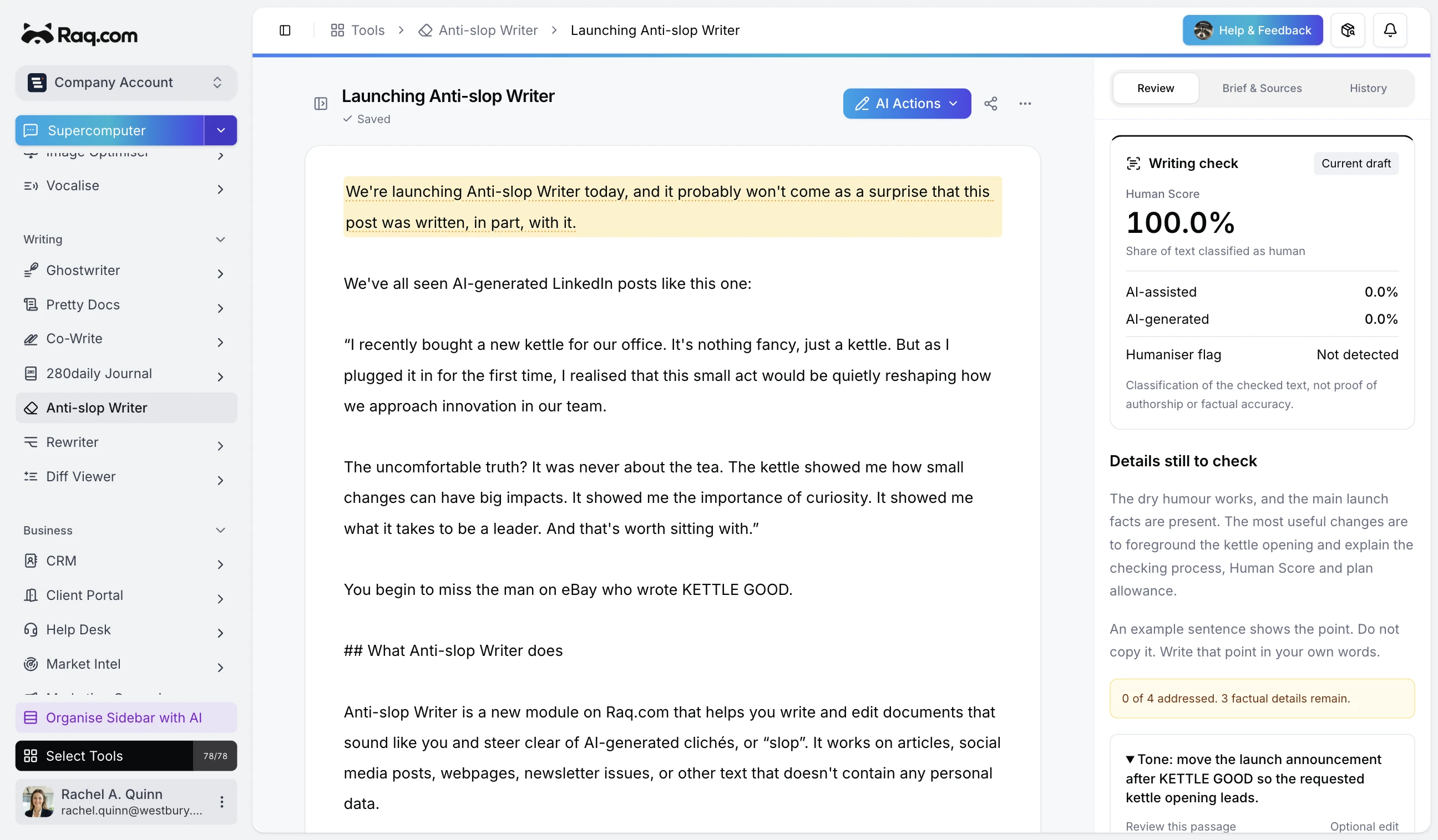 Anti-slop Writer
Write something that doesn't sound like AI
Use the Raq.com Anti-slop Writer to draft a LinkedIn post about [topic] that doesn't read like AI.
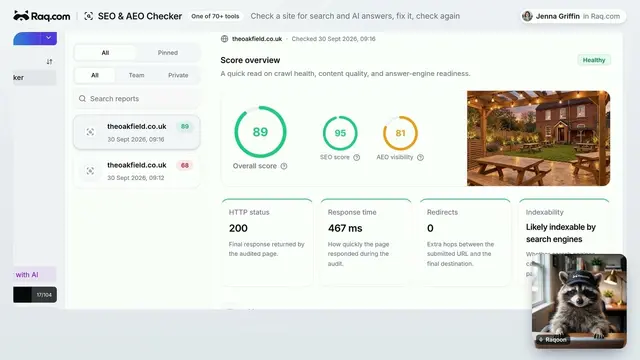
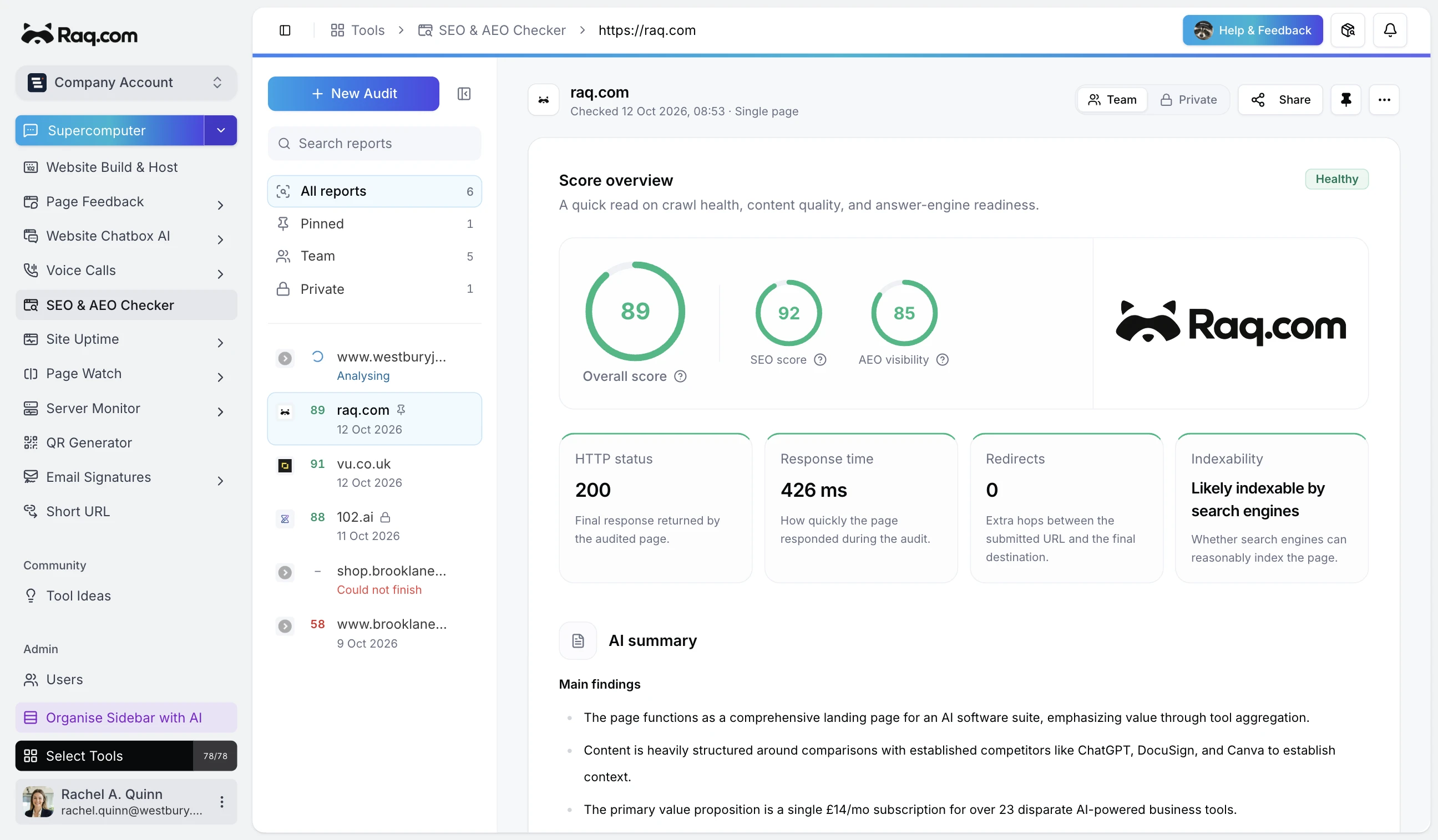 SEO & AEO Checker
Check your website
Check [our website address] with the Raq.com SEO & AEO Checker and tell me the five most useful fixes.
See it working.
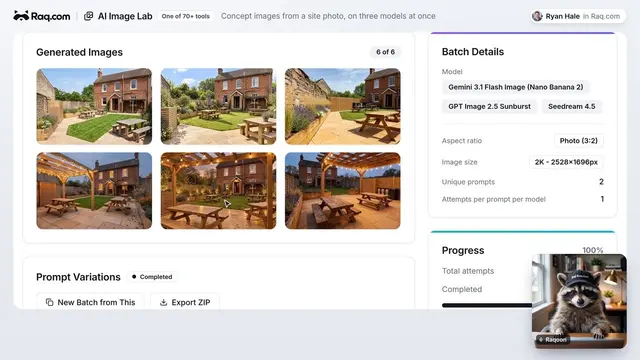
Short videos from the Raq.com YouTube channel. Some use ChatGPT and some use Claude, and Raq.com works the same way in both. More on YouTube
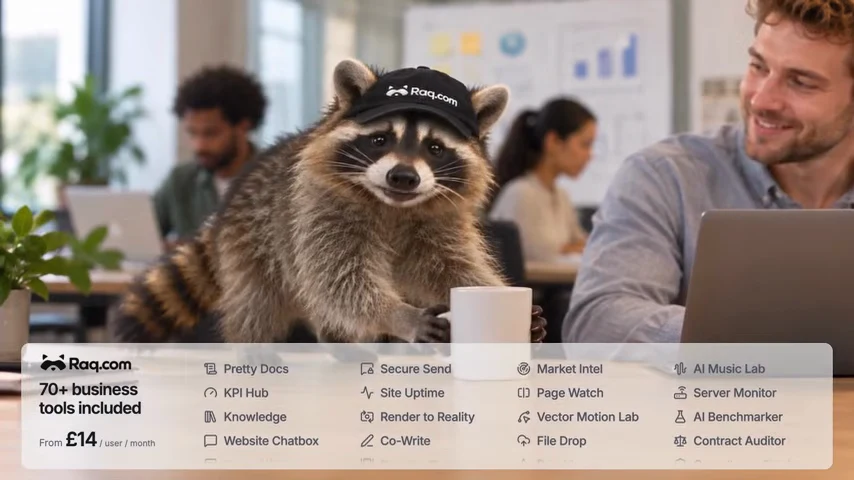
Meet Raqoon
Raqoon explains Raq.com in 37 seconds. Then try the question at the top of this page in your own AI app.
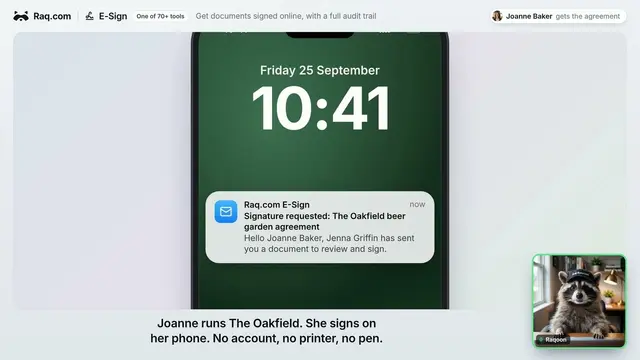
Good to know.
A few things worth knowing before you start.
You don't need to learn every tool
Your AI picks the right Raq.com tool for the job. If you'd rather click around yourself, every tool is also in your workspace at raq.com.
Turn Raq.com on in each chat
In ChatGPT and Claude, switch Raq.com on from the plus menu in the message box before you ask. In ChatGPT you can also mention Raq.com by name.
You stay in charge of changes
Your AI app shows you what it's about to do in Raq.com, and most apps ask you to confirm before it creates or changes anything.
A tool is missing from your workspace
Ask your AI to add it. Workspace owners and admins can add any Raq.com tool from the chat, or from Select Tools in the Raq.com sidebar.
Your team sees the same workspace
Each person connects their own AI app once. The records are shared, so a contract your colleague sent or a lead they added shows up for you too.
Stuck? Ask your AI app.
With Raq.com switched on, ChatGPT or Claude can look up how Raq.com works and sort most things out with you. Inside Raq.com, Raqoon under Help & Feedback can show you where things are. For anything else, email hello@raq.com, which goes straight to the founders.
Not connected yet?
Connecting ChatGPT, Claude or another AI app to Raq.com takes about a minute. You paste one prompt and your AI walks you through the rest.


 and other AI apps with connectors