


Drop in a screenshot
Paste it, drag it in or choose a file.
PNG, JPEG, WebP, AVIF or GIF, up to 50MB.

Beautify screenshots with backgrounds, shadows, device frames, and export in any size.
Free trial included No credit card needed Your prompts stay private
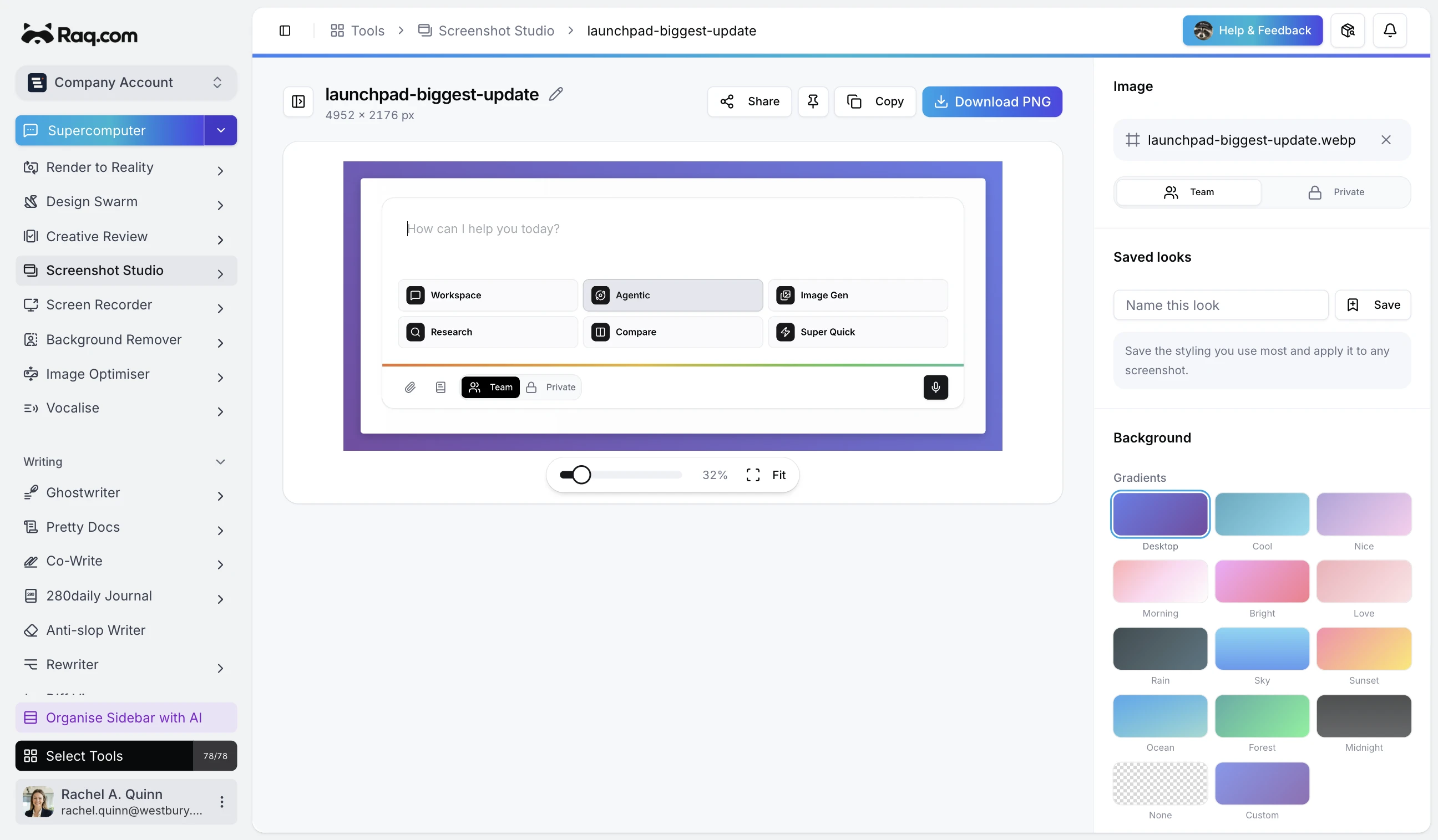
Upload a screenshot and transform it with gradient backgrounds, adjustable padding, rounded corners, drop shadows, and device mockups. Export pixel-perfect images for social media, presentations, or documentation.
Works in Claude, ChatGPT Work, Grok Bot and any AI app with connectors. Connect yours
Make polished hero shots of the launchpad update for the announcement.
I will dress the screenshot in Screenshot Studio with a clean background and export ready-to-use sizes.
Paste it, drag it in or choose a file.
PNG, JPEG, WebP, AVIF or GIF, up to 50MB.
Browser, iPhone, MacBook, iPad or no frame.
The browser frames come in light and dark, with the address of your choice in the address bar.
Background, padding, corners and shadow.
Pick a gradient, make your own, upload an image or leave it transparent. Save the look to use again.
1x, 2x or 3x, as PNG, JPEG or WebP.
Download it or copy it straight to your clipboard, at a social size or one of your own.
X, LinkedIn, Facebook, Instagram, YouTube, Pinterest, Reddit and Snapchat sizes, or set your own up to 7680 pixels.
Keep the background, padding and frame you use most in your browser and apply them to the next screenshot in one click.
Keep a screenshot to yourself or share it with everyone in your Raq.com account.
The Raq.com watermark is off by default. Switch it on if you like.
Screenshot Studio is included in every Raq.com plan. From $39 per user a month, with 75+ modules.
Free trial included No credit card needed Your prompts stay private
We use optional cookies to understand how people find this site and to measure our ads.