Raq.com identity
Brand guidelines
Official assets and guidance for using the Raq.com identity.


Introduction
These guidelines help partners, developers and publishers use the Raq.com name, logos and Raqoon artwork consistently. Use the supplied assets and follow the guidance below.
Name and pronunciation
Write Raq.com, with a capital R and lowercase aq.com. The name is pronounced “Rack dot com”.
Logo
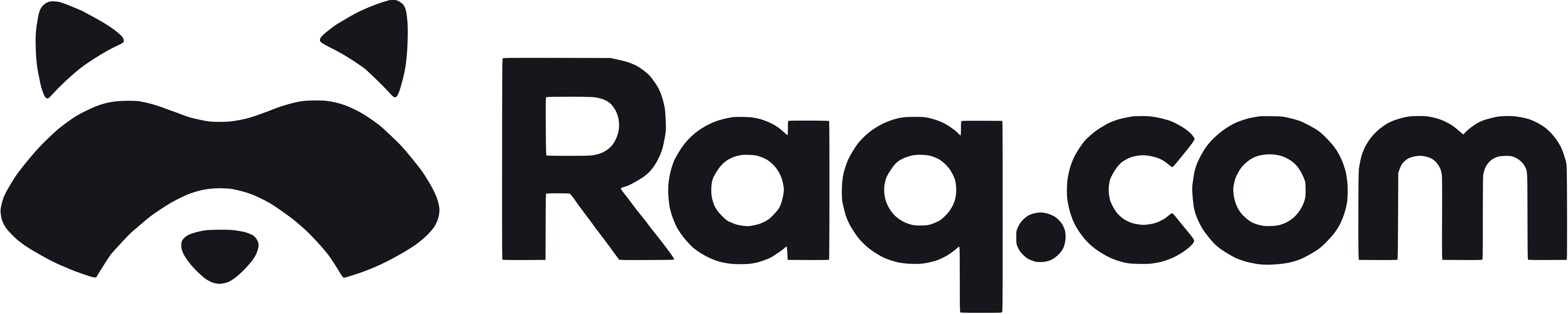
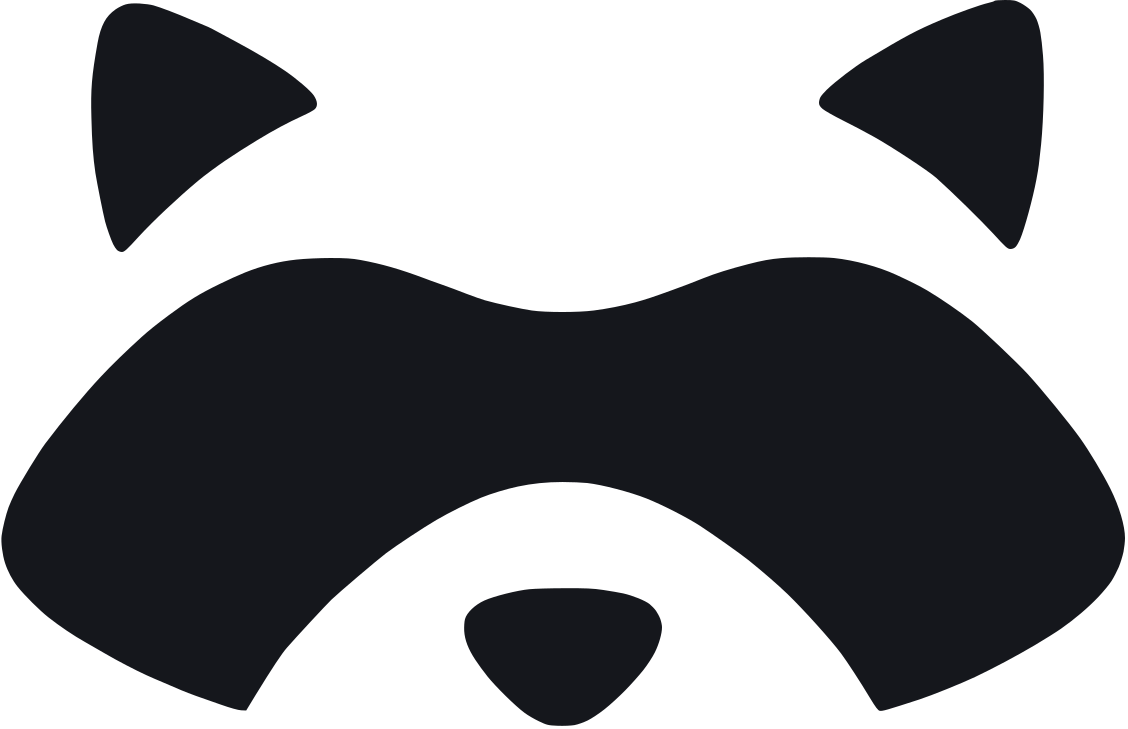
The primary logo combines the raccoon mark and Raq.com wordmark. Use it wherever space allows. The standalone mark is for compact spaces where the name is already clear. Keep the proportions and arrangement of each supplied version intact.

Clear space
Leave at least half the logo's height on every side. Apply the same rule to the standalone mark. Keep text, images and edges outside this area.
Minimum size
On screen, use the complete logo at least 120px wide and the standalone mark at least 24px wide. In print, use at least 30mm and 8mm respectively.
 120px24px
Dos and don'ts
Don't redraw, rotate, crop or rearrange the logo. Keep the mark and wordmark proportions intact. Use a plain background rather than a busy photograph.
Colour
Use the neutral palette below for Raq.com materials. The logo stays black on light backgrounds or white on dark backgrounds.
Primary text and dark backgrounds.
RGB 25, 27, 34Light backgrounds and reversed text.
RGB 255, 255, 255Secondary backgrounds.
RGB 238, 241, 244Dark panels and reversed text.
RGB 29, 37, 50Use Ink text on Paper or Silver, and Paper text on Ink or Slate. Keep text and logos clearly legible against their background.
Typography
Inter is the Raq.com typeface. Use regular for body copy, medium for subheadings and semibold for headings. Use sentence case and left alignment.
ABCDEFGHIJKLMNOPQRSTUVWXYZ
abcdefghijklmnopqrstuvwxyz
0123456789 & @ ? !
Inter · Regular / Medium / Semibold
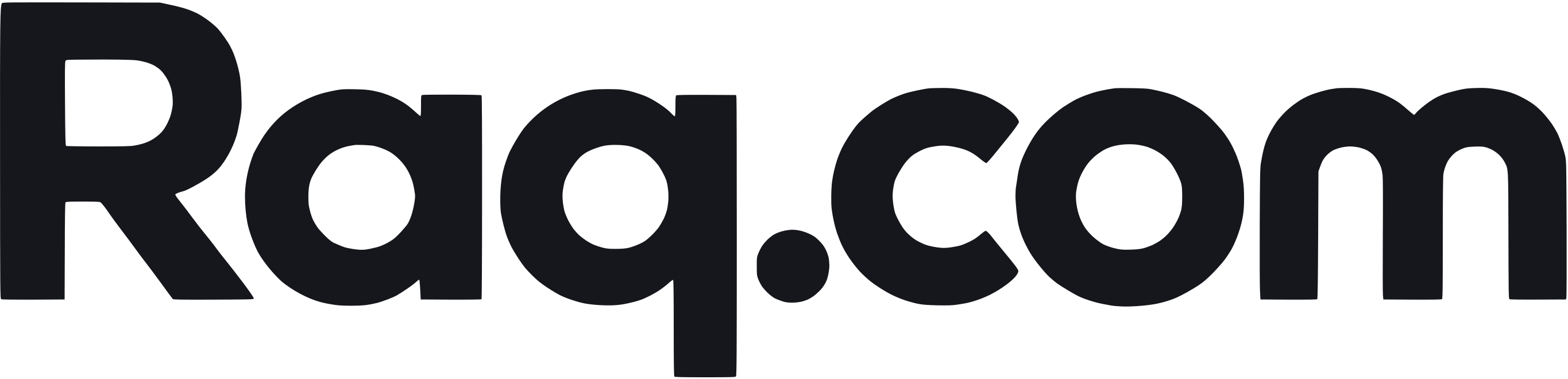
The wordmark is supplied artwork. Don't recreate it by typing the name in Inter.
Get Inter from its creatorRaqoon
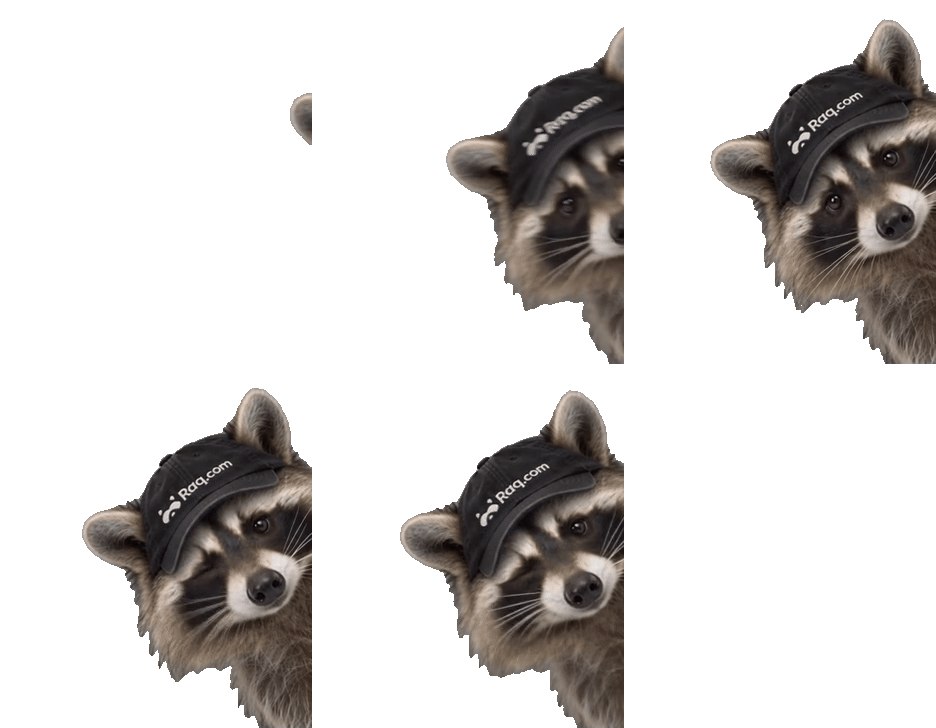
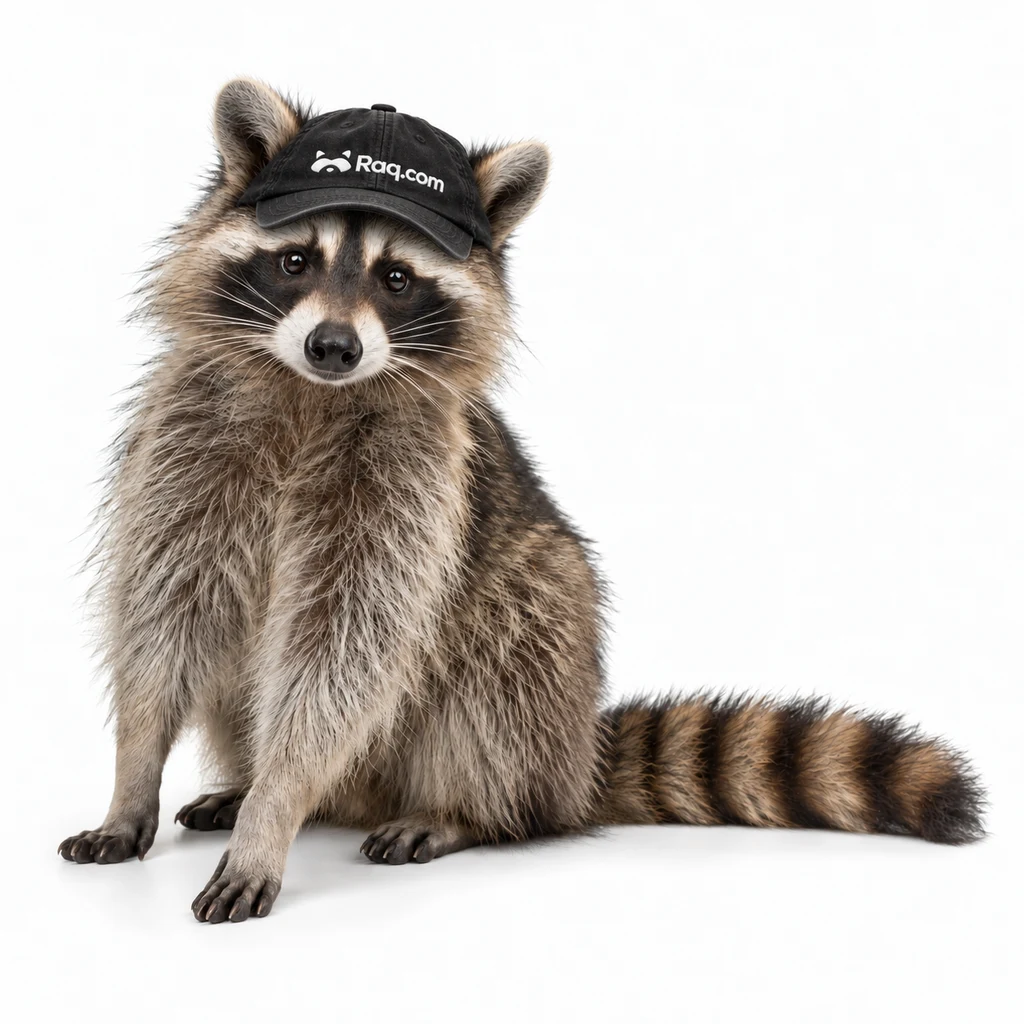
Raqoon is the Raq.com mascot. Use approved artwork and keep his original appearance and branded cap.
Placement
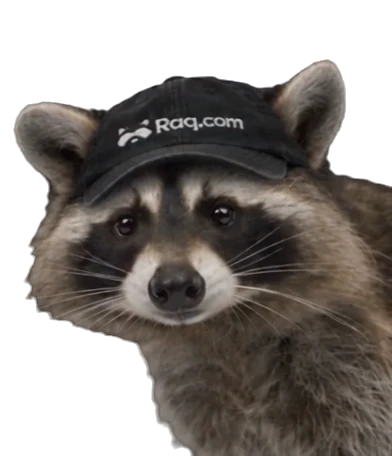
Keep text and controls clear of the artwork. Place corner crops flush with the bottom and right edges, as shown below.
New artwork
Contact us before creating new Raqoon artwork or using him in a campaign. Use the primary logo to identify Raq.com.
Ask about using RaqoonFor your team's
AI agents.
Raqoon in motion
Use WebM for transparent web video or MOV (ProRes 4444) for video editing. GIFs are also transparent; use them where video transparency isn't supported. MP4s have a white background.
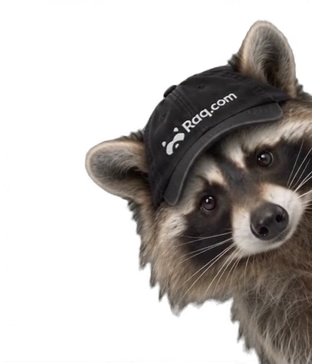
Press R on this page to see Raqoon. Press it again to cycle through his appearances, or Esc to dismiss him.
Usage
Use the assets to identify Raq.com accurately. Use the files as supplied, and don't imply a partnership, sponsorship or endorsement without approval.
Brand partnerships
Keep each logo separate, preserve its clear space and balance their visual sizes. Co-branded materials need approval from both brands.
Other uses
Don't incorporate our logo into your own identity or product name. Contact us before using our assets on merchandise or in paid advertising.
For permission requests, different formats or uses outside this guide, contact us.
Downloads
Download the full kit or choose a logo below. The kit includes scalable SVGs, transparent PNGs, Raqoon animations in WebM, MOV, GIF and MP4, the colour palette and a short usage guide.