
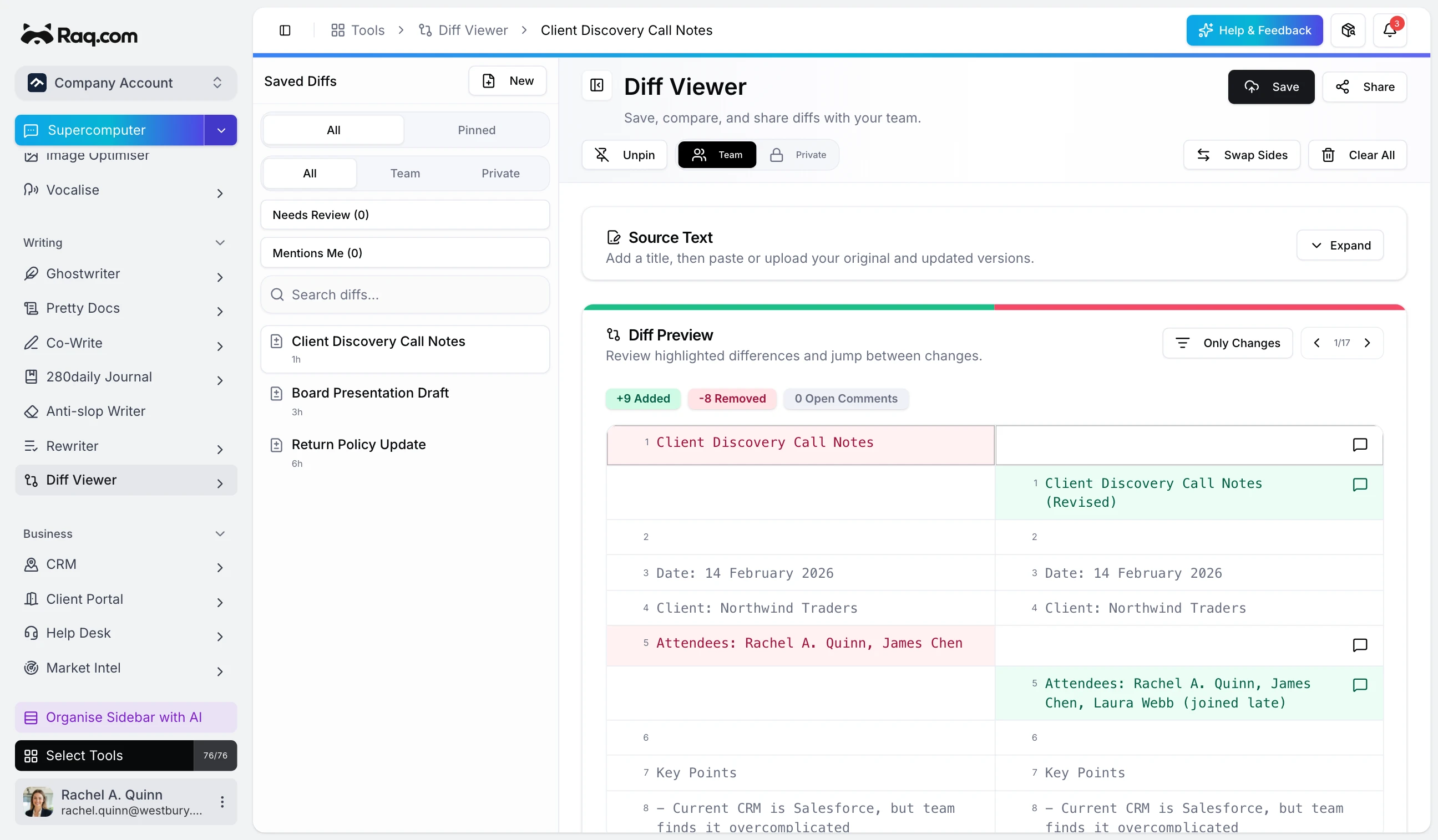
Diff Viewer: Review, Comment, and Share Every Edit
Paste two versions of any text and instantly see what changed. Colour-coded highlights, inline comments, and shareable snapshots make reviewing edits fast and clear.
Launches, new modules and the thinking behind Raq.com.
Page 8 of 9
Paste two versions of any text and instantly see what changed. Colour-coded highlights, inline comments, and shareable snapshots make reviewing edits fast and clear.
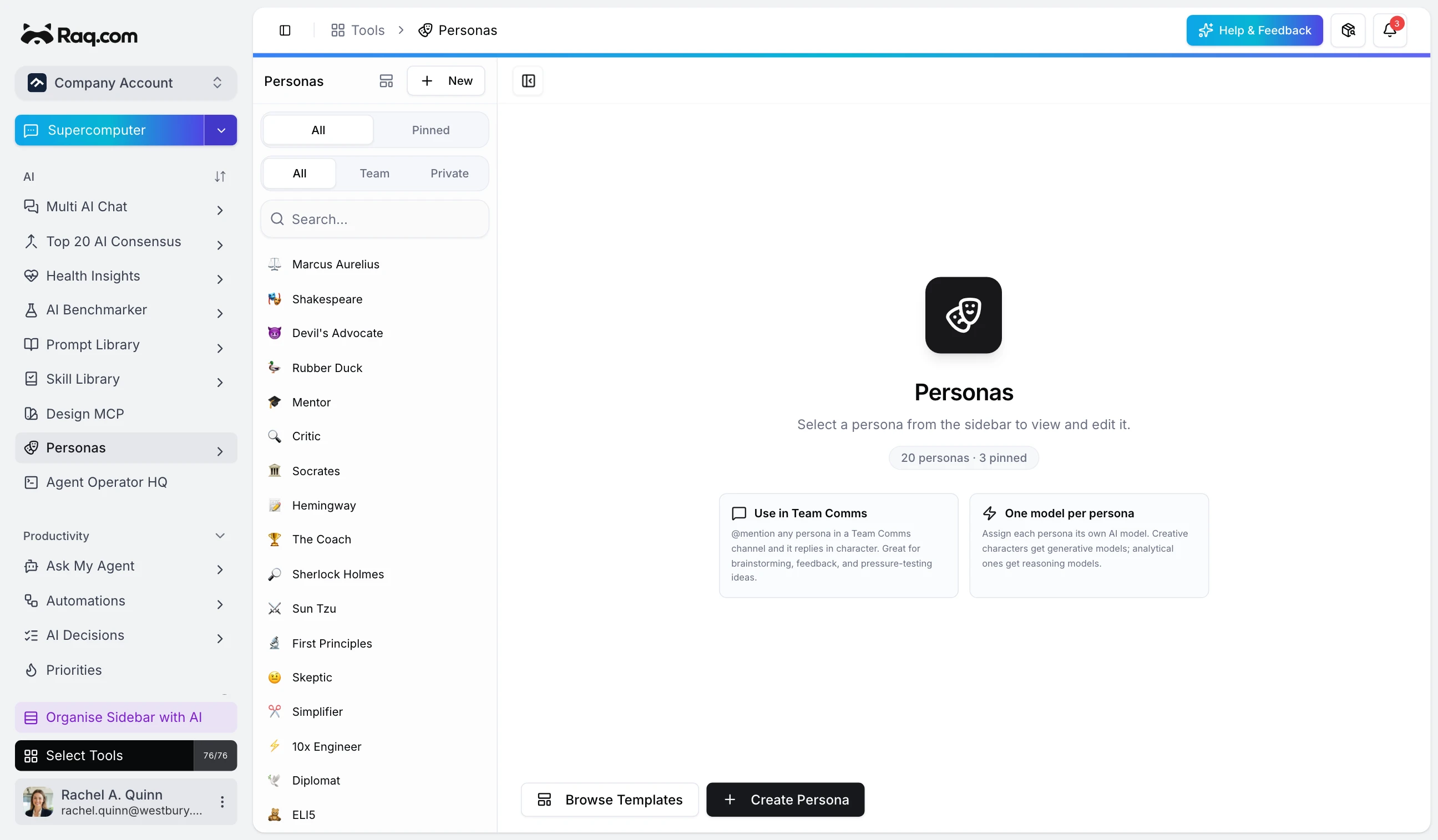
Create AI personalities with custom voices, tones, and system prompts. Drop them into Team Comms channels and @mention them for in-character responses.
Raq.com keeps growing. Organise your tools into custom sections, let AI sort them by workflow, and use Cmd+K to jump to anything instantly.
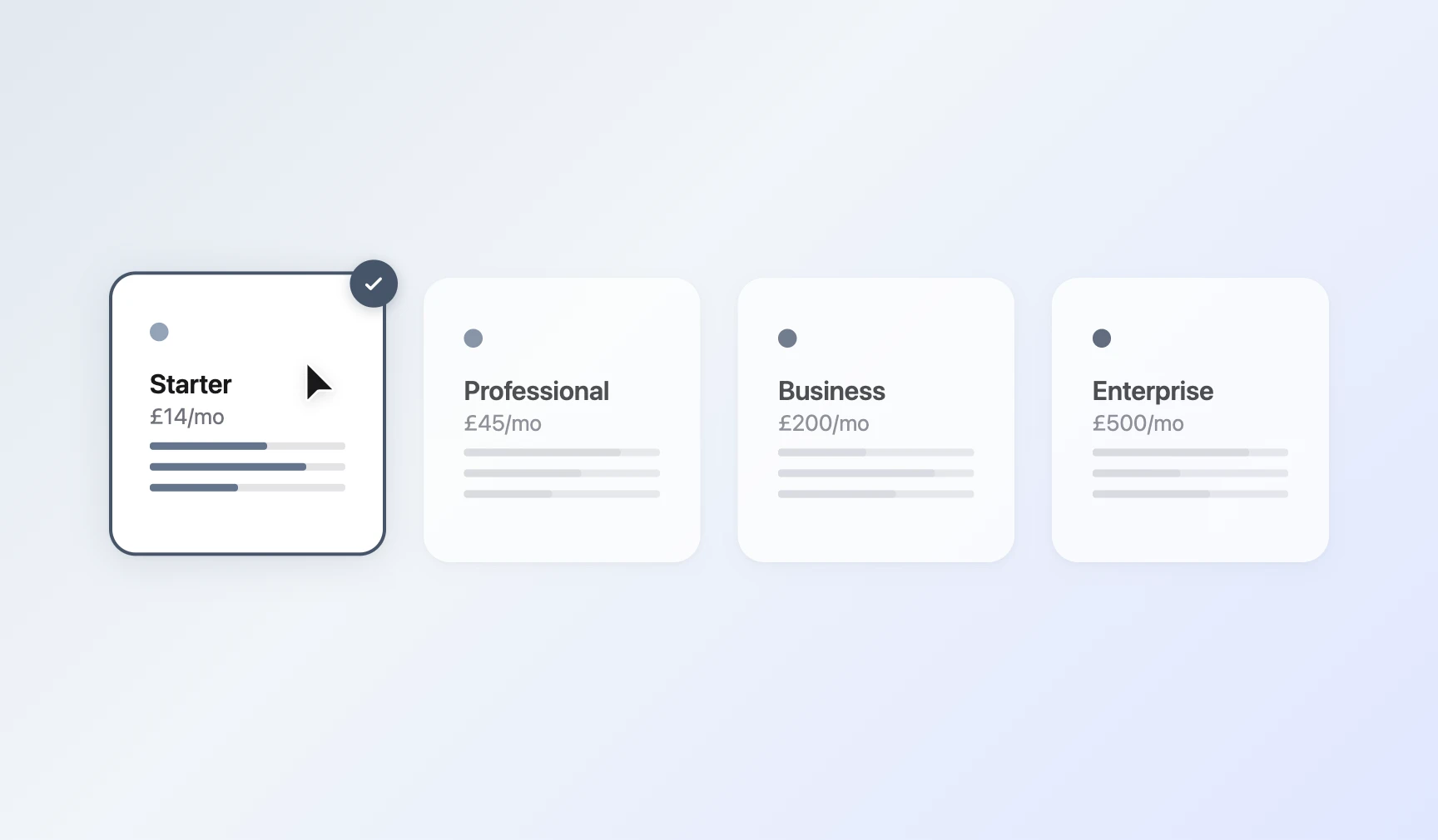
You told us credits felt unpredictable. So we switched to simple monthly subscriptions. Pick a plan, get a generous allowance, and use every tool on the platform.
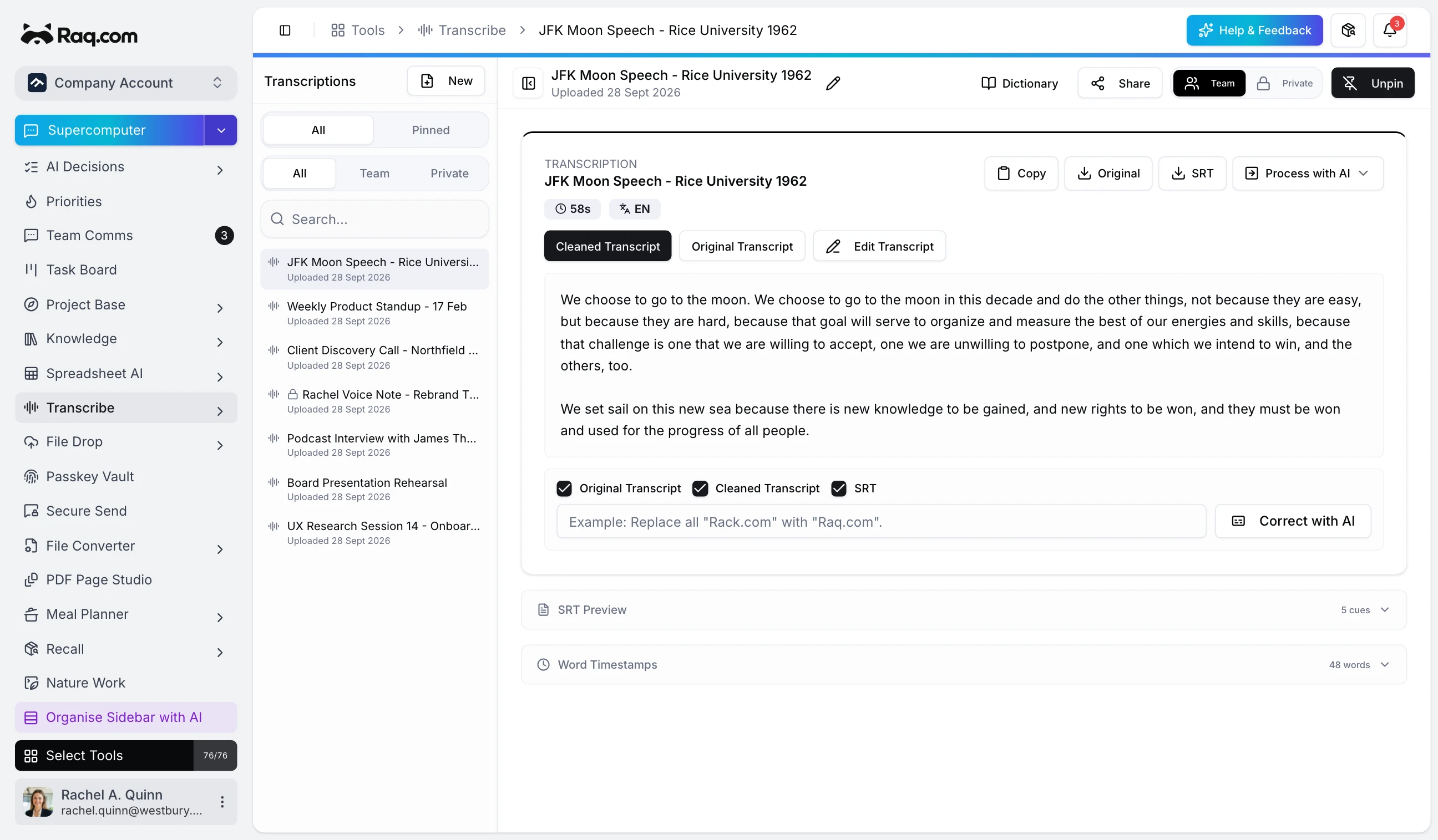
Upload any audio or video file and get a full transcript with word-level timestamps. Transcribe cleans up the text automatically and lets you refine it further with AI corrections.
Google launched Gemini 3.1 yesterday with standout animated SVG intelligence. Today we are releasing Vector Motion Lab, a new tool to generate lightweight, looping animated SVGs from text prompts.
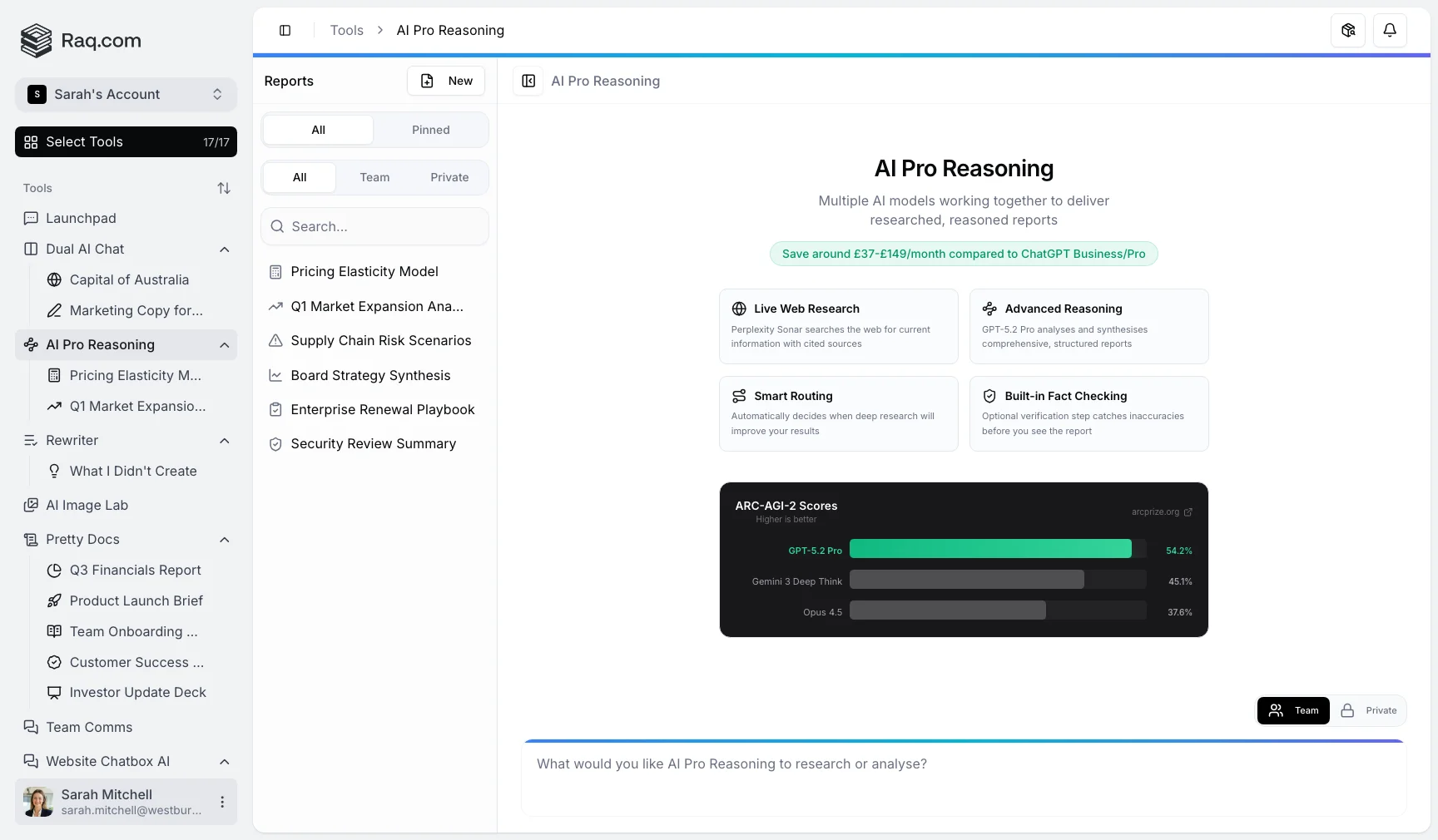
Gemini 3.1 Pro set a new standard on ARC-AGI 2, the benchmark for genuine reasoning ability. It is available as a model option in AI Pro Reasoning on Raq.com.
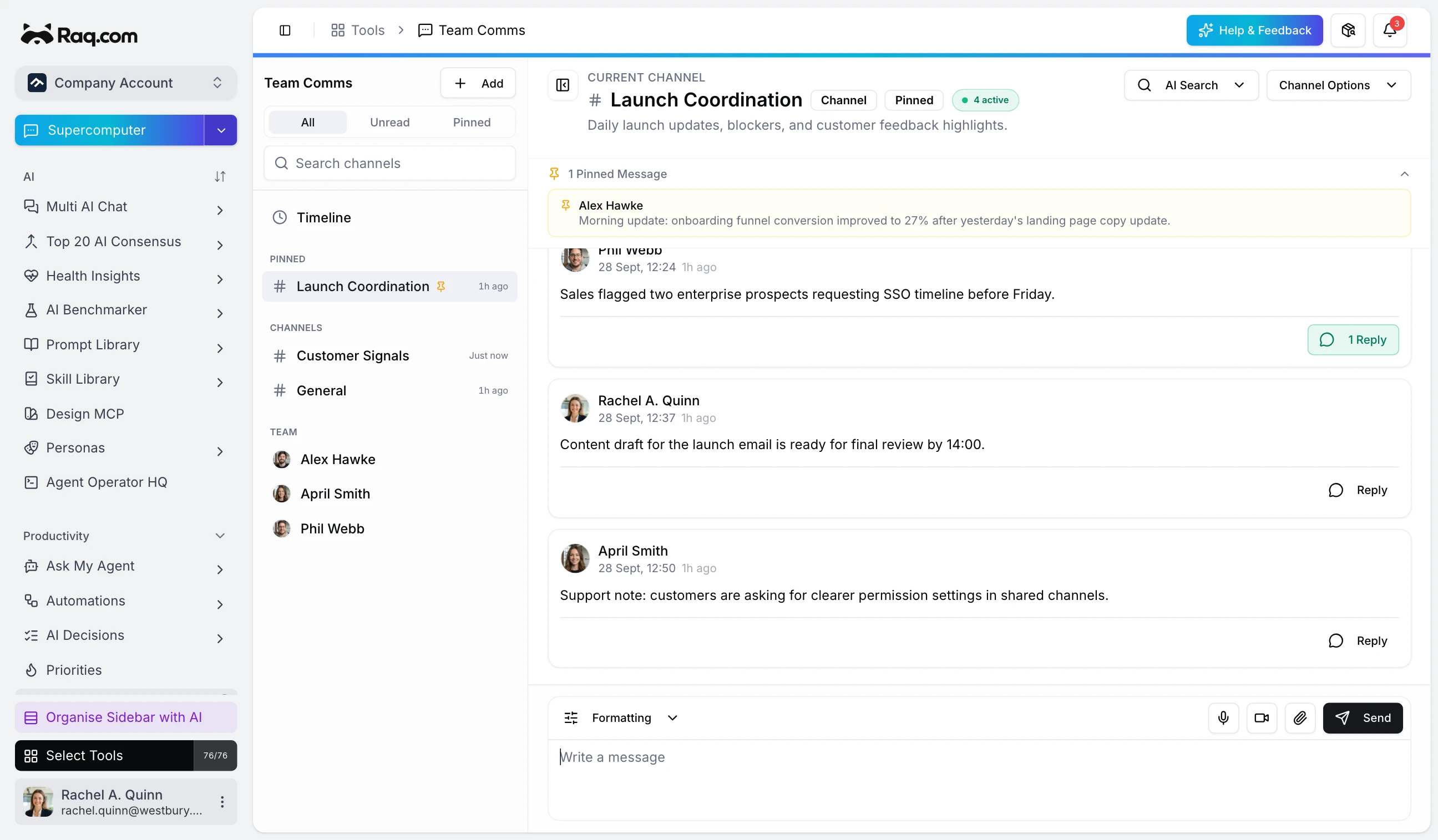
A new team messaging tool on Raq.com with channels, threads, reactions, file sharing, and AI-powered search across your conversation history.
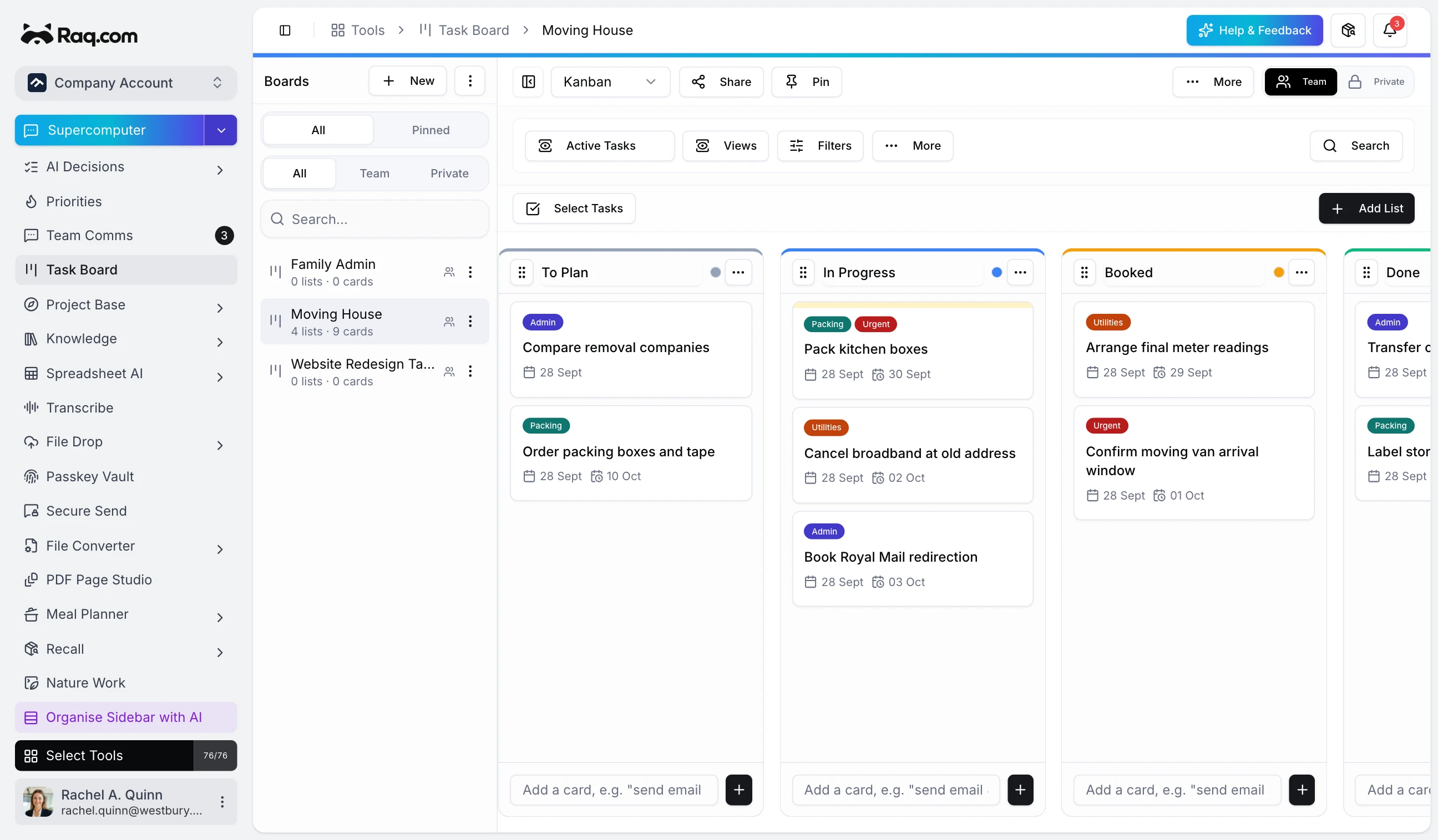
Two new tools for managing work end to end. Task Board gives you kanban boards with six view modes, automations, and time tracking. Project Base brings notes, structured data tables, and linked resources into a single hub.
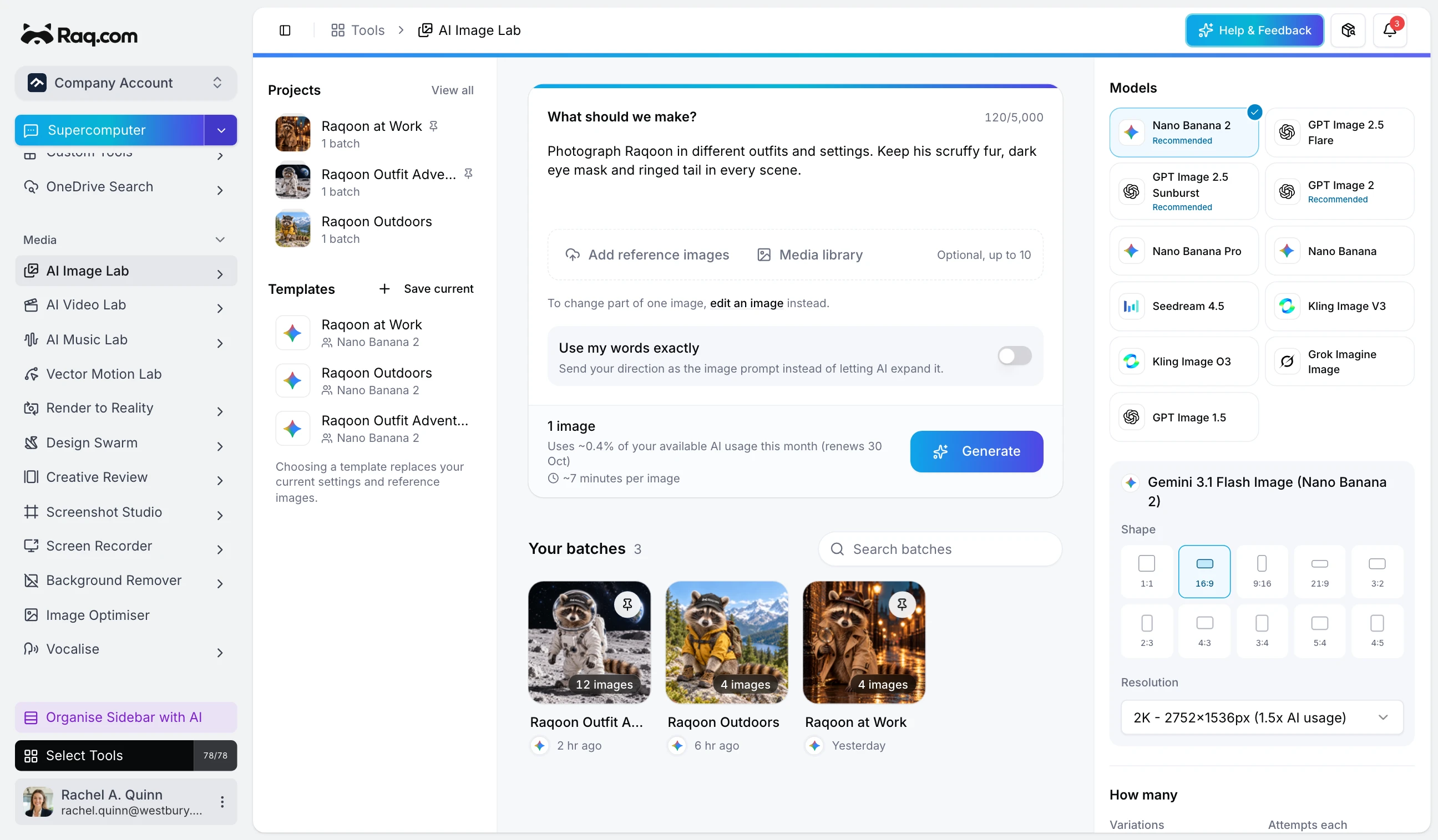
Write one instruction, get dozens of unique images. AI Image Lab expands your prompt into variations, runs them across six models simultaneously, and lets you compare, favourite, and download everything in one batch.
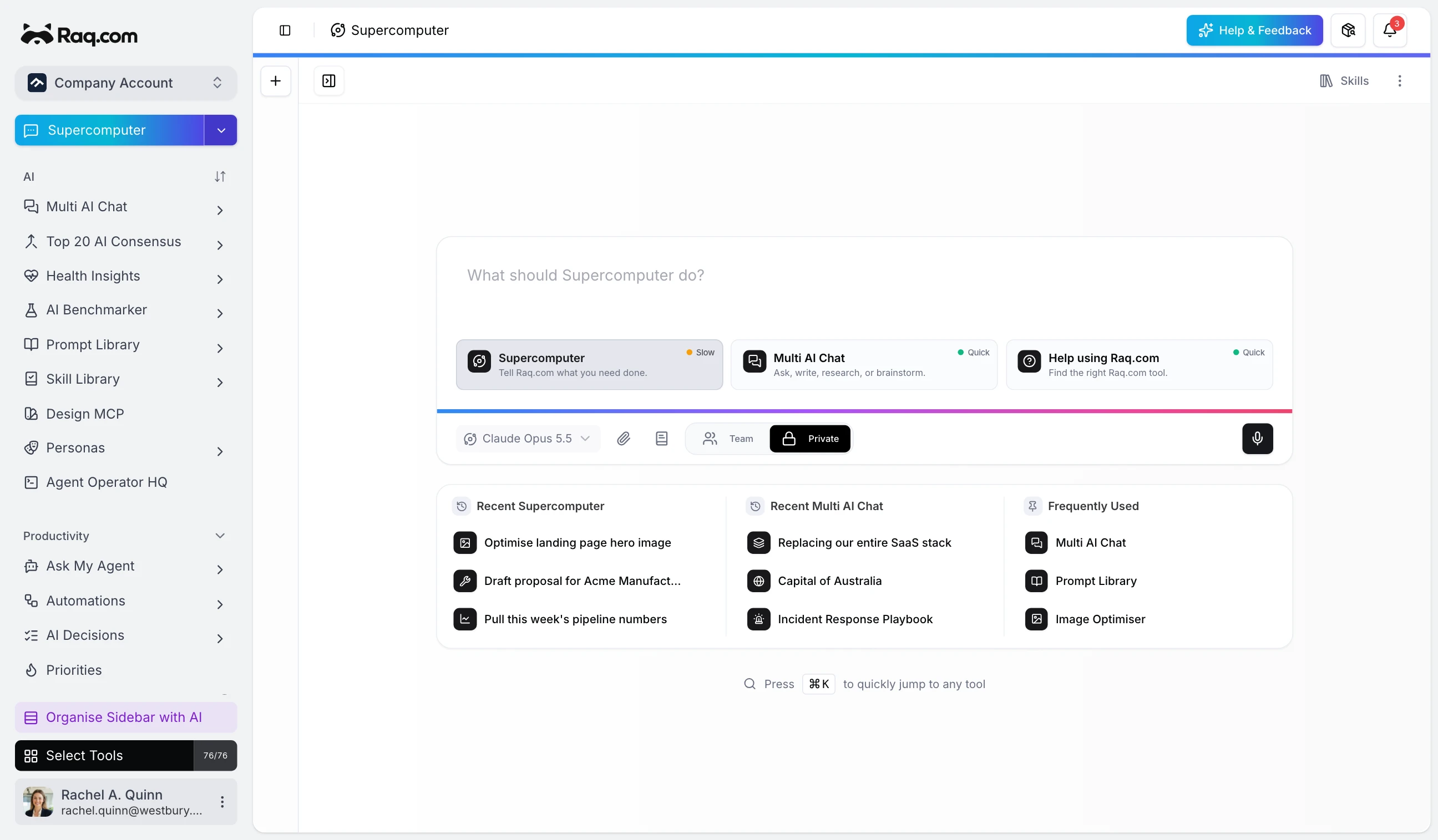
One input, every tool. Supercomputer routes your requests to the right tool automatically, tracks activity across your workspace, and gives you instant AI answers from a single feed.
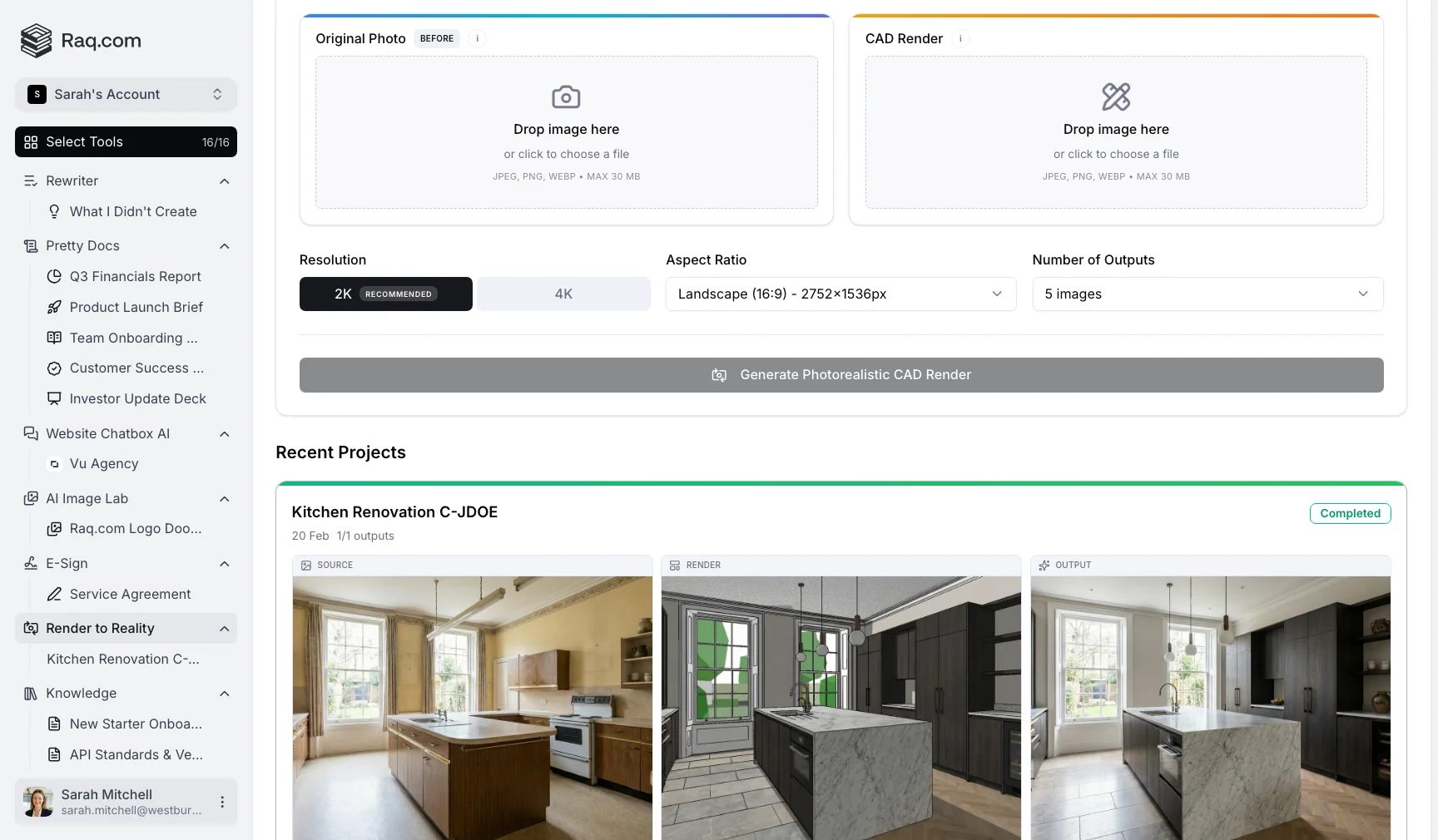
Upload a photograph and a CAD render. Render to Reality merges them into a photorealistic visualisation showing exactly how the design will look on site.
We use optional analytics cookies to understand how people find and use this website. We only set them if you choose Allow Analytics.