
Your Raq.com Agent Now Has 8,000+ Apps via Zapier MCP
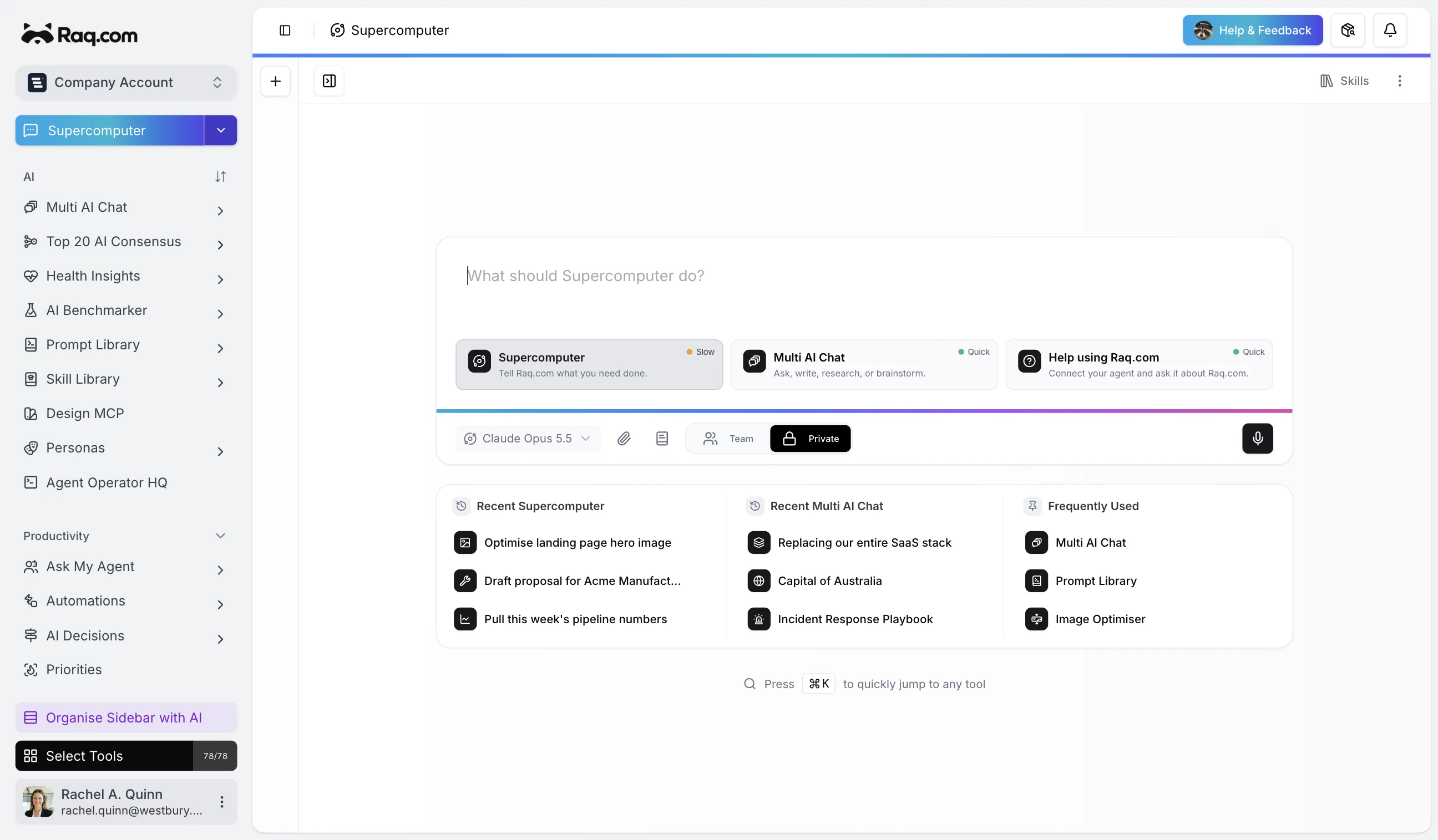
Raq.com now connects to Zapier MCP. One connection unlocks the apps, searches, and actions your team already runs through Zapier.
8,000+ apps, one connection
Zapier's MCP connects to more than 8,000 apps and 30,000+ actions. Instead of waiting for bespoke integrations, you expose the exact Zapier actions you want and Raq.com uses them directly. Create records, update CRM entries, send messages, schedule follow-ups, or trigger downstream workflows.
How it works
Raq.com does not become a Zapier app. Zapier hosts an MCP server for you. You choose which actions that server exposes, then Raq.com connects and imports those tools into your workspace.
- Create your MCP server in Zapier.
- Select the searches and actions you want Raq.com to access.
- Copy the server URL and token.
- Add the connection in Raq.com under Admin > AI Connections.
- Test and sync.
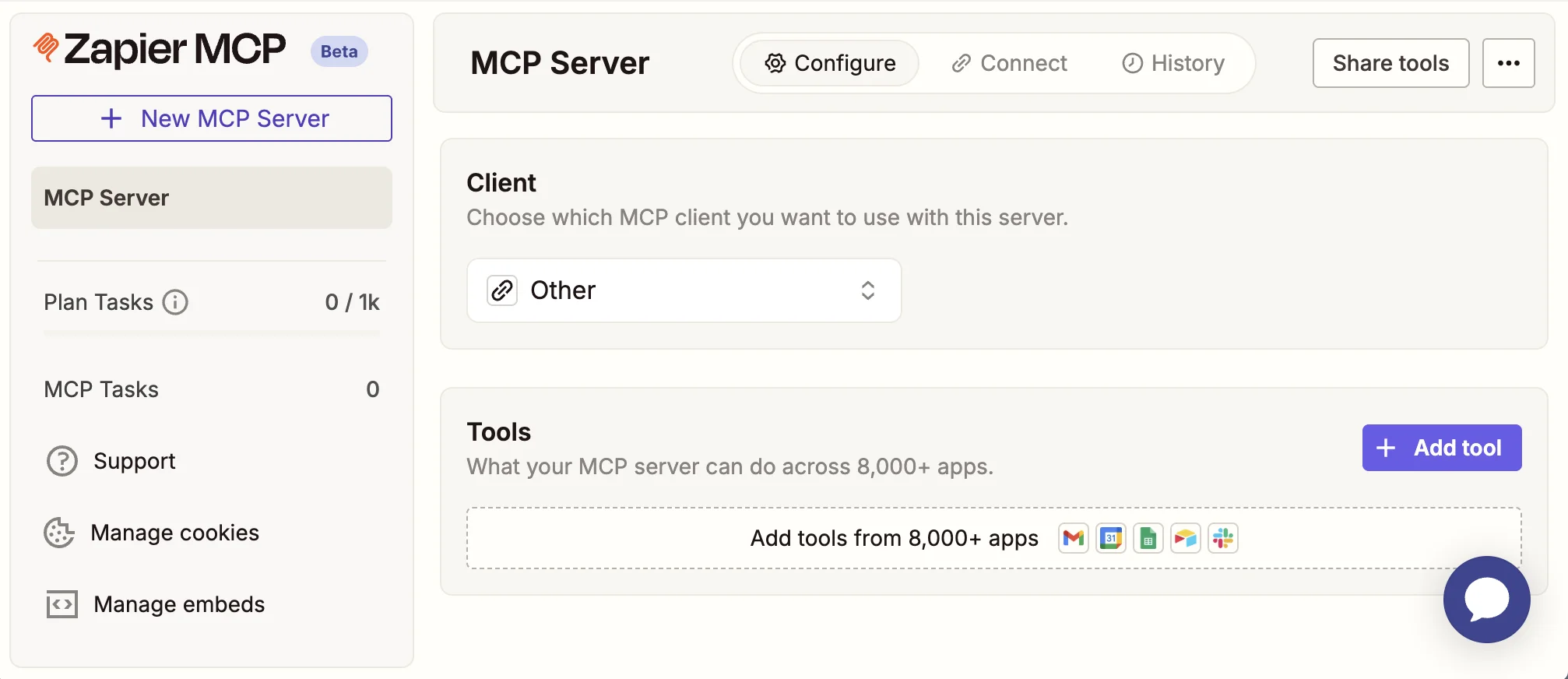
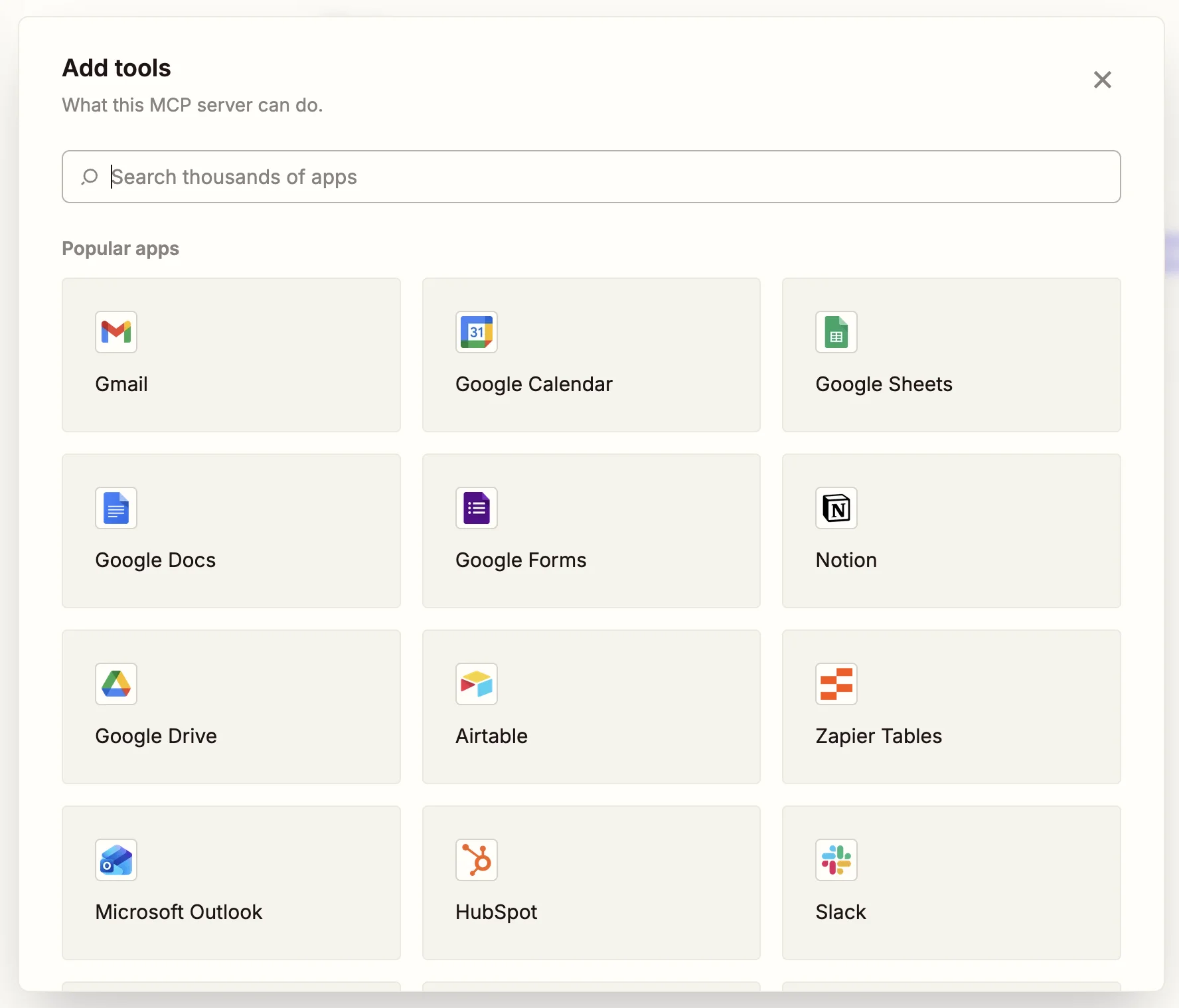
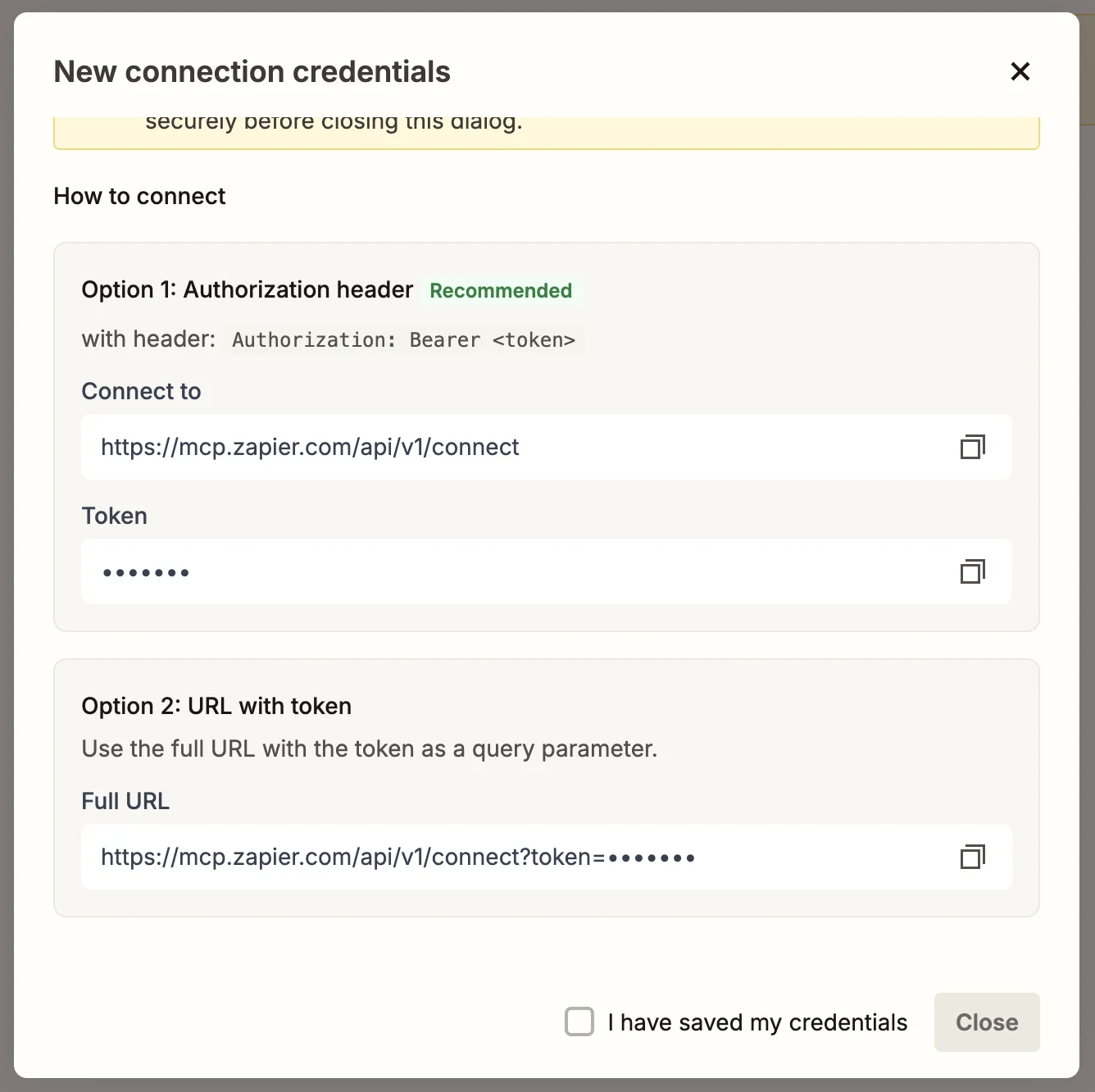
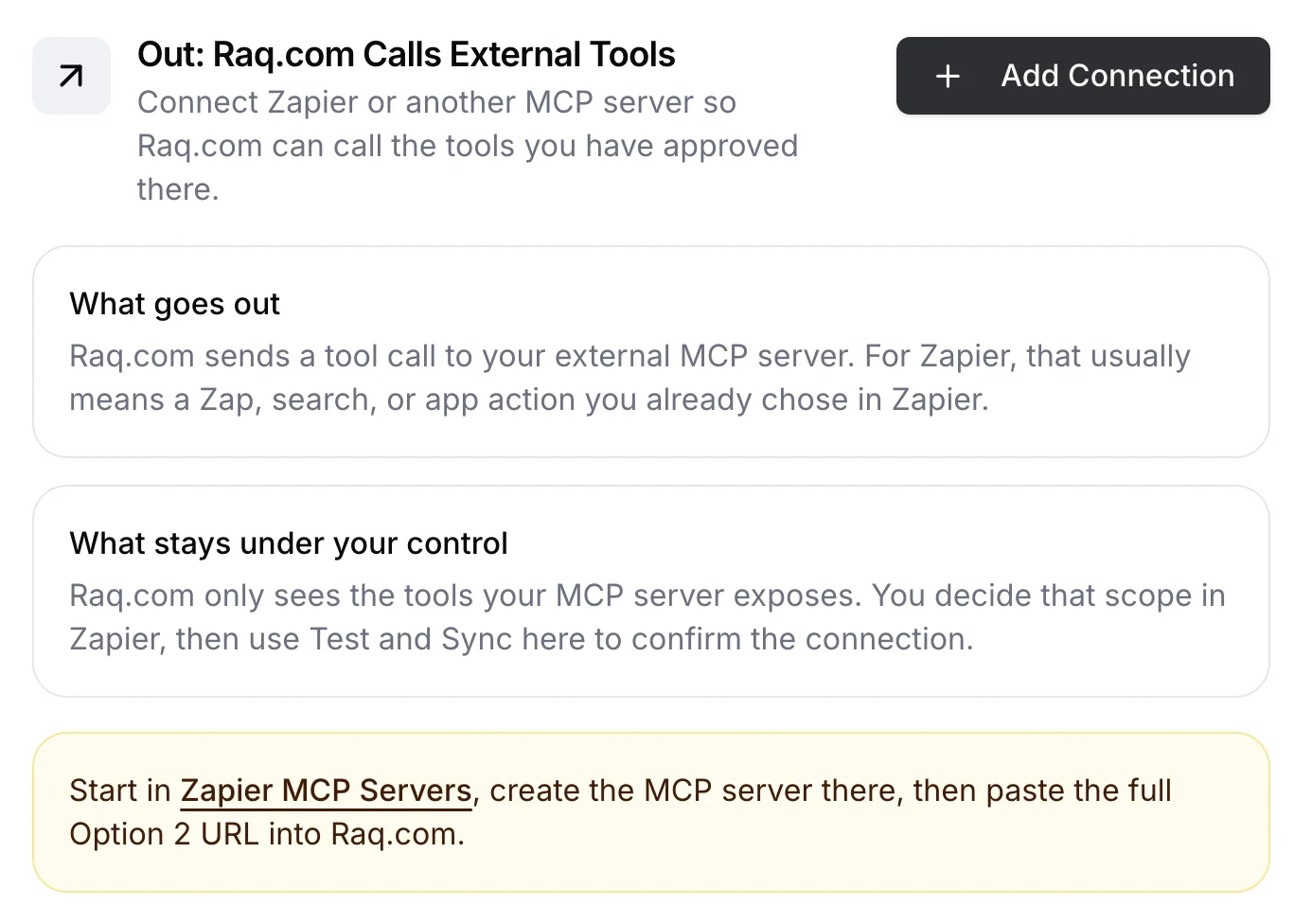
Once synced, those tools are available across Raq.com's MCP layer and automation steps.
What you can do with it
- Ops: Push updates from Raq.com into Airtable, Notion, HubSpot, or Google Sheets.
- Sales: Create follow-up tasks, enrich records, or log activity after an AI research step.
- Support: Send alerts, update tickets, or move data between tools without leaving Raq.com.
- Internal: Trigger the same Zapier actions your team already trusts, rather than rebuilding the workflow twice.
Not just Zapier
Raq.com supports any MCP-compatible server. n8n, custom-built endpoints, or anything that speaks the MCP protocol. The setup is the same: paste the server URL, authenticate, sync, and the tools appear inside Raq.com.
Scoped access
You decide which actions are exposed. Zapier handles app connectivity, authentication, and retries. Raq.com handles workspace context, AI orchestration, and user-facing workflows. You control the boundary.
Get started
Start from Zapier MCP Servers, create the endpoint, then add it in Raq.com under Admin > AI Connections. One connection can give Raq.com access to thousands of app surfaces, all under your control.
External MCP integrations are included in your Raq.com subscription. Start your free trial. No credit card required.