


Your Machine: Run Your Local Agent Through Supercomputer
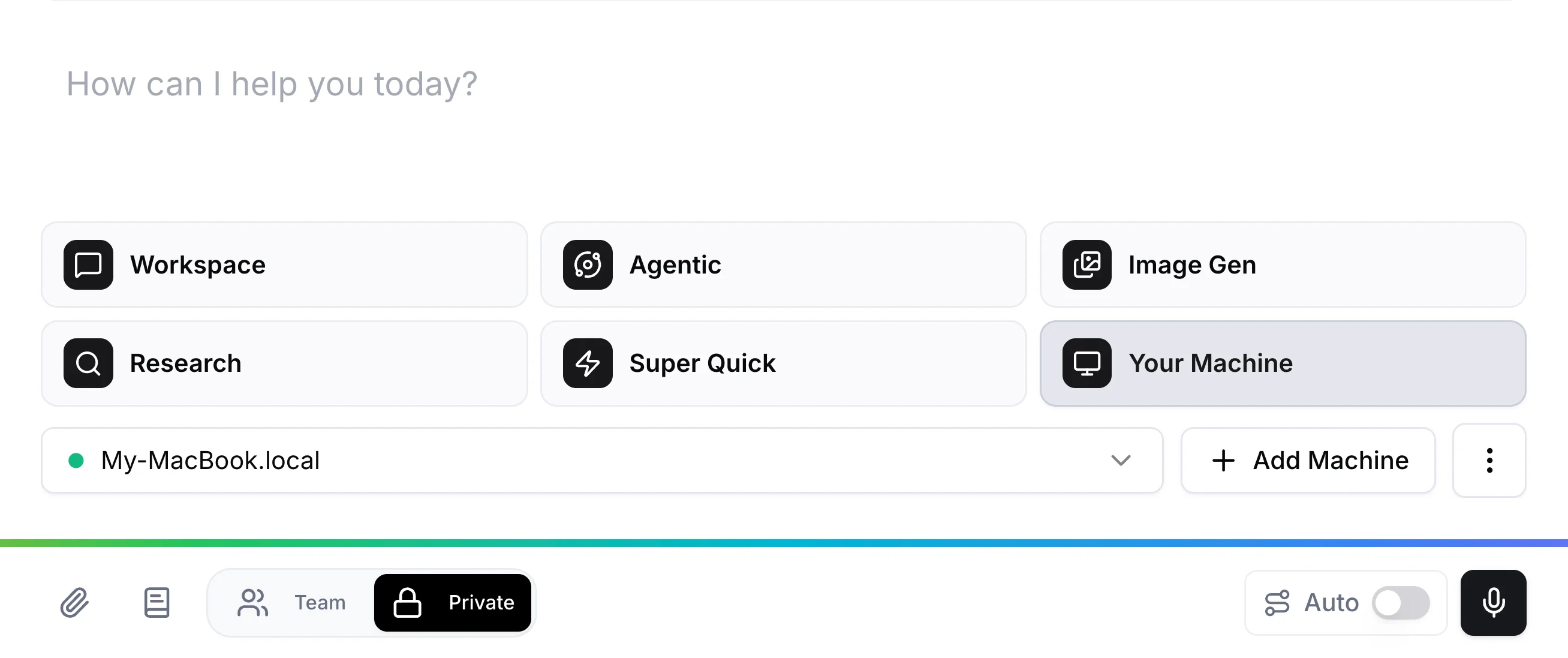
Supercomputer can now send tasks to Claude Code running on your own computer. Manage it from the web, give it access to your Raq.com tools, and use your own Claude subscription instead of Raq.com AI usage.
Claude Code is more than a coding tool
The name is misleading. Claude Code is a general-purpose AI agent that runs on your machine. It can read files, run commands, search the web, manage data, and write documents. It happens to be good at coding, but that is one of dozens of things it can do.
If you already use Raq.com, Your Machine mode brings it into the same workspace. Dispatch tasks, track results, and manage your local agent alongside everything else in Supercomputer.
How it works
Connect your machine with one terminal command. Supercomputer generates the install command, you paste it into your terminal, and your machine appears in the connection list. Pick a working directory and you are done.
From there, select Your Machine as the mode in Supercomputer and type your task. Claude Code runs it locally and the output streams back into the thread.
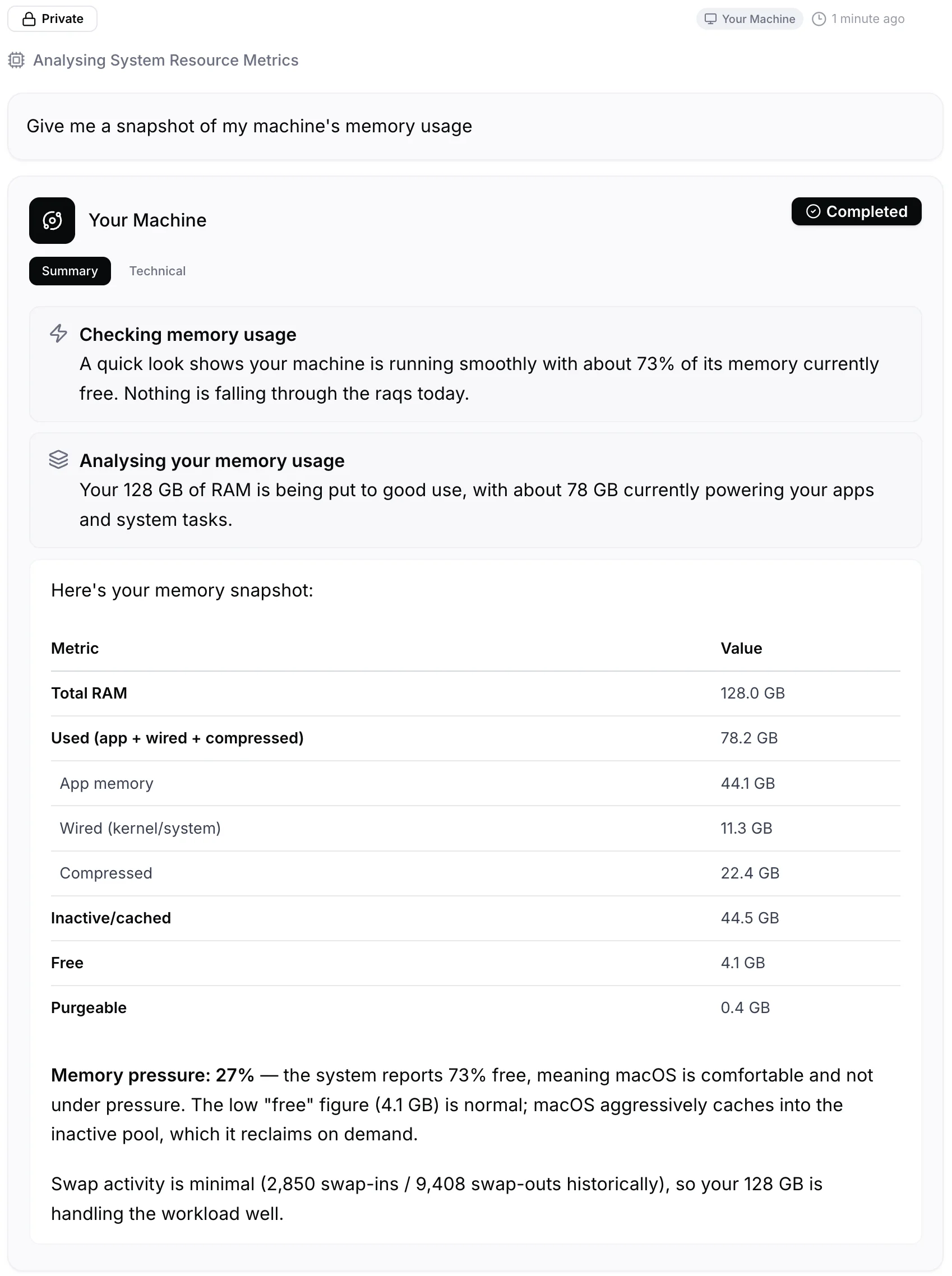
Your machine needs to be powered on and connected to the internet. Claude Code needs to be installed first. Anthropic's quickstart covers that in a few minutes.
Use your own Claude subscription
Your Machine mode uses your Claude account directly. No Raq.com AI usage is consumed. If you already pay Anthropic for Claude, you can run as many tasks as your subscription allows without it affecting your Raq.com plan.
The other Supercomputer modes (Agentic, Workspace, Research) use Raq.com's AI. Your Machine is the exception, because the AI runs on your side.
Give Claude Code access to Raq.com
When Claude Code runs through Supercomputer, it can interact with your Raq.com workspace. That means your local agent gets access to task boards, file drop, CRM, and every other tool you have enabled, all without leaving the terminal session on your machine.
This works both ways. You can pull local information into Raq.com through the agent, or use the agent to act on things already in your workspace.
Manage it from anywhere
Supercomputer is a web app. Once your machine is connected, you can send it work from your phone, a tablet, or another computer. The thread stays in Supercomputer, so you can check back on results whenever you want.
Get started
- Install Claude Code from Anthropic's quickstart if you haven't already.
- Open Supercomputer and select Your Machine mode.
- Click Connect Your Machine and run the install command in your terminal.
- Pick a working directory and start sending tasks.
Start your free trial and try it out. No credit card required.