


SEO Checker Is Now SEO & AEO Checker: Track AI Answer Visibility
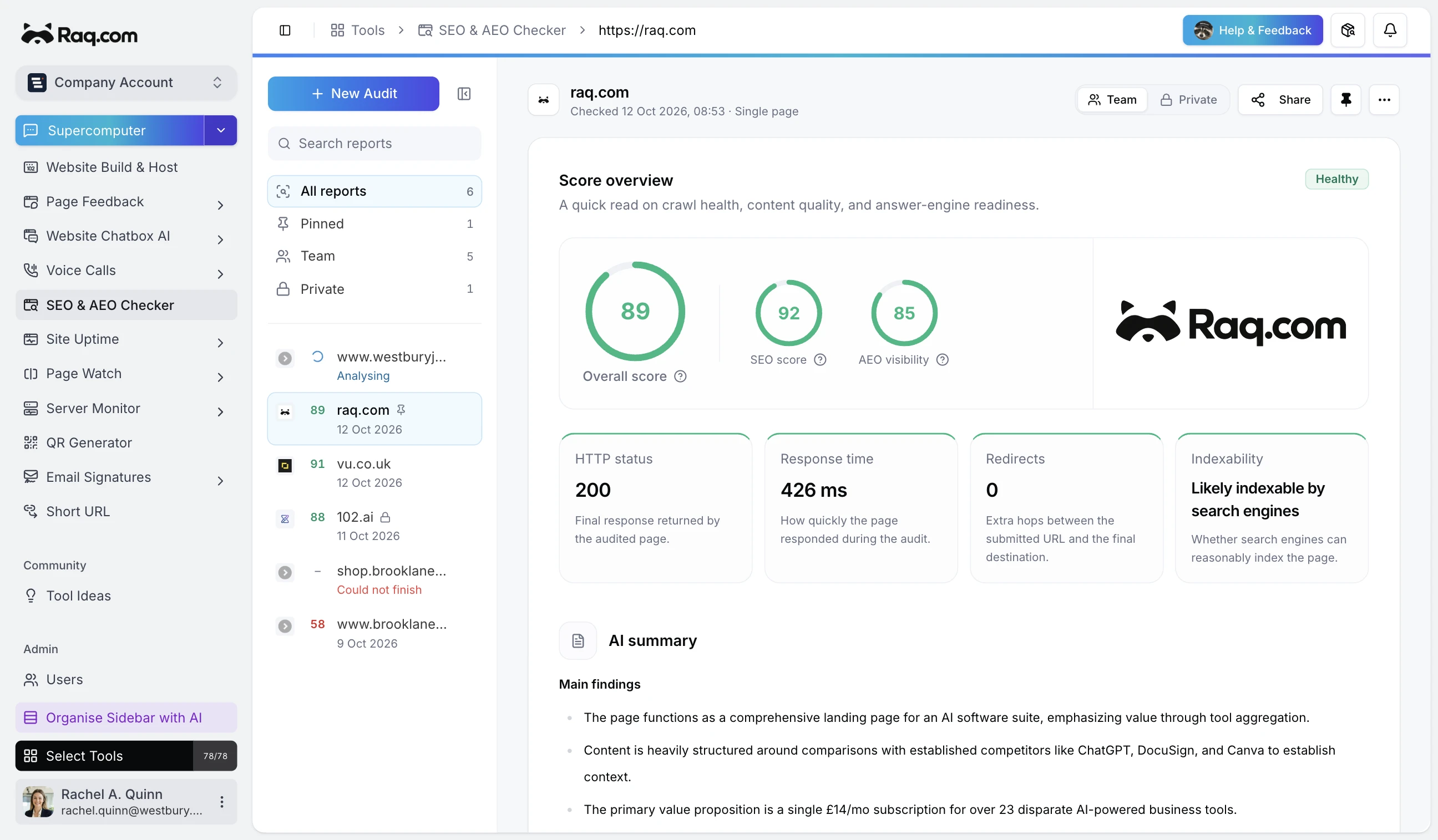
The SEO Checker tool now audits for SEO and answer-engine readiness, and tracks whether AI answers mention, cite, ignore, or misrepresent your brand for the questions your buyers are asking. It is now called SEO & AEO Checker. The route, existing reports, and MCP tool names stay the same.
Sharper audit
The page audit now reports search-visibility crawlers separately from training crawlers, so you can see at a glance whether OAI-SearchBot, PerplexityBot, Googlebot, and Bingbot can read your page without confusing that with training-crawler choices.
Answer-readiness checks go deeper too: direct-answer blocks under sub-headings, definition lists, Q and A patterns, visible buyer facts like pricing and integrations, schema alignment, and the risk of important text being hidden behind JavaScript, images, or PDFs.
Answer Visibility Monitor
The bigger addition is Answer Monitor. Give it your brand, domain, competitors, market, and a handful of buyer prompts. It runs each prompt against an AI search-style model with live web grounding and reports what an AI answer engine would actually show.
Each run gives you a visibility score, brand mention rate, owned citation rate, competitor mention rate, and accuracy issue count. Citations are grouped by source type so you can see how often answers lean on owned sources, competitor sites, reviews, press, docs, marketplaces, and social.
Each run also produces action cards: "Create comparison page", "Update pricing copy", "Fix crawler access", "Add SoftwareApplication schema", "Refresh outdated source". The tool measures and diagnoses; it never promises that any change guarantees AI citations.
Live progress and MCP
Runs stream progress live, so the card updates from "Preparing" through "Scoring" without a refresh. Five new MCP tools let any connected assistant create monitors, queue runs, and pull back citations and accuracy issues without you opening the app.
Get started
Included with every plan. Open SEO & AEO Checker, switch to Answer Monitor, and add your first set of buyer prompts. The first run typically completes in under a minute.