
The Past Month of Raq.com
On 10 March we published a recap of the first month of Raq.com. A month and another 26 blog posts later, the platform has nearly 50 tools, more connected to each other than ever.
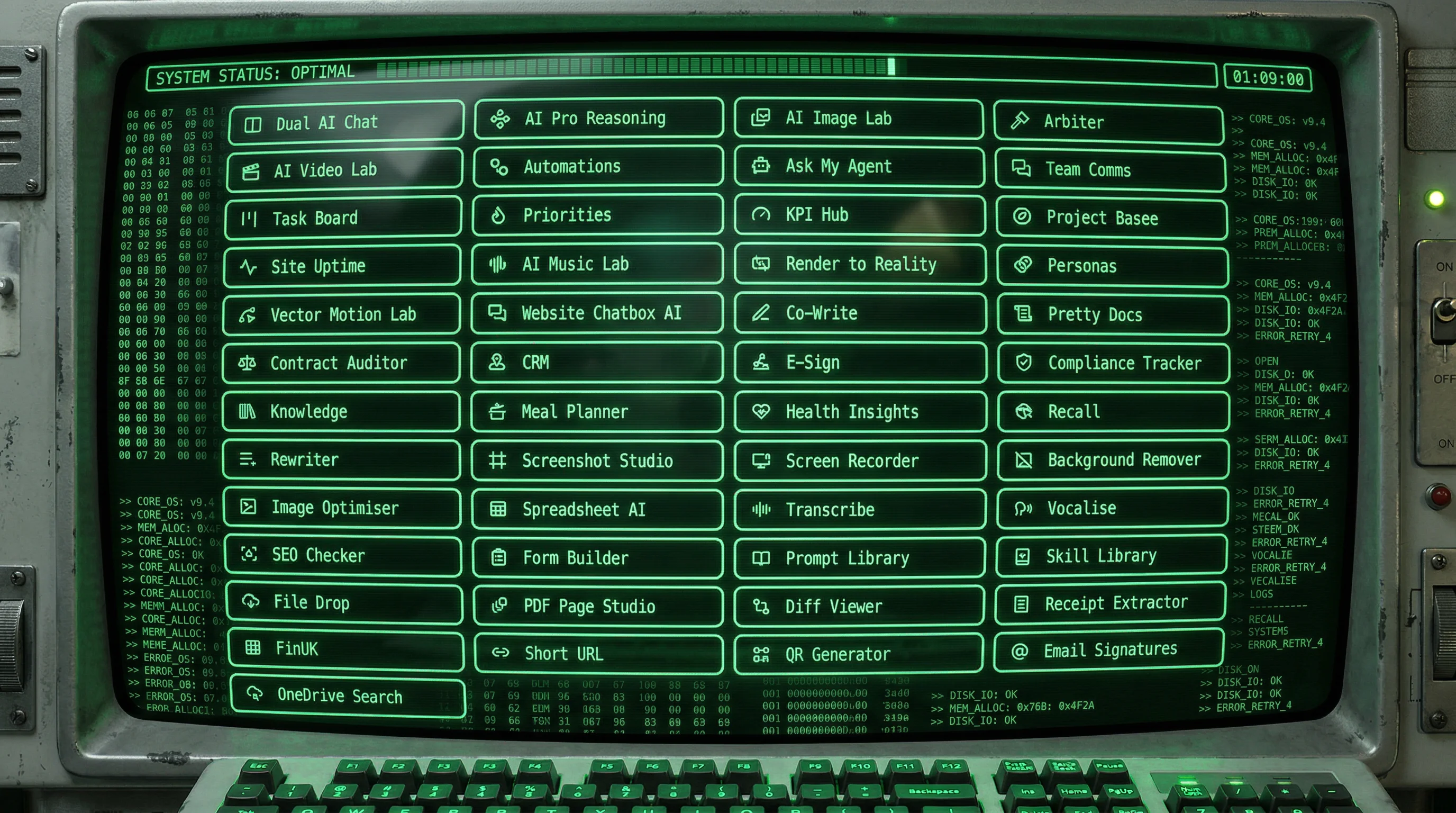
The Business Layer
The platform started speaking the language of business. A financial data API for UK companies, a full CRM for tracking leads and deals, and creative tools that turn raw screenshots and images into polished, ready-to-send assets.
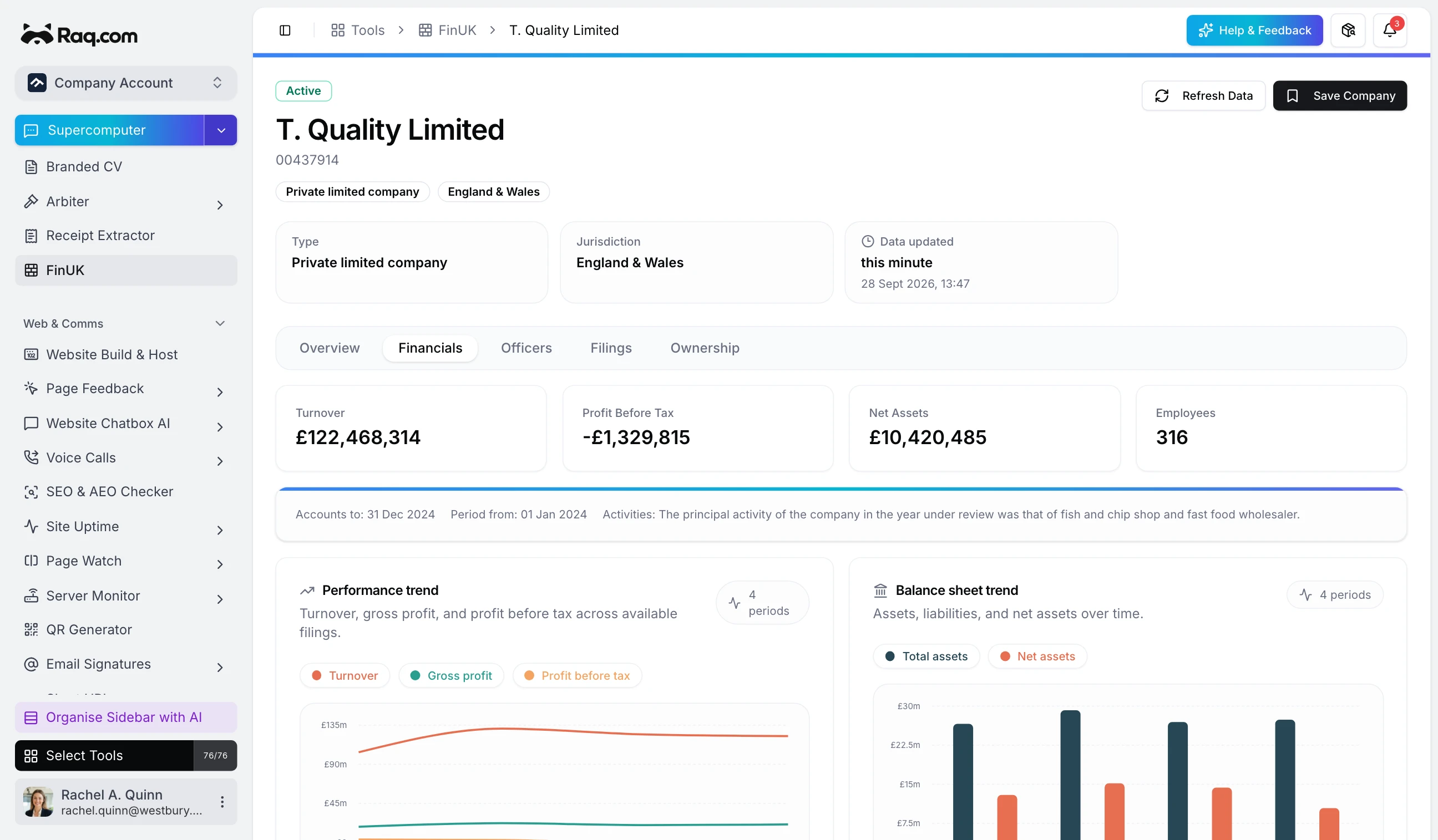
FinUK
Companies House returns financial data as PDFs. FinUK returns it as structured JSON: turnover, profit, balance sheet, ratios, and more from a single API call.
Five additional endpoints cover the rest of Companies House data. A dedicated minisite at finuk.io hosts the documentation and a live demo.
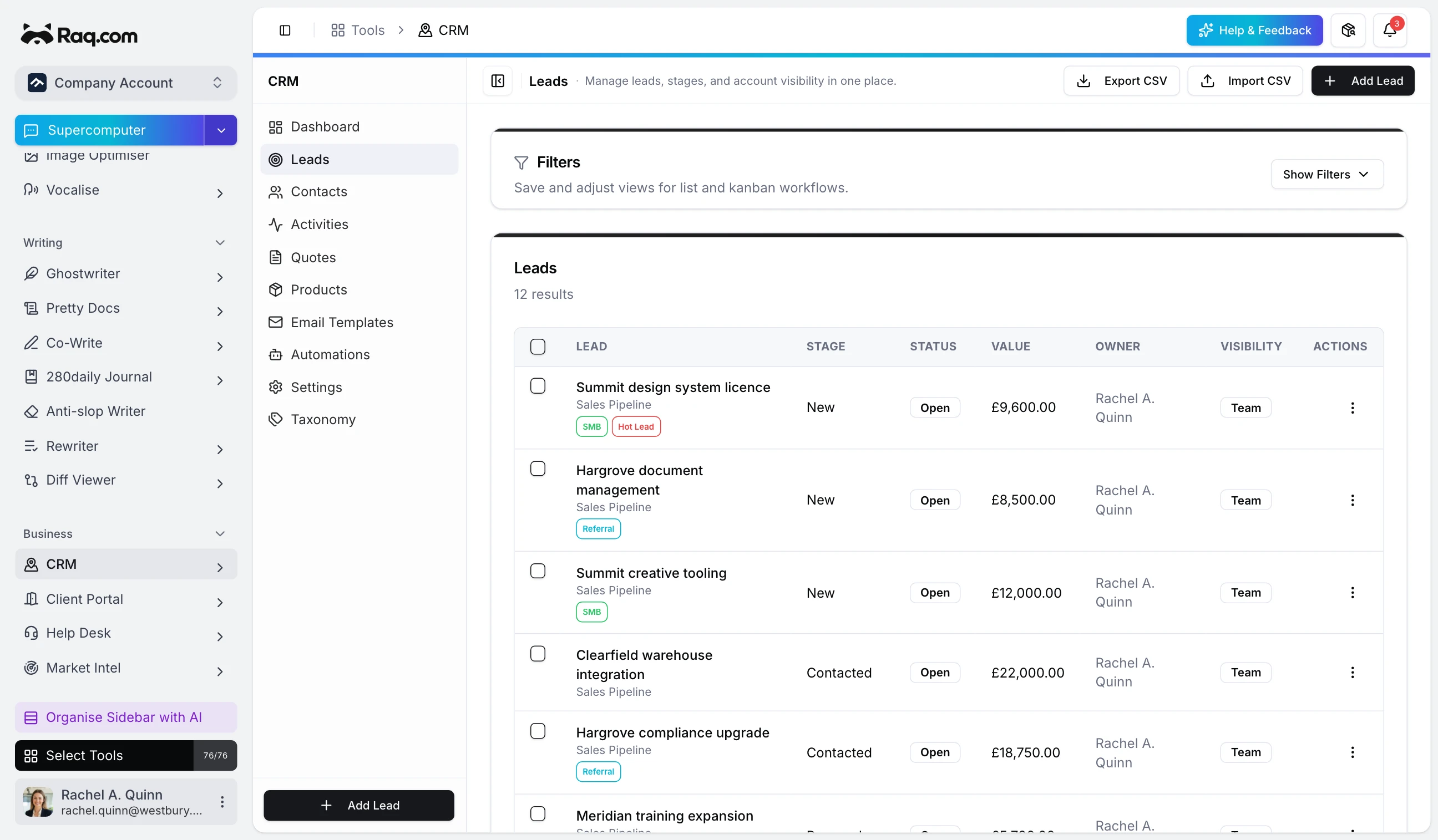
CRM
Manage leads, contacts, organisations, and pipeline stages in a shared workspace. Add quotes, log activities, and keep the entire sales cycle visible to the team.
Drag cards between stages or view everything as a table. Automations trigger follow-ups so nothing slips.
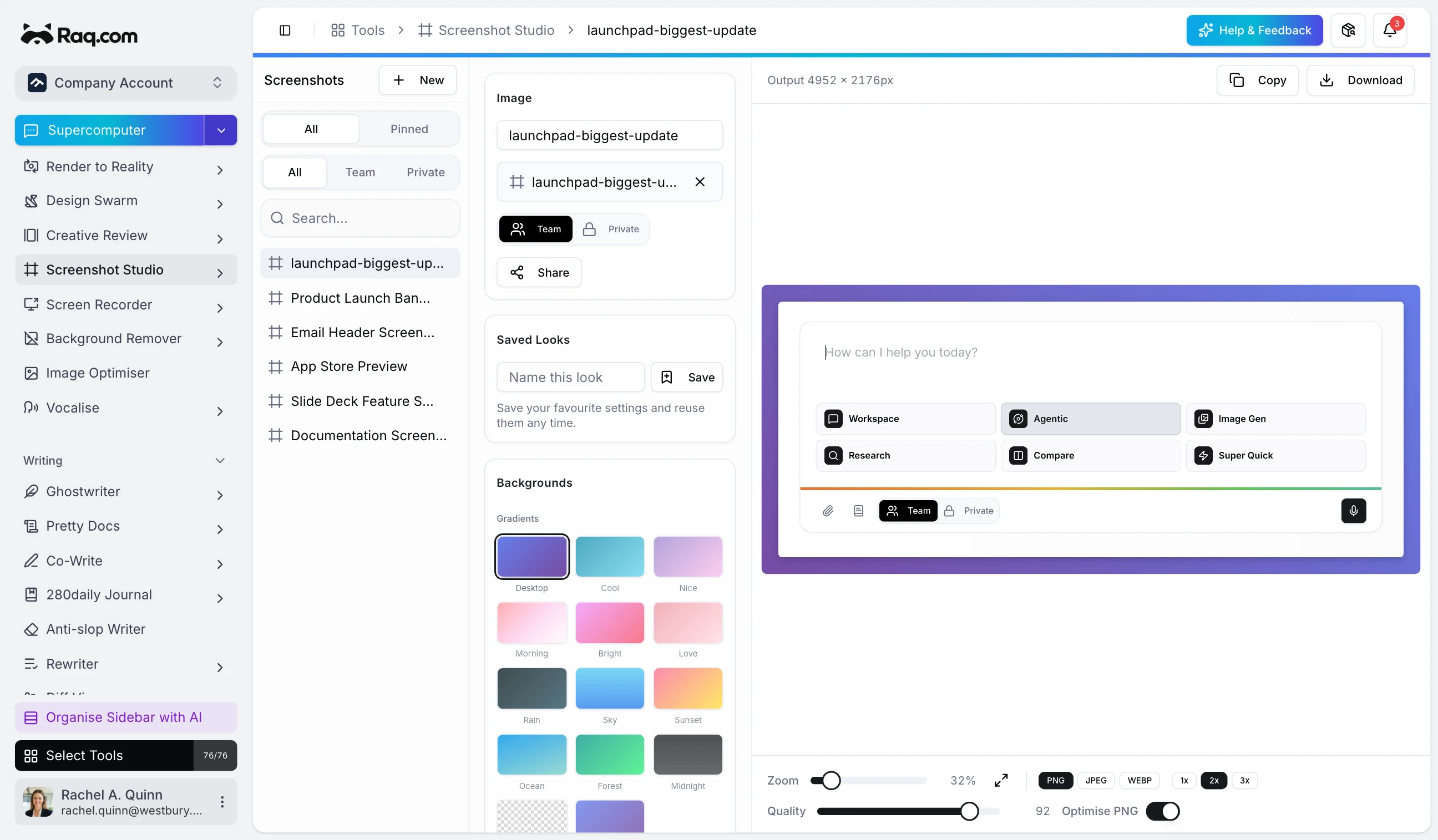
Screenshot Studio
Upload a screenshot, pick a background, adjust padding and corners, and export a polished image. Built for the places CSS cannot reach.
Email headers, slide decks, marketplace listings, and social posts, all presentation-ready without a design tool.
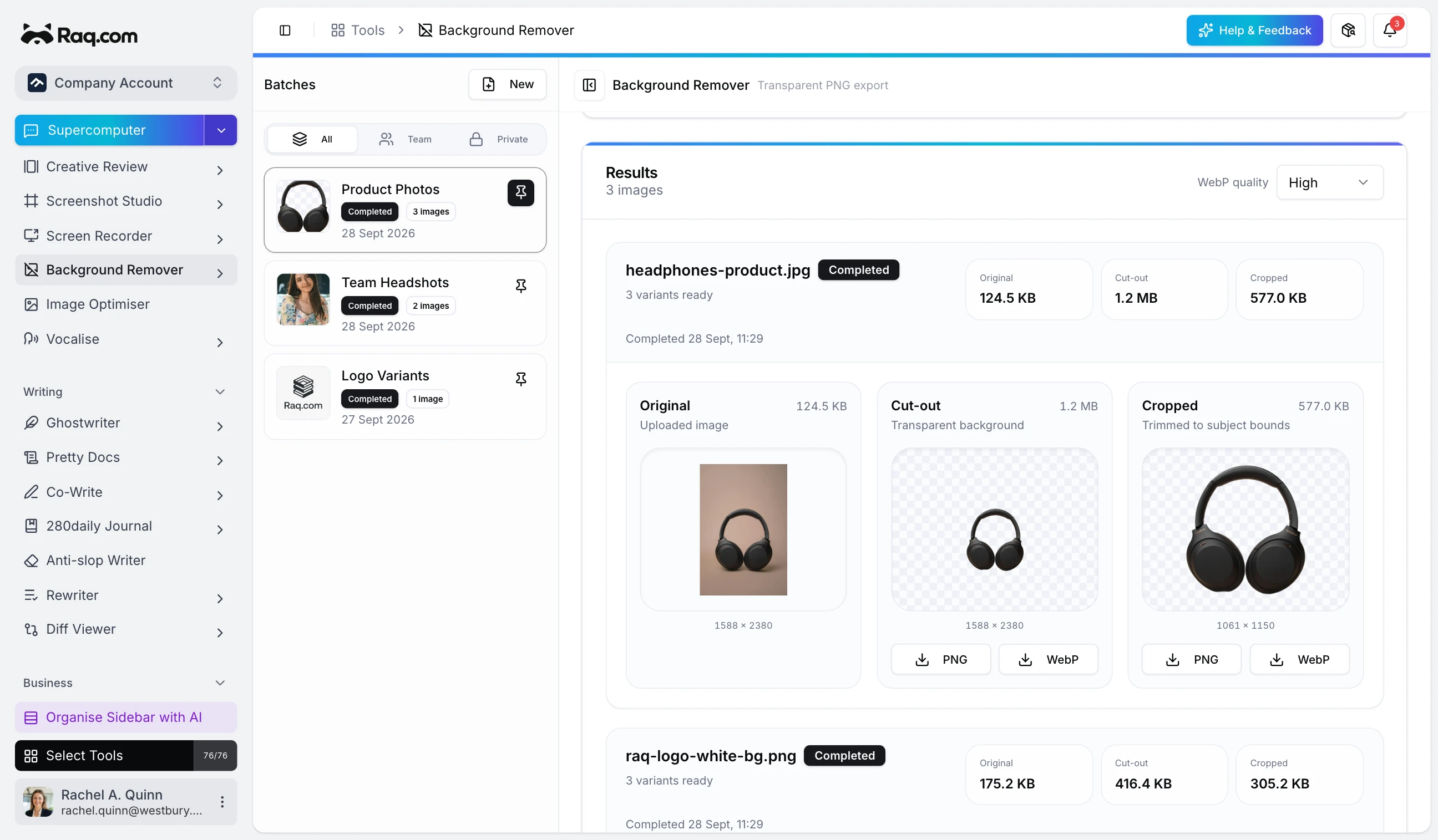
Background Remover
Upload one image or a full batch and remove backgrounds in seconds. Download transparent PNGs or WebP files.
Single and bulk modes with ZIP export for hundreds of images at a time.
AI Image Lab: Markers
Draw coloured blocks, text labels, lines, and masks directly onto reference images. Tell the AI exactly where to replace, remove, or restyle by referencing your markers in the prompt.
A major upgrade to an existing tool, not a separate one.
Music, Documents, and Autopilot
AI music generation, spreadsheet manipulation, real-time collaborative writing, and an automation engine that wires everything together. This was the week the platform turned into a proper workflow surface.
Automations
Describe what you need in plain English and the AI builds the workflow for you. Connect email, AI, approvals, and your other tools into automated sequences.
Trigger on a schedule, a form submission, or anything else. The visual builder shows every step, every branch, every condition.
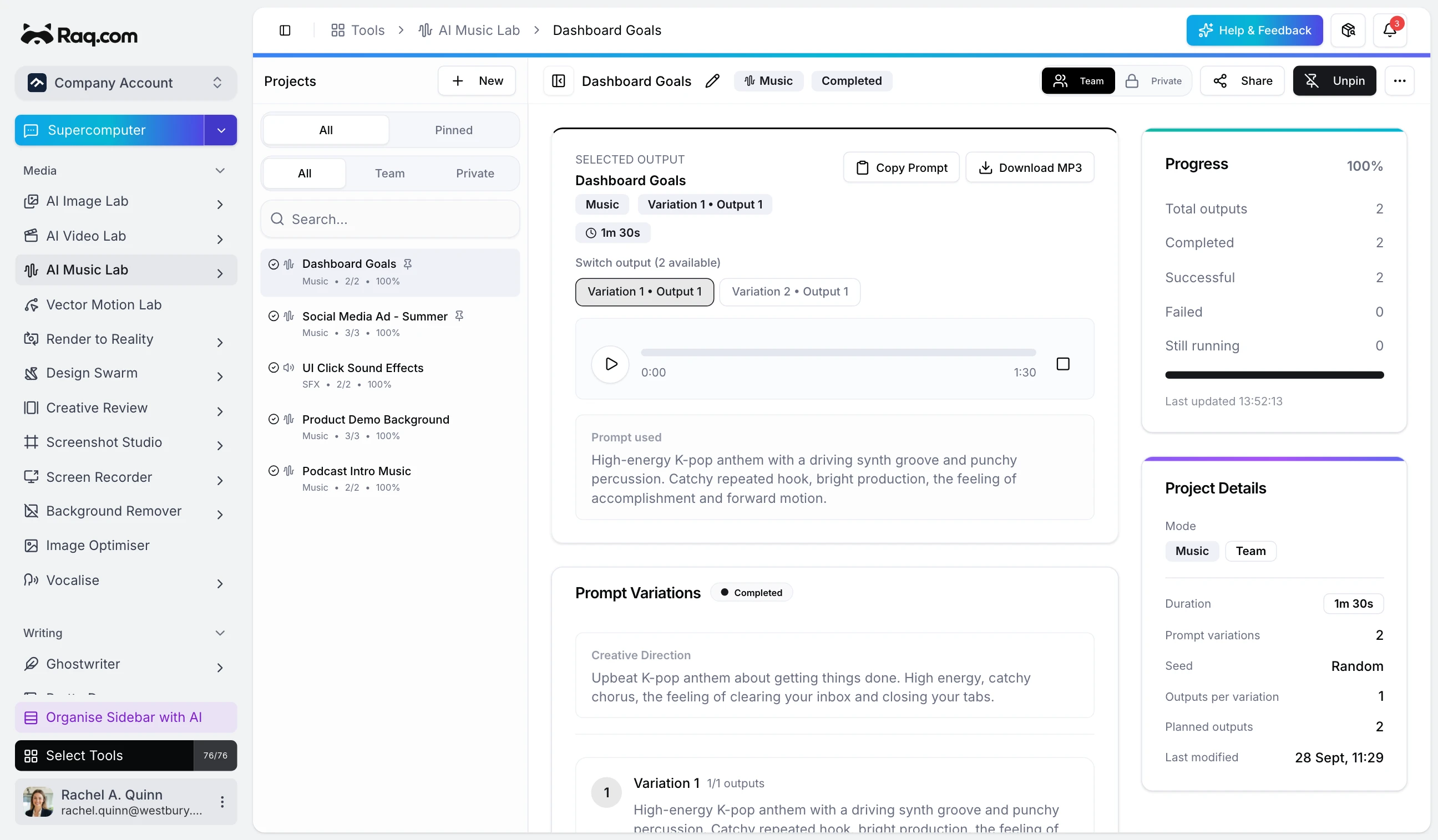
AI Music Lab
One less subscription. AI music generation built into the platform: describe the sound you need, pick a duration, and get tracks back in minutes.
No Suno, no Udio, no extra tab.
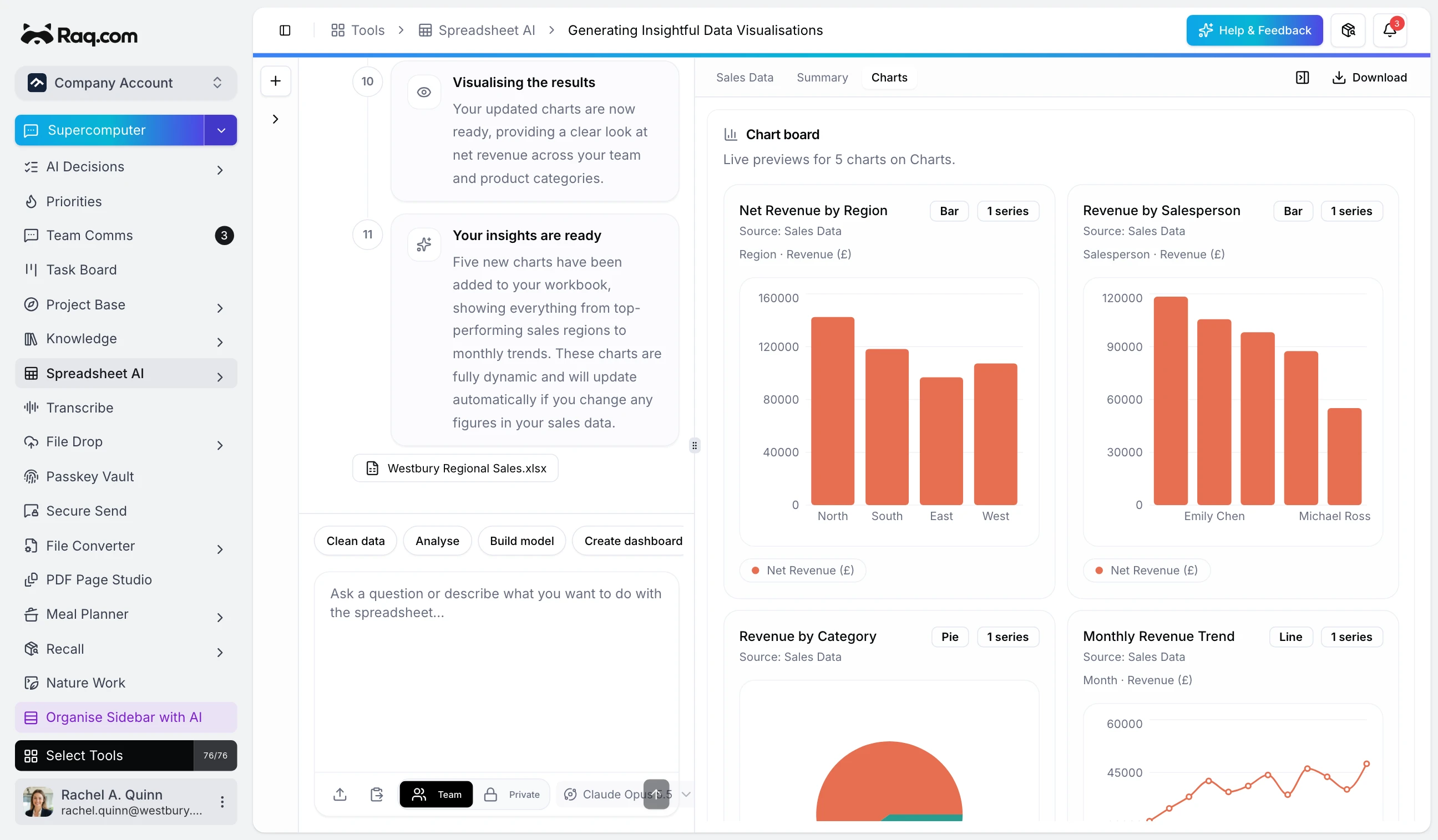
Spreadsheet AI
Upload a CSV or Excel file, or describe a spreadsheet to build from scratch. Spreadsheet AI cleans, transforms, and enriches your data.
A live preview updates after every change, so you can see exactly what the AI did before exporting.
Email Signatures
Upload a logo, enter your details, and get 30 professional HTML signatures in seconds. Like the closest, leave feedback, get 30 more.
Copy the final result into any email client. Animated logos supported.
Co-Write
Open a shared pad, write together live, and keep a clean version history. Real-time collaboration for teams and AI.
Ask AI to rewrite sections without leaving the document. Every version stays recoverable.
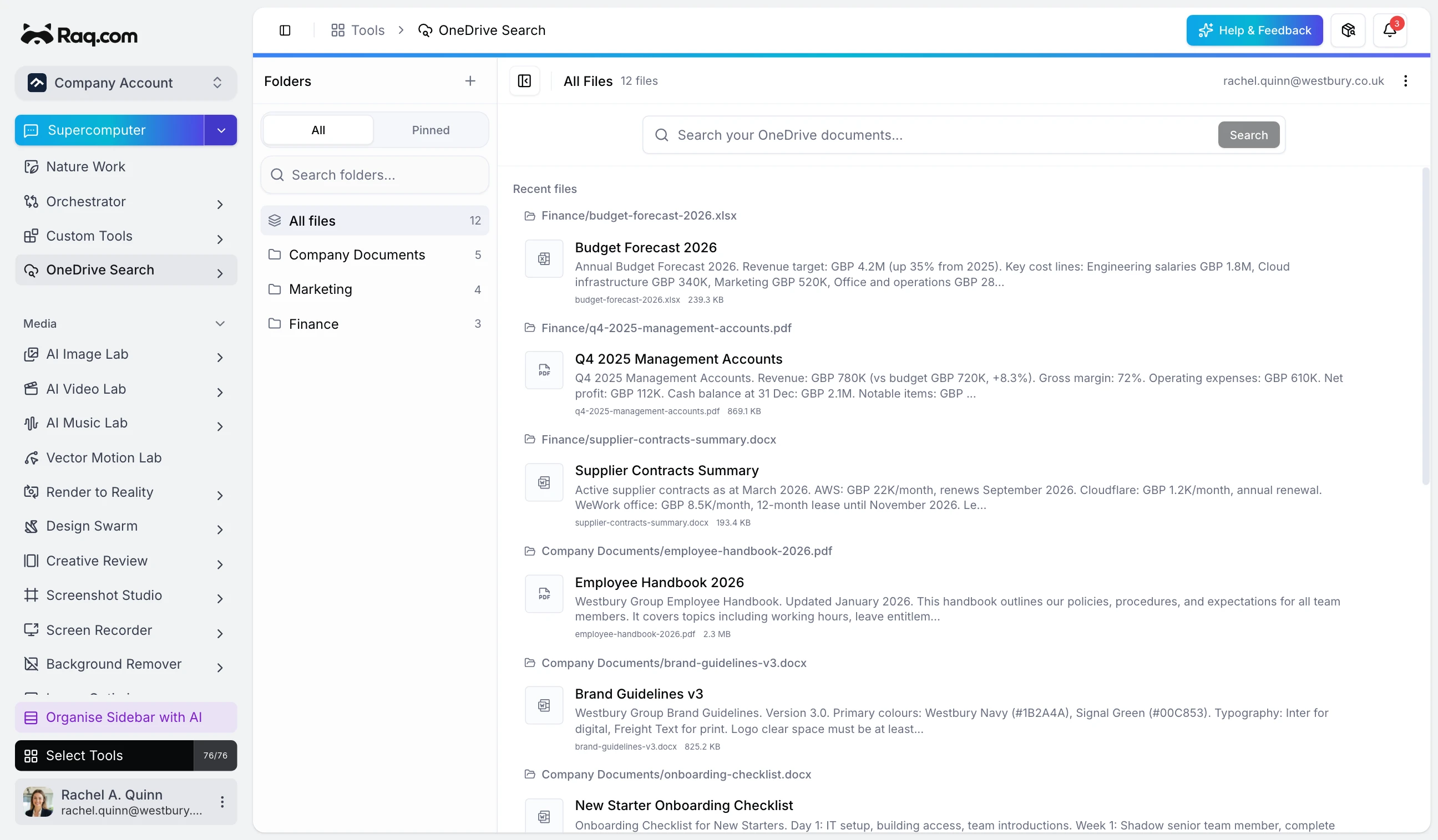
OneDrive Search
If your company runs on OneDrive, your documents are already there. OneDrive Search connects to what you already use and makes it all searchable.
Give your AI assistants direct access via MCP so they can read and cite your documents.
Something for Everyone
The toolkit expanded beyond professional work. KPI tracking and contract review sit alongside meal planning and health logging. The common thread is practical utility: each tool solves one problem well.
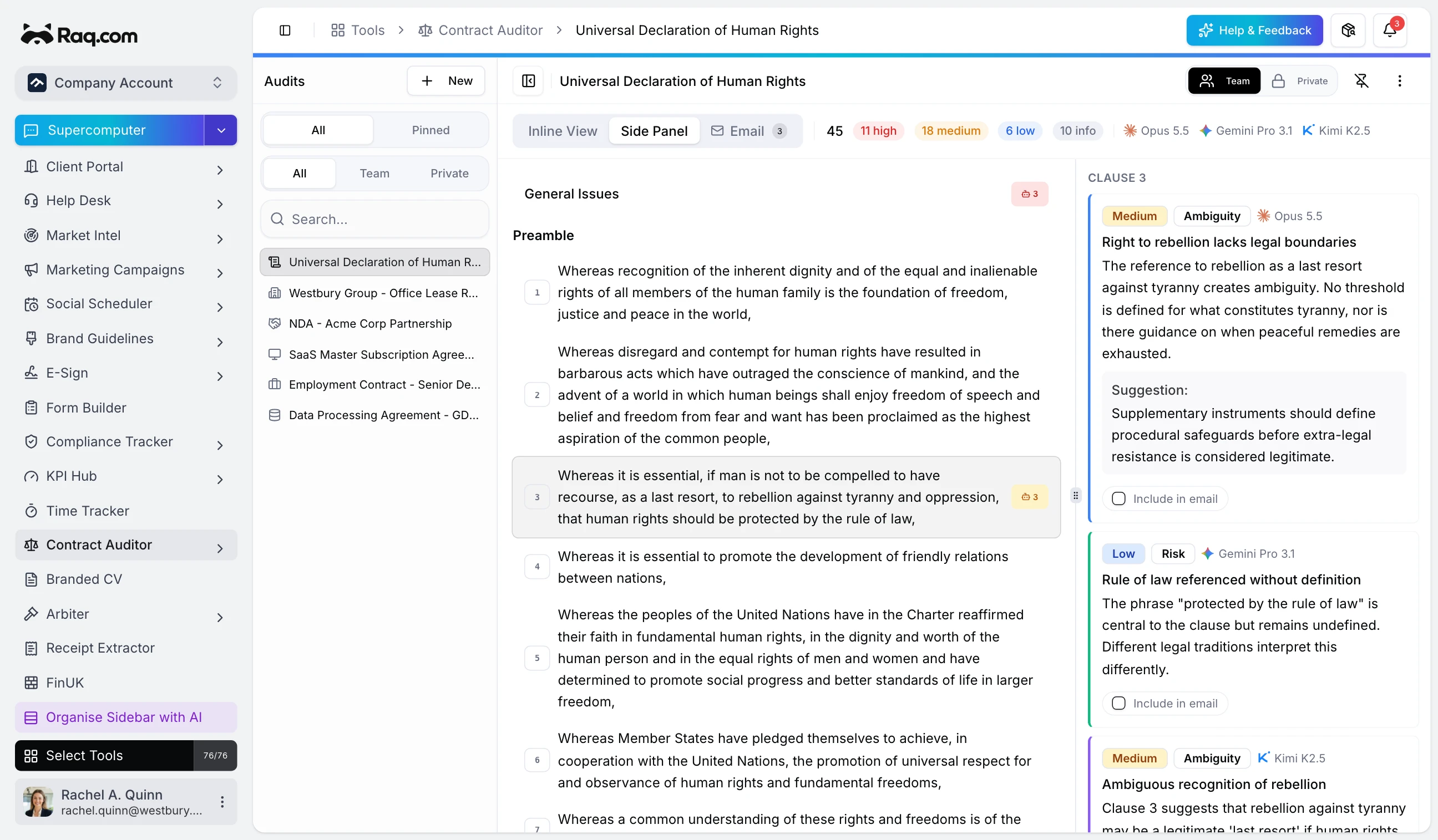
Contract Auditor
Upload a contract, pick three AI models, and get clause-by-clause comments on risks, ambiguities, and negotiation points.
Then generate a draft email to send to the other party. Three models means three perspectives, not one.
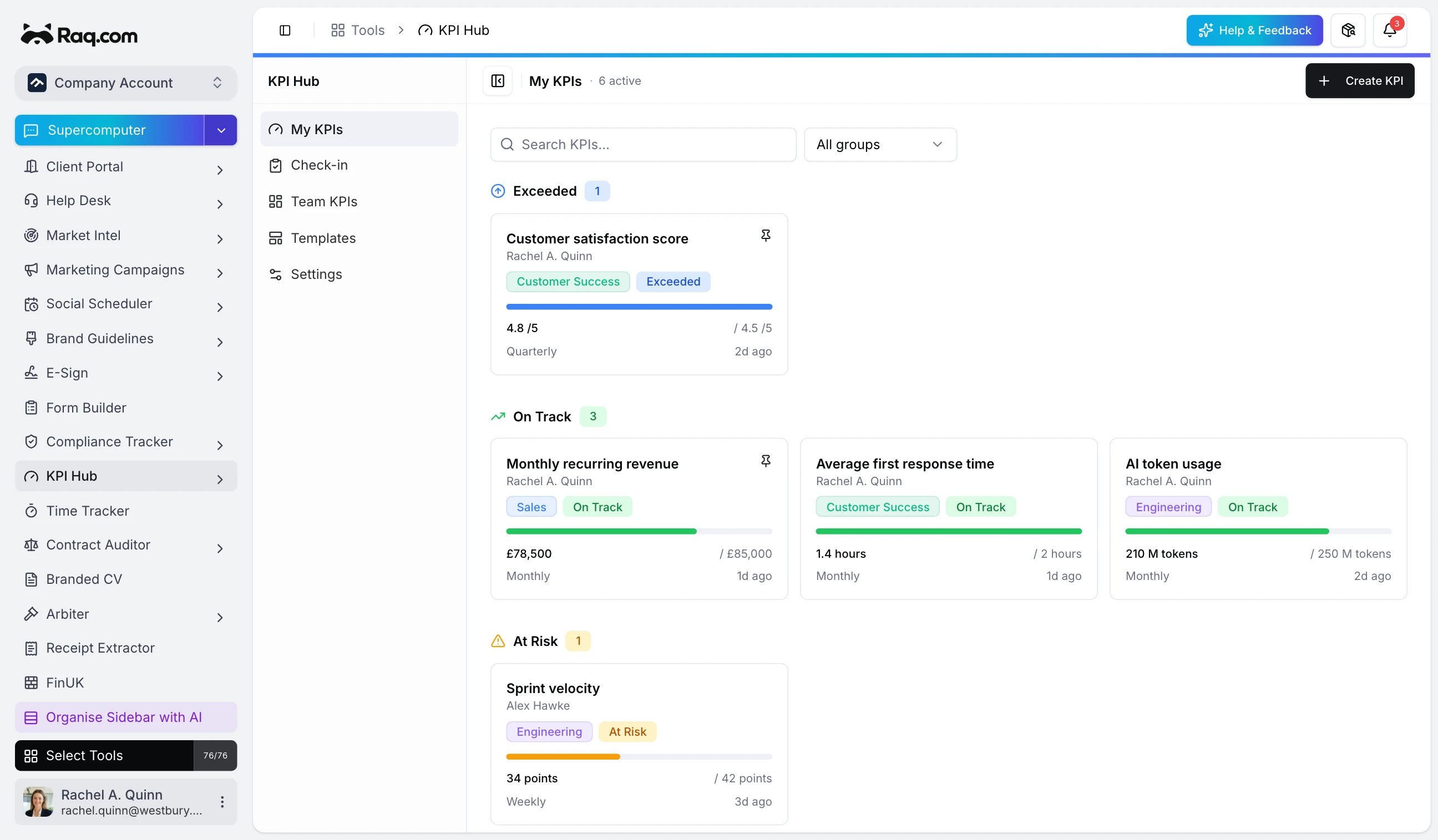
KPI Hub
A single workspace where employees see their active KPIs, submit check-ins, and managers review team progress with trends and meeting-prep summaries.
Templates make setup fast, and AI generates talking points for reviews.
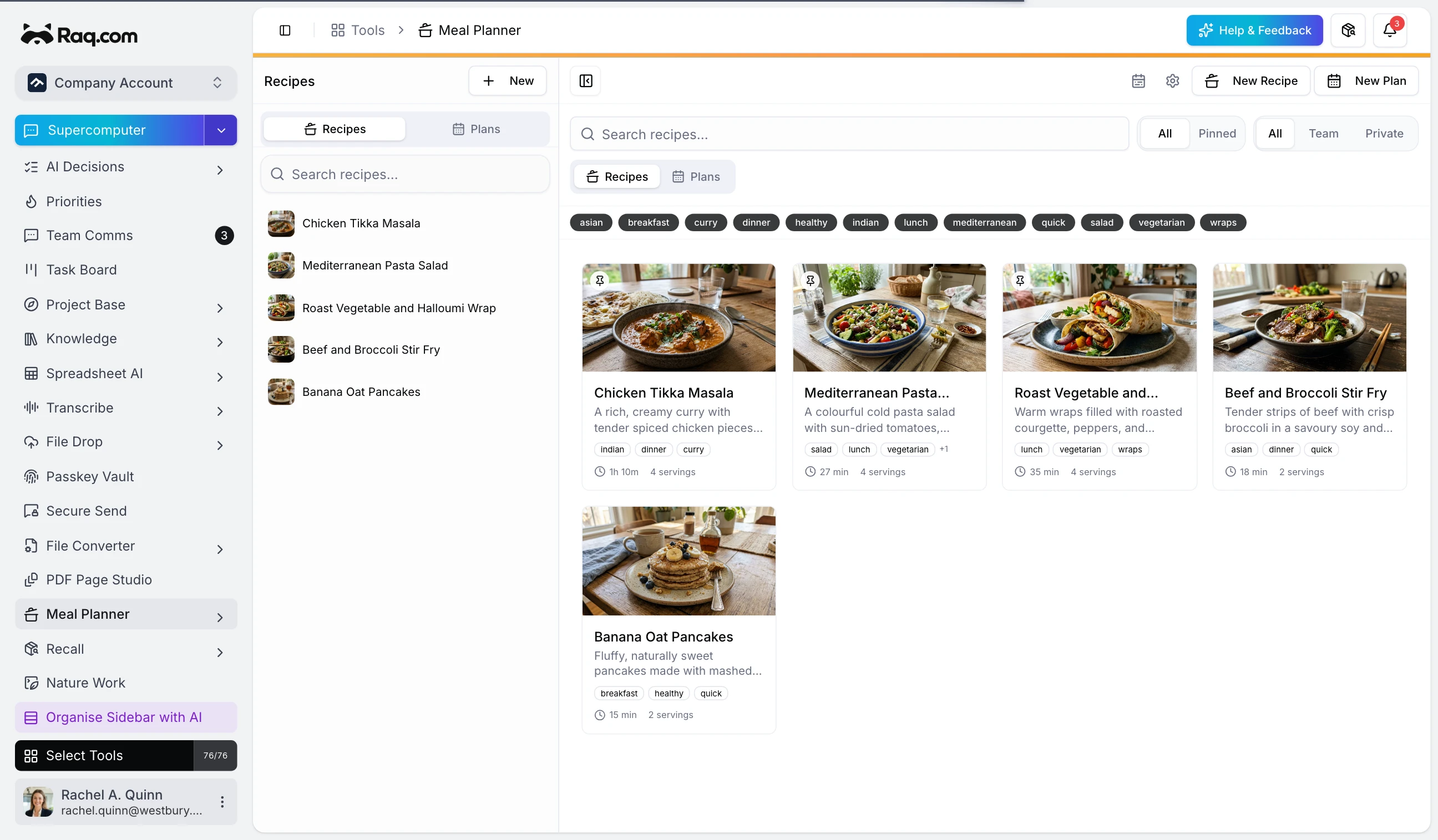
Meal Planner
Build a recipe library with structured ingredients and instructions. Plan weekly meals on a drag-and-drop grid.
Then ask AI to create recipe variations: toddler-friendly, low-sodium, vegetarian, or anything else.
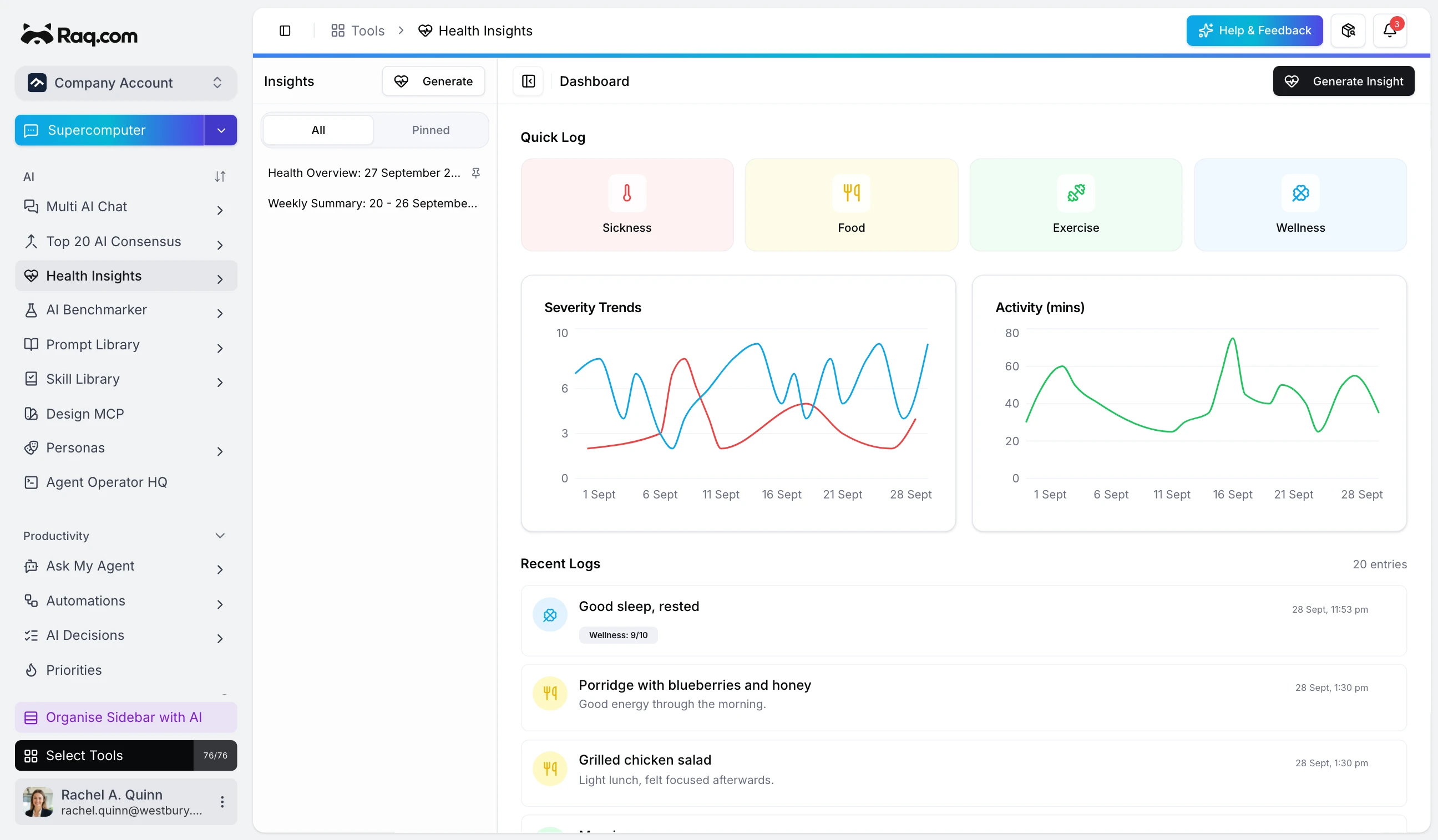
Health Insights
Log sickness, food, exercise, and wellness events. Then generate AI reports that spot patterns in your data and offer practical suggestions.
A personal health journal with analysis built in.
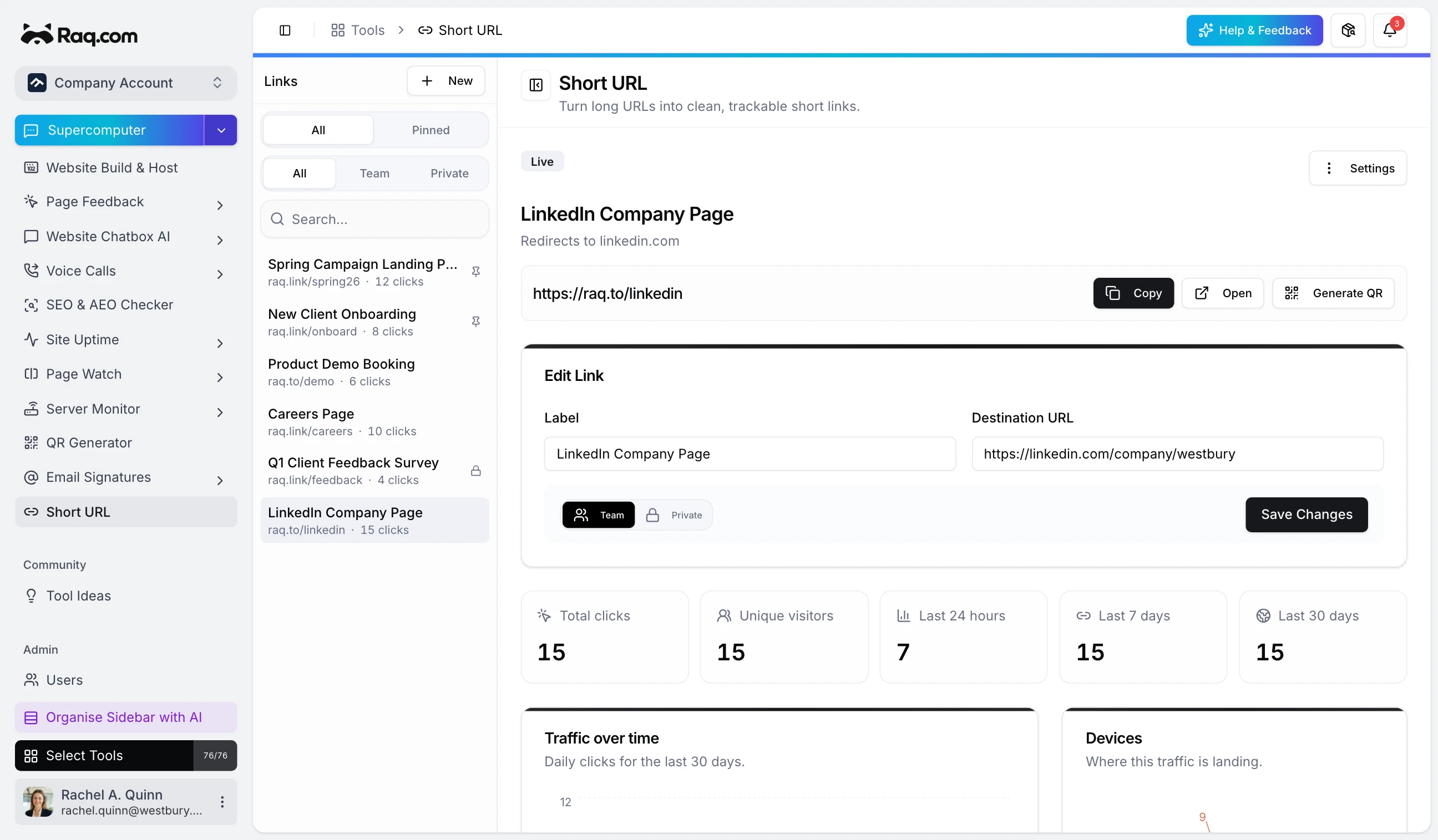
Short URL and QR Generator
Create branded short links with click analytics and generate custom QR codes with your own colours and logo.
Both tools are free on every plan.
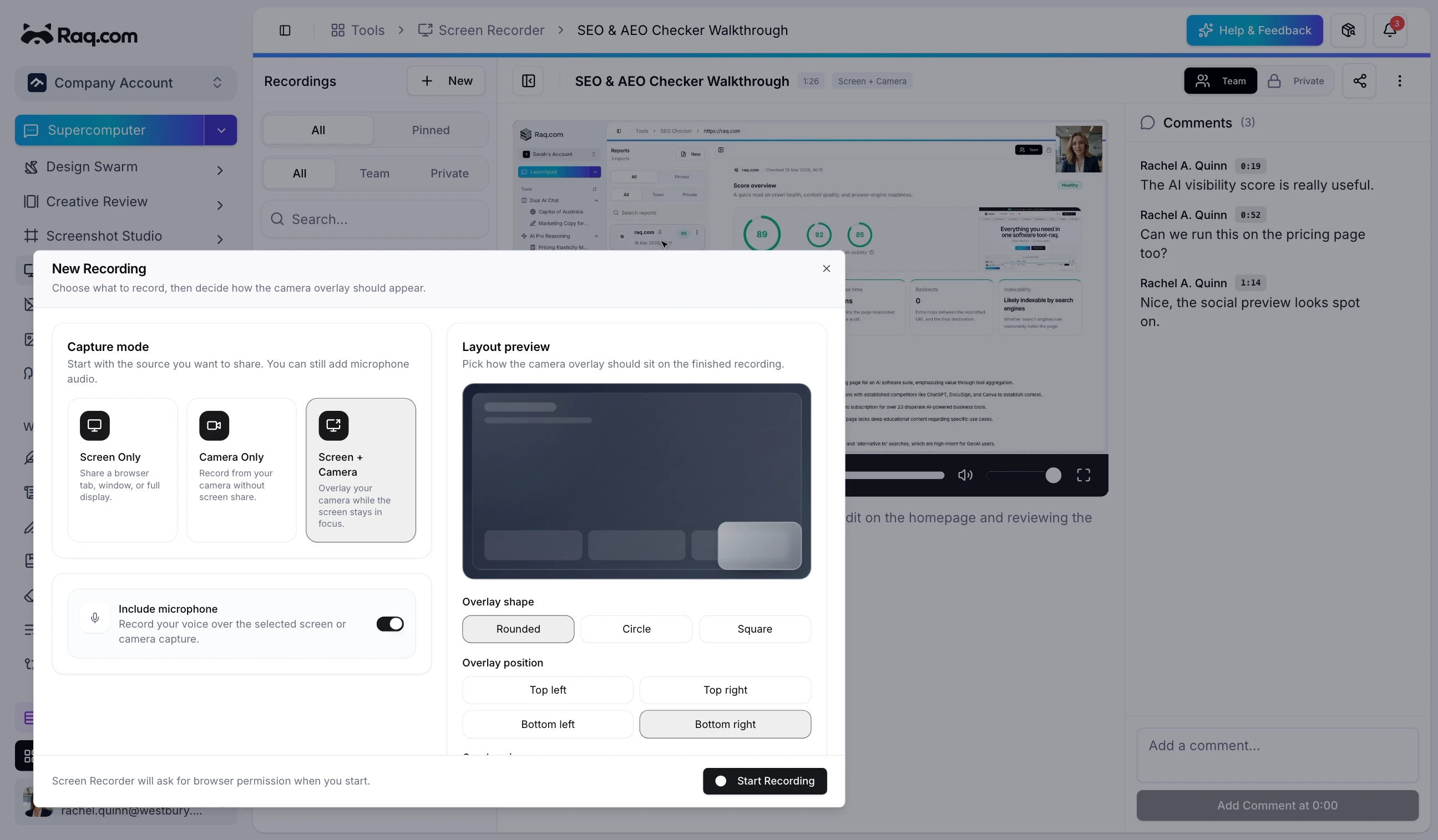
Screen Recorder
Record your screen, camera, or both directly in the browser. Get a shareable link instantly and let your team leave time-coded comments on the recording.
No installs, no uploads, no meeting to schedule.
The Agent Layer
This was the week AI agents became first-class citizens. They got their own daily planner, a persistent memory across conversations, and the ability to talk to other people's agents.
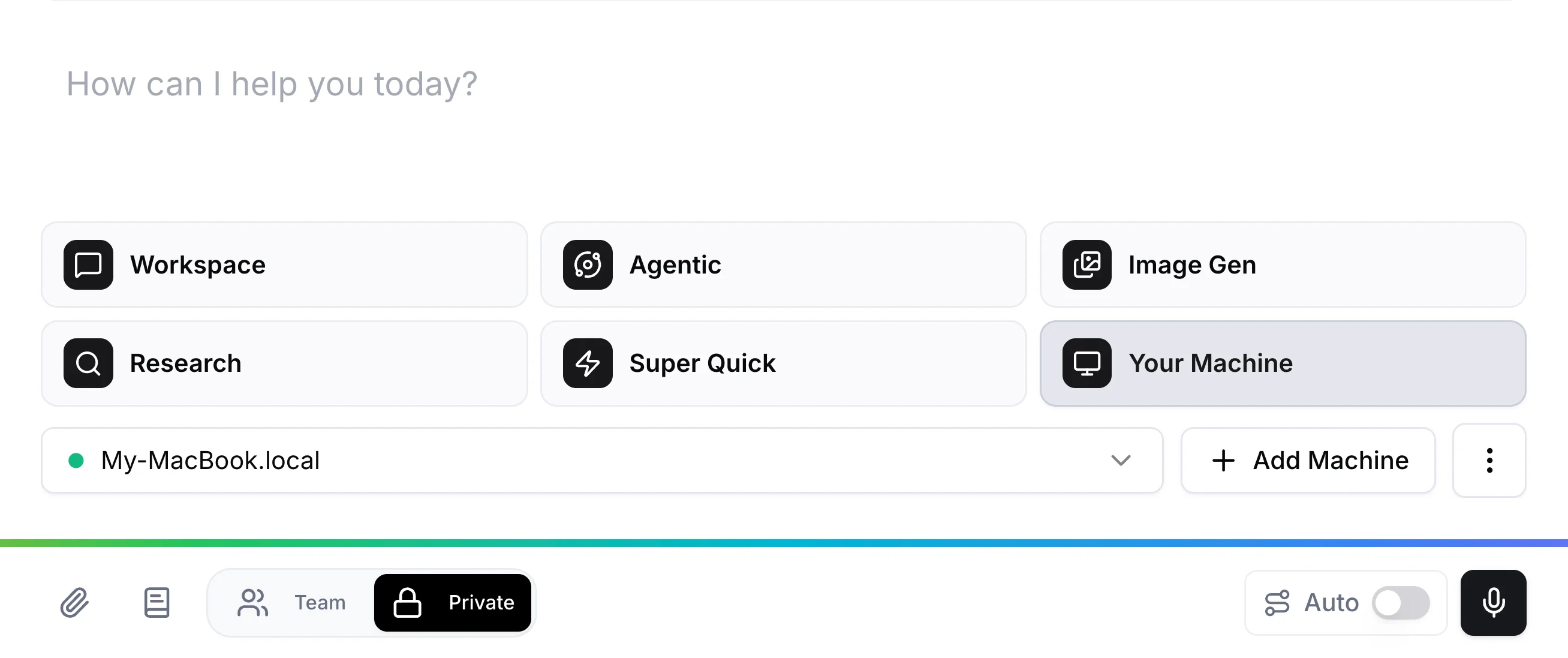
Your Machine
Supercomputer can now send tasks to Claude Code running on your own computer. Manage it from the web and give it access to your Raq.com tools.
Use your own Claude subscription instead of platform AI usage. Your local agent, orchestrated remotely.
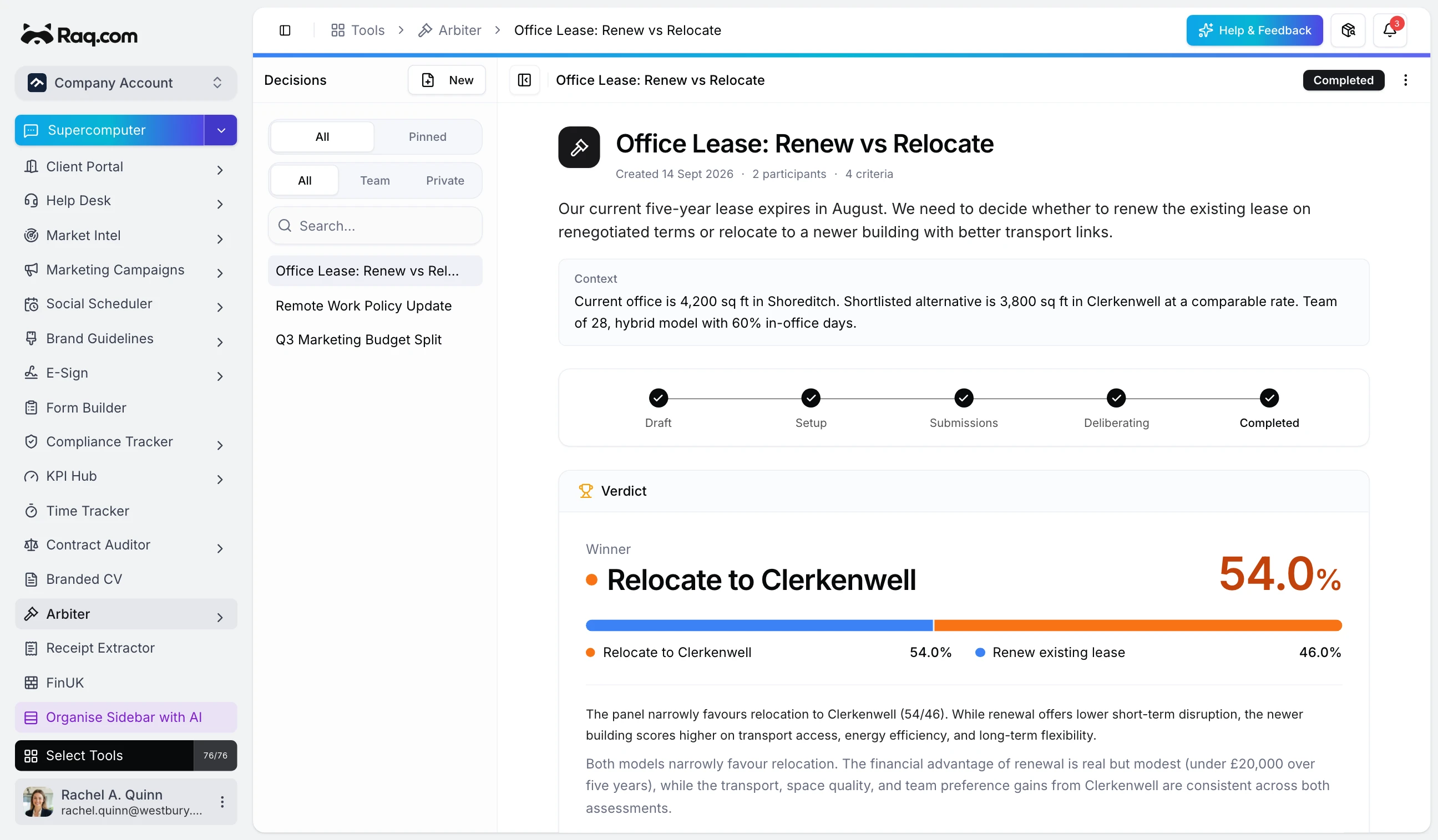
Arbiter
Define a question, invite participants to argue their case anonymously, and let two AI models deliberate blindly.
Get a definitive verdict with percentage rankings and criterion-by-criterion analysis. Blind deliberation for decisions that need to be fair.
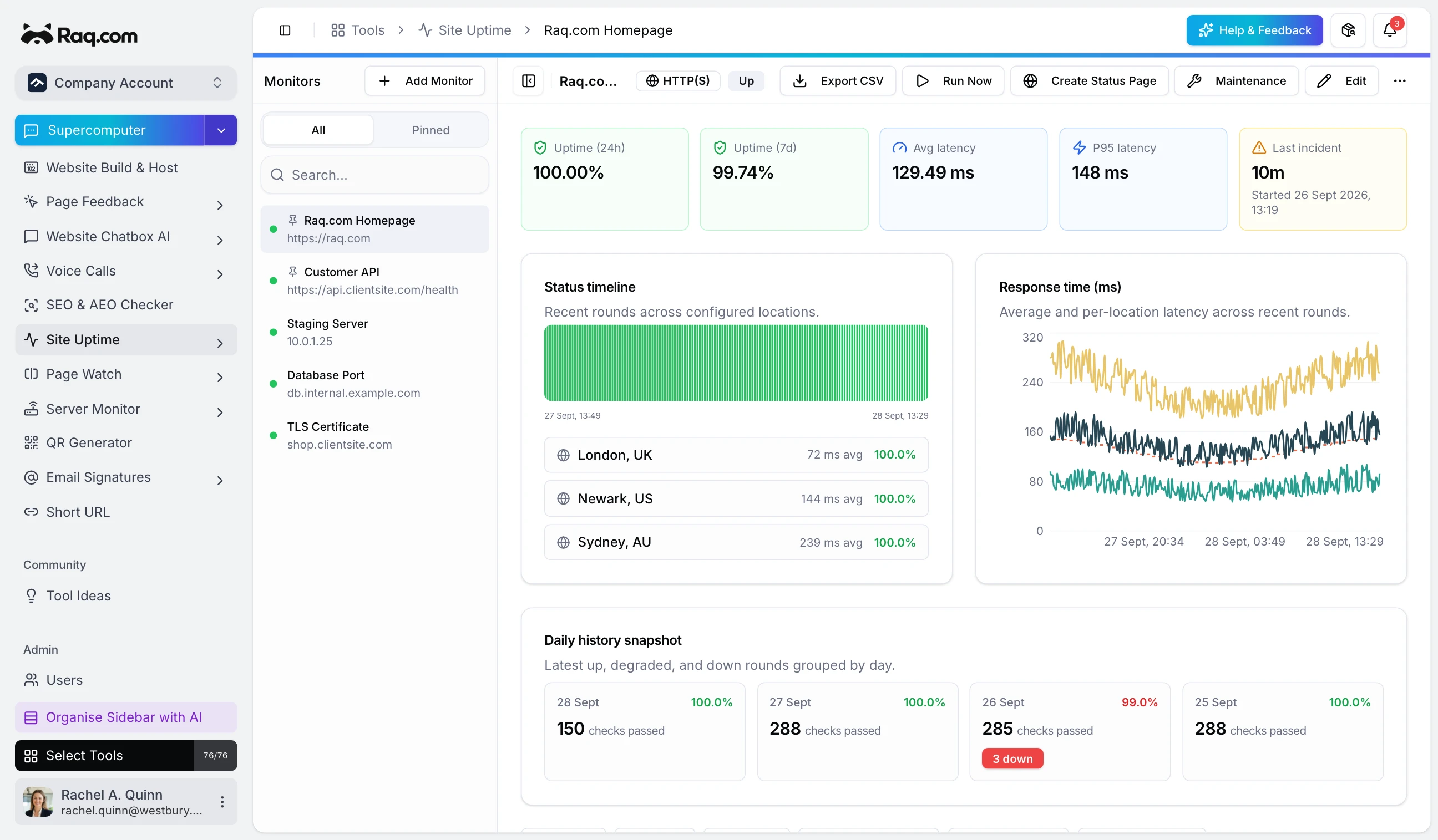
Site Uptime
Monitor HTTP(S), ping, port, and TLS endpoints from multiple continents simultaneously. Get alerted when something goes down and review per-location evidence.
Schedule maintenance windows and publish a public status page at a custom domain.
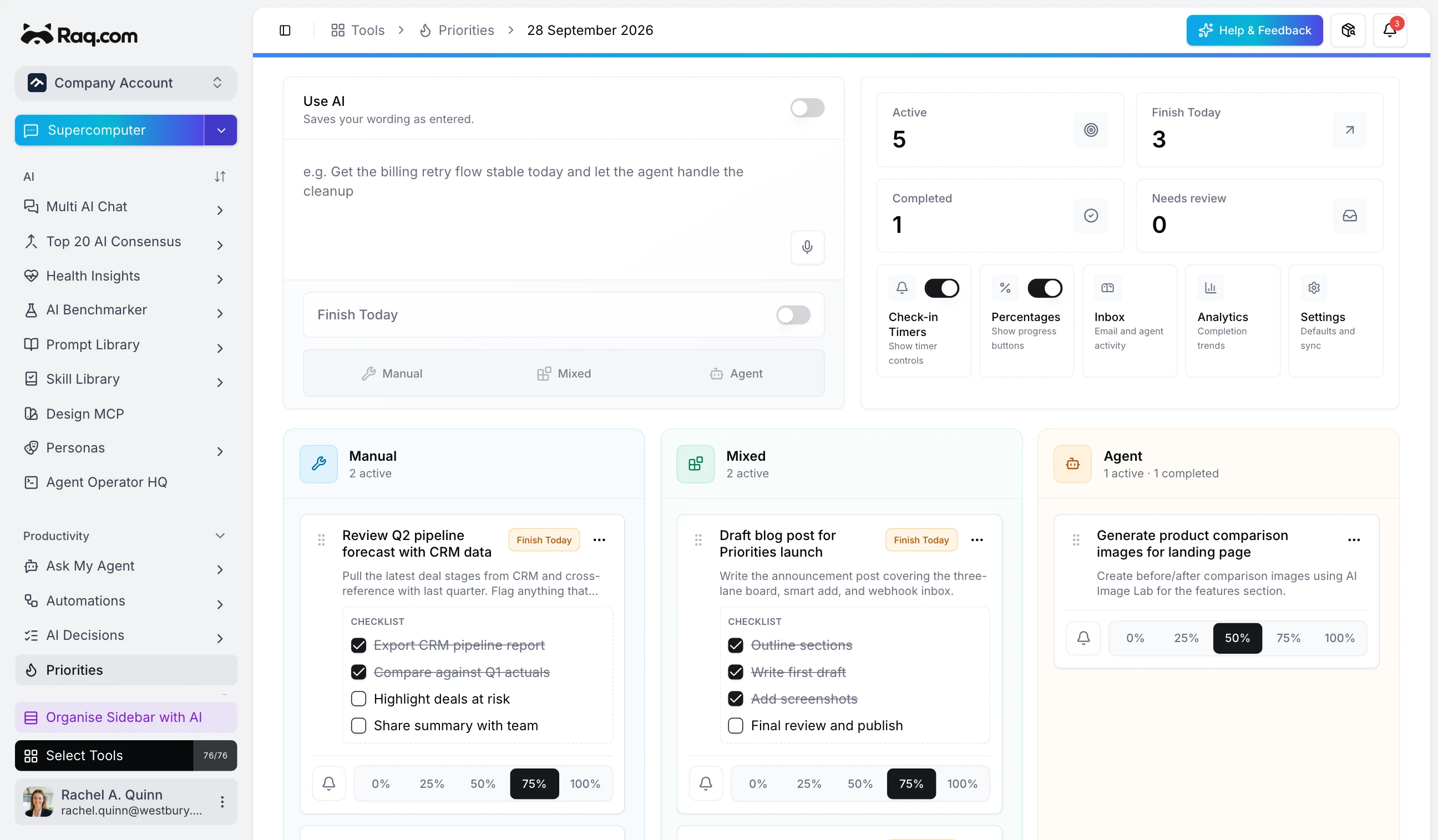
Priorities
A daily focus board that splits work into manual, mixed, and agent lanes. Type a sentence and let AI sort it.
Track progress with quick taps, and get notified when agents finish their work.
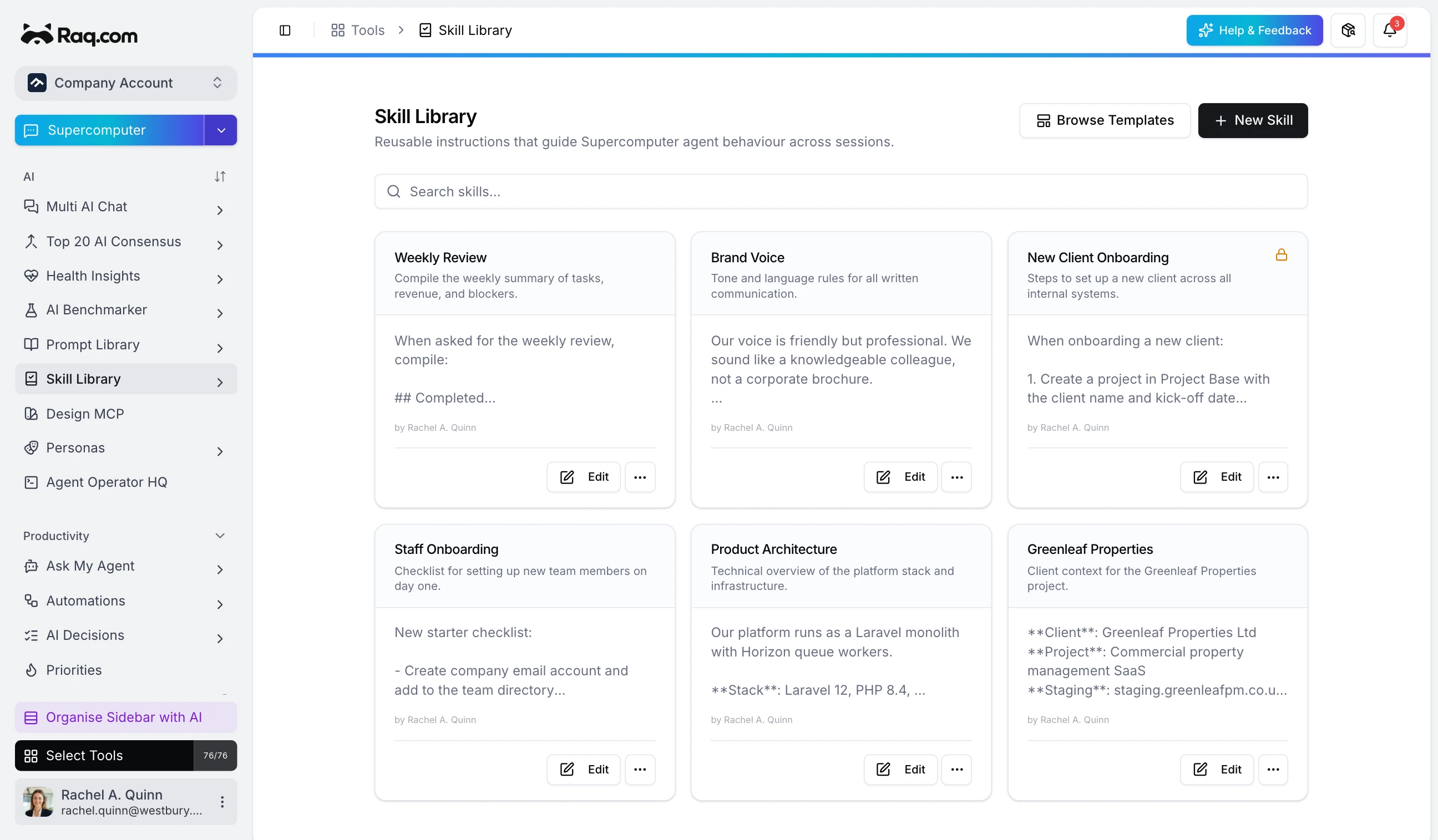
Skill Library
Correct the AI once, say "remember that," and it sticks. Skills carry your preferences, processes, and reference data into every future conversation.
Teach once, apply forever.
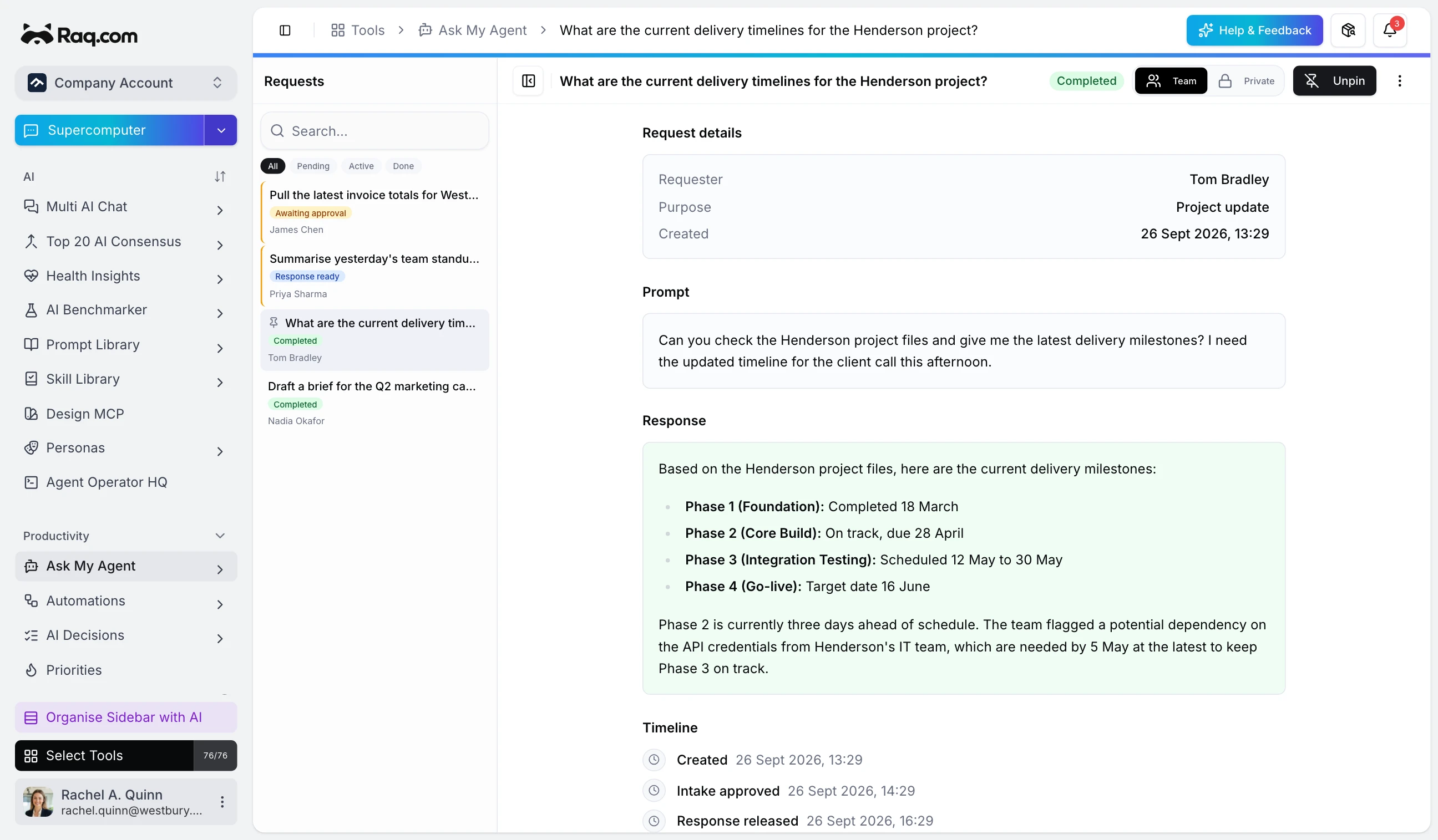
Ask My Agent
Share a skill file or email address so other people's agents can ask yours questions.
Two-stage approval controls keep you in charge of what goes in and what comes out. Agent-to-agent communication with human guardrails.
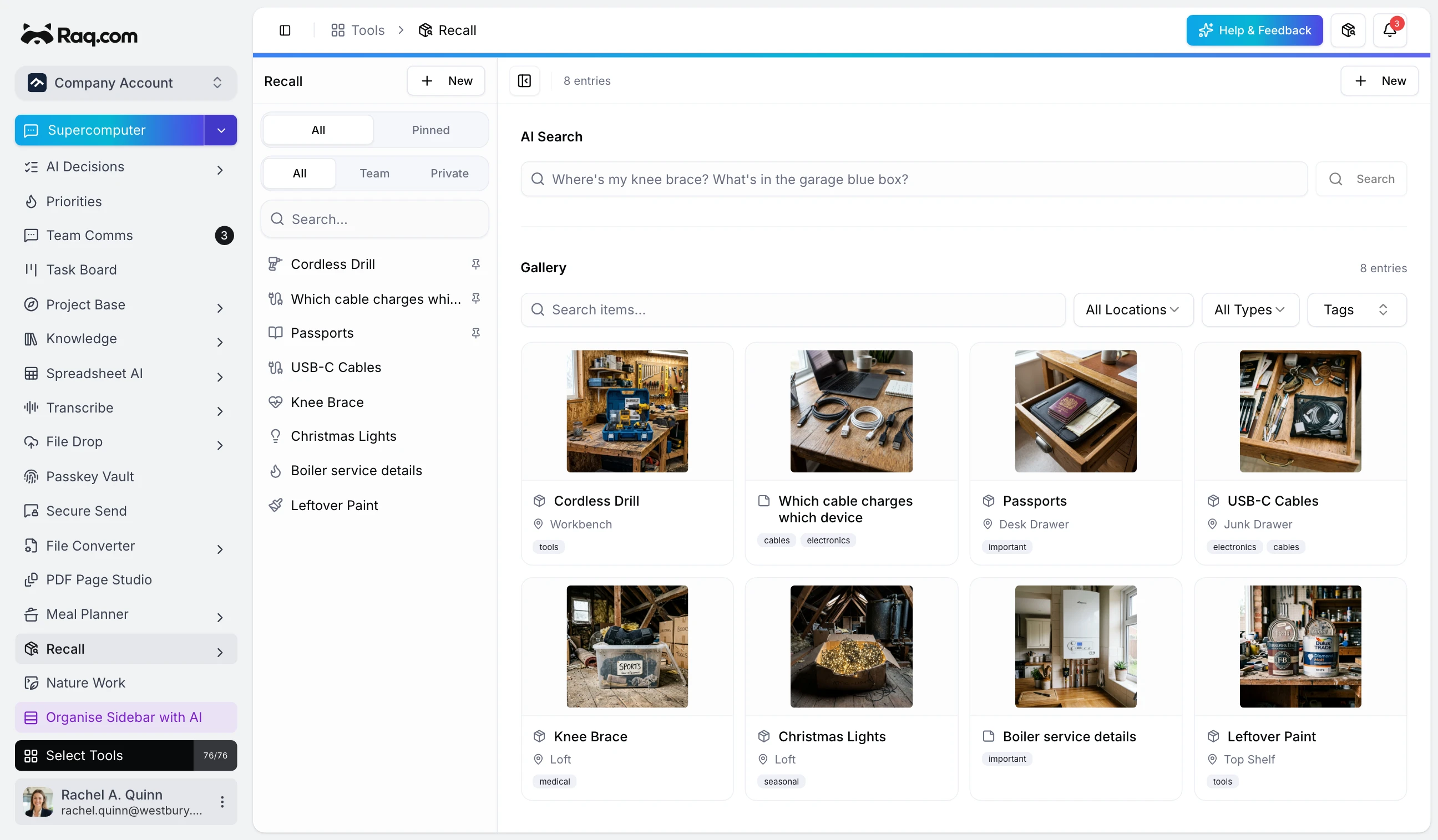
Recall
Snap a photo, and AI figures out what it is, where it belongs, and how to find it later.
Manage everything from WhatsApp, Supercomputer, or any MCP-connected assistant.
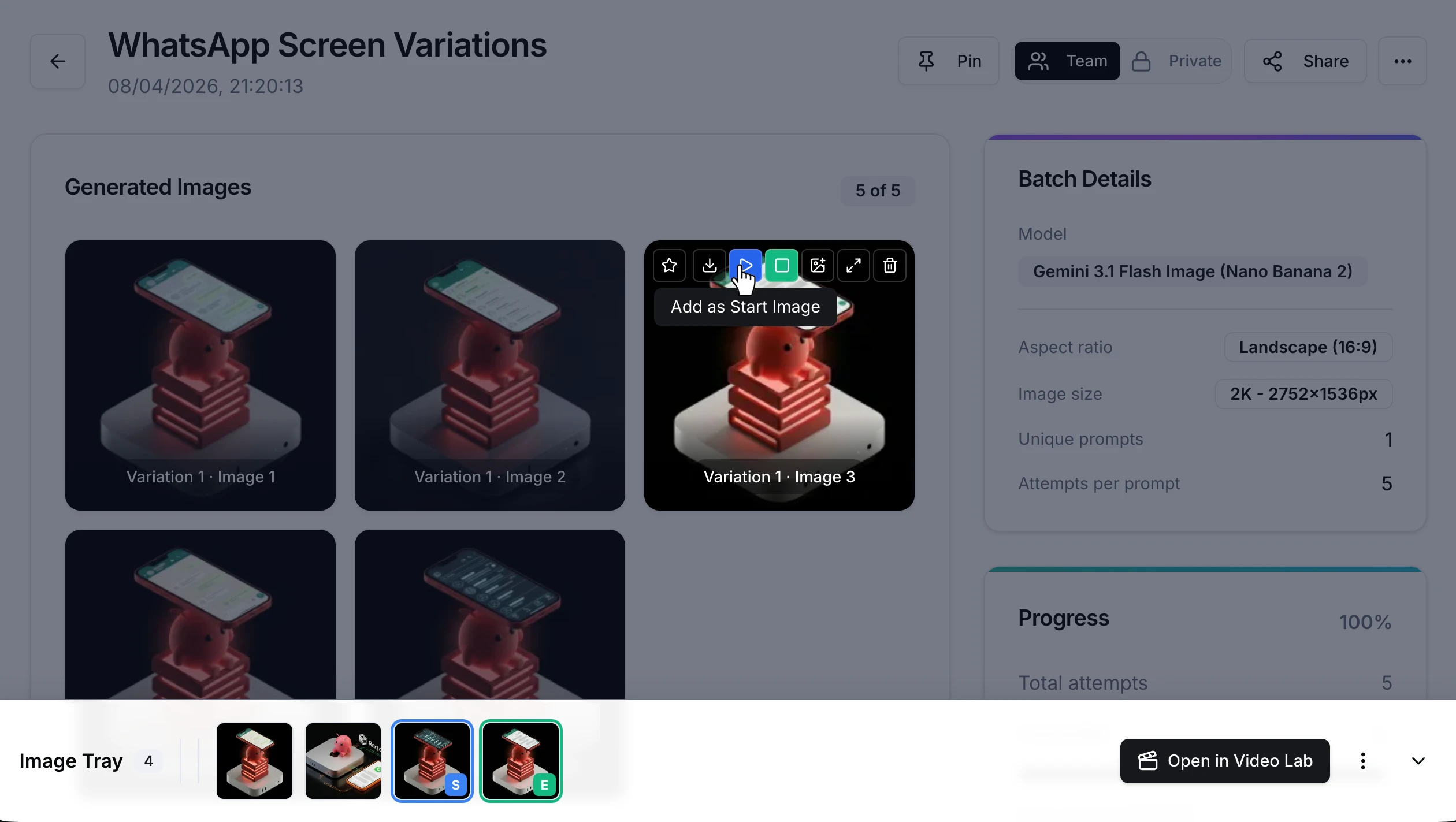
Image Tray
Pick your favourite AI-generated images into a persistent tray, assign start and end frame roles, then open them in Video Lab with one click.
The first real bridge between Image Lab and Video Lab.

Secure WhatsApp Agents
A technical guide on building secure WhatsApp agents with OpenClaw and Raq.com.
Wrappers, allowlists, and scoped tokens for production-safe agent integrations.
The roadmap is yours
Every tool on this page was built because someone asked for it. Sign up, use what works, and tell us what's missing.