
Use Raq.com From Microsoft 365 Copilot
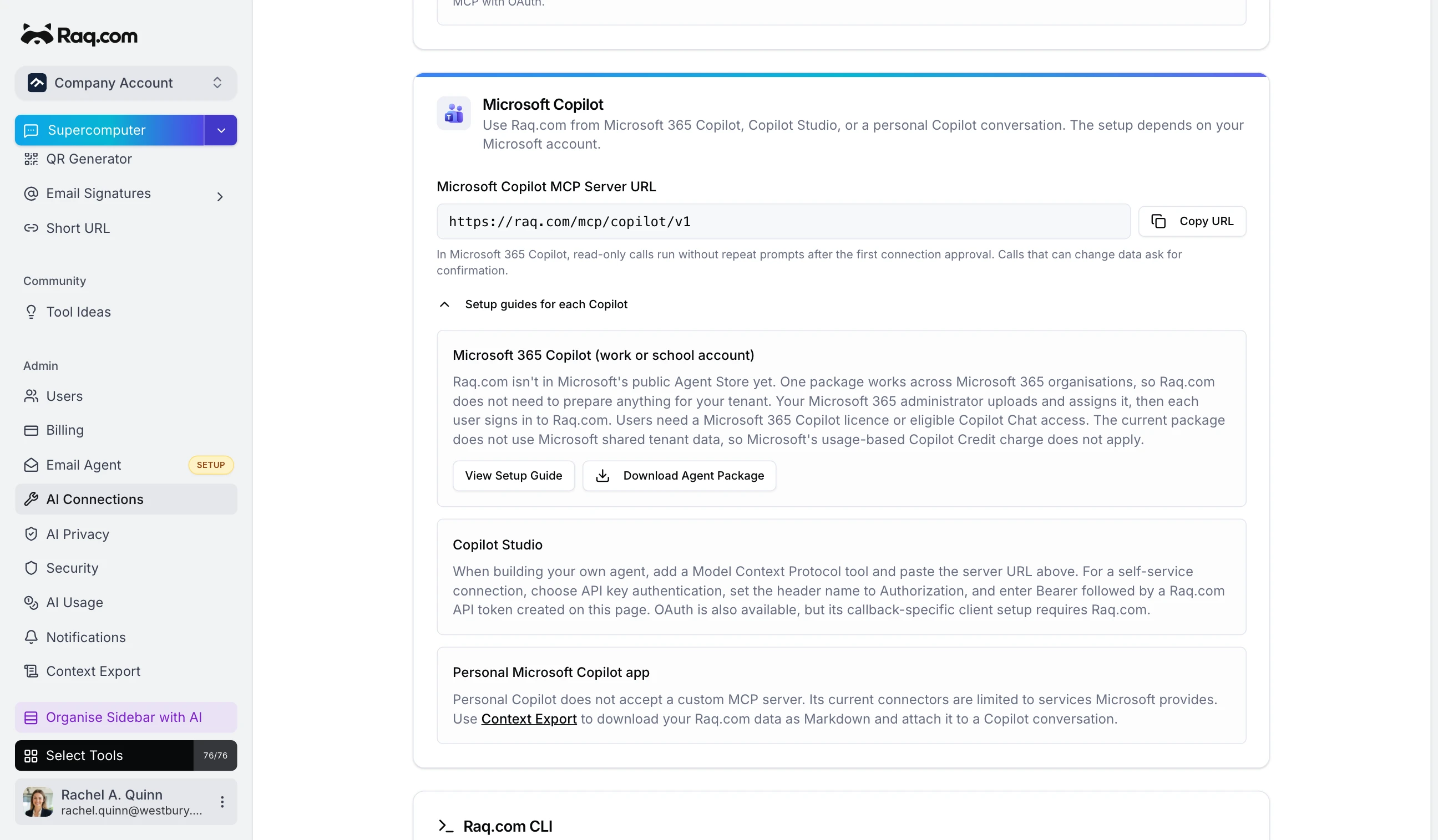
The Raq.com agent lets people use Task Board, Team Comms and their other enabled modules from Microsoft 365 Copilot. Each person signs in with their own Raq.com account. Microsoft 365 Copilot asks before every call that can change data.
What the Raq.com agent can do
Ask "what's on my task board this week?" or "summarise the latest Team Comms thread". The agent picks the right Raq.com tool for the job. One connection covers the modules enabled for the selected account, and Copilot sees only the Raq.com accounts the signed-in person can access.
After the first connection approval, Copilot sends read-only questions without another prompt. Moving a card or posting an update goes through a separate action tool, and Copilot asks for confirmation before each call. Raq.com rejects any write request Copilot sends through the read-only route.
Microsoft's many Copilots
Microsoft has about a million things called Copilot. For Raq.com, there are three relevant routes.
The Raq.com agent isn't listed in Microsoft's public Agent Store yet, but it no longer needs a tenant-specific package. Download the agent and follow the administrator guide. Your Microsoft 365 administrator uploads and assigns the ZIP, then each user signs in with their own Raq.com account. Users need either a Microsoft 365 Copilot add-on licence or Copilot Chat access through an eligible Microsoft 365 or Office 365 plan. The current Raq.com package does not use SharePoint or Copilot connectors, so Microsoft's usage-based Copilot Credit charge for shared tenant data does not apply.
If you build your own agents in Copilot
Studio, add Raq.com's Model Context Protocol server as a tool. For a
self-service connection, choose API key authentication and configure the
Authorization header as Bearer <token> using a
Raq.com API token. OAuth is also available but needs a callback-specific client.
Personal Copilot doesn't accept a custom MCP server. Its current connectors are limited to services Microsoft provides. Use Context Export to download selected Raq.com data as Markdown, then attach the file to a Copilot conversation. You'll find the server URL under AI Connections in Settings, with Context Export linked from the same guide.