
GPT Image 2: OpenAI's New Flagship Image Model, Now in AI Image Lab
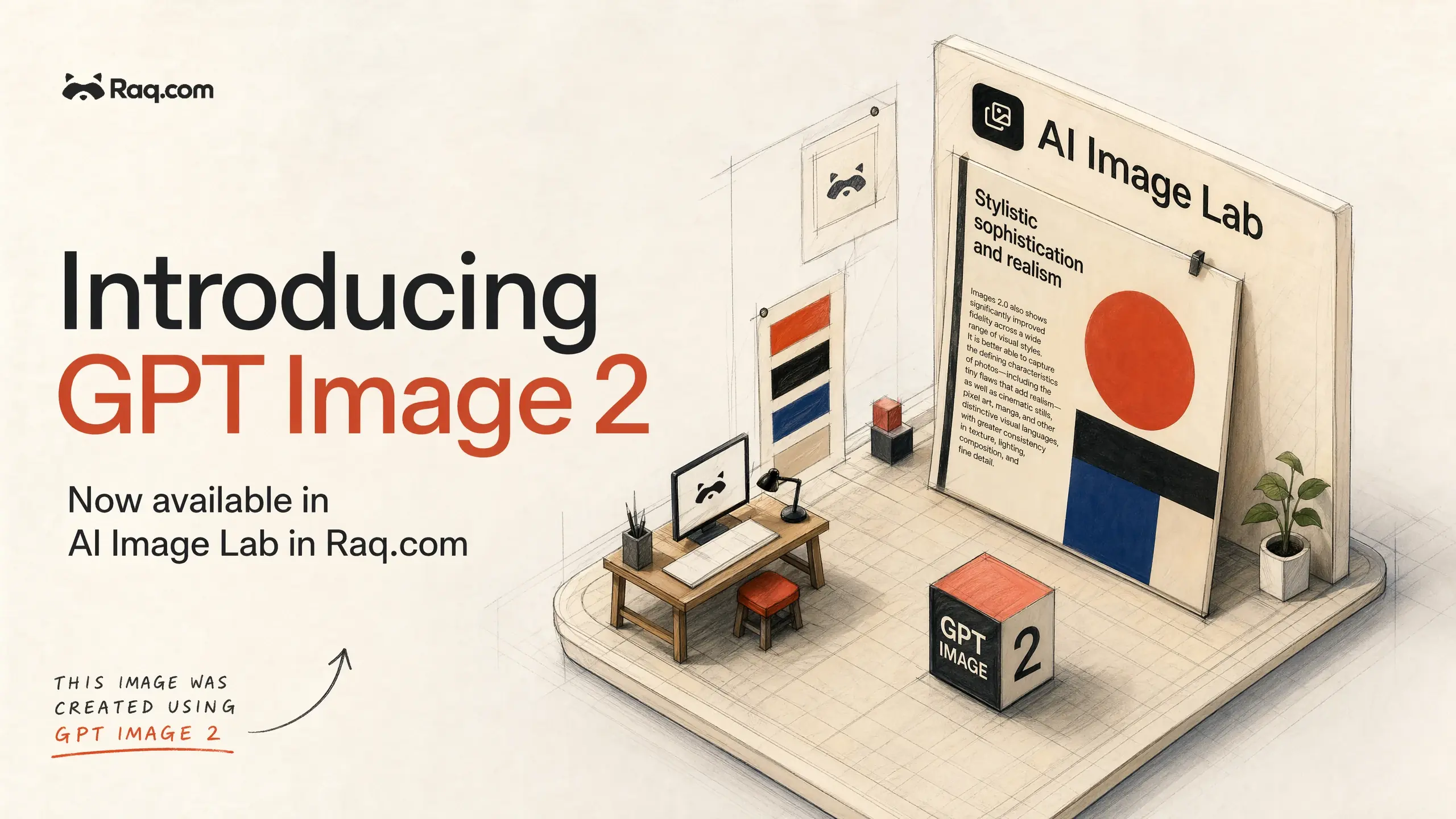
GPT Image 2 is OpenAI's new flagship image model. It launched straight to the top of the public image leaderboards and it is live in AI Image Lab today, selectable alongside Nano Banana 2, Nano Banana Pro, Kling Image, Grok Imagine, and the rest of the model line-up.
What GPT Image 2 is good at
Three strengths stand out in real work, not just in benchmarks. This is where the model earns its place in the line-up.
- Text rendering. Dense paragraphs, small lettering, product labels, infographics, and UI mockups render cleanly the first time. Words are readable. Punctuation is correct. Line spacing makes sense.
- Photorealism. Lighting, skin texture, fabric, and environmental detail hold up under close inspection. Film grain, flash falloff, and shallow depth of field read as genuine photography rather than AI approximations.
- Product shots with brand consistency. Logos stay accurate, label text stays legible, and colour palettes hold across a batch. Useful for e-commerce listings, catalogues, and campaign assets where the product has to look like the product.
Non-English text and multilingual layouts
GPT Image 2 produces coherent text in Japanese, Korean, Chinese, Hindi, Bengali, and other non-Latin scripts. You can ask for a manga page, a Korean advert, or a Chinese poster and get characters that are correctly formed and laid out. Useful for localised marketing, global packaging mockups, and multilingual infographics without running a separate design pass per language.
Aspect ratios and resolutions
GPT Image 2 supports square, landscape, and portrait orientations at 1024 resolution, plus HD (1920×1080), QHD (2560×1440), and 4K (3840×2160) for landscape assets. Pick the size that fits your final surface: social tile, slide deck, banner, print.
How it fits into AI Image Lab
AI Image Lab already lets you write one creative direction, expand it into prompt variations, and run the result across several models in the same batch. GPT Image 2 slots into that flow. Tick it alongside Nano Banana 2 and a Kling model, for instance, and every prompt runs on all three in parallel. You get a side-by-side comparison without re-entering anything.
It also works with reference images. Upload a photograph, a product shot, or a previous generation, and GPT Image 2 will edit from that starting point. Combine it with image markers to point at specific regions of the reference image and describe what should change.
When to choose GPT Image 2
- Anything with readable text on it: posters, infographics, packaging, signage, UI screens.
- Photorealistic lifestyle or editorial shots where lighting and texture matter.
- Product photography where logos, ingredients, and label layouts need to stay accurate.
- Localised creative in non-Latin languages.
- Technical illustrations and architectural visuals where annotations have to be correct.
Get started
Start your free trial. No credit card required. Open AI Image Lab, write a creative direction, and tick GPT Image 2 in the model list. Run it on its own or alongside the other models to compare.