
Pick a Raqling for your desk
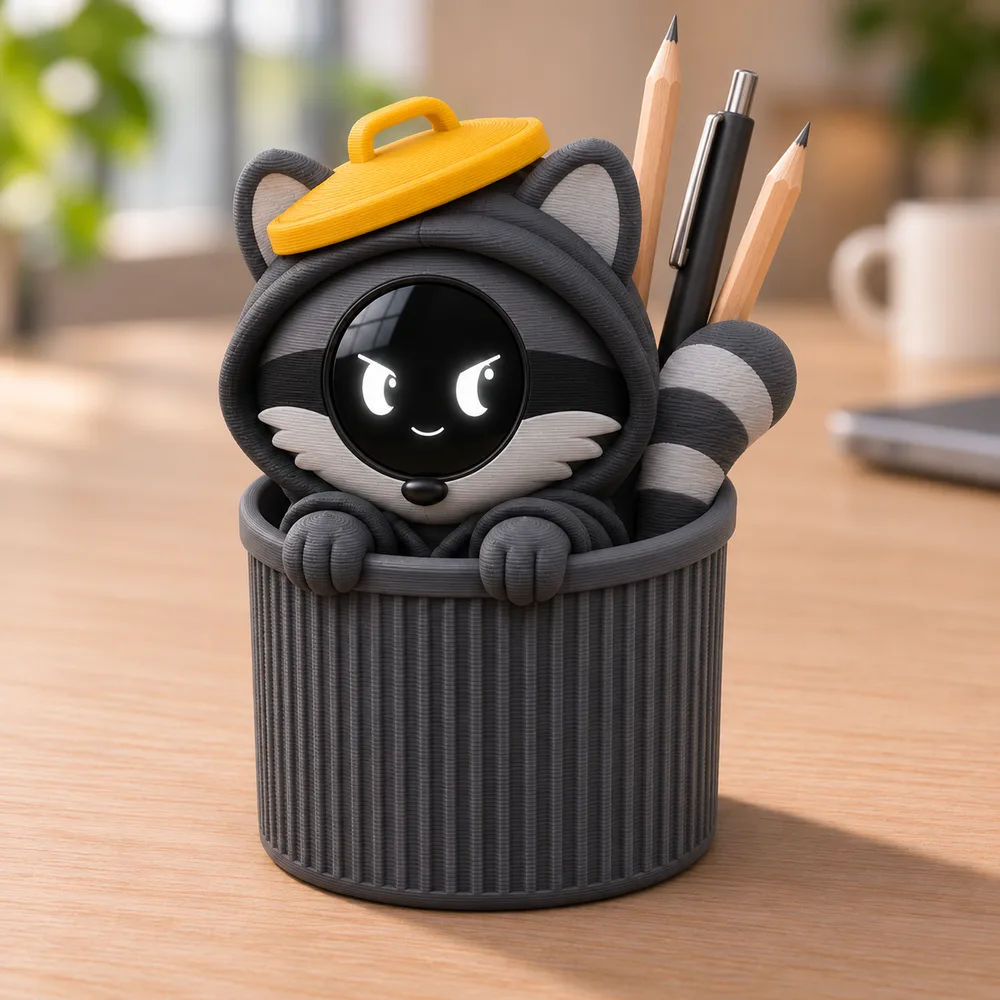
A Raqling is a palm-sized desk companion with a round touchscreen face. It shows what your AI agents are doing, takes approvals with a tap, and runs any screen you describe to Claude, ChatGPT or any other app that speaks MCP.
Put one on every desk in your team
Have as many Raqlings as you like and run them all from one phone app, on iOS or Android. Group them by desk, team or office, then send a screen, a mood or a message to one, a group or everyone at once.
It learns where each one sits
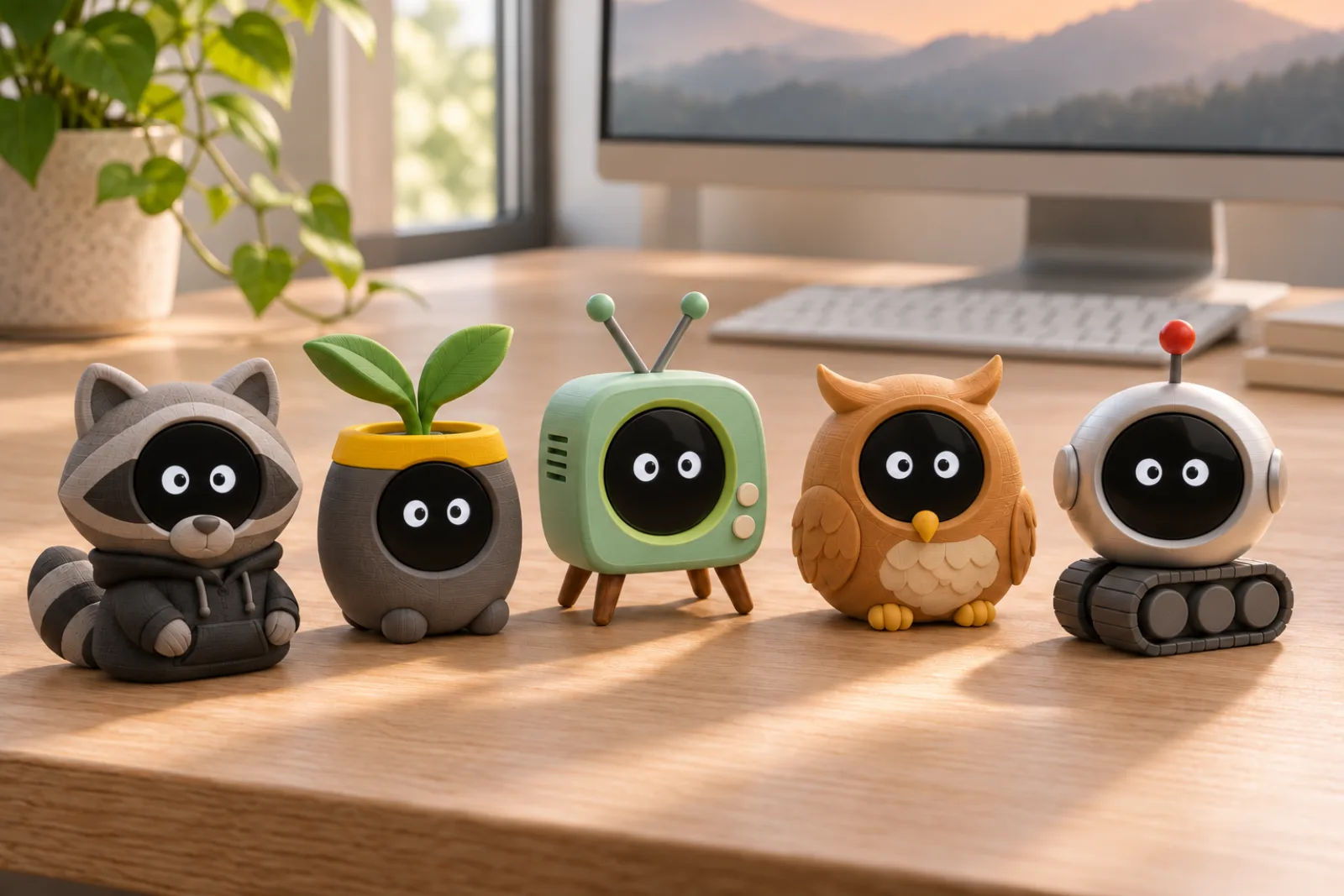
Point your phone's camera along the row and each Raqling flashes in turn. After that, animations travel across them in the right order.
Numbers in sync
A countdown or a sales total can run on every screen at the same moment, or spread one digit per screen along a row.
No limit on how many
Give one to every desk, meeting room and reception. Each keeps its own name and face, and the app controls them together.
Ask Claude or ChatGPT for a new screen
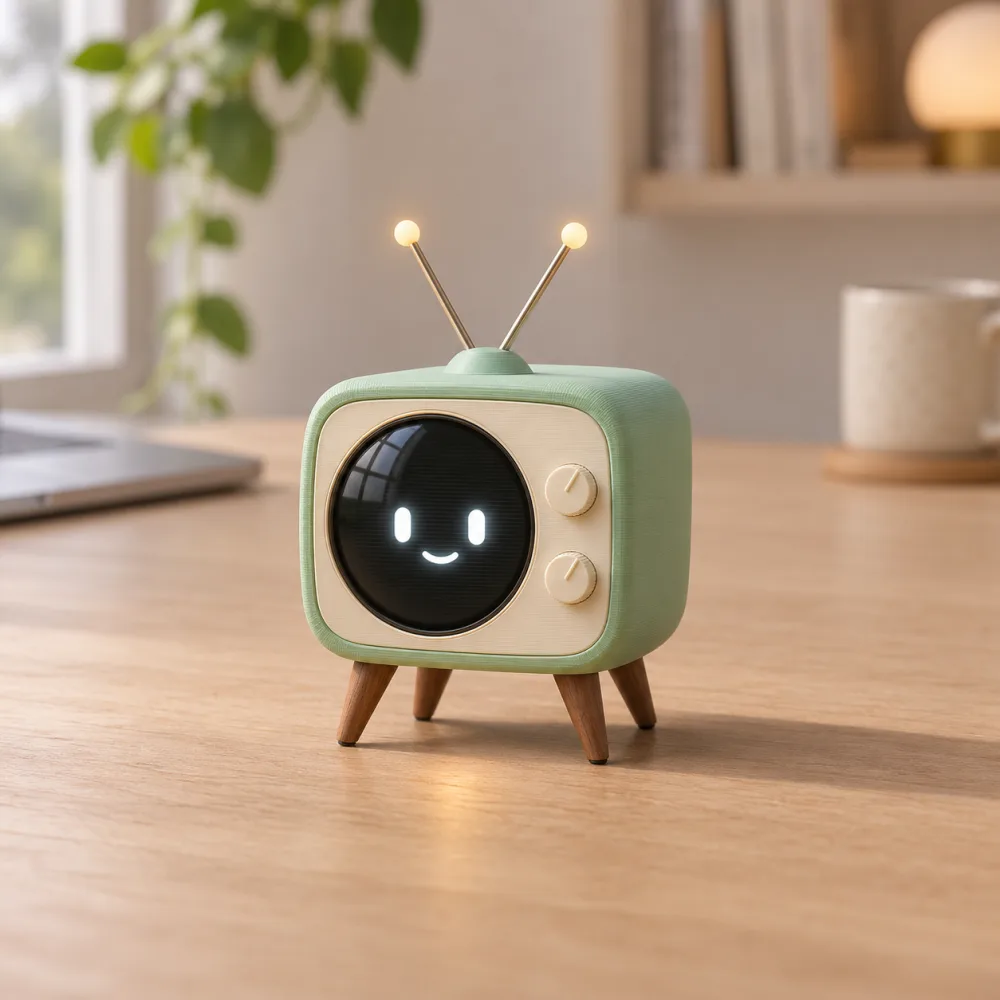
Raqlings connect to Claude, ChatGPT and any other app that speaks MCP. Say what you want in plain words and it appears on the Raqling you choose.
What your AI can do with a Raqling
- Show a screen with text, numbers, images or a gauge
- Set a face or a mood on one Raqling or many
- Send a message that waits for a tap
- Read taps as yes, no or snooze
- Schedule screens for mornings, meetings and home time
- Play an animation across a whole group
Screens are descriptions the Raqling draws itself, never code, so nothing you install can run on the device.
Have Raqlings made for your company
Send us a logo, a mascot, a sketch or a photo. We design the shell and send you a render before anything is printed. Company runs come in your branding and can carry each person's name.
- Client giftsA Raqling that shows how their project is going, or a note from you each week.
- ProspectsPreloaded with their name and three ideas for their business.
- Your own teamApprovals, targets and stand-up reminders on every desk, run from one app.
Want a design of your own? Tell us what you have in mind when you join the early access list.
Ask about a custom design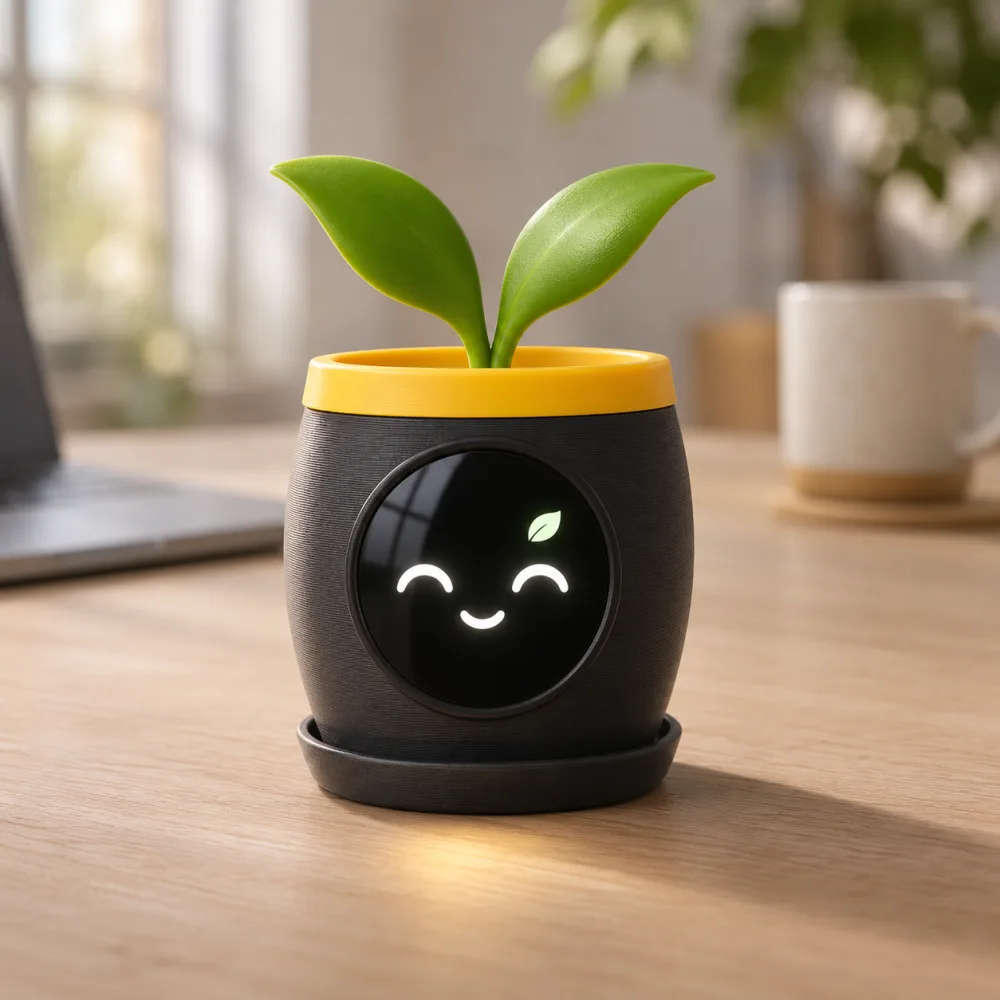
How Vu uses Sprout
Vu, the AI agency, posts Sprout Raqlings to companies it would like to work with. Each one arrives knowing the recipient's name and three ideas for their business.
Setting one up
From your phone
Switch it on and open the app. It finds the Raqling over Bluetooth and passes it your Wi-Fi, so there's nothing to type on a tiny screen.
Battery inside
A built-in battery means it can sit anywhere. Top it up with any USB-C cable.
Fine on office Wi-Fi
Each Raqling makes one outgoing connection to Raq.com, so it works on office networks without router changes.
Runs on your Raq.com account
You sign in with a free Raq.com account. The same account connects your agents, approvals and automations, and gives you the MCP connection.
Questions
Do I need a Raq.com account?
Yes. You sign in with a free Raq.com account. The same account connects your AI agents, approvals and automations, and gives you the MCP connection for Claude, ChatGPT and other apps.
How many can I have?
As many as you like. The app groups them by desk, team or office and sends anything to one, a group or all of them.
Can my AI install anything on it?
No. Your AI sends a description of a screen, such as some text, a number and a face, and the Raqling draws it with its own built-in software. It never runs code it receives, which keeps gifted Raqlings safe on other people's networks.
Can you make a design just for us?
Yes. Send a logo, a mascot, a sketch or a photo and we'll send back a render before anything is printed. Company runs can carry each person's name.
When can I get one?
The first Raqlings are being built and tested now. Join the early access list and we'll tell you when your design can be ordered.
Join the early access list
The first Raqlings are being built and tested now. Leave your email and the design you'd like, and we'll be in touch when it can be ordered.
You picked Raqoon
You're on the list
Thanks. We'll email you when your Raqling can be ordered.